1.软件的类型
压缩包(绿色安装包、源码编译)
DEB(类DEBIN)
RPM(类RHEL)
2.利用镜像搭建本地软件仓库
[root@localhost ~]# mkdir  /rhel9				#挂载光驱读取镜像内容
[root@localhost ~]# mount /dev/cdrom   /rhel9/	#手动挂载光驱
[root@localhost ~]# vim /etc/rc.d/rc.local		#开启自动运行mount动作实现自动挂载
mount /dev/cdrom   /rhel9/


[root@localhost ~]# chmod +x /etc/rc.d/rc.local


#设定软件仓库指向
[root@localhost ~]# cd /etc/yum.repos.d/
[root@localhost yum.repos.d]# vim rhel.repo
[AppStream]
name = AppStream
baseurl = file:///rhel9/AppStream
gpgcheck = 0

[BaseOS]
name = BaseOS
baseurl = file:///rhel9/BaseOS
gpgcheck = 0

#检测软件仓库是否可用
[root@localhost yum.repos.d]# dnf list httpd
正在更新 Subscription Management 软件仓库。
无法读取客户身份

本系统尚未在权利服务器中注册。可使用 "rhc" 或 "subscription-manager" 进行注册。

AppStream                                                             82 MB/s | 7.7 MB     00:00
BaseOS                                                               155 MB/s | 2.1 MB     00:00
可安装的软件包
httpd.x86_64                                  2.4.62-4.el9                                  AppStream
3.网络软件仓库的使用
eg:
#加载docker容器网络软件仓库的使用的网络repo源过程:
镜像地址:
https://mirrors.aliyun.com/docker-ce/linux/rhel/9.6/x86_64/stable/
[root@localhost entries]# cd /etc/yum.repos.d/
[root@localhost yum.repos.d]# ls
redhat.repo  rhel.repo
[root@localhost yum.repos.d]# vim docker.repo
[root@localhost yum.repos.d]# cat docker.repo
[docker]
name  = docker
baseurl = https://mirrors.aliyun.com/docker-ce/linux/rhel/9.6/x86_64/stable/   ***import
gpgcheck = 0
url链接直接复制镜像网站想获取的镜像http地址即可
测试:
[root@localhost yum.repos.d]# dnf search docker
Updating Subscription Management repositories.
Unable to read consumer identity

This system is not registered with an entitlement server. You can use subscription-manager to register.

Last metadata expiration check: 0:01:31 ago on Thu 15 Jan 2026 07:27:49 AM EST.
=================================== Name & Summary Matched: docker ====================================
docker-buildx-plugin.x86_64 : Docker Buildx plugin for the Docker CLI
docker-ce-rootless-extras.x86_64 : Rootless support for Docker
docker-compose-plugin.x86_64 : Docker Compose plugin for the Docker CLI
docker-model-plugin.x86_64 : Docker Model Runner plugin for the Docker CLI
pcp-pmda-docker.x86_64 : Performance Co-Pilot (PCP) metrics from the Docker daemon
podman-docker.noarch : Emulate Docker CLI using podman
======================================== Name Matched: docker =========================================
docker-ce.x86_64 : The open-source application container engine
docker-ce-cli.x86_64 : The open-source application container engine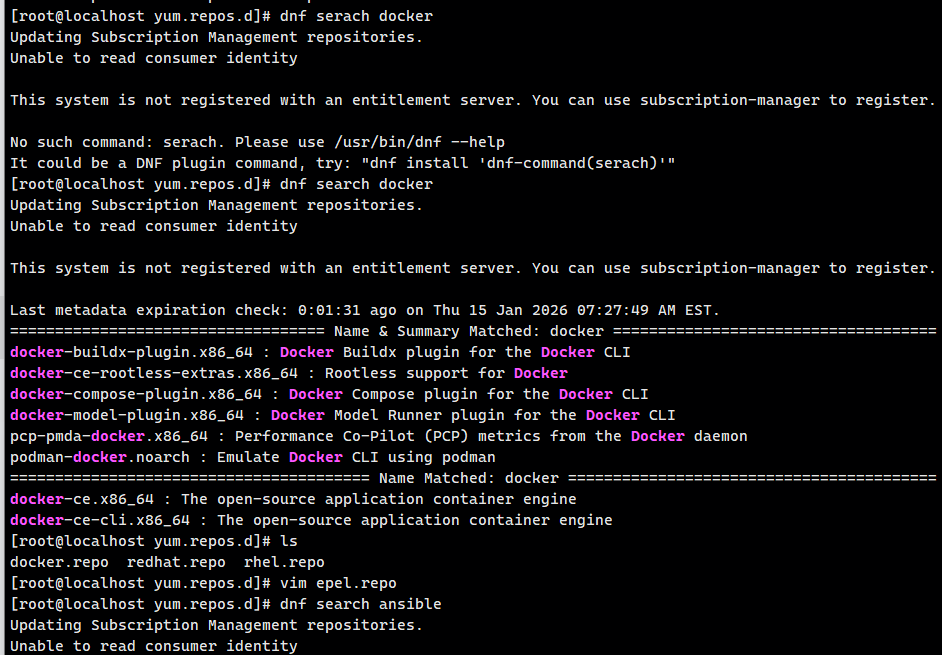
#epel源的使用
#epel源的地址:
https://mirrors.aliyun.com/epel-archive/9.6-2025-11-11/Everything/x86_64/
[root@localhost ~]# cd /etc/yum.repos.d/
[root@localhost yum.repos.d]# vim epel.repo
[root@localhost yum.repos.d]# cat epel.repo
[epel]
name = epel
baseurl = https://mirrors.aliyun.com/epel-archive/9.6-2025-11-11/Everything/x86_64/
gpgcheck = 0
测试:
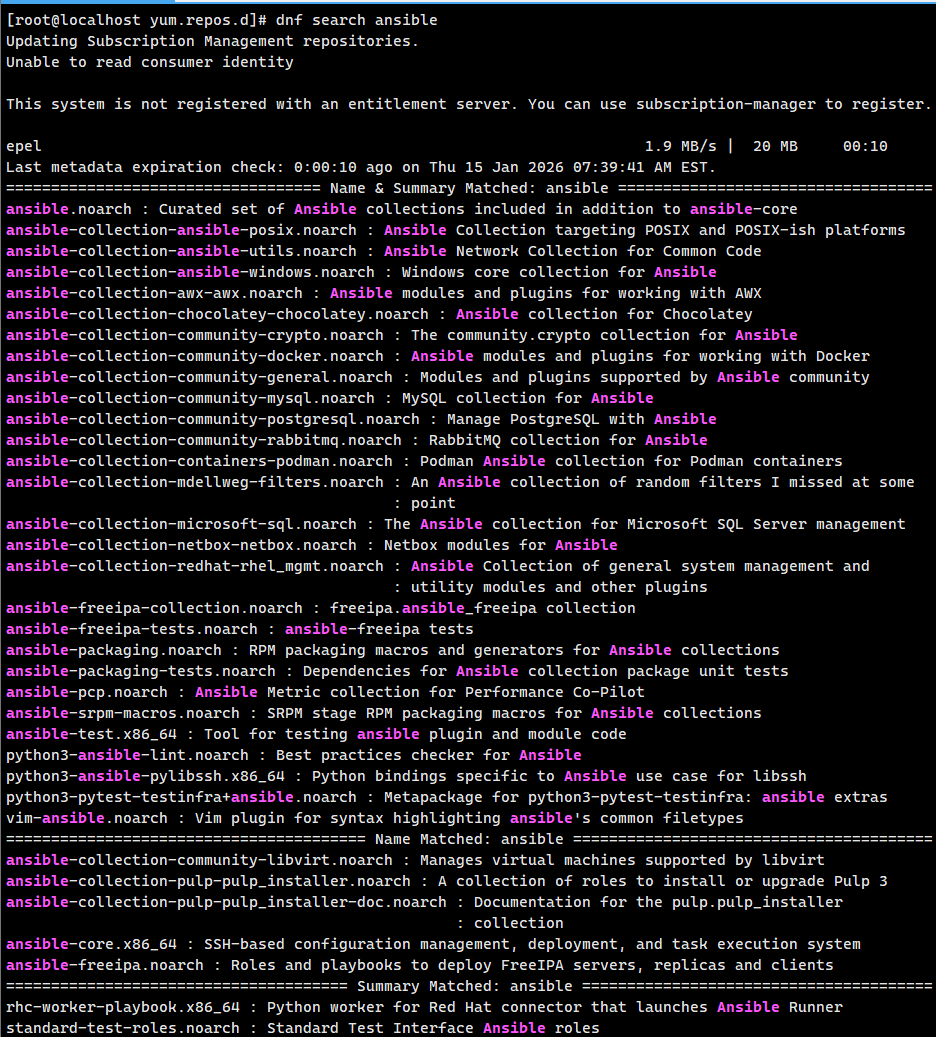
[root@localhost yum.repos.d]# dnf search ansible
Updating Subscription Management repositories.
Unable to read consumer identity

This system is not registered with an entitlement server. You can use subscription-manager to register.

epel                                                                   1.9 MB/s |  20 MB     00:10
Last metadata expiration check: 0:00:10 ago on Thu 15 Jan 2026 07:39:41 AM EST.
=================================== Name & Summary Matched: ansible ===================================
ansible.noarch : Curated set of Ansible collections included in addition to ansible-core
ansible-collection-ansible-posix.noarch : Ansible Collection targeting POSIX and POSIX-ish platforms
ansible-collection-ansible-utils.noarch : Ansible Network Collection for Common Code
ansible-collection-ansible-windows.noarch : Windows core collection for Ansible
ansible-collection-awx-awx.noarch : Ansible modules and plugins for working with AWX
ansible-collection-chocolatey-chocolatey.noarch : Ansible collection for Chocolatey
ansible-collection-community-crypto.noarch : The community.crypto collection for Ansible
ansible-collection-community-docker.noarch : Ansible modules and plugins for working with Docker
ansible-collection-community-general.noarch : Modules and plugins supported by Ansible community
ansible-collection-community-mysql.noarch : MySQL collection for Ansible
ansible-collection-community-postgresql.noarch : Manage PostgreSQL with Ansible
ansible-collection-community-rabbitmq.noarch : RabbitMQ collection for Ansible
ansible-collection-containers-podman.noarch : Podman Ansible collection for Podman containers
ansible-collection-mdellweg-filters.noarch : An Ansible collection of random filters I missed at some
                                           : point
ansible-collection-microsoft-sql.noarch : The Ansible collection for Microsoft SQL Server management
ansible-collection-netbox-netbox.noarch : Netbox modules for Ansible
ansible-collection-redhat-rhel_mgmt.noarch : Ansible Collection of general system management and
                                           : utility modules and other plugins
ansible-freeipa-collection.noarch : freeipa.ansible_freeipa collection
ansible-freeipa-tests.noarch : ansible-freeipa tests
ansible-packaging.noarch : RPM packaging macros and generators for Ansible collections
ansible-packaging-tests.noarch : Dependencies for Ansible collection package unit tests
ansible-pcp.noarch : Ansible Metric collection for Performance Co-Pilot
ansible-srpm-macros.noarch : SRPM stage RPM packaging macros for Ansible collections
ansible-test.x86_64 : Tool for testing ansible plugin and module code
python3-ansible-lint.noarch : Best practices checker for Ansible
python3-ansible-pylibssh.x86_64 : Python bindings specific to Ansible use case for libssh
python3-pytest-testinfra+ansible.noarch : Metapackage for python3-pytest-testinfra: ansible extras
vim-ansible.noarch : Vim plugin for syntax highlighting ansible's common filetypes
======================================== Name Matched: ansible ========================================
ansible-collection-community-libvirt.noarch : Manages virtual machines supported by libvirt
ansible-collection-pulp-pulp_installer.noarch : A collection of roles to install or upgrade Pulp 3
ansible-collection-pulp-pulp_installer-doc.noarch : Documentation for the pulp.pulp_installer
                                                  : collection
ansible-core.x86_64 : SSH-based configuration management, deployment, and task execution system
ansible-freeipa.noarch : Roles and playbooks to deploy FreeIPA servers, replicas and clients
====================================== Summary Matched: ansible =======================================
rhc-worker-playbook.x86_64 : Python worker for Red Hat connector that launches Ansible Runner
standard-test-roles.noarch : Standard Test Interface Ansible roles