文章目录
获取
https://github.com/hanxinhao000/ZeroTermux/
操作
获取存储权限
在 ZeroTermux 终端执行:
bash
termux-setup-storage允许 ZeroTermux 访问外部存储
权限授予后,会在$HOME自动创建storage文件夹,其中包含相册相关的标准符号链接:
| 路径 | 对应 Android 相册位置 |
|---|---|
| ~/storage/dcim | 相机拍摄照片 / 视频 |
| ~/storage/pictures | 其他图片 |
python
bash
pkg install -y python libjpeg-turbo libpng libtiff freetype zlib make clang
bash
pip install pillowresize_image.py
python3
#!/usr/bin/env python3
# -*- coding: utf-8 -*-
"""
ZeroTermux图片缩放脚本(命令行参数版)
使用方式:
  python resize_image.py <缩放参数> <源图片路径> [输出图片路径]
示例:
  1. 按比例缩放(缩放到25%):
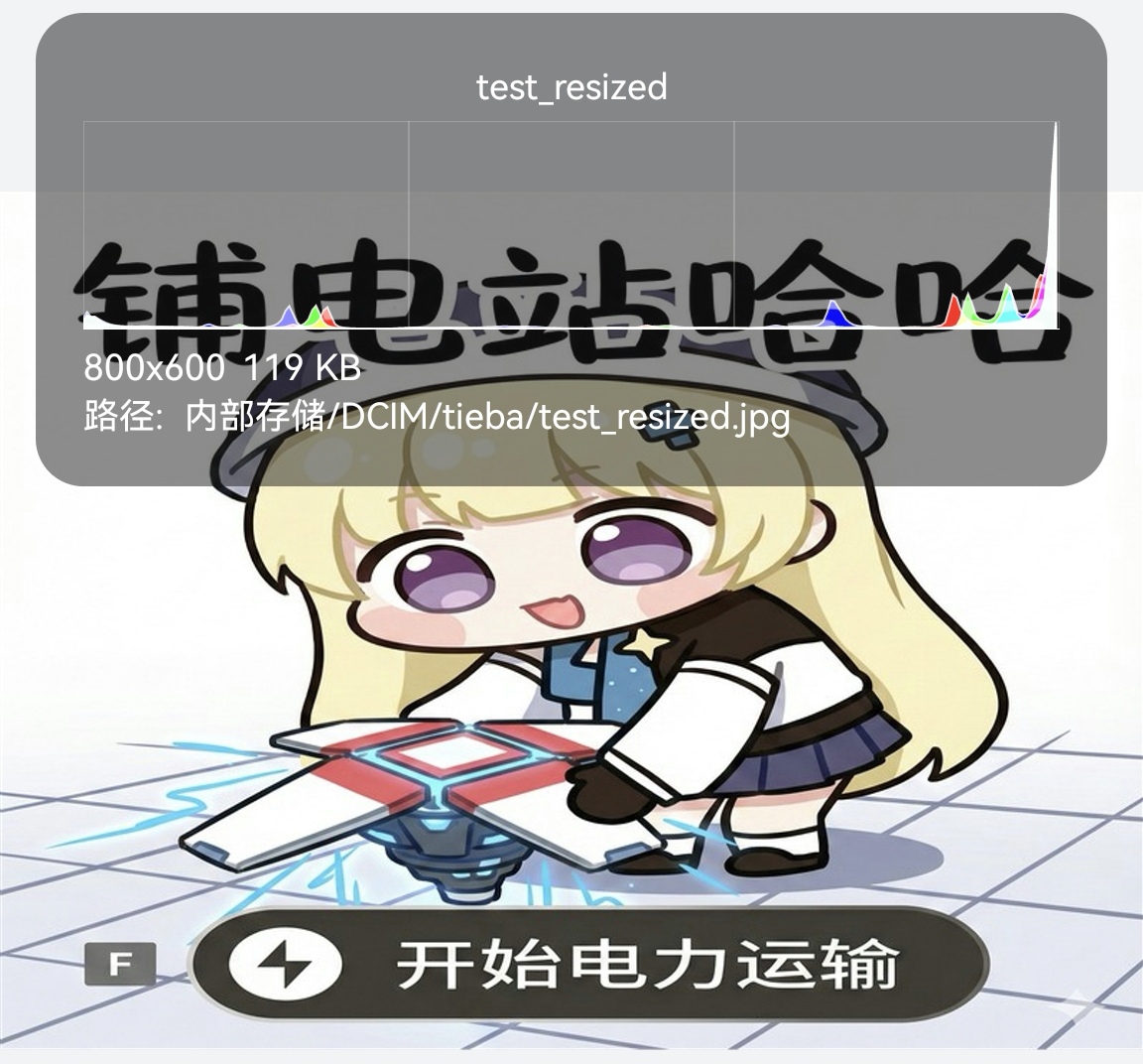
     python resize_image.py 0.25 tieba/test.jpg
  2. 按固定尺寸缩放(800x600):
     python resize_image.py 800*600 tieba/test.jpg
  3. 指定输出路径:
     python resize_image.py 0.5 tieba/test.jpg tieba/my_test.jpg
"""
import os
import sys
import subprocess
import argparse
from PIL import Image

# -------------------------- 核心缩放函数 --------------------------
def resize_image(source_path, output_path, scale_ratio=None, target_size=None):
    """
    缩放图片
    :param source_path: 源图片绝对路径
    :param output_path: 输出图片绝对路径
    :param scale_ratio: 缩放比例(优先于target_size)
    :param target_size: 固定尺寸 (width, height)
    :return: 成功返回True,失败返回False
    """
    # 检查源文件是否存在
    if not os.path.exists(source_path):
        print(f"❌ 错误:源文件不存在 → {source_path}", file=sys.stderr)
        return False

    try:
        # 打开图片
        with Image.open(source_path) as img:
            # 获取原图尺寸
            original_width, original_height = img.size
            print(f"📸 原图信息:{original_width}x{original_height} | 格式:{img.format}")

            # 计算目标尺寸
            if scale_ratio:
                new_width = int(original_width * scale_ratio)
                new_height = int(original_height * scale_ratio)
            elif target_size:
                new_width, new_height = target_size
            else:
                print("❌ 错误:必须指定缩放比例或固定尺寸!", file=sys.stderr)
                return False

            # 缩放图片(LANCZOS高质量抗锯齿算法)
            resized_img = img.resize((new_width, new_height), Image.Resampling.LANCZOS)

            # 确保输出目录存在(比如tieba目录不存在时自动创建)
            output_dir = os.path.dirname(output_path)
            os.makedirs(output_dir, exist_ok=True)

            # 保存缩放后的图片(保留原格式和高质量)
            resized_img.save(output_path, quality=90)
            print(f"✅ 缩放完成!新尺寸:{new_width}x{new_height}")
            print(f"💾 保存路径:{output_path}")
            return True

    except Exception as e:
        print(f"❌ 缩放失败:{str(e)}", file=sys.stderr)
        return False

# -------------------------- 触发媒体扫描(相册可见) --------------------------
def scan_media_file(file_path):
    """调用Android系统广播让相册识别新文件"""
    try:
        # 转换ZeroTermux路径为系统可识别的URI(~/storage → /sdcard)
        file_uri = f"file://{file_path.replace(os.path.expanduser('~/storage'), '/sdcard')}"
        subprocess.run(
            ["am", "broadcast", "-a", "android.intent.action.MEDIA_SCANNER_SCAN_FILE", "-d", file_uri],
            check=True,
            stdout=subprocess.PIPE,  # 屏蔽不必要的输出
            stderr=subprocess.PIPE
        )
        print(f"📱 已触发媒体扫描,相册可查看 → {file_uri}")
    except subprocess.CalledProcessError as e:
        print(f"⚠️  媒体扫描失败:{e}", file=sys.stderr)
    except FileNotFoundError:
        print(f"⚠️  未找到am命令,跳过媒体扫描(不影响文件保存)", file=sys.stderr)

# -------------------------- 生成默认输出路径 --------------------------
def get_default_output_path(src_path):
    """
    缺省输出路径时,自动生成:原文件名 + _resized + 原后缀
    示例:tieba/test.jpg → tieba/test_resized.jpg
    """
    # 拆分文件名和后缀
    src_dir = os.path.dirname(src_path)
    src_name, src_ext = os.path.splitext(os.path.basename(src_path))
    # 拼接默认输出名
    default_name = f"{src_name}_resized{src_ext}"
    return os.path.join(src_dir, default_name)

# -------------------------- 解析命令行参数 --------------------------
def parse_args():
    parser = argparse.ArgumentParser(
        description="ZeroTermux图片缩放工具(基于Pillow)",
        formatter_class=argparse.RawDescriptionHelpFormatter,
        epilog="""
使用示例:
  1. 按比例缩放(缩放到50%):
     python %(prog)s 0.5 tieba/test.jpg
  2. 按固定尺寸缩放(800x600):
     python %(prog)s 800*600 tieba/test.jpg
  3. 指定输出路径:
     python %(prog)s 0.25 tieba/test.jpg tieba/test_small.jpg
        """
    )
    # 必选参数:缩放参数(比例/固定尺寸)
    parser.add_argument(
        "input_param",
        help="缩放参数,支持两种格式:\n  1. 比例(如0.5表示50%)\n  2. 固定尺寸(如800*600,宽*高)"
    )
    # 必选参数:源图片相对DCIM的路径
    parser.add_argument(
        "src_img_path",
        help="源图片相对于DCIM目录的路径(如:tieba/test.jpg)"
    )
    # 可选参数:输出图片路径(缺省时自动生成)
    parser.add_argument(
        "output_img_path",
        nargs="?",  # 可选参数
        help="输出图片相对于DCIM目录的路径(可选,缺省时为原文件加_resized后缀)"
    )
    # 可选参数:DCIM根目录(默认~/storage/dcim)
    parser.add_argument(
        "--dcim",
        default="~/storage/dcim",
        help="DCIM根目录(默认:~/storage/dcim)"
    )
    return parser.parse_args()

# -------------------------- 解析缩放参数 --------------------------
def parse_resize_param(input_param):
    """解析缩放参数,返回(scale_ratio, target_size)"""
    if "*" in input_param:
        # 处理固定尺寸(如800*600)
        try:
            width, height = input_param.split("*")
            target_size = (int(width), int(height))
            return None, target_size
        except ValueError:
            print(f"❌ 错误:固定尺寸格式无效 → {input_param}(正确示例:800*600)", file=sys.stderr)
            sys.exit(1)
    else:
        # 处理缩放比例(如0.5)
        try:
            scale_ratio = float(input_param)
            if scale_ratio <= 0:
                raise ValueError("缩放比例必须大于0")
            return scale_ratio, None
        except ValueError:
            print(f"❌ 错误:缩放比例格式无效 → {input_param}(正确示例:0.5)", file=sys.stderr)
            sys.exit(1)

# -------------------------- 主函数 --------------------------
def main():
    # 解析命令行参数
    args = parse_args()

    # 处理路径(转换为绝对路径)
    dcim_abs_path = os.path.expanduser(args.dcim)
    src_abs_path = os.path.join(dcim_abs_path, args.src_img_path)

    # 处理输出路径(缺省时自动生成)
    if args.output_img_path:
        output_abs_path = os.path.join(dcim_abs_path, args.output_img_path)
    else:
        # 相对路径自动生成后转绝对路径
        default_output_rel = get_default_output_path(args.src_img_path)
        output_abs_path = os.path.join(dcim_abs_path, default_output_rel)

    # 解析缩放参数
    scale_ratio, target_size = parse_resize_param(args.input_param)

    # 执行缩放
    if resize_image(src_abs_path, output_abs_path, scale_ratio, target_size):
        # 触发媒体扫描(确保相册可见)
        scan_media_file(output_abs_path)
    else:
        sys.exit(1)

if __name__ == "__main__":
    main()
使用示例
原图
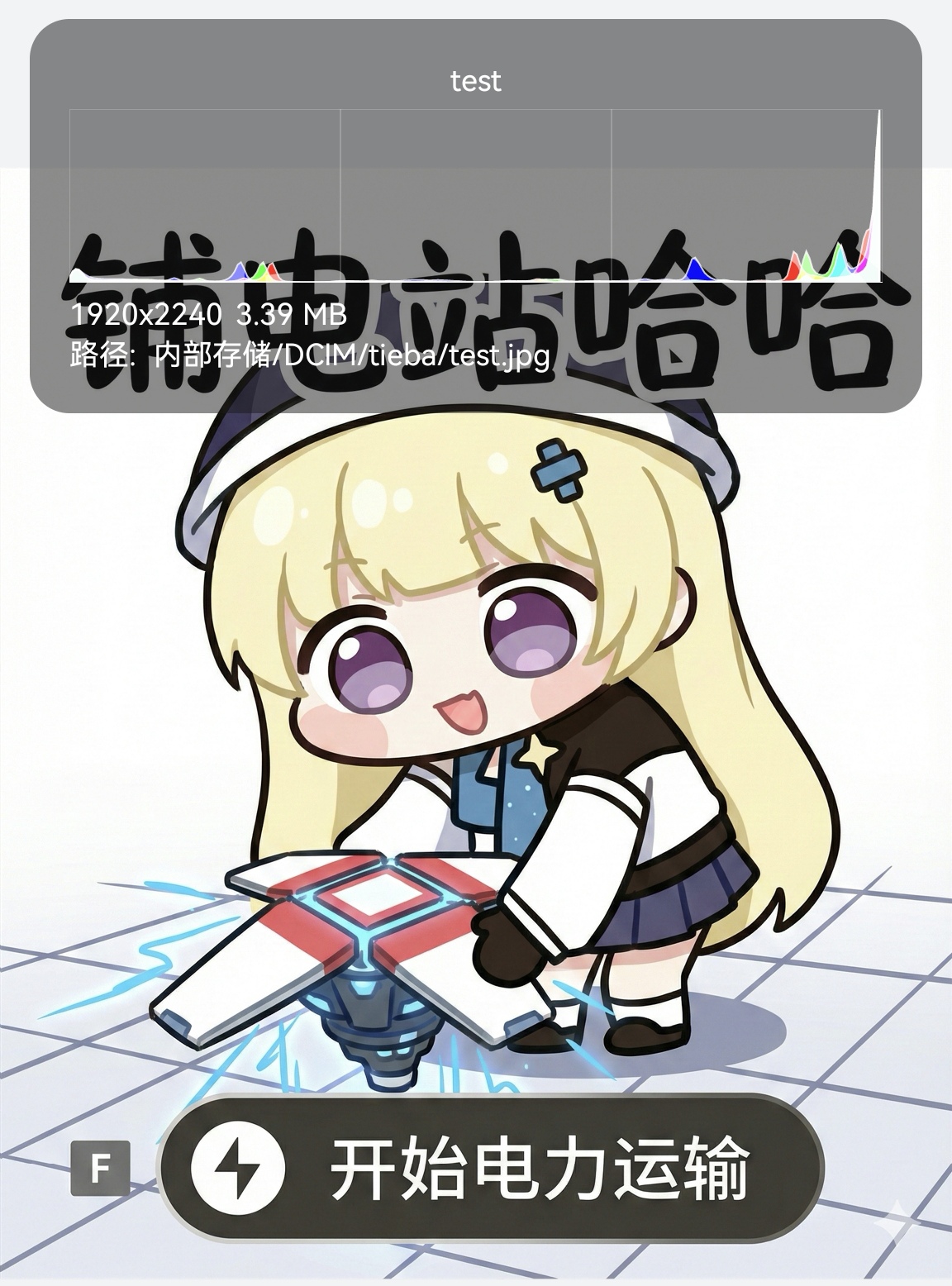
bash
~/workspace/python $ python resize_image.py 0.2 tieba/test.jpg
📸 原图信息:1920x2240 | 格式:JPEG
✅ 缩放完成!新尺寸:384x448
💾 保存路径:/data/data/com.termux/files/home/storage/dcim/tieba/test_resized.jpg
📱 已触发媒体扫描,相册可查看 → file:///sdcard/dcim/tieba/test_resized.jpg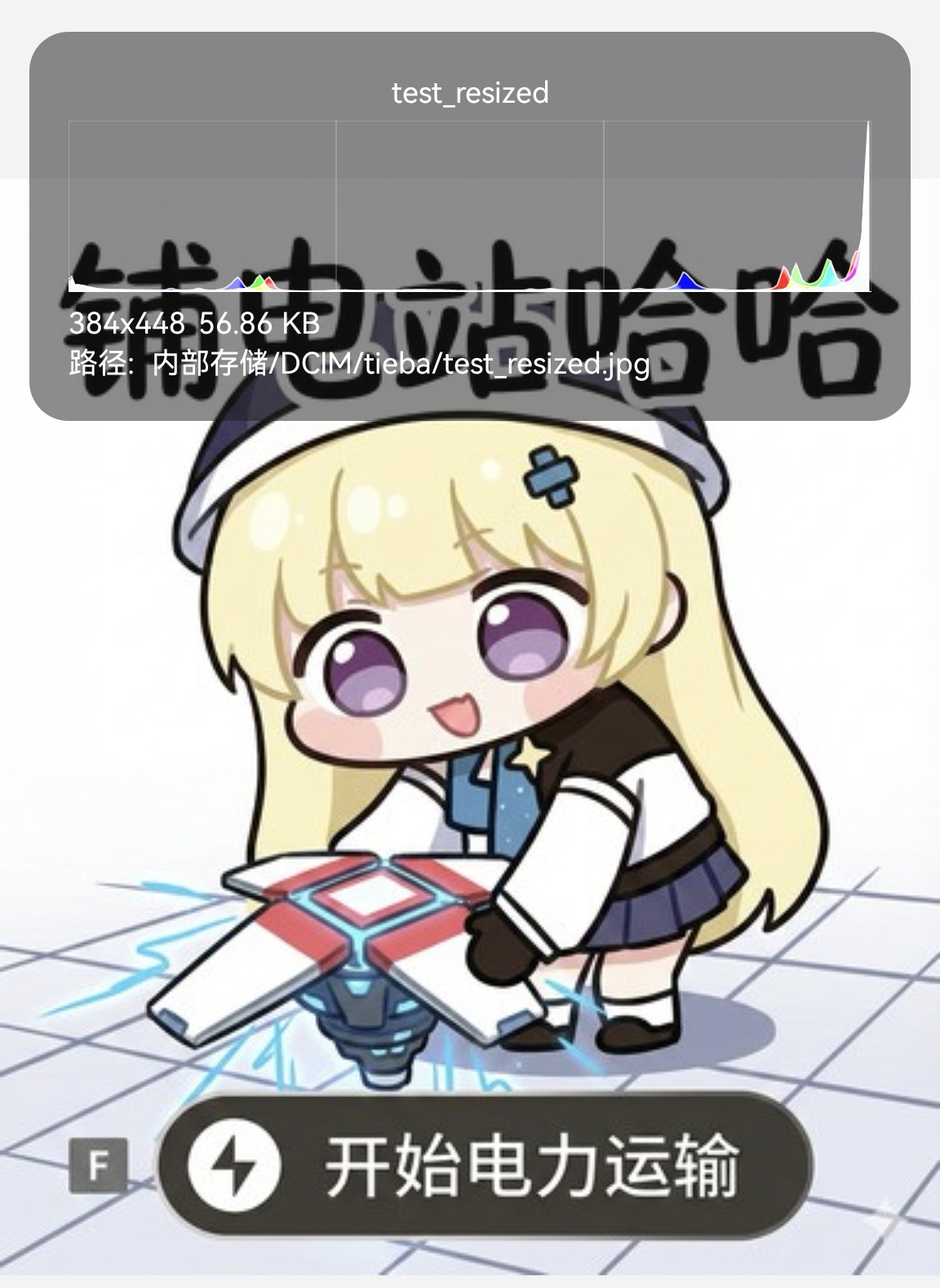
bash
~/workspace/python $ python resize_image.py 800*600 tieba/test.jpg
📸 原图信息:1920x2240 | 格式:JPEG
✅ 缩放完成!新尺寸:800x600
💾 保存路径:/data/data/com.termux/files/home/storage/dcim/tieba/test_resized.jpg
📱 已触发媒体扫描,相册可查看 → file:///sdcard/dcim/tieba/test_resized.jpg