(1)
(2)

(3)

(4)
https://github.com/candycat1992/Unity_Shaders_Book/blob/master/Assets/Models/suzanne.obj
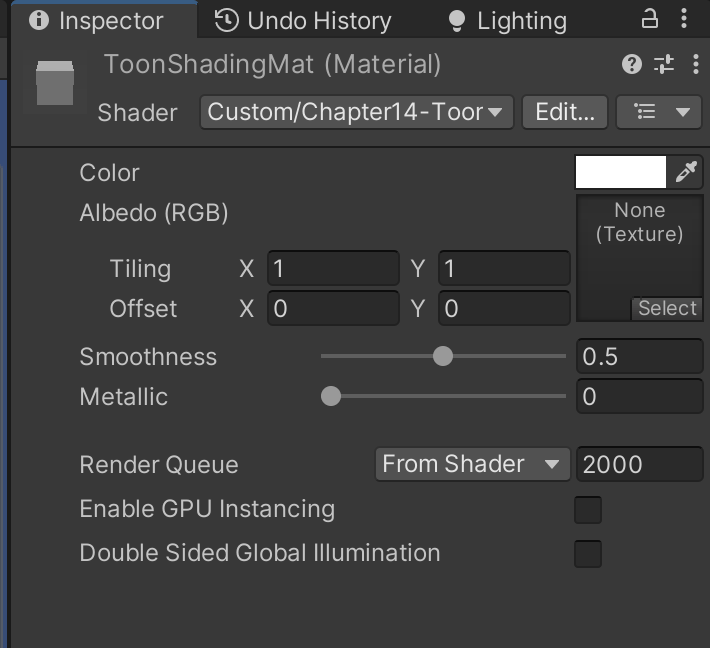
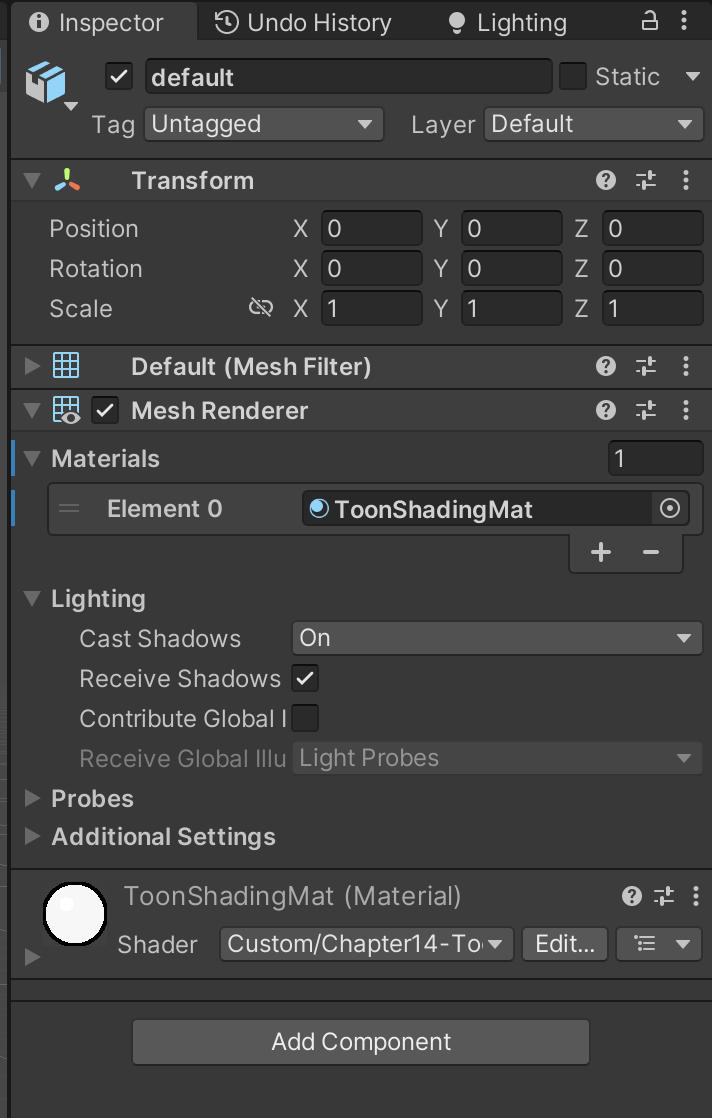
(5)
Chapter14-ToonShading.shader
cs
Shader "Custom/Chapter14-ToonShading"
{
   Properties {
		_Color ("Color Tint", Color) = (1, 1, 1, 1)
		_MainTex ("Main Tex", 2D) = "white" {}
		_Ramp ("Ramp Texture", 2D) = "white" {} //控制漫反射色调的渐变纹理
		_Outline ("Outline", Range(0, 1)) = 0.1 //控制轮廓线宽度
		_OutlineColor ("Outline Color", Color) = (0, 0, 0, 1) //轮廓线颜色
		_Specular ("Specular", Color) = (1, 1, 1, 1) //高光反射颜色
		_SpecularScale ("Specular Scale", Range(0, 0.1)) = 0.01  //控制计算高光反射时使用的阈值
	}

    SubShader {
		Tags { "RenderType"="Opaque" "Queue"="Geometry"}

        Pass {
			NAME "OUTLINE"

			Cull Front //Cull指令把正面的三角面片剔除

			CGPROGRAM

			#pragma vertex vert
			#pragma fragment frag

			#include "UnityCG.cginc"

			float _Outline;
			fixed4 _OutlineColor;

			struct a2v {
				float4 vertex : POSITION;
				float3 normal : NORMAL;
			};

			struct v2f {
			    float4 pos : SV_POSITION;
			};

			v2f vert (a2v v) {
				v2f o;

				float4 pos = mul(UNITY_MATRIX_MV, v.vertex);
				float3 normal = mul((float3x3)UNITY_MATRIX_IT_MV, v.normal);
				normal.z = -0.5; //法线的处理是为了尽可能避免背面扩张后的顶点挡住正面的面片
				pos = pos + float4(normalize(normal), 0) * _Outline;
				o.pos = mul(UNITY_MATRIX_P, pos);

				return o;
			}

			float4 frag(v2f i) : SV_Target {
				return float4(_OutlineColor.rgb, 1);
			} //用轮廓线颜色渲染整个背面即可

			ENDCG
		}

        Pass {
			Tags { "LightMode"="ForwardBase" }

			Cull Back

			CGPROGRAM

			#pragma vertex vert
			#pragma fragment frag

			#pragma multi_compile_fwdbase

			#include "UnityCG.cginc"
			#include "Lighting.cginc"
			#include "AutoLight.cginc"
			#include "UnityShaderVariables.cginc"

            fixed4 _Color;
			sampler2D _MainTex;
			float4 _MainTex_ST;
			sampler2D _Ramp; //控制漫反射色调的渐变纹理
			fixed4 _Specular;
			fixed _SpecularScale;

            struct a2v {
				float4 vertex : POSITION;
				float3 normal : NORMAL;
				float4 texcoord : TEXCOORD0;
				float4 tangent : TANGENT;
			};

			struct v2f {
				float4 pos : POSITION;
				float2 uv : TEXCOORD0;
				float3 worldNormal : TEXCOORD1;
				float3 worldPos : TEXCOORD2;
				SHADOW_COORDS(3)
			};

            v2f vert (a2v v) {
				v2f o;

				o.pos = mul( UNITY_MATRIX_MVP, v.vertex);
				o.uv = TRANSFORM_TEX (v.texcoord, _MainTex);
				o.worldNormal  = UnityObjectToWorldNormal(v.normal);
				o.worldPos = mul(_Object2World, v.vertex).xyz;

				TRANSFER_SHADOW(o);

				return o;
			}

            float4 frag(v2f i) : SV_Target {
				fixed3 worldNormal = normalize(i.worldNormal);
				fixed3 worldLightDir = normalize(UnityWorldSpaceLightDir(i.worldPos));
				fixed3 worldViewDir = normalize(UnityWorldSpaceViewDir(i.worldPos));
				fixed3 worldHalfDir = normalize(worldLightDir + worldViewDir);

				fixed4 c = tex2D (_MainTex, i.uv);
				fixed3 albedo = c.rgb * _Color.rgb;

				fixed3 ambient = UNITY_LIGHTMODEL_AMBIENT.xyz * albedo;

				UNITY_LIGHT_ATTENUATION(atten, i, i.worldPos);

				fixed diff =  dot(worldNormal, worldLightDir);
				diff = (diff * 0.5 + 0.5) * atten;

				fixed3 diffuse = _LightColor0.rgb * albedo * tex2D(_Ramp, float2(diff, diff)).rgb;

				fixed spec = dot(worldNormal, worldHalfDir);
				fixed w = fwidth(spec) * 2.0;
				fixed3 specular = _Specular.rgb * lerp(0, 1, smoothstep(-w, w, spec + _SpecularScale - 1)) * step(0.0001, _SpecularScale);

				return fixed4(ambient + diffuse + specular, 1.0);
			}

			ENDCG
		}
	}
	FallBack "Diffuse"
}
(6)