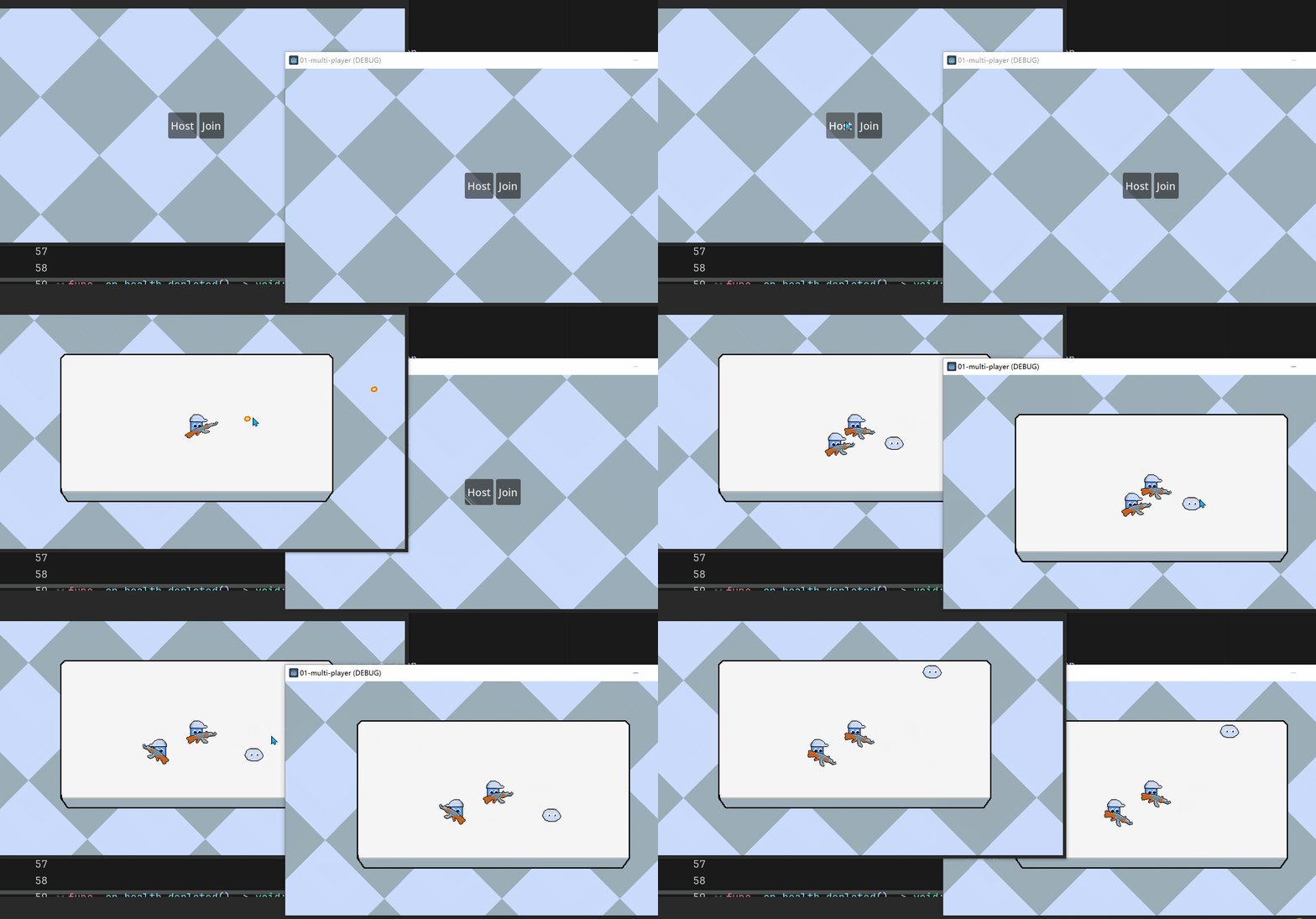
今天来增加一点动画, 让游戏看起来更生动一些, 顺便学习处理动画在多人游戏中的同步展示
看看效果
实现思路
武器动画实现
在WeaponRoot与武器的Sprite2D中间再新增一个WeaponAnimaionRoot的Node2D中间节点, 动画将基于该节点属性制作, 而不直接作用于底层的Sprite2D, 方便以后更换武器时可以复用
新增AnimationPlayer节点, 并新建一个attack动画
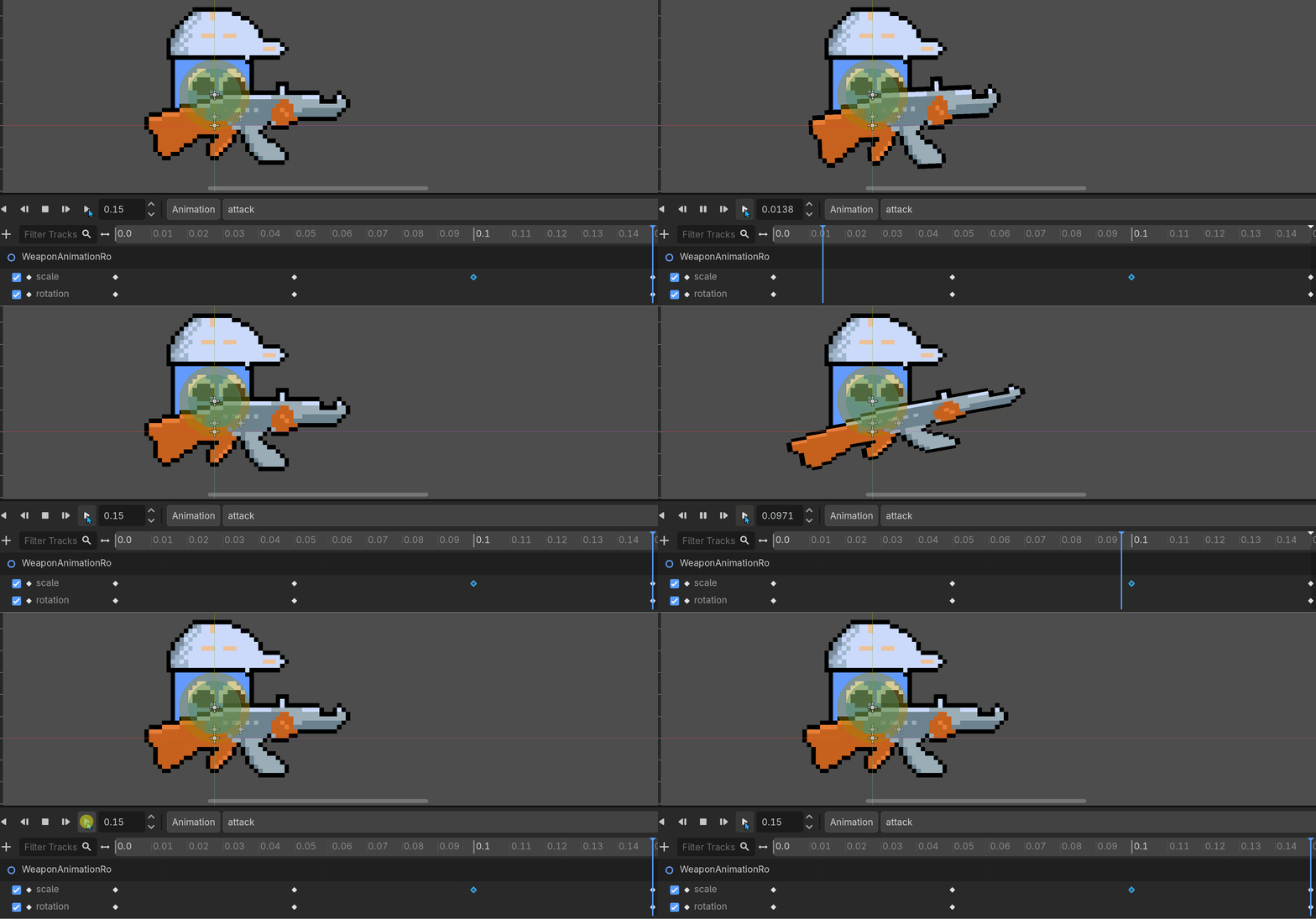
在动画轨道中添加WeaponAnimaionRoot的scale与rotation属性, 动画时长0.15秒, 每0.05秒一个动画帧
- scale: (1.0, 1.0) -> (0.7, 1.5) -> (1.2, 0.7) -> (1.0, 1.0)
- rotation: (0.0, 0.0) -> (-15.0, 0.0) -> (0.0, 0.0)
让武器在攻击时有一点"弹一下"并且具有后坐力的感觉
动画播放与同步
动画的播放调用animation_player.play函数, 动画同步通过RPC, 由服务器同步到所有peer
gdscript
func _try_to_attack() -> void:
	if not attack_timer.is_stopped():
		return
    # other codes ...
	_play_attack_effect.rpc()


@rpc("authority", "call_local", "unreliable")
func _play_attack_effect() -> void:
	if animation_player.is_playing():
		animation_player.stop()
	animation_player.play("attack")
rpc的三个参数含义:
- authority: 仅服务端可调用, 这里服务端是Player节点的authority
- call_local: 该函数可通过rpc在远端peer与本地peer上运行
- unreliable: 允许RPC不可靠, 比如丢包, 这只是一个效果显示, 不重要