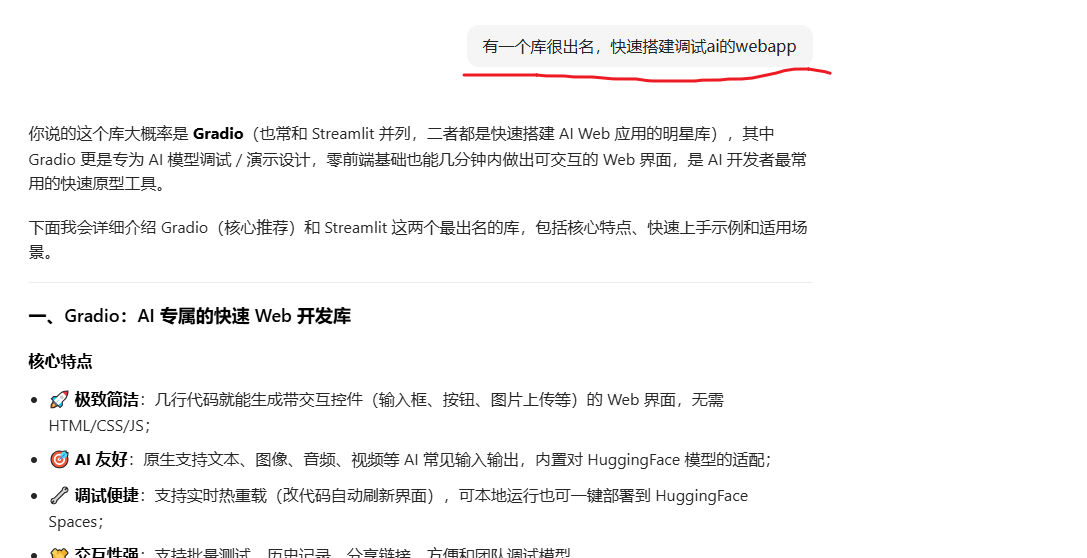
而另外一个齐名的就是:Streamlit
📊 数据友好:原生支持 Pandas、Matplotlib 等数据可视化,适合需要展示模型中间结果(如损失曲线、混淆矩阵)的场景;
Streamlit是 Python 一个快速部署webUI的框架,无需掌握前端知识即可快速出应用
并且TMD,我写完这个文章才发现,是运行时调试的(因为是解释性语言)👍
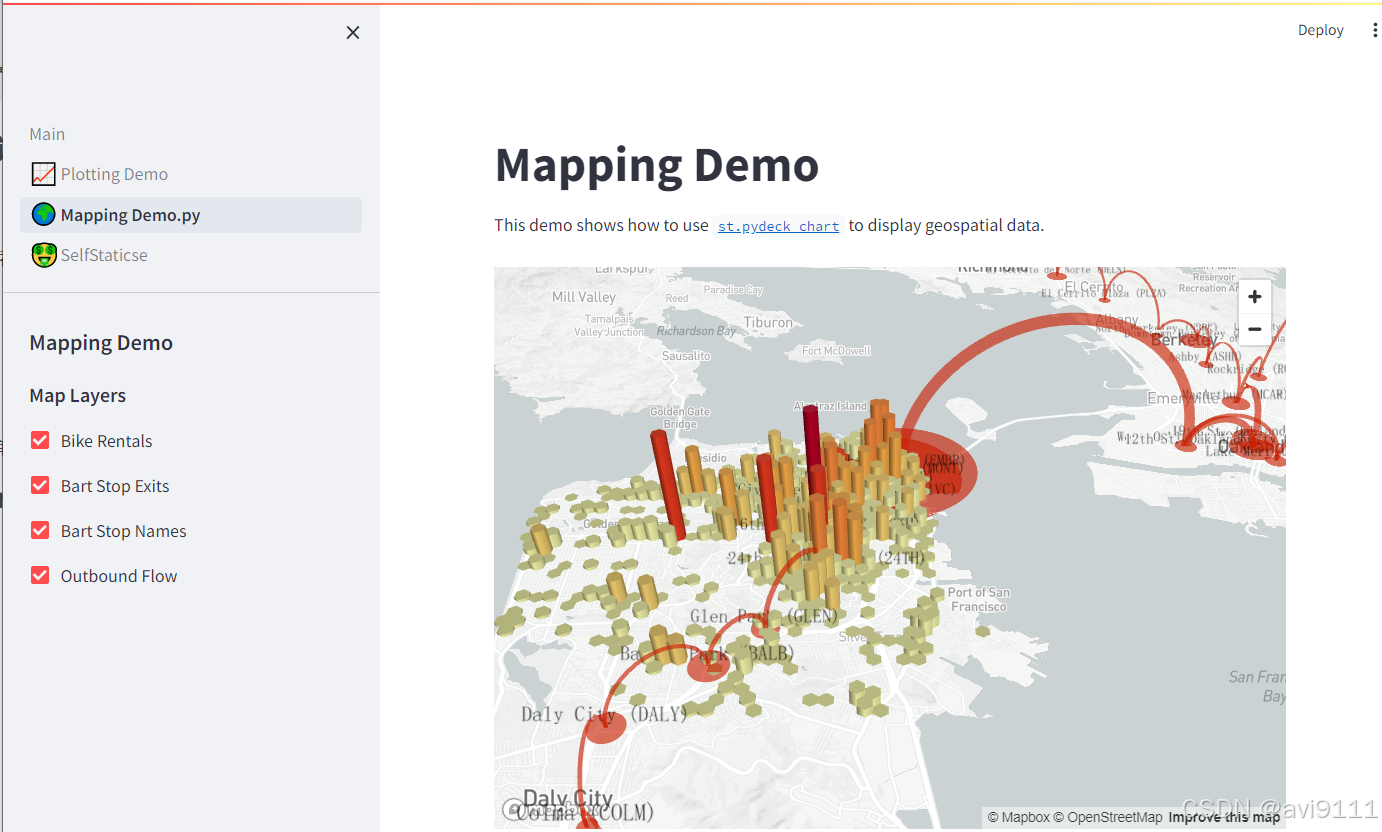
不懂前端,但如需前置知识可能包括:
复制,粘贴
python安装,pip等,(直到现在我都不知道pip安装在c盘哪里的,而且每次换版本的都要安装一次,但不算太麻烦)
Json格式
MarkDown格式
代码基本结构:类,方法,参数,单个代码文件的流程结构,包体引入,代码文件之间的交互
一些基本的程序员概念,假如你真的不会
数据去重
代码迭代
黑盒测试,白盒测试
依赖倒转,前置后调
。。。。
。。。。。。。
。。。。。。。。。。。。
(需要的知识还很多,但可能真的不需要一点点前端知识,就能做这么一个。。。。。。WebUI 应用)
插播一段代码
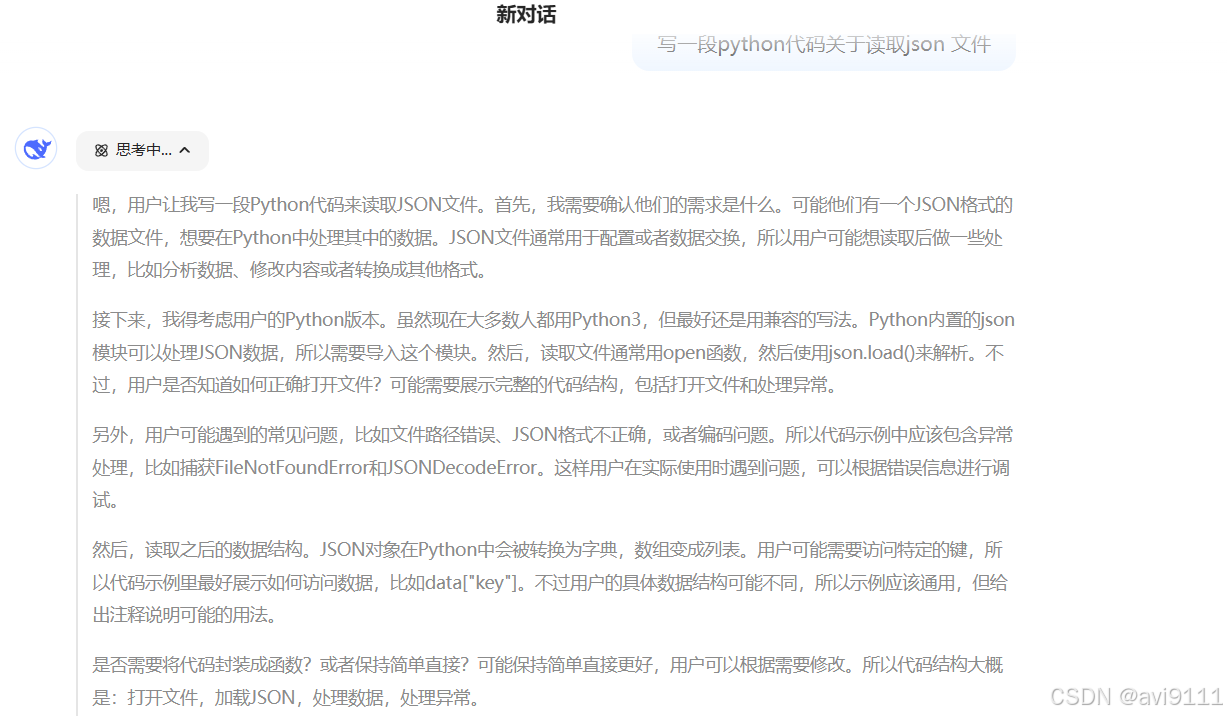
我把这段"抄"出来用。。。。
(完美的代码,DeepSeek写的。。。。有人会说了"肯定某个牛人先写的,然后DeepSeek只不过是机器好,网络好,收集比较厉害,又或者DeepSeek只是简单的拿了OpenAI的数据用而已")
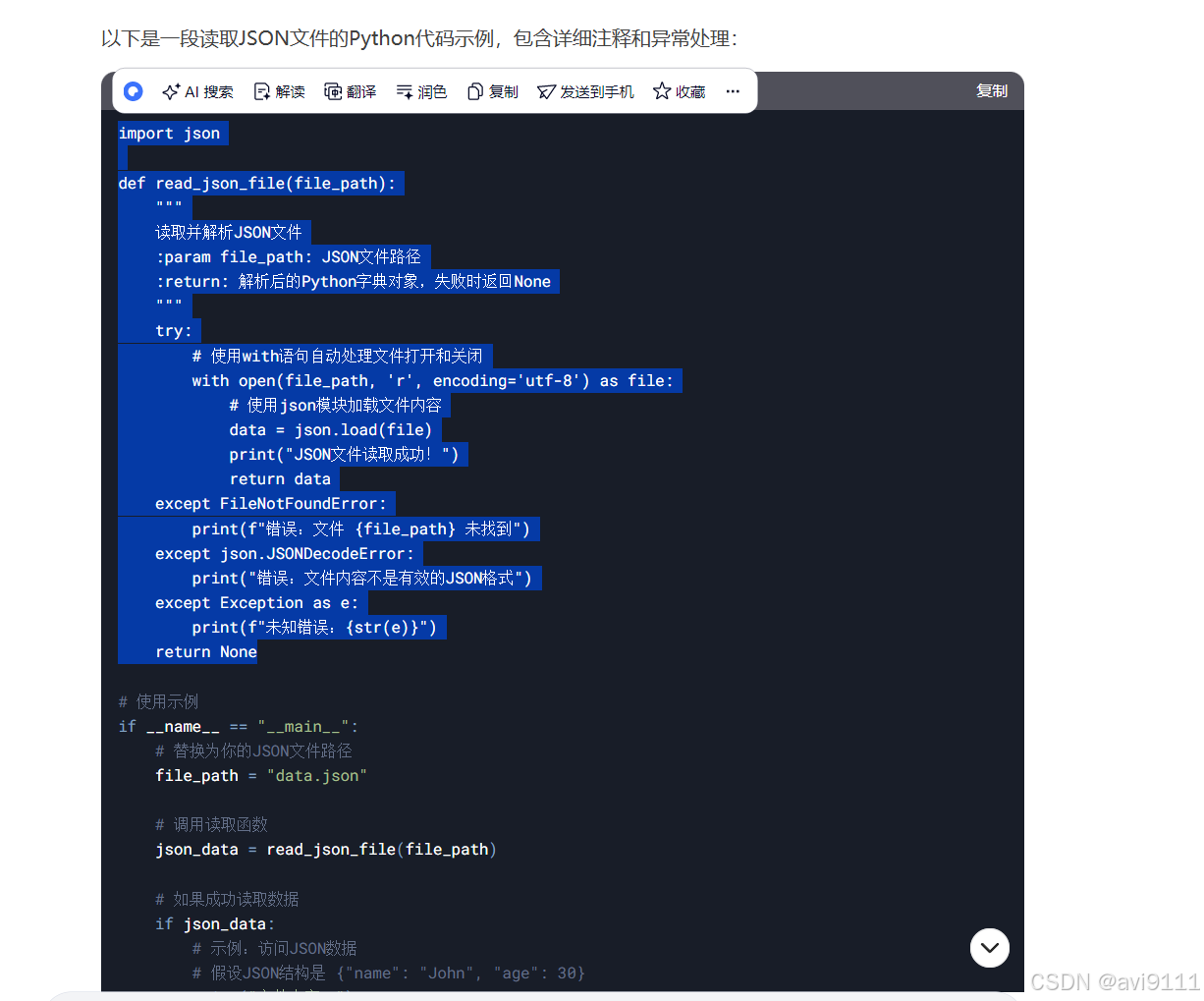
真的只是采集厉害而已吗?
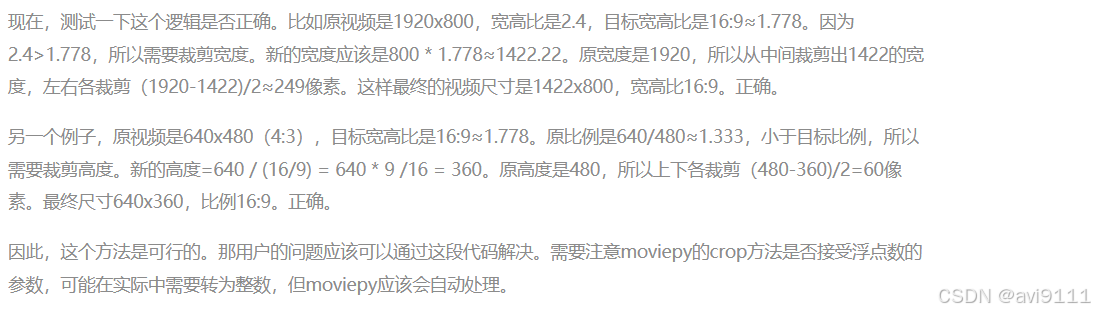
让AI写一段视频改大小功能
下面又"抄"一段ai写的代码
(我让AI去写,AI因为有自检的"意识",这不比我让下属去写,靠谱得多得多?)
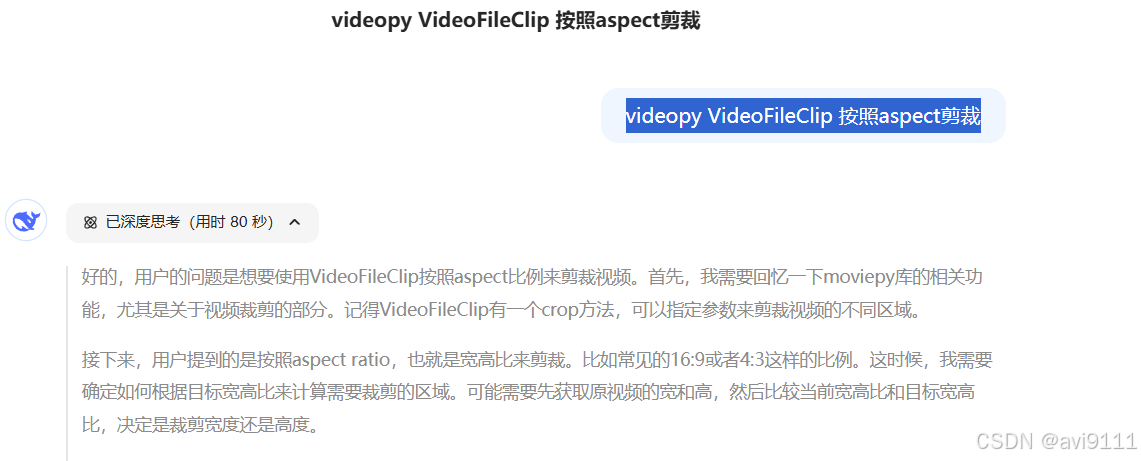
python
from moviepy.editor import VideoFileClip

def crop_video_to_aspect(input_path, output_path, target_width, target_height):
    # 加载视频
    clip = VideoFileClip(input_path)
    w, h = clip.size

    # 计算目标宽高比
    target_ratio = target_width / target_height
    current_ratio = w / h

    # 根据比例裁剪
    if current_ratio > target_ratio:
        # 裁剪宽度(原视频过宽)
        new_width = h * target_ratio
        cropped_clip = clip.crop(width=new_width, height=h, x_center=w/2, y_center=h/2)
    else:
        # 裁剪高度(原视频过高)
        new_height = w / target_ratio
        cropped_clip = clip.crop(width=w, height=new_height, x_center=w/2, y_center=h/2)

    # 输出结果
    cropped_clip.write_videofile(output_path)
    clip.close()

# 示例:将视频裁剪为 16:9 比例
crop_video_to_aspect("input.mp4", "output_16x9.mp4", 16, 9)

# 示例:将视频裁剪为 4:3 比例
crop_video_to_aspect("input.mp4", "output_4x3.mp4", 4, 3)
///// 我提了另外一个要求,
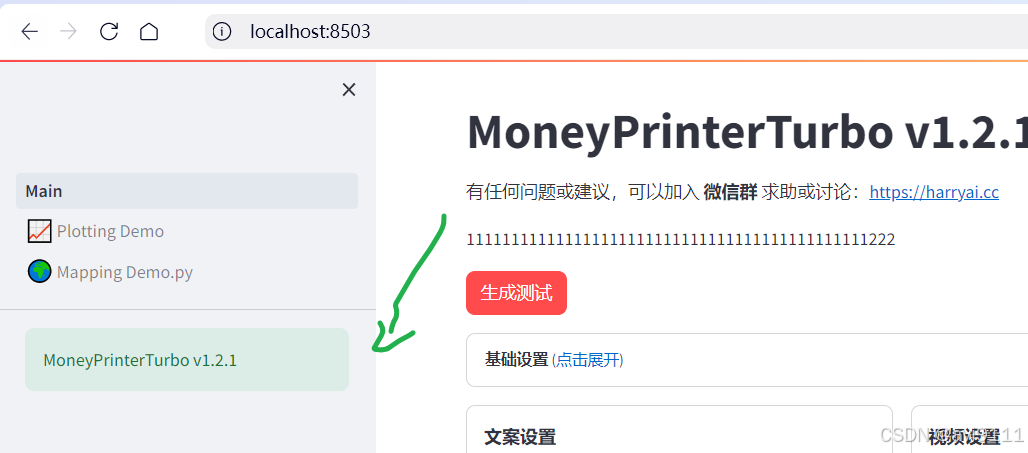
st.Pages 实现分页后,第一页只能是Main(main.py),暂时不知道怎么改名
如果要实现,下面加一个提示框
python
#只要在 main.py写上。。。。
st.sidebar.success("MoneyPrinterTurbo v1.2.1")
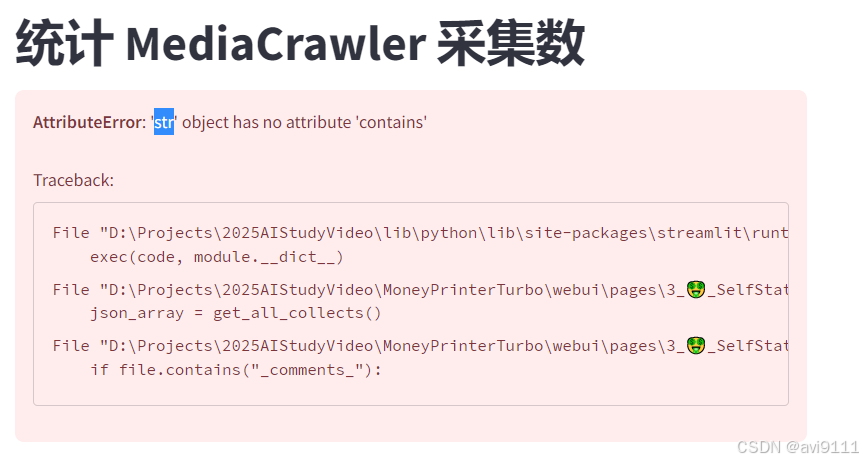
Python Str object 的contains()方法
python
se the in operator:

if "blah" not in somestring:
    continue
Note: This is case-sensitive.
os.Path - file full path问题
参考这个:https://stackoverflow.com/questions/16465399/need-the-path-for-particular-files-using-os-walk
#用os.walk可直接用root+,递归了不影响。。。。可直接用
python
## 注意这是不包含 not,而不是包含-contain
    for root, dirs, files in os.walk(crawler_dir):
        for dir in dirs:
            print("walk folder:"+dir)
        for file in files:
            #if file.endswith(".ttf") or file.endswith(".ttc"):
            if "_comments_" not in file:
                file_path = os.path.join(root, file)
                fonts.append(read_json_file(file_path))
                break
st.columns 数据表
player_cols = st.columns(len(video_files) * 2 + 1)
for i, url in enumerate(video_files):
player_colsi \* 2 + 1.video(url)
st.json
python
json_array = get_all_collects()
# # 遍历数组元素
# for index, item in enumerate(json_array, 1):

#     for k, row in enumerate(item):
#         player_cols = st.columns(len(video_files) * 2 + 1)
#         player_cols[k * 2 + 1].text(row)
#         print(row)
#         print(r"\n")
# 直接使用 .json 不用.table 了
st.json(json_array)
参考(Streamlit)
3W阅读量的文章
Streamlit 讲解专栏(三):两种方案构建多页面_streamlit 多页面-CSDN博客
https://zhuanlan.zhihu.com/p/690640014
『玩转Streamlit』--图像与媒体组件 - wang_yb - 博客园
AI框架参考(非平台,非后台)
https://blog.csdn.net/SimSolve/article/details/152459476
参考--其他常用
pip install gradio transformers torch # 结合Transformers用更贴合AI场景
python
import gradio as gr
from transformers import pipeline

# 加载AI模型(这里用开源中文生成模型)
generator = pipeline("text-generation", model="uer/gpt2-chinese-cluecorpussmall")

# 定义AI推理函数
def generate_text(input_text, max_length=50):
    # 调用模型生成文本
    result = generator(input_text, max_length=max_length, num_return_sequences=1)
    return result[0]["generated_text"]

# 搭建Web界面(一行代码搞定输入+输出+交互)
with gr.Blocks(title="AI文本生成工具") as demo:
    gr.Markdown("# AI 文本生成演示")  # 标题
    input_box = gr.Textbox(label="输入提示词", placeholder="请输入开头文字,比如:春天的公园")
    max_len_slider = gr.Slider(minimum=10, maximum=200, value=50, label="生成文本长度")
    output_box = gr.Textbox(label="生成结果")
    submit_btn = gr.Button("生成", variant="primary")

    # 绑定按钮点击事件
    submit_btn.click(fn=generate_text, inputs=[input_box, max_len_slider], outputs=output_box)

# 启动Web服务(本地访问 http://localhost:7860)
if __name__ == "__main__":
    demo.launch(
        server_name="0.0.0.0",  # 允许局域网访问
        server_port=7860,
        share=True  # 生成临时公网链接(方便分享调试)
    )
参考:
在技术语境下,Gradio 和 Streamlit 作为专属的开源项目名称,通常不做直译(行业惯例是直接使用英文原名);如果需要在中文文档中标注释义 / 意译,核心是贴合它们的产品定位和功能特点,以下是最贴合且被国内开发者广泛认可的译法:
1. Gradio
- 核心译法(意译):渐变式交互界面(或「梯度交互」)
- 通俗 / 场景化译法:AI 快速交互面板、即时可视化交互库
- 补充说明:Gradio 的命名源自「Gradient(梯度 / 渐变)」,核心是强调「低门槛、渐进式」搭建 AI 交互界面,国内开发者日常沟通中几乎都直接说「Gradio」,仅在文档注释 / 科普时会用「AI 快速交互库」这类描述性译法,无官方中文译名。
2. Streamlit
- 核心译法(意译):流式应用框架(或「流格式界面」)
- 通俗 / 场景化译法:流式数据可视化工具、脚本式 Web 应用库
- 补充说明:Streamlit 由「Stream(流)+ lit(轻量化)」组合而来,核心是「流式执行脚本、轻量化生成 Web 界面」,同样无官方中文译名,国内技术社区普遍直接称「Streamlit」,释义时常用「流式 Web 应用框架」。