在实际项目中(身份证识别、票据识别、文档解析等),很多开发者都会遇到一个问题:
OCR 识别不准确,甚至识别失败,怎么办?
其实,大多数 OCR 识别效果差,并不是接口问题,而是------
👉 输入图片质量不达标
这篇文章帮你系统解决 3 大核心问题:
- 模糊图片
- 倾斜图片
- 反光图片
并给出一套可落地的优化方案(附代码示例)。
一、先看问题:OCR 识别失败常见情况
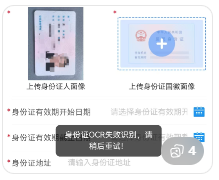
常见问题包括:
- 文字识别错误(乱码)
- 字段缺失(身份证号识别不全)
- 完全识别失败
二、核心原因分析(90%的人忽略)
❗原因1:图片模糊
- 分辨率低
- 压缩严重
👉 OCR 无法提取清晰边缘
❗原因2:图片倾斜
- 拍照角度不正
- 文档歪斜
👉 OCR 分割文字失败
❗原因3:反光 / 高光
- 身份证反光
- 纸张反光
👉 关键区域被遮挡
三、解决方案一:模糊图片优化(最重要)
✅ 推荐方案:AI 超分辨率(图片增强)
处理流程:
1️⃣ 图片变清晰(AI增强)
2️⃣ 再进行 OCR 识别
👉 实测识别率提升明显(尤其文字类图片)
示例(Python)
python
# API文档:https://www.shiliuai.com/api/tupianbiangaoqing
# -*- coding: utf-8 -*-
import requests
import base64
import cv2
import json
import numpy as np

api_key = '******'  # 你的API KEY
file_path = '...'  # 图片路径

with open(file_path, 'rb') as fp:
    photo_base64 = base64.b64encode(fp.read()).decode('utf8')

url = 'https://api.shiliuai.com/api/super_resolution/v1'
headers = {'APIKEY': api_key, "Content-Type": "application/json"}
data = {
    "image_base64": photo_base64,
    "scale_factor": 2  # 放大2倍
}

response = requests.post(url=url, headers=headers, json=data)
response = json.loads(response.content)
"""
成功:{'code': 0, 'msg': 'OK', 'msg_cn': '成功', 'result_base64': result_base64}
or
失败:{'code': error_code, 'msg': error_msg, 'msg_cn': 错误信息}
"""
result_base64 = response['result_base64']
file_bytes = base64.b64decode(result_base64)
f = open('result.jpg', 'wb')
f.write(file_bytes)
f.close()

image = np.asarray(bytearray(file_bytes), dtype=np.uint8)
image = cv2.imdecode(image, cv2.IMREAD_UNCHANGED)
cv2.imshow('result', image)
cv2.waitKey(0)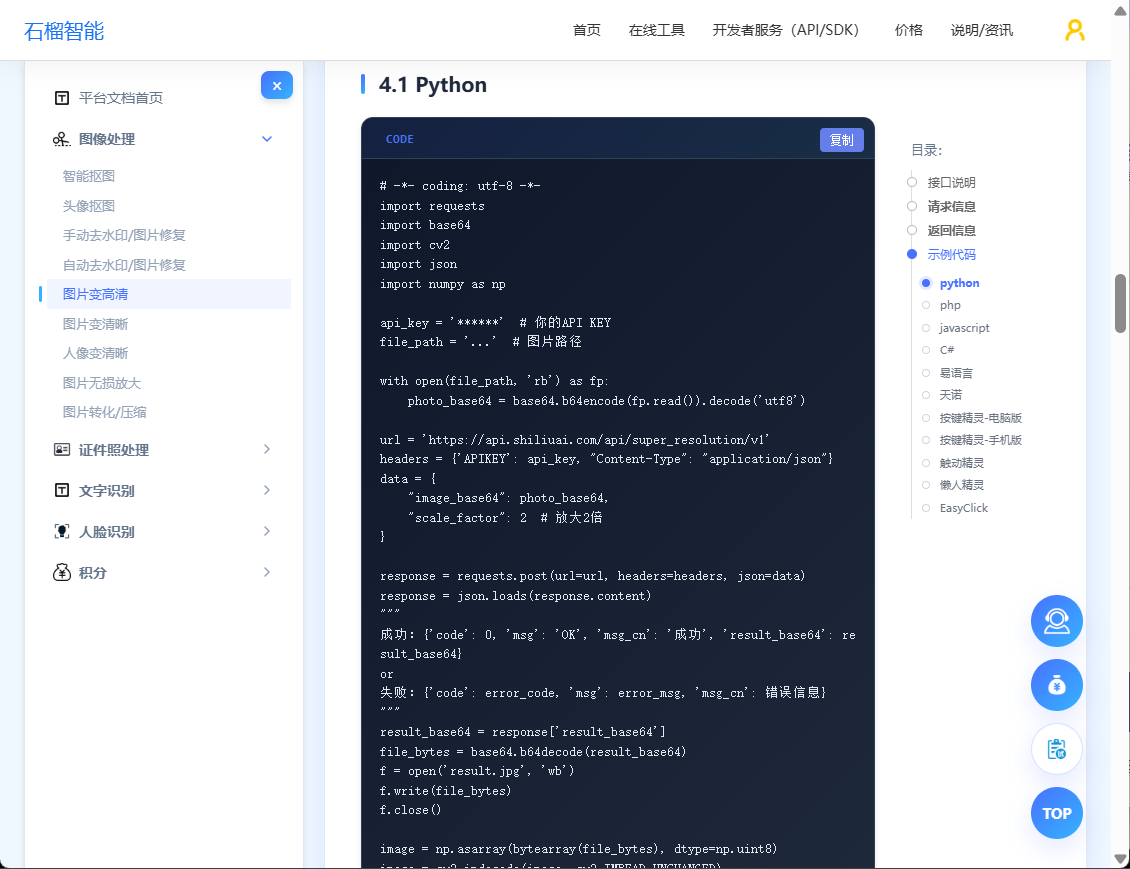
四、解决方案二:倾斜图片处理
✅ 推荐方案:自动倾斜校正
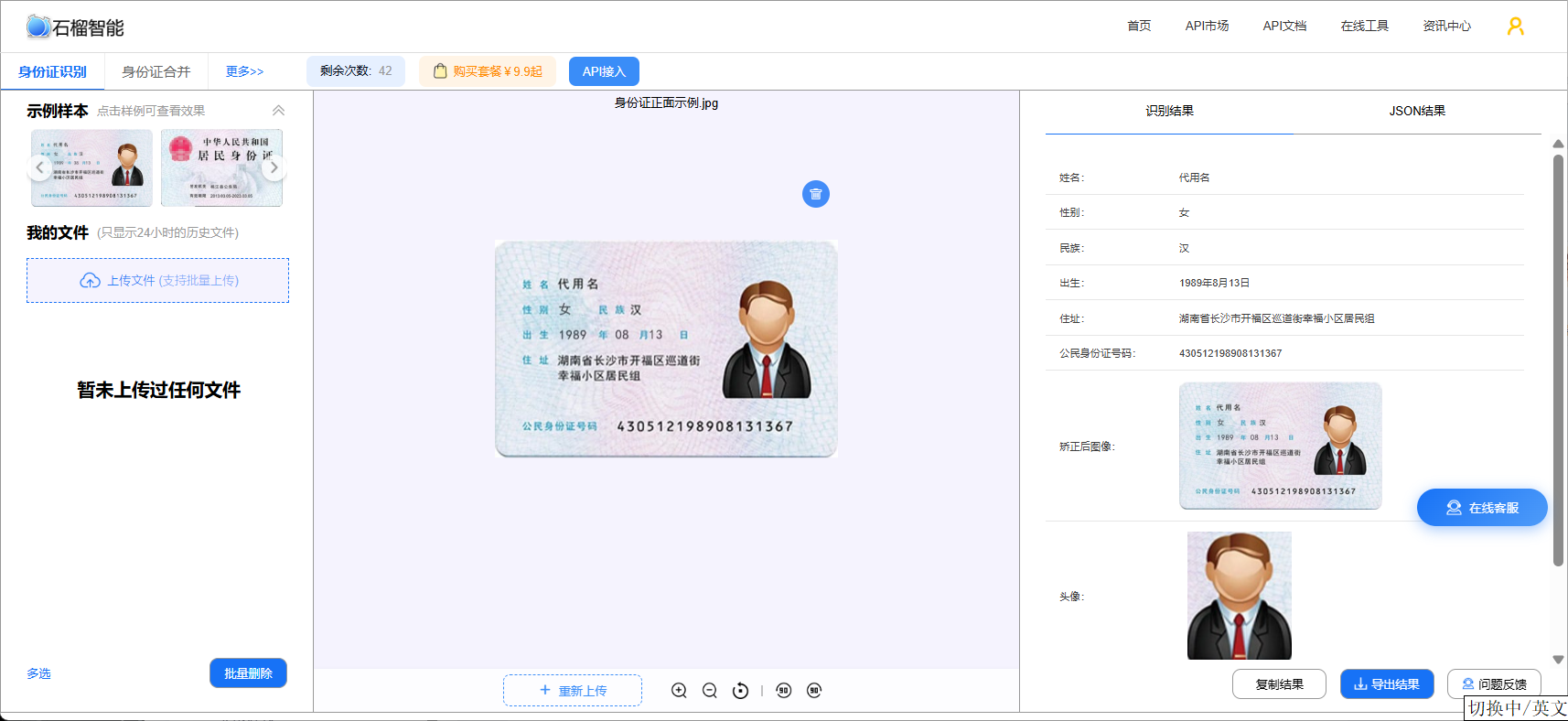
常见方法:
- 透视变换
- 边缘检测
- AI 版面分析
实战建议:
👉 优先选择支持:
- 自动旋转
- 文档校正
的 OCR API:https://market.shiliuai.com/doc/id-card-ocr
五、解决方案三:反光图片处理
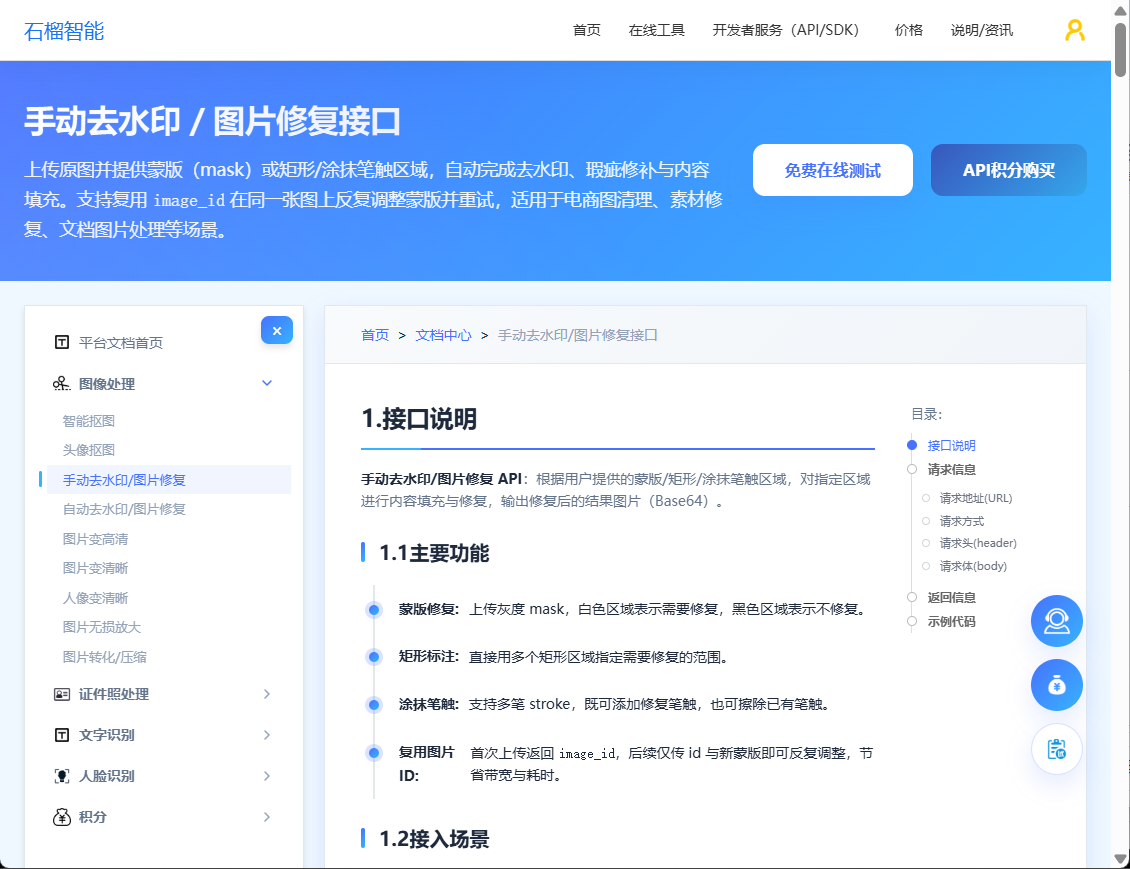
✅ 推荐方案:图像修复 + 去水印
处理流程:
1️⃣ 去反光 / 去水印
2️⃣ 再进行 OCR
👉 特别适用于:
- 身份证识别
- 驾驶证识别
- 发票识别
六、最佳实践:一套通用优化流程(强烈推荐)
这是实际项目中效果最好的方案👇
🚀 OCR 优化完整流程:
1️⃣ 图片增强(超分辨率)
2️⃣ 去水印 / 去反光
3️⃣ 倾斜校正
4️⃣ OCR 识别
👉 优化效果:
- 识别准确率提升 20%~50%
- 错误率明显降低
七、完整示例(推荐流程)
python
# 图片增强API文档:https://www.shiliuai.com/api/tupianbiangaoqing
# 去水印 / 去干扰 API文档:https://www.shiliuai.com/api/zidongqushuiyin
# OCR 识别 API文档:https://market.shiliuai.com/doc/advanced-general-ocr

import requests

img = open("test.jpg","rb")

# 1. 图片增强
img = requests.post("POST https://api.shiliuai.com/api/super_resolution/v1",
                    files={"image": img}).content

# 2. 去水印 / 去干扰
img = requests.post("POST https://api.shiliuai.com/api/auto_inpaint/v1",
                    files={"image": img}).content

# 3. OCR 识别
res = requests.post("POST http(s)://ocr-api.shiliuai.com/api/advanced_general_ocr/v1",
                    files={"image": img})

print(res.json())
八、实测总结
影响 OCR 准确率的关键排序:
1️⃣ 图片清晰度(最重要)
2️⃣ 是否倾斜
3️⃣ 是否反光
👉 结论:
不要一上来就换 OCR API,先优化图片质量!
九、推荐方案(开发者角度)
如果你在做:
- OCR 系统
- 图片识别平台
- 自动识别工具
建议选择:
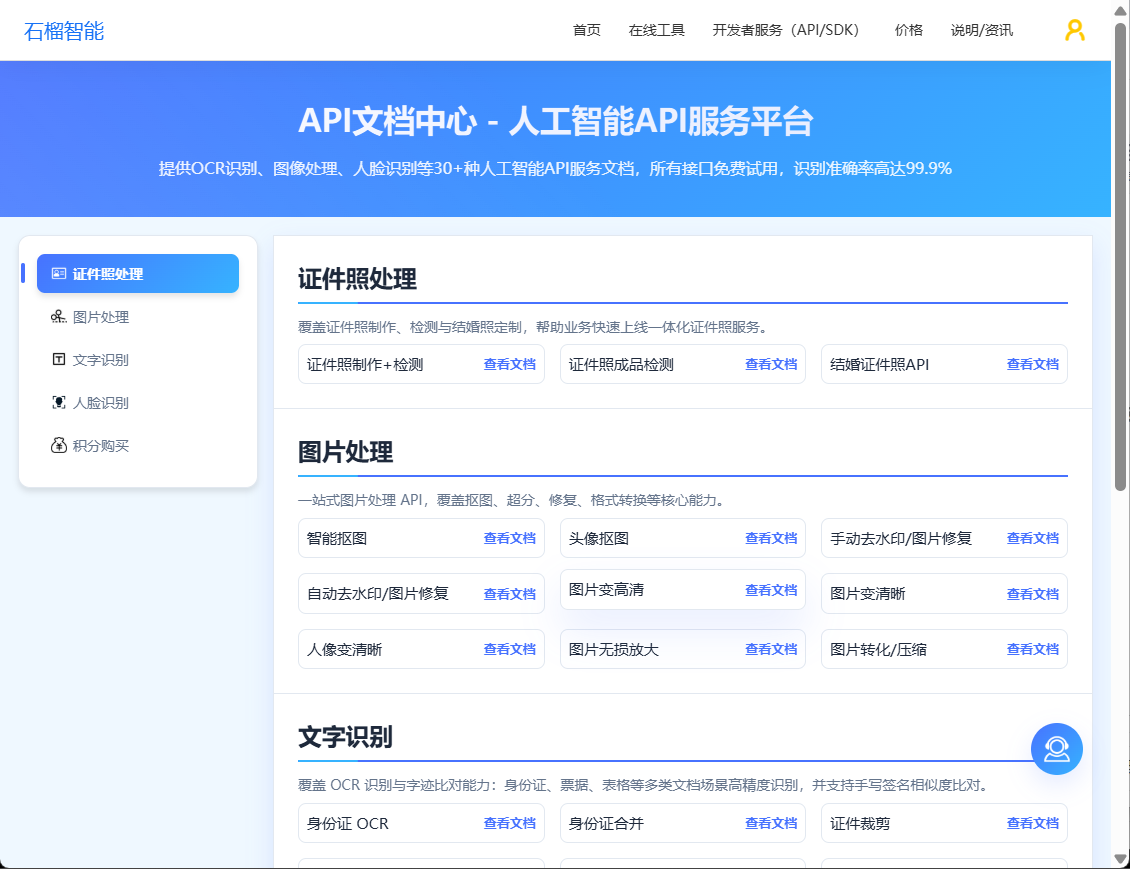
👉 支持「图片增强 + 去水印 + OCR」一体化能力的平台,最好支持在线测试,使用方便。
优势:
- 接口统一
- 效果更稳定
- 开发成本更低
十、延伸阅读
建议继续阅读:
#OCR文字识别 #API接口 #图片识别