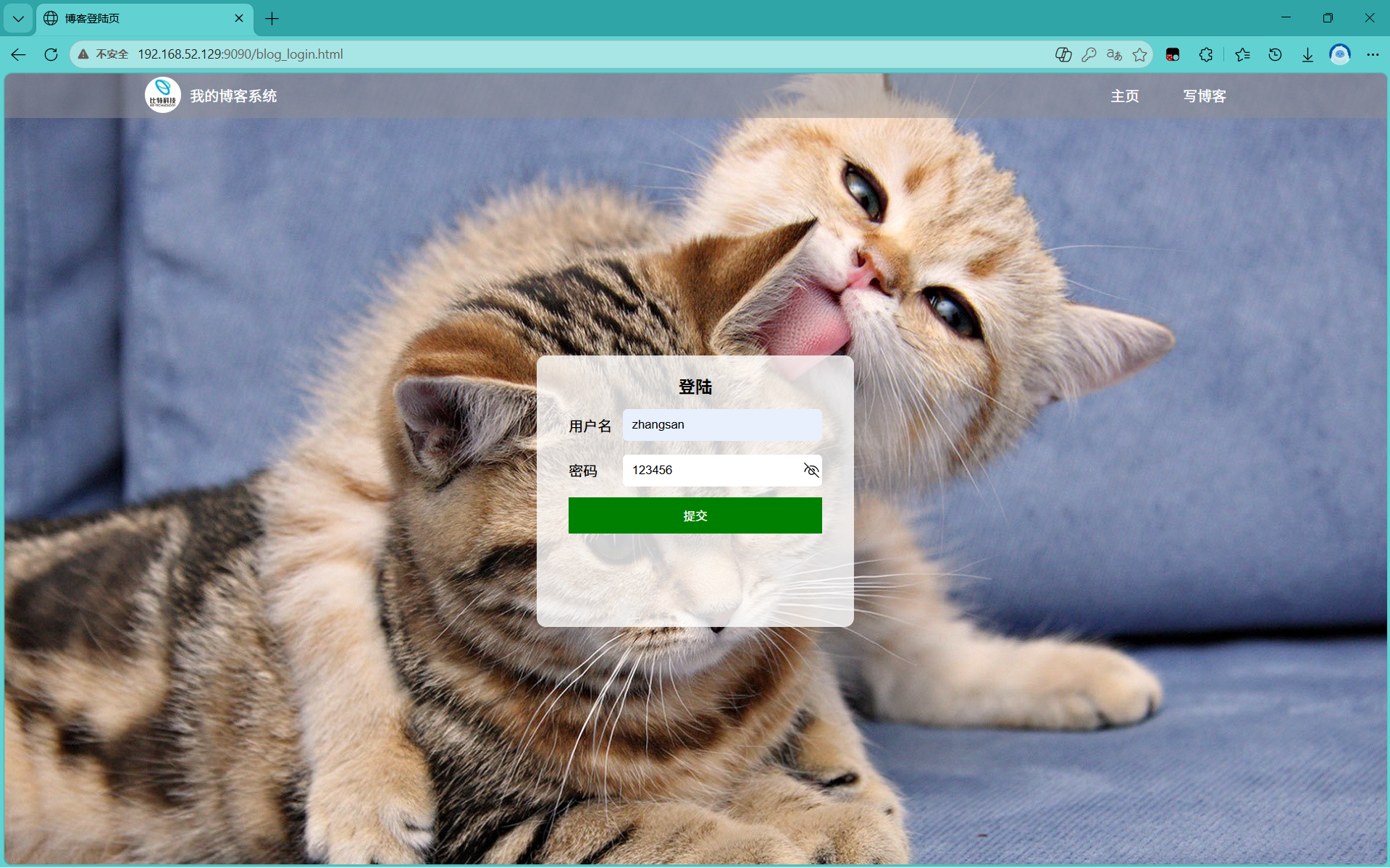
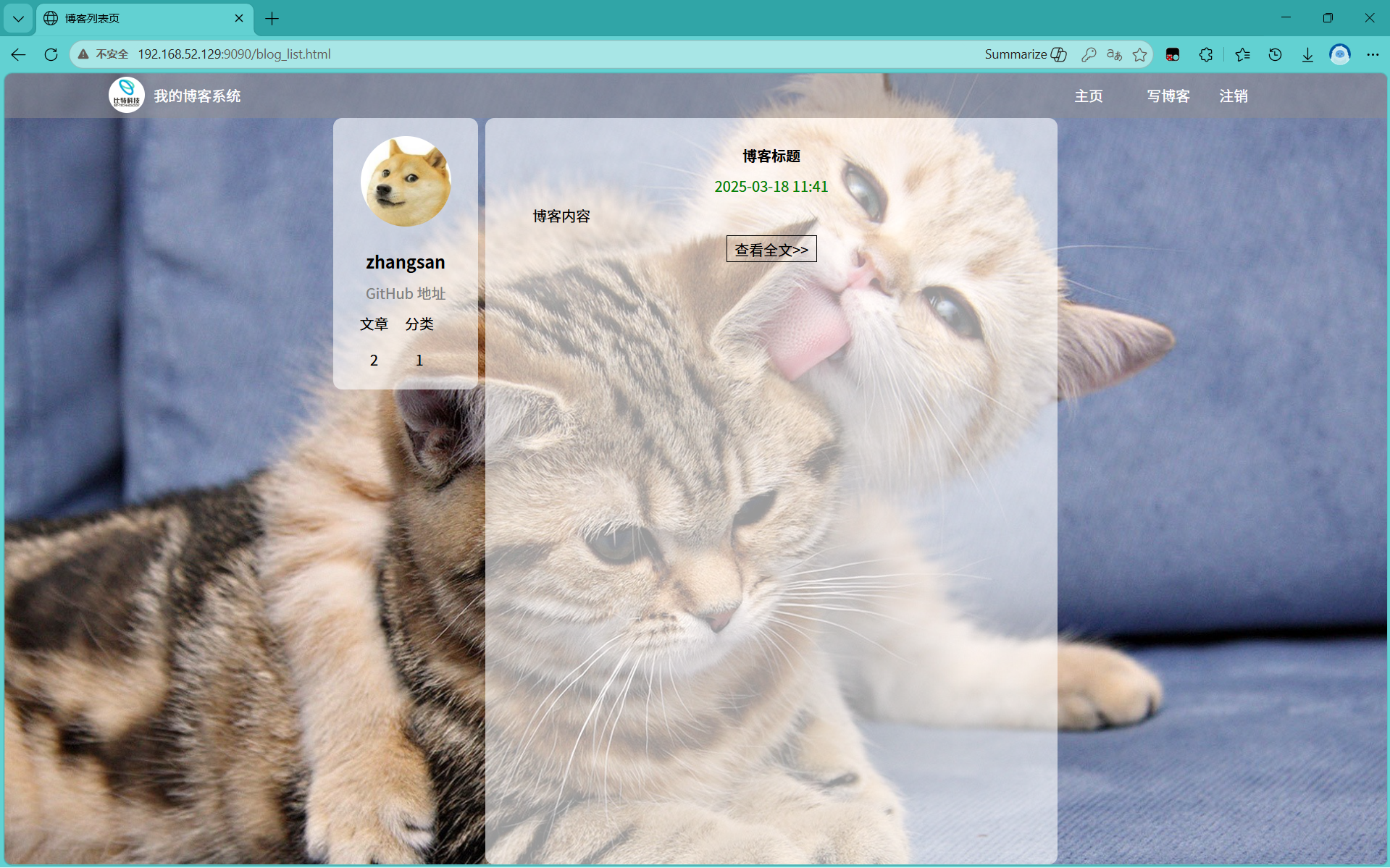
通过docker拉取博客系统镜像
安装docker服务
1️⃣ 安装必要工具
bash
sudo apt update
sudo apt install -y ca-certificates curl
2️⃣ 添加 Docker 官方 GPG 密钥和仓库(使用国内镜像源,避免网络问题)
bash
# 创建密钥目录
sudo install -m 0755 -d /etc/apt/keyrings

# 下载阿里云镜像的 GPG 密钥(国内可用)
sudo curl -fsSL https://mirrors.aliyun.com/docker-ce/linux/ubuntu/gpg -o /etc/apt/keyrings/docker.asc
sudo chmod a+r /etc/apt/keyrings/docker.asc

# 添加 Docker APT 仓库(使用阿里云镜像)
echo "deb [arch=$(dpkg --print-architecture) signed-by=/etc/apt/keyrings/docker.asc] https://mirrors.aliyun.com/docker-ce/linux/ubuntu $(lsb_release -cs) stable" | sudo tee /etc/apt/sources.list.d/docker.list > /dev/null
3️⃣ 安装 Docker 引擎及相关组件
bash
sudo apt update
sudo apt install -y docker-ce docker-ce-cli containerd.io docker-buildx-plugin docker-compose-plugin
4️⃣ 启动 Docker 并设置开机自启
bash
sudo systemctl enable docker
sudo systemctl start docker
5️⃣ 将当前用户加入 docker 组(避免每次输入 sudo)
bash
sudo usermod -aG docker $USER执行后需重新登录 (或运行 newgrp docker 临时生效)。
6️⃣ 配置镜像加速器(可选但推荐,用于加速拉取)
bash
sudo mkdir -p /etc/docker
sudo tee /etc/docker/daemon.json <<-'EOF'
{
  "registry-mirrors": ["https://docker.m.daocloud.io"]
}
EOF
sudo systemctl restart docker
7️⃣ 验证安装
bash
docker run hello-world如果看到 Hello from Docker! 即安装成功。
确认启动了docker服务
systemctl status docker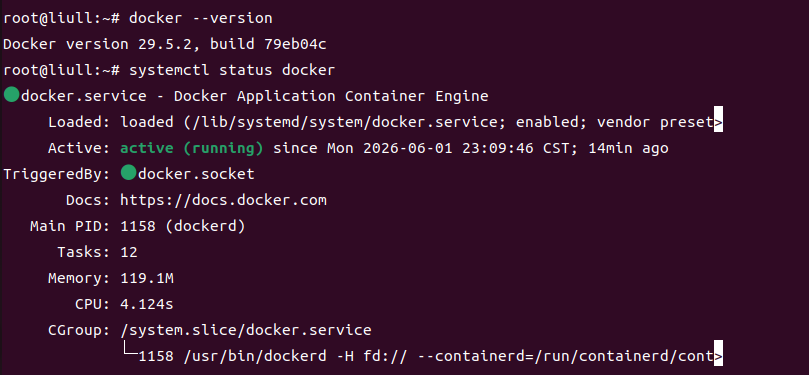
拉取博客系统镜像
docker pull crpi-dnvvmwqk3y7594pa.cn-hangzhou.personal.cr.aliyuncs.com/blog_bite/blog_bite:V1.2
验证镜像是否成功拉取到docker里
docker image ls
启动容器
docker container run -itd -p 9090:8080 crpi-dnvvmwqk3y7594pa.cn-hangzhou.personal.cr.aliyuncs.com/blog_bite/blog_bite:V1.2
查看容器是否启动成功
docker container ls
进入容器
docker exec -it 64fe913cefb1[容器ID] bash
启动容器里的博客系统服务
1.启动MySQL服务
检查MySQL版本
mysql --version

service mysql start
登录MySQL检查数据库表
mysql -u root -p数据库账号密码:root/BITE@yyds.666
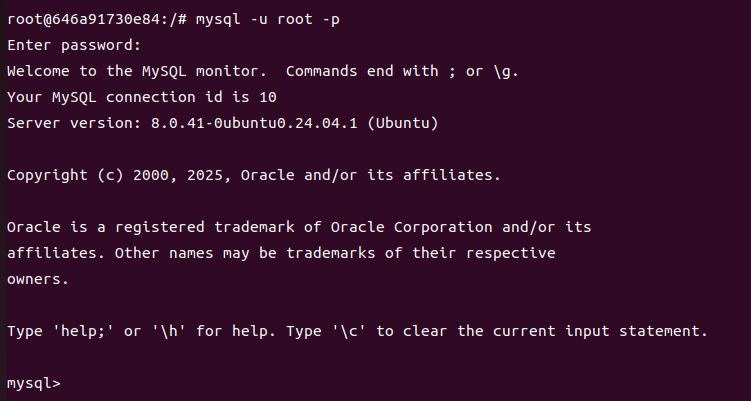
查看数据库auto_test
show databases;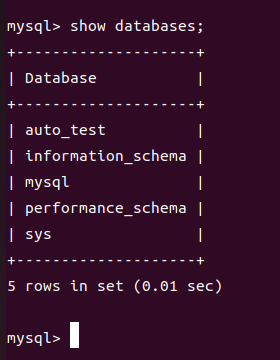
use auto_test;

show tables;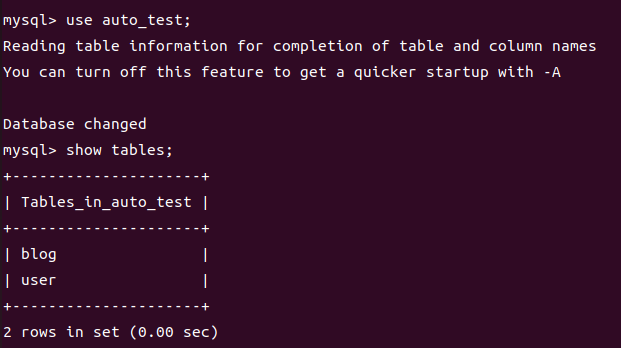
2.启动博客系统服务
cd mmtest/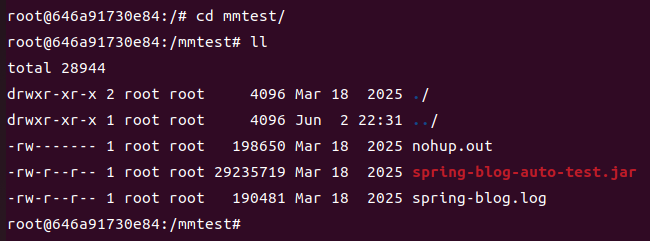
nohup java -jar spring-blog-auto-test.jar &
tail -f nohup.out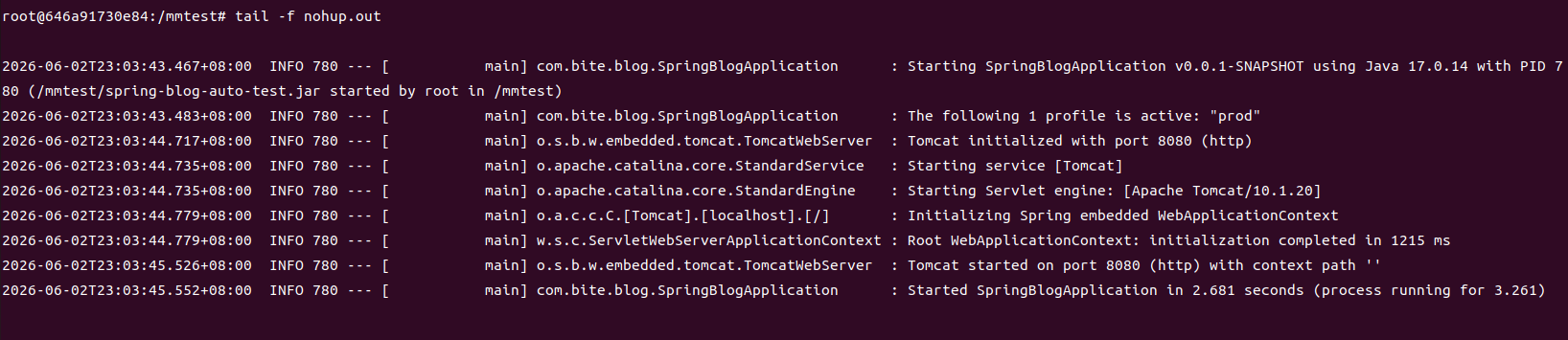
ps -ef | grep spring
访问搭建好的博客系统的服务
宿主机的IP:192.168.52.129
ifconfig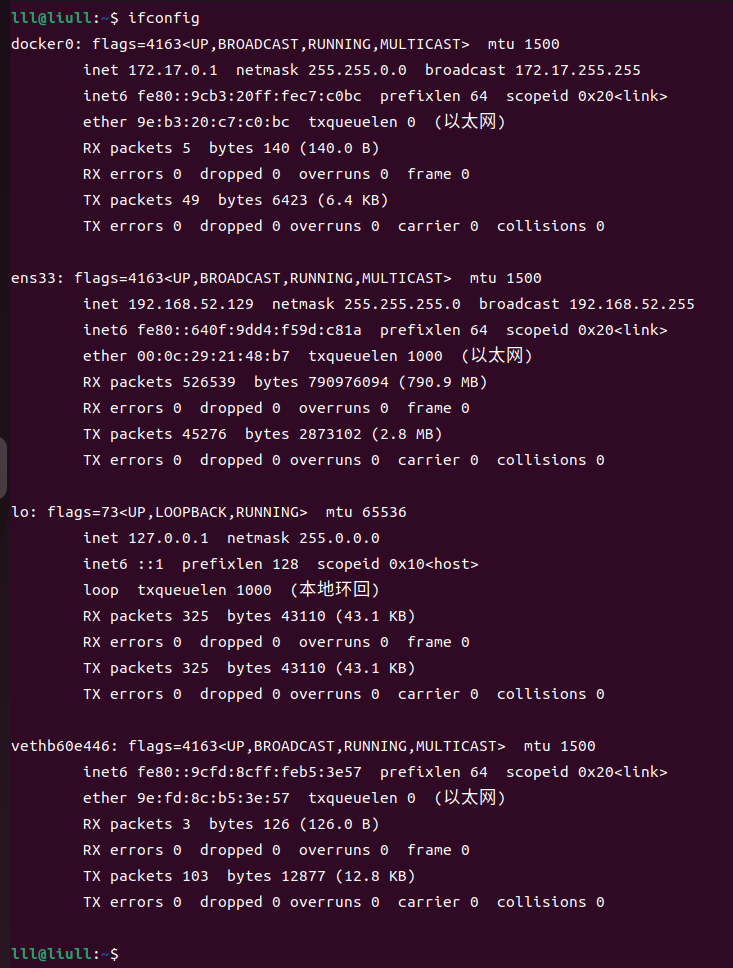
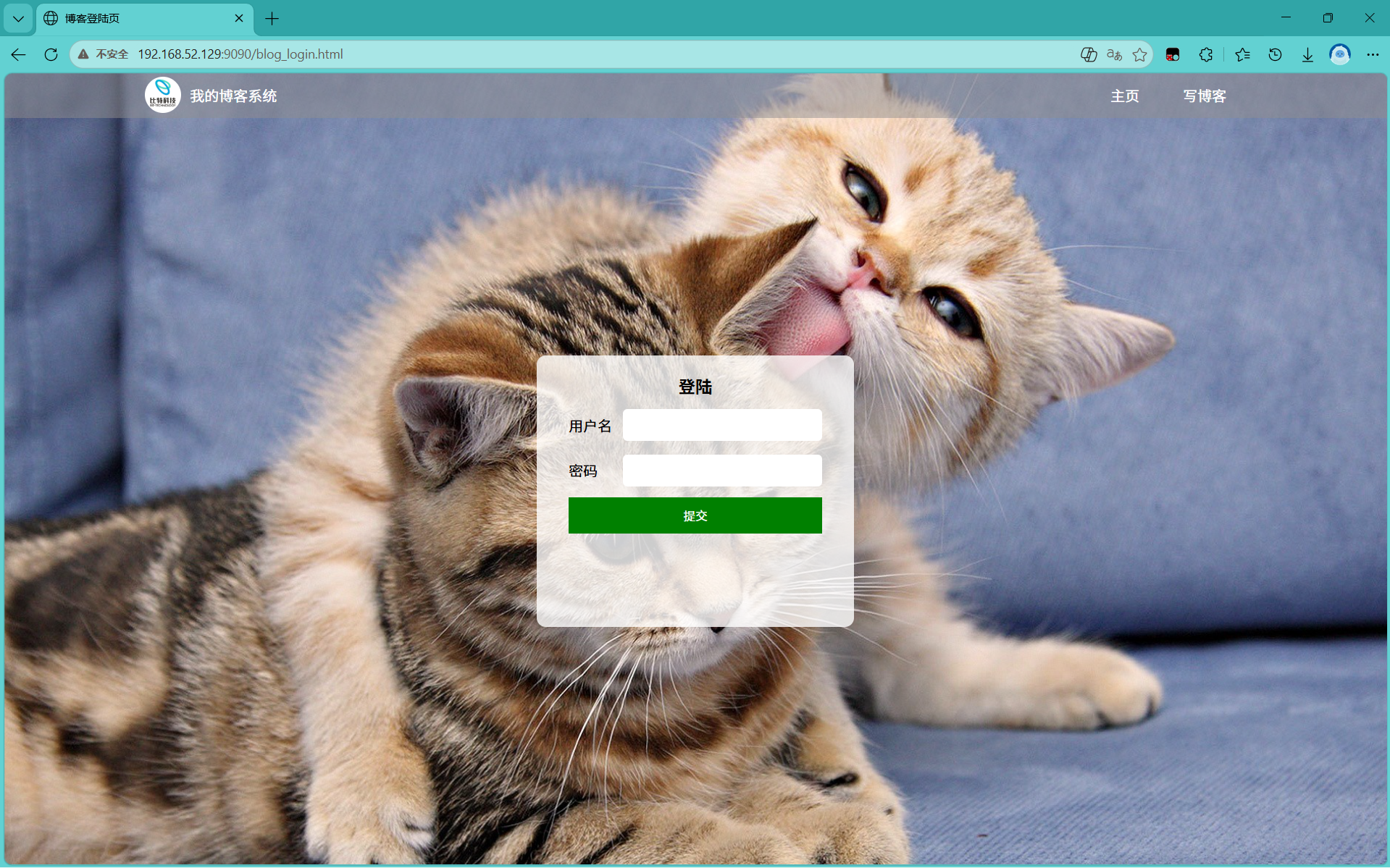
登陆账号和密码:
zhangsan/123456
lisi/123456