大家好,我是专注AI潮汕IP设计的小江。
最近很多烘焙店和奶茶店老板问我,如何用AI低成本生成一套既有潮汕特色,又能直接商用的国潮甜品IP?
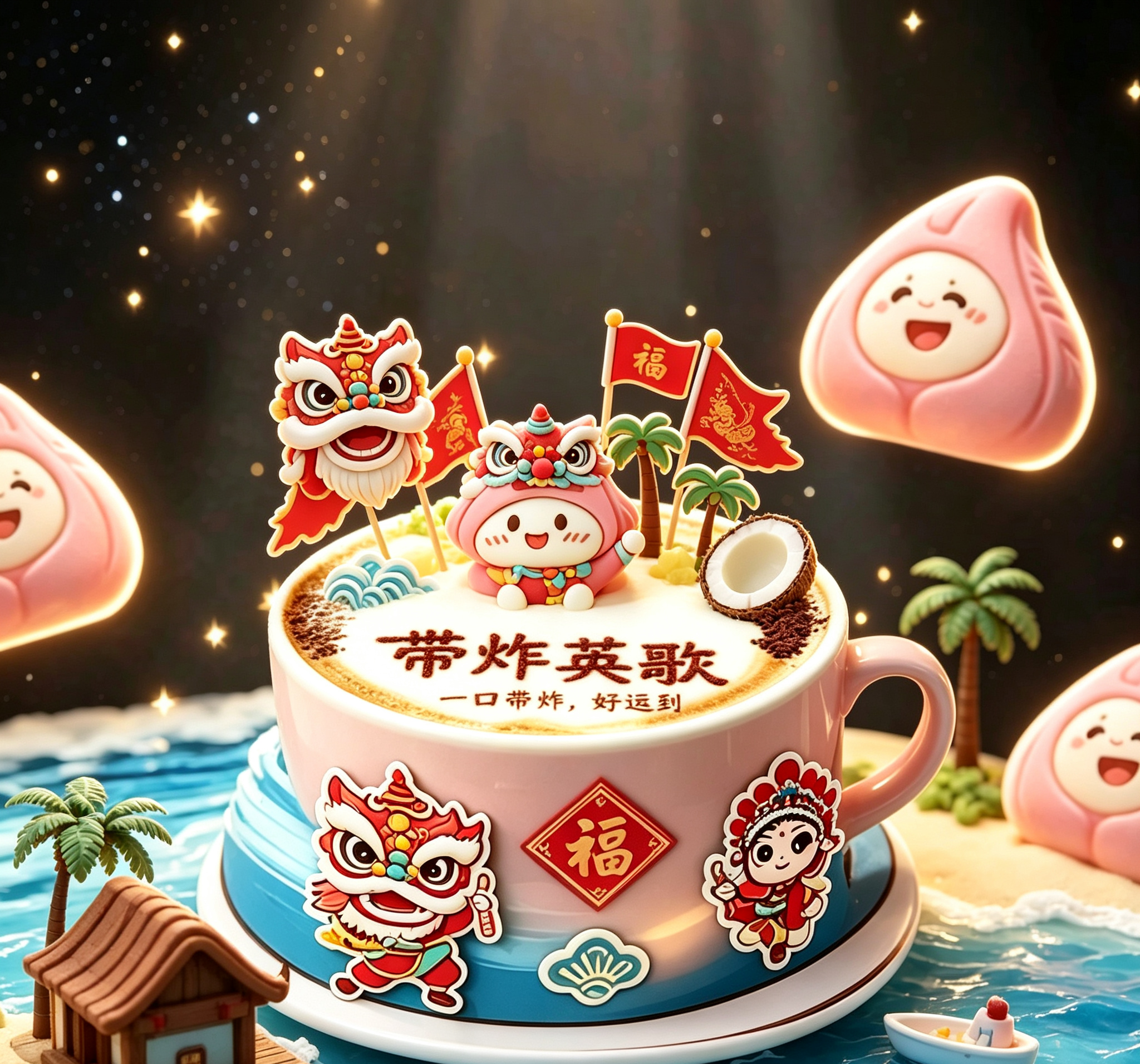
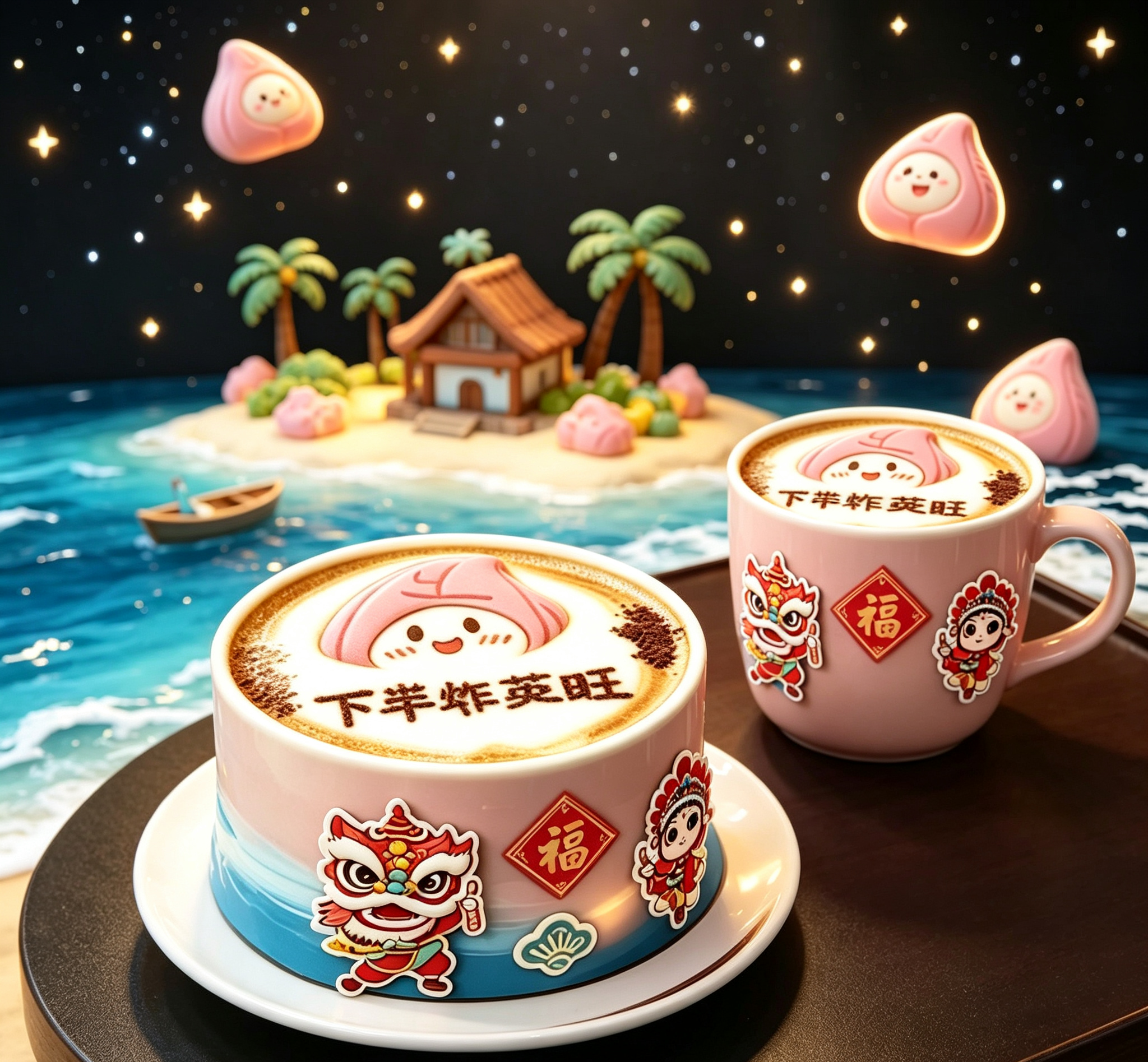
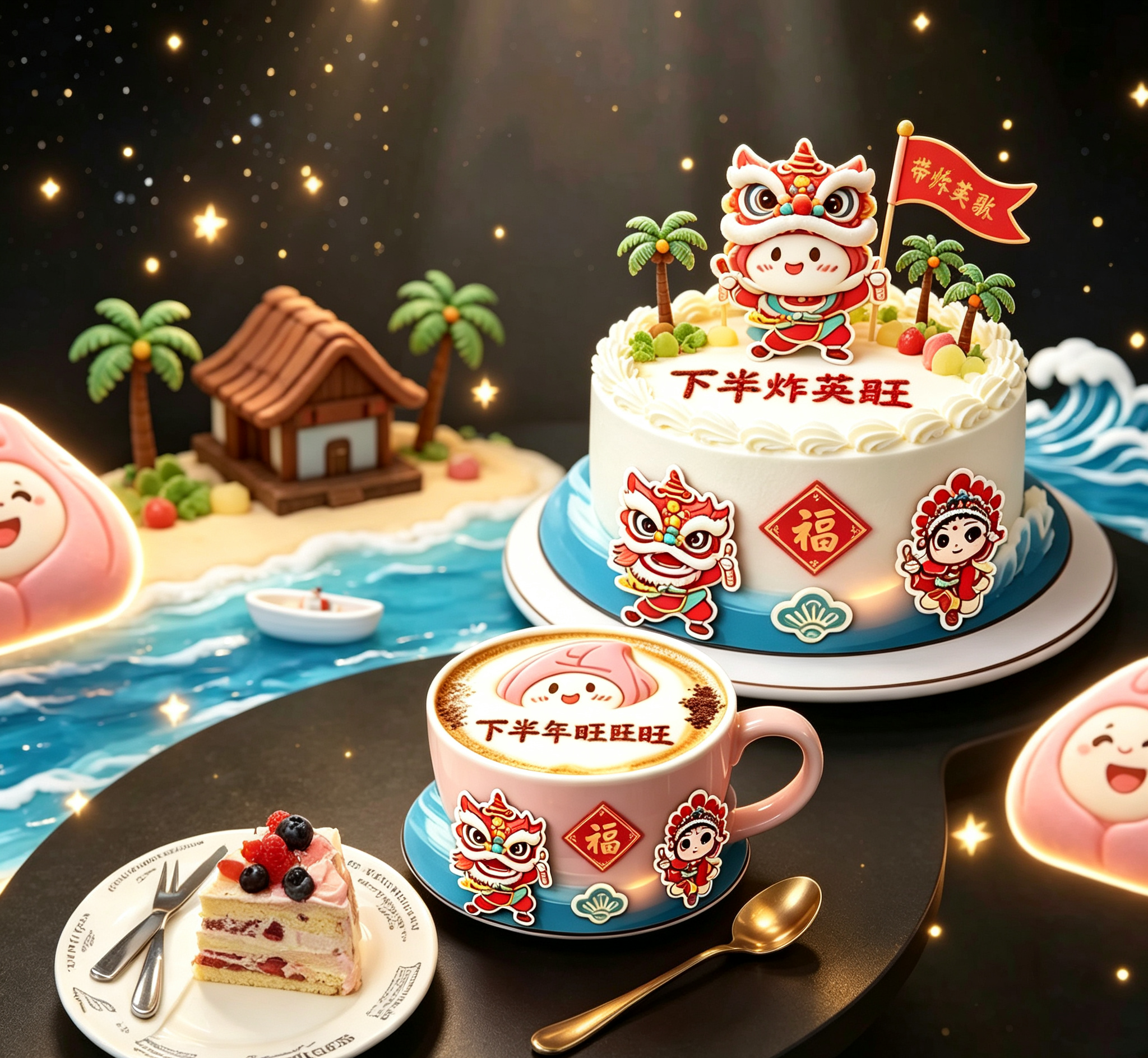
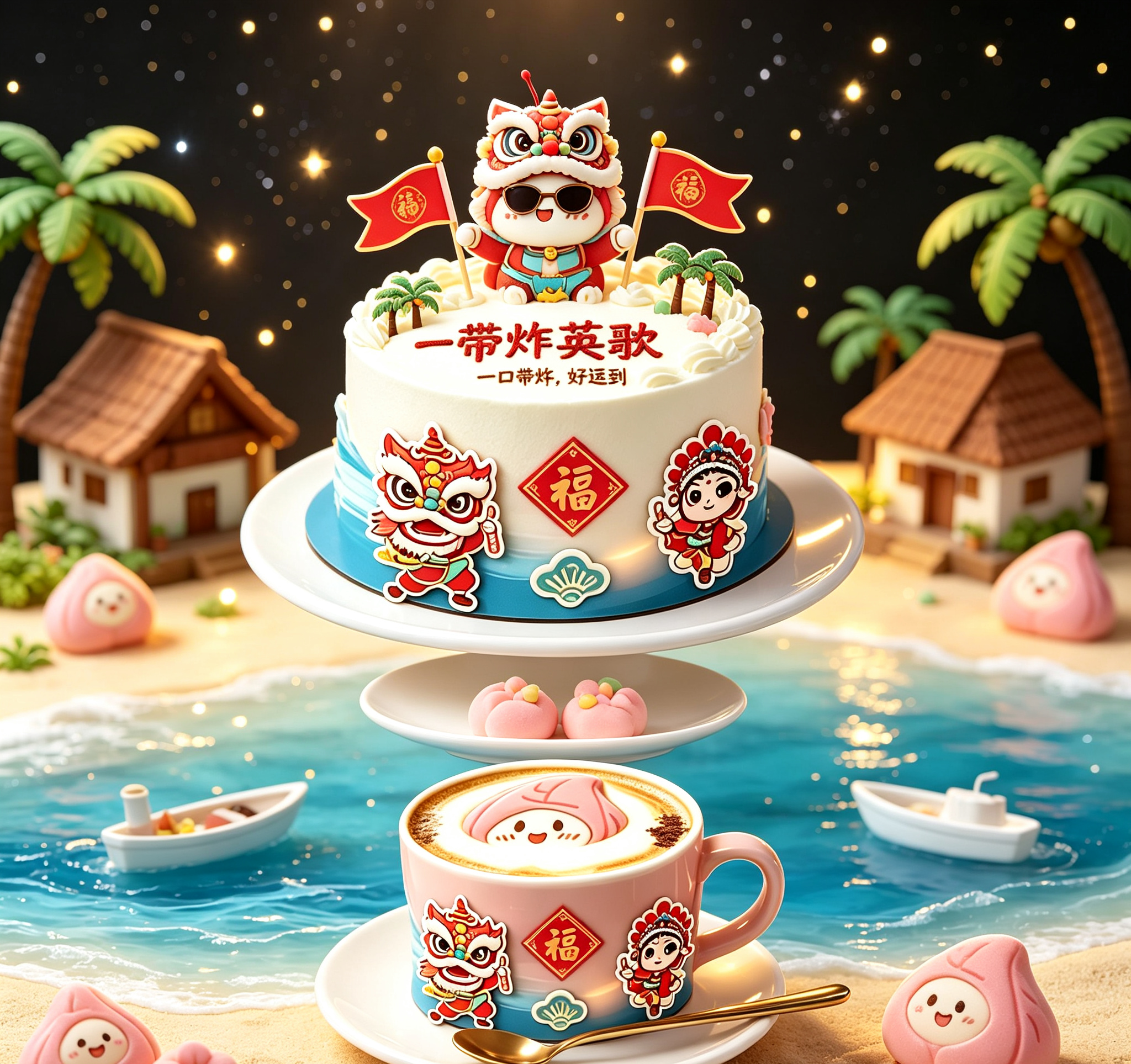
今天分享一套我最近设计的"带炸英歌"系列,不仅视觉炸裂,而且寓意极佳(下半炸英旺 = 下半年兴旺)。
很多人用AI画图最大的痛点是"抽卡",无法精准控制文字和元素。为了解决这个问题,我编写了Python脚本结合ComfyUI工作流,实现了对IP形象的精准控制。
import torch
from diffusers import StableDiffusionXLPipeline, EulerAncestralDiscreteScheduler
1. 初始化SDXL模型加载器
def load_sdxl_model(model_path):
pipe = StableDiffusionXLPipeline.from_pretrained(
model_path,
torch_dtype=torch.float16,
use_safetensors=True,
variant="fp16"
)
pipe.scheduler = EulerAncestralDiscreteScheduler.from_config(pipe.scheduler.config)
return pipe.to("cuda")
2. 定义潮汕国潮IP的专属Prompt模板
这里的关键词是经过几百次测试筛选出来的,能保证生成"萌系"且"喜庆"的风格
PROMPT_TEMPLATE = """
(masterpiece, best quality), 3d render, c4d style, blind box toy style,
cute chaozhou red peach cake character wearing yingge dance costume,
holding small flags, standing on a latte art coffee cup,
festive atmosphere, chinese new year elements, "Fu" character decoration,
coconut trees background, bright lighting, commercial product photography,
--ar 3:4
"""
3. 批量生成并自动保存
def generate_ip_batch(pipe, count=5):
for i in range(count):
image = pipe(
prompt=PROMPT_TEMPLATE,
negative_prompt="ugly, deformed, noisy, blurry, distorted, text error", # 负面提示词很重要
guidance_scale=7.5,
num_inference_steps=30
).images0
自动命名保存,方便后续整理交付给客户
save_path = f"./output/chaoshan_ip_{i+1}.png"
image.save(save_path)
print(f"成功生成: {save_path}")
if name == "main":
实际运行时调用
model = load_sdxl_model("your_model_path")
generate_ip_batch(model)
pass