目录
[2、source conda](#2、source conda)
一、环境说明
1、测试环境为ubuntu24.04.1

2、更新系统环境
apt-get update
3、安装wget工具
apt-get install wget
4、下载miniconda安装脚本
wget https://repo.anaconda.com/miniconda/Miniconda3-latest-Linux-x86_64.sh
二、安装步骤
1、安装miniconda
./Miniconda3-latest-Linux-x86_64.sh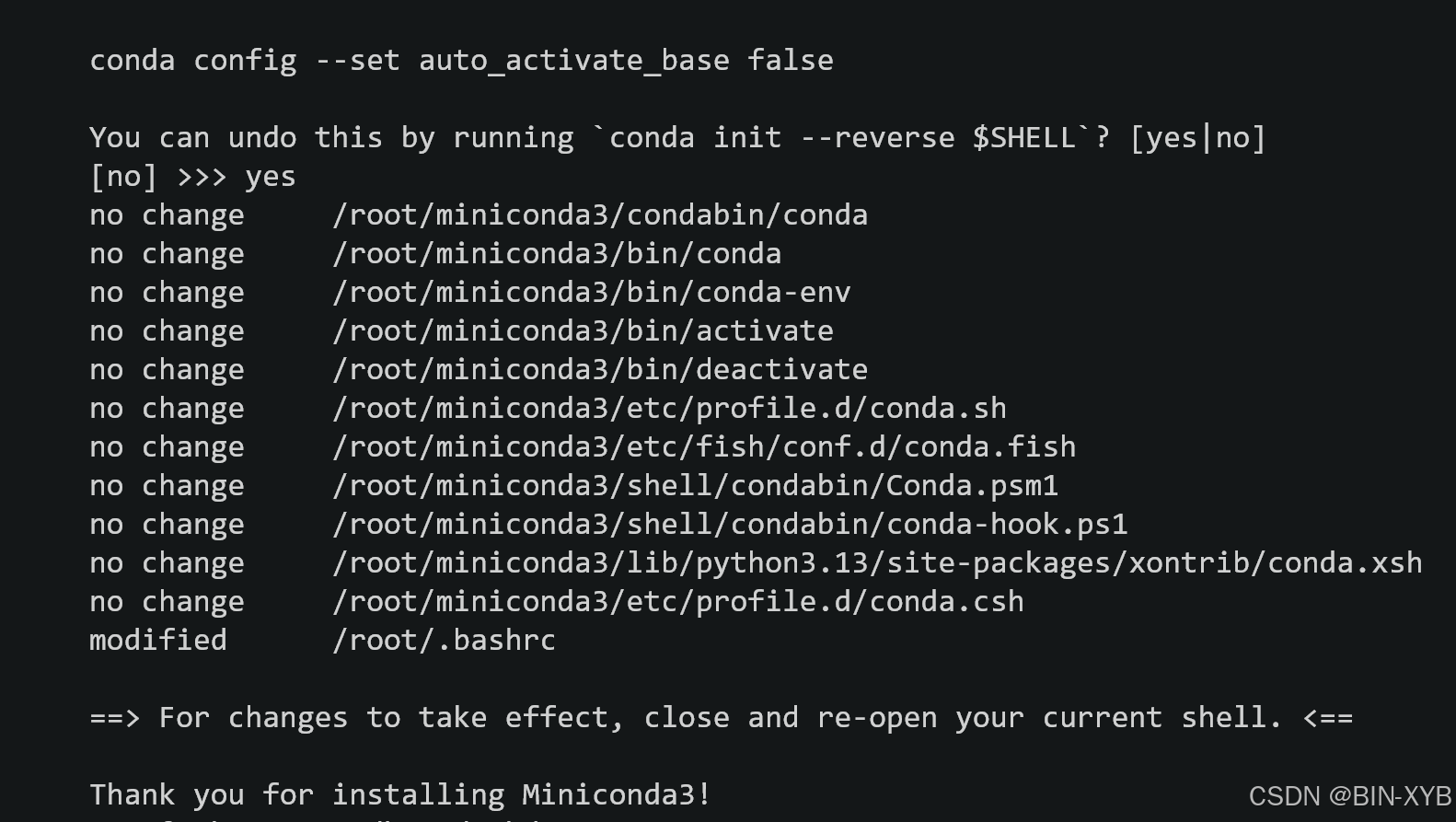
2、source conda
source ~/.bashrc
3、验证版本
conda--version
4、配置pip源
cd ~ //跳转到~
mkdir .pip //新建目录.pip
touch pip.conf //创建配置文件,向文件写入如下内容
bash
[global]
index-url = https://pypi.tuna.tsinghua.edu.cn/simple
[install]
trusted-host = pypi.tuna.tsinghua.edu.cn
三、conda用法
1、常用指令
1)、conda --version //查看版本号
2)、conda info --envs //查看虚拟环境
3)、 conda create -n xyb-pyenvs-20250502 pip python=3.13.2 //创建指定版本python的虚拟环境
4)、conda activate xyb-pyenvs-20250502 //进入指定虚拟环境
5)、conda deactivate //退出当前虚拟环境
6)、conda remove --name xyb-pyenvs-20250502 --all //删除指定虚拟环境
7)、conda config --show channels //显示当前源
8)、conda config --add channels https://mirrors.tuna.tsinghua.edu.cn/anaconda/pkgs/main/ //添加清华源,配置后可以创建指定版本的python环境。
其他常用源推荐
conda config --add channels https://mirrors.tuna.tsinghua.edu.cn/anaconda/pkgs/main/
conda config --add channels https://mirrors.tuna.tsinghua.edu.cn/anaconda/pkgs/free/
conda config --add channels https://mirrors.tuna.tsinghua.edu.cn/anaconda/cloud/conda-forge/
9)、conda config --remove channels https://mirrors.tuna.tsinghua.edu.cn/anaconda/pkgs/main/ //移除特定源