网站需求:
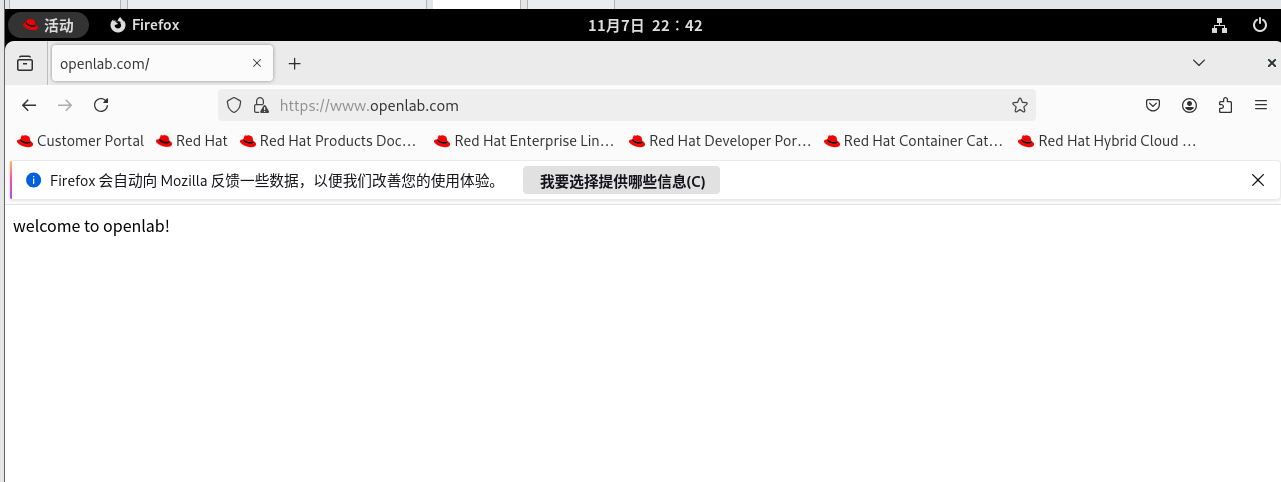
1.基于域名www.openlab.com可以访问网站内容为 welcome to openlab!!!
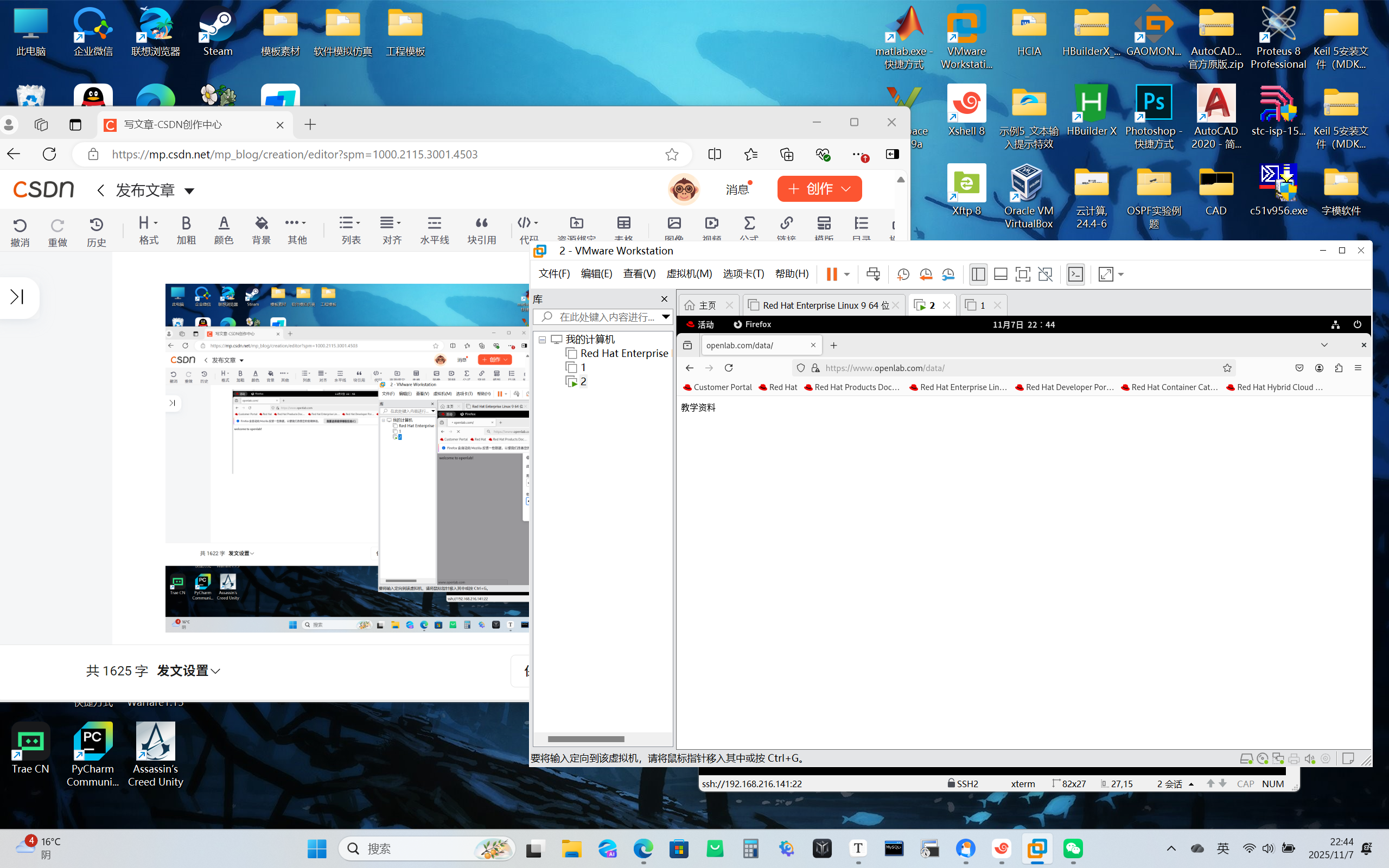
2.给该公司创建三个子界面分别显示学生信息,教学资料和缴费网站,基于www.openlab.com/student 网站访问学生信息,www.openlab.com/data网站访问教学资料
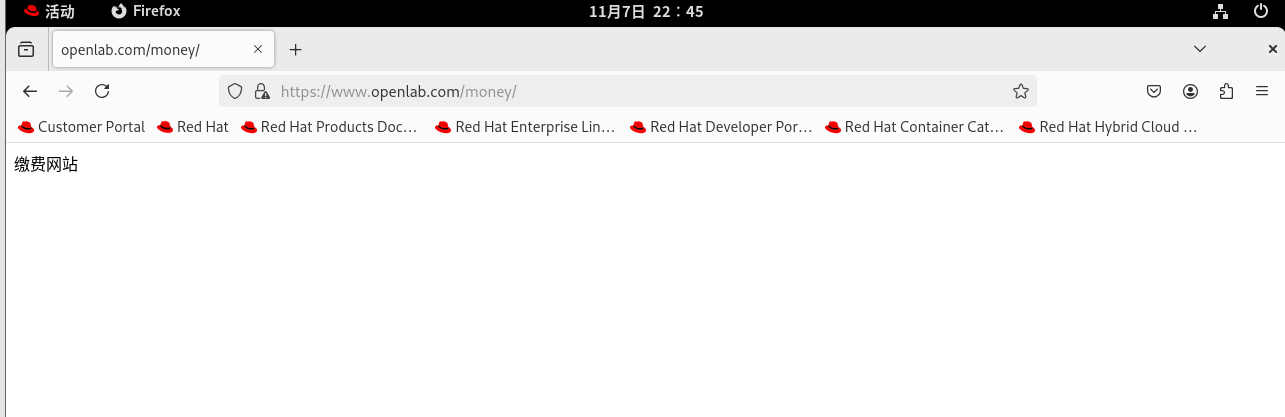
www.openlab.com/money网站访问缴费网站。
3.要求 (1)访问该网站http请求都通过https响应。
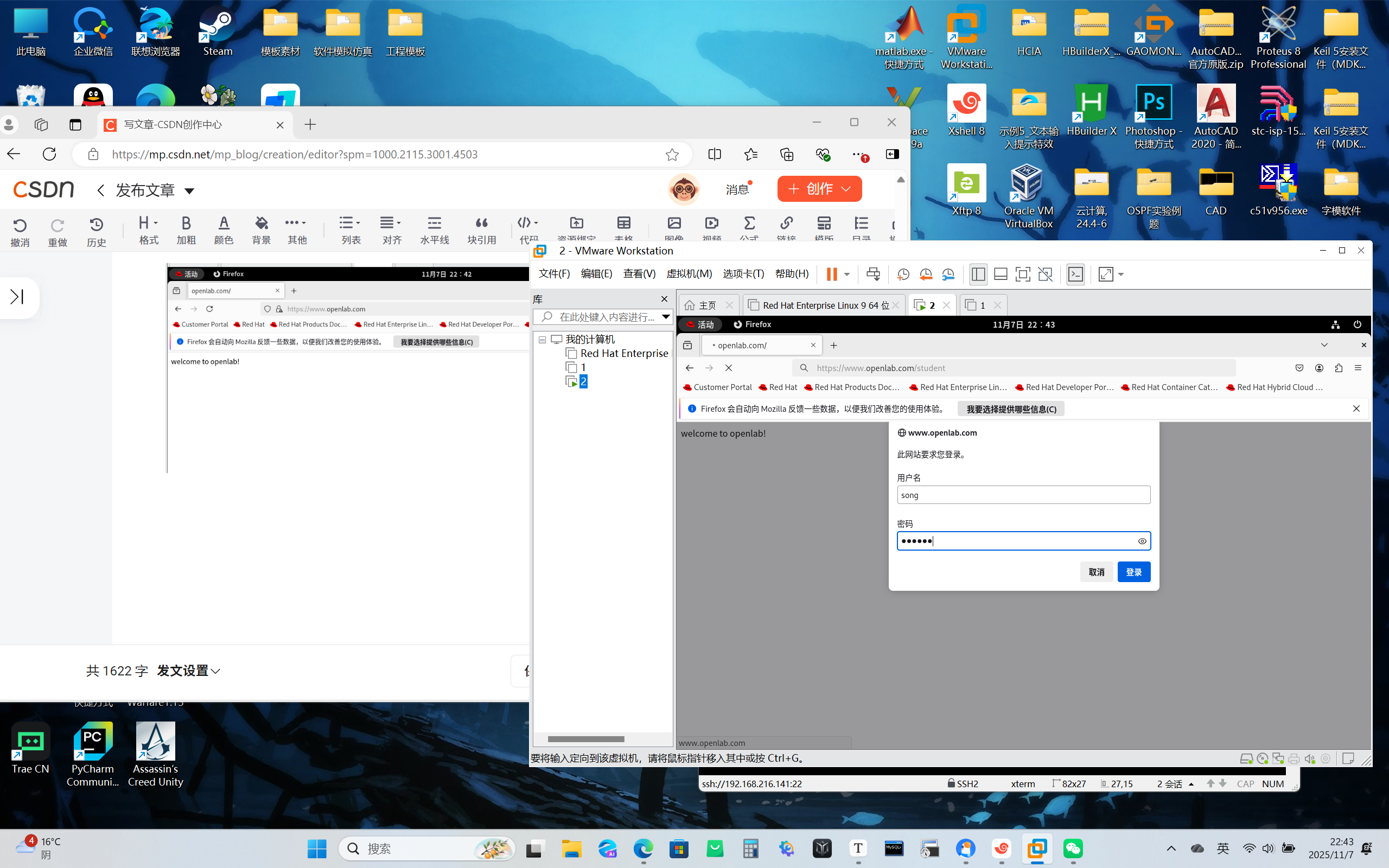
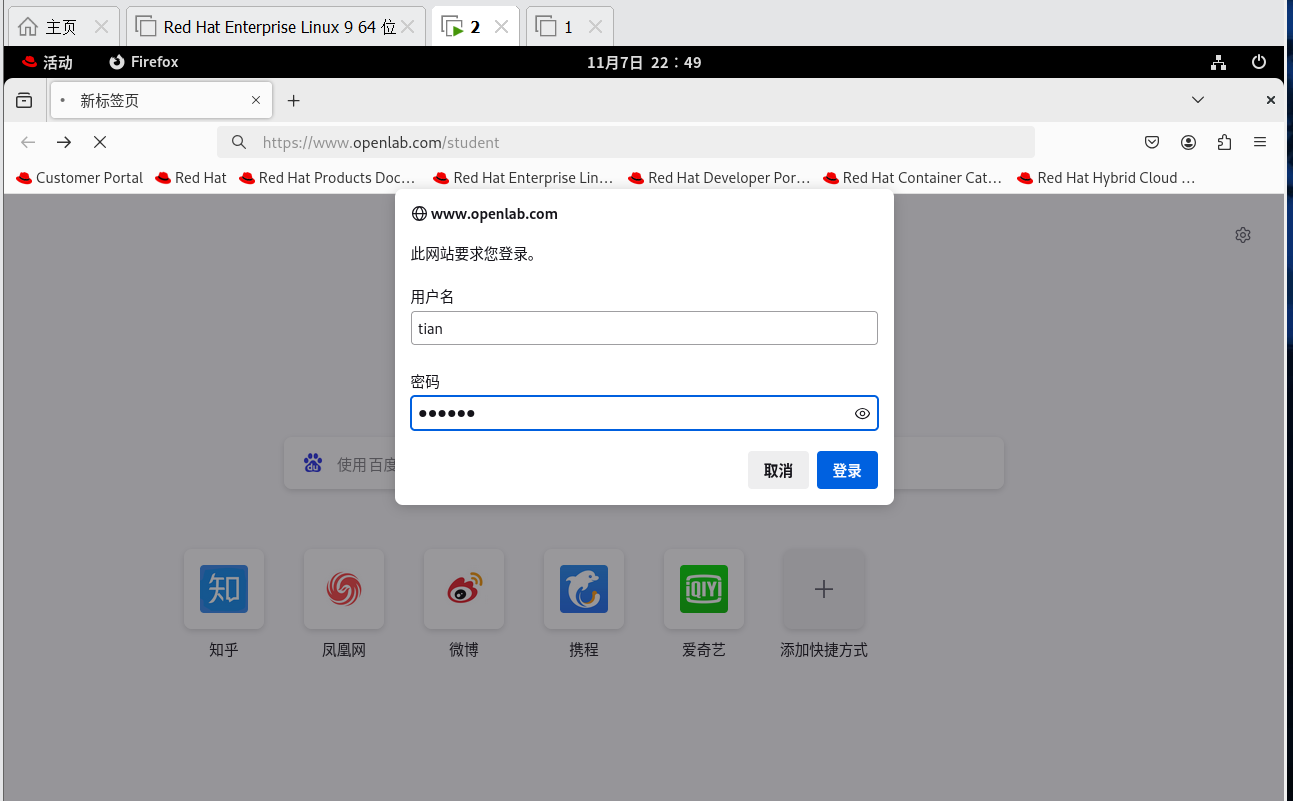
(2)学生信息网站只有song和tian两人可以访问,其他用户不能访问。
先配置环境
systemctl stop firewalld
senforce 0
关闭防火墙
mount /div/sr0 /mnt
yum install nginx
下载nginx


将域名www.openlab.com 解析成自己虚拟据的ip
Windows下的hosts文件路径:C:\Windows\System32\drivers\etc\hosts
Linux下的hosts文件路径:/etc/hosts
我的虚拟机ip是192.168.216.141
所以写 192.168.216.141 www.openlab.com
相关配置
vim /etc/nginx/conf.d/dir.conf


server {
       listen 443 ssl http2;
       server_name www.openlab.com;   #要访问的域名
       root /openlab;
       charset utf-8,gbk;   #防止中文出现乱码
       ssl_certificate "/etc/pki/openlab.crt";   #  .crt   认证    .crs  证书请求文件
       ssl_certificate_key "/etc/pki/openlab.key";   # 私钥
       location /student{
           alias /nginx/student;
           auth_basic "please login...";  #加密网页的验证信息
           auth_basic_user_file /etc/nginx/userfile;  #加密网页使用密码和用户
       }   #子网站路径
       location /data{
           alias /nginx/data;
       }   #子网站路径
       location /money{
           alias /nginx/money;
       }   #子网站路径
}
server{
       listen 80;
       server_name www.openlab.com;
       return 301 https://www.openlab.com;
}  #访问该网站http请求都通过https响应

mkdir /openlab  #创建文件夹
echo welcome to openlab! > /openlab/index.html  #写网站要显示的内容
mkdir /nginx/student -pv
echo 学生信息 > /nginx/student/index.html
mkdir /nginx/data -pv
echo 教学资料 > /nginx/data/index.html
mkdir /nginx/money -pv
echo 缴费网站 > /nginx/money/index.html
systemctl restart nginx
学生信息网站只有song和tian两人可以访问,其他用户不能访问。
dnf install httpd-tools -y  #下载软件
htpasswd -c /etc/nginx/userflie song  #用户song  密码就写123456
htpasswd -c /etc/nginx/userflie tian  #用户tian
创建私钥生成证书文件
openssl  genrsa   2048 > /etc/pki/openlab.key
openssl req -utf8 -new  -key /etc/pki/openlab.key -x509  -days 365  -out
/etc/pki/openlab.crt

systemctl  restart nginx  #重启nginx
测试:https://www.openlab.com