(1)仍然使用6.4.1小节中使用的场景。
(2)新建一个材质。在本书资源中,该材质名为HalfLambertMat。
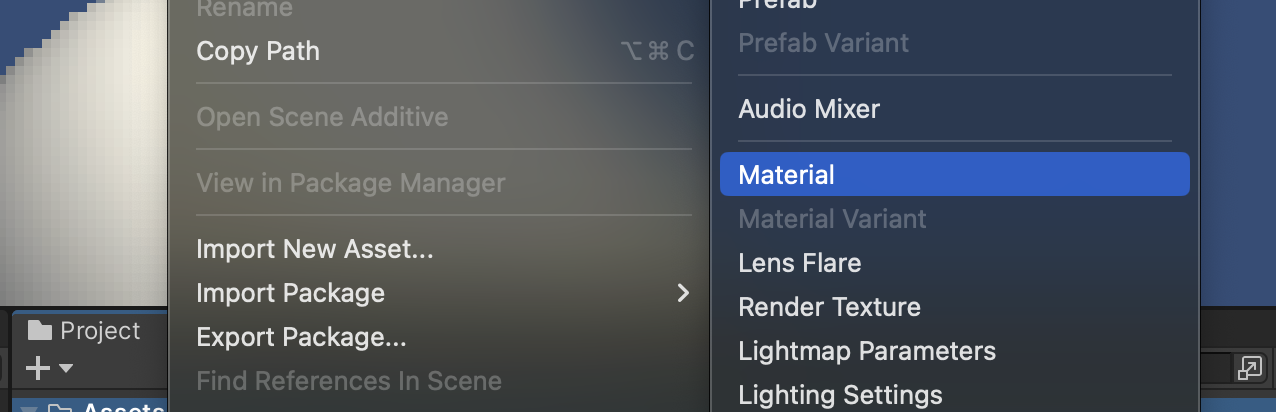
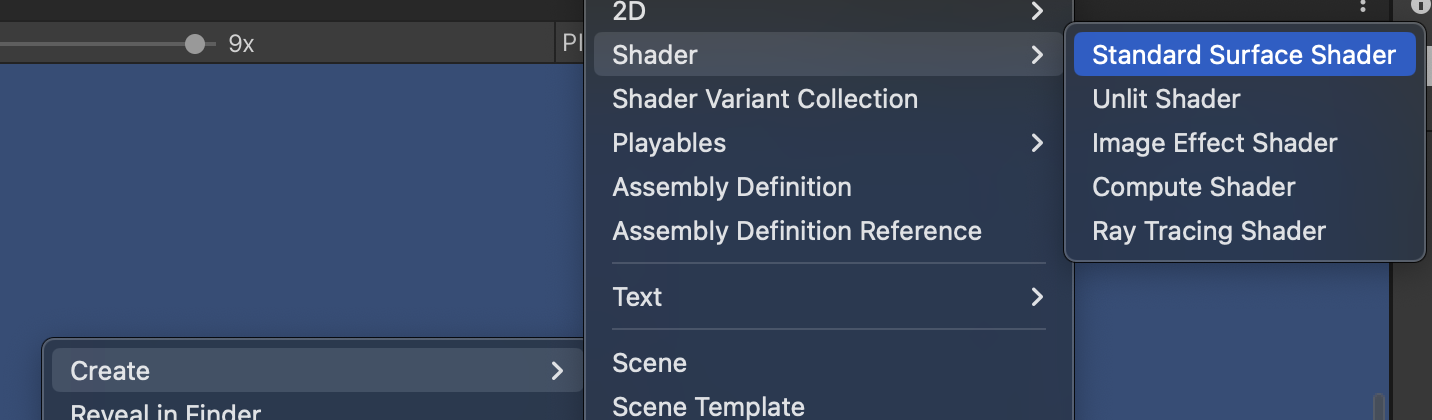
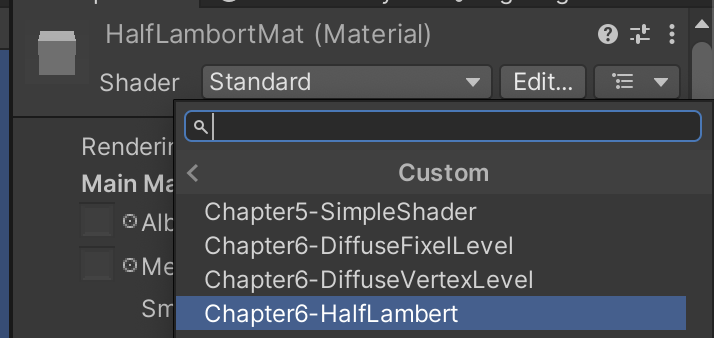
(3)新建一个Unity Shader。在本书资源中,该Shader名为Chapter6-HalfLambert。把新的Shader赋给第2步中创建的材质。

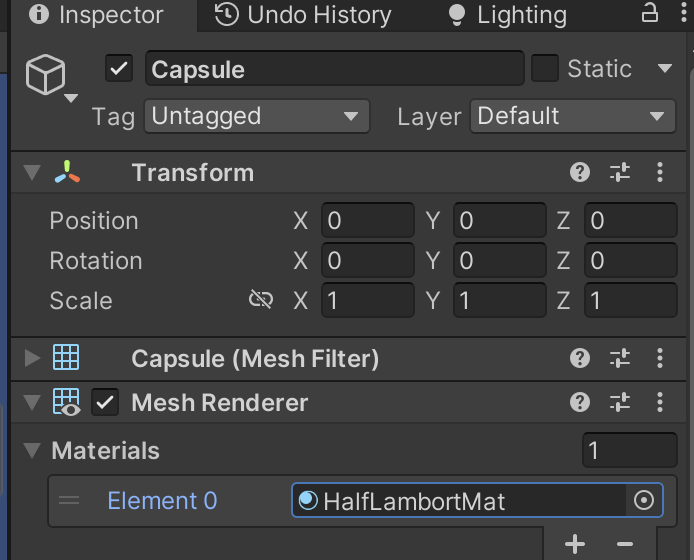
(4)把第2步中创建的材质赋给胶囊体。
打开Chapter6-HalfLambert,删除已有的Shader代码,把6.4.2小节的Chapter6-DiffusePixelLevel代码粘贴进去,并使用半兰伯特公式修改片元着色器中计算漫反射光照的部分:
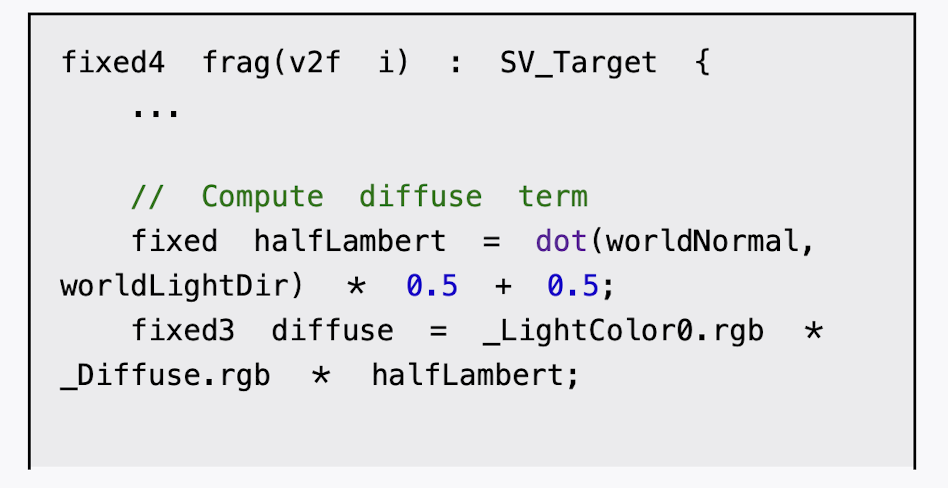
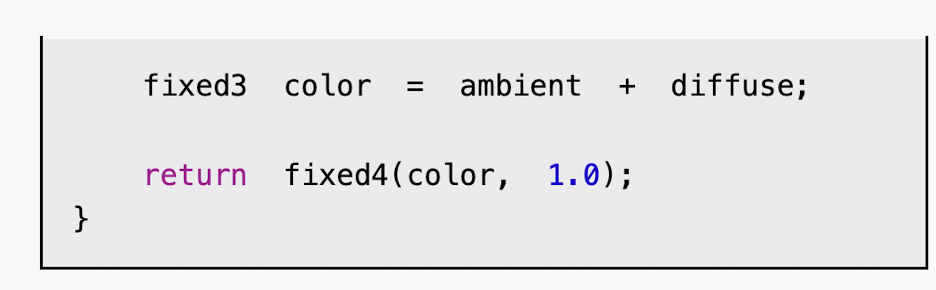
java
Shader "Custom/Chapter6-HalfLambert"
{
    Properties{
        _Diffuse  ("Diffuse",  Color)  =  (1,  1,  1,  1)
    }
    SubShader{
        Tags {"LightMode"="ForwardBase"}
        Pass {
            CGPROGRAM
            #pragma  vertex  vert
            #pragma  fragment  frag
            #include  "Lighting.cginc"
            fixed4  _Diffuse;

            struct a2v {
                float4  vertex  :  POSITION;
                float3  normal  :  NORMAL;
            };

            struct v2f {
                float4  pos  :  SV_POSITION;
                float3  worldNormal  :  TEXCOORD0;
            };

            v2f vert(a2v v) {
                v2f  o;
                //  Transform  the  vertex  from  object  space  to  projection  space
                o.pos  =  UnityObjectToClipPos(v.vertex);

                // Transform  the  normal  from  object  space  to  world  space
                o.worldNormal  =  mul(v.normal,  (float3x3)unity_WorldToObject); //用的左乘,使用顶点变换矩阵的逆转置矩阵对法线进行相同的变换 //normalize 向量单位化,使其长度为1

                return  o;
            }

            fixed4  frag(v2f  i)  :  SV_Target  {
                //  Get  ambient  term
                fixed3  ambient  =  UNITY_LIGHTMODEL_AMBIENT.xyz;
                //  Get  the  normal  in  world  space
                fixed3  worldNormal  =  normalize(i.worldNormal);
                //  Get  the  light  direction  in  world  space
                fixed3  worldLightDir  =  normalize(_WorldSpaceLightPos0.xyz);
                 //  Compute  diffuse  term
                fixed  halfLambert  =  dot(worldNormal,  worldLightDir) * 0.5  +  0.5;
                fixed3   diffuse   =   _LightColor0.rgb * _Diffuse.rgb * halfLambert;

                fixed3 color  =  ambient  +  diffuse;

                return  fixed4(color,  1.0);
            }


            ENDCG

        }
    }
    Fallback  "Diffuse"
}