// Copyright (c) 2014 Luminary LLC
// Licensed under The MIT License (See LICENSE for full text)
using UnityEngine;
using System.Collections;
using System.Collections.Generic;
using System.Linq;

public class SetPropertyExample : MonoBehaviour
{
    [System.Serializable]
    public class VanillaClass
    {
        public enum ExtraType
        {
            None,
            HotFudge,
            Mint,
        }

        [SerializeField, SetProperty("Extra")]
        private ExtraType extra;
        public ExtraType Extra
        {
            get
            {
                return extra;
            }
            set
            {
                extra = value;

                // For illustrative purposes
                if (value == ExtraType.None)
                {
                    Debug.Log("Simple!");
                }
                else
                {
                    Debug.Log("Yummy!");
                }
            }
        }
    }

    [SerializeField, SetProperty("Number")]
    private float number;
    public float Number
    {
        get
        {
            return number;
        }
        private set
        {
            number = Mathf.Clamp01(value);
        }
    }

    [SerializeField, SetProperty("Text")]
    private string text;
    public string Text
    {
        get
        {
            return text;
        }
        set
        {
            text = value.ToUpper();
        }
    }

    [SerializeField, SetProperty("Sprite")]
    private Sprite sprite;
    public Sprite Sprite
    {
        get
        {
            return sprite;
        }
        set
        {
            sprite = value;
            Debug.Log($"The sprite {sprite.name} is a {sprite.texture.width}x{sprite.texture.height} image.");
        }
    }

    [SerializeField, SetProperty("RealNumbers")]
    private List<float> realNumbers;
    public List<float> RealNumbers
    {
        get
        {
            return realNumbers;
        }
        set
        {
            for (int i = 0; i < value.Count; i++)
            {
                value[i] = Mathf.Clamp01(value[i]);
            }
            realNumbers = value;
        }
    }

    [SerializeField, SetProperty("Objects")]
    private GameObject[] objects;
    public GameObject[] Objects
    {
        get
        {
            return objects;
        }
        set
        {
            objects = value;
            Debug.Log($"You have {objects.Length} entries and {objects.Count(o => o == null)} unassigned in your array.");
        }
    }


    public VanillaClass vanilla;
}
// Copyright (c) 2014 Luminary LLC
// Licensed under The MIT License (See LICENSE for full text)
using UnityEngine;
using System.Collections;

public class SetPropertyAttribute : PropertyAttribute
{
	public string Name { get; private set; }

	public SetPropertyAttribute(string name)
	{
		this.Name = name;
	}
}
cs复制代码
using System.Collections;
using System.Collections.Generic;
using UnityEngine;

[ExecuteInEditMode]
public class ProceduralTextureGeneration : MonoBehaviour
{
    public Material material = null; //声明一个材质,这个材质将使用该脚本中生成的程序纹理
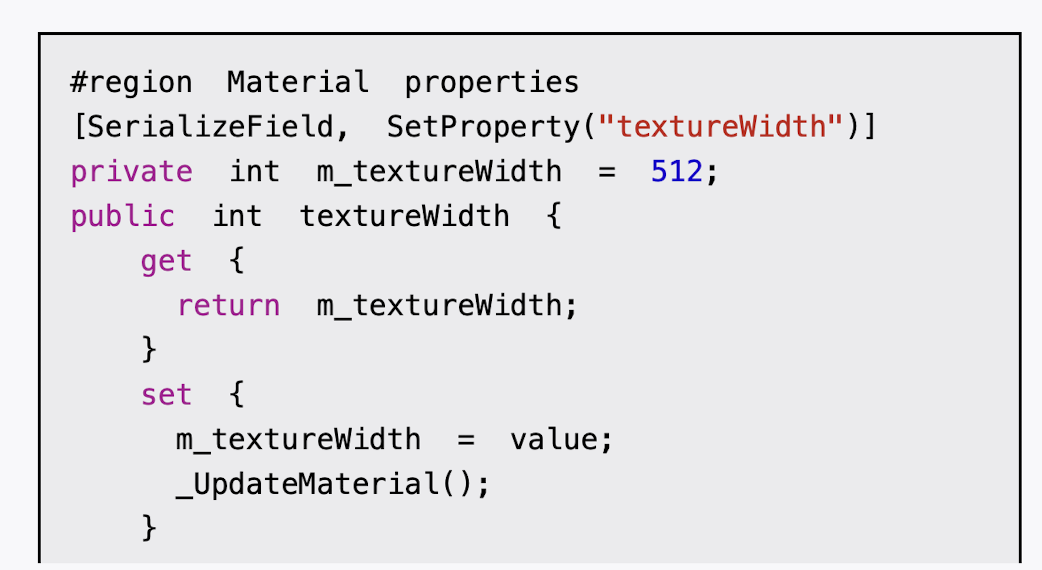
    #region  Material  properties
    [SerializeField, SetProperty("textureWidth")] //纹理的大小,数值通常是2的整数幂
    private int m_textureWidth = 512;
    public int textureWidth
    {
        get { return m_textureWidth; }
        set
        {
            m_textureWidth = value;
            UpdateMaterial();
        }

    }
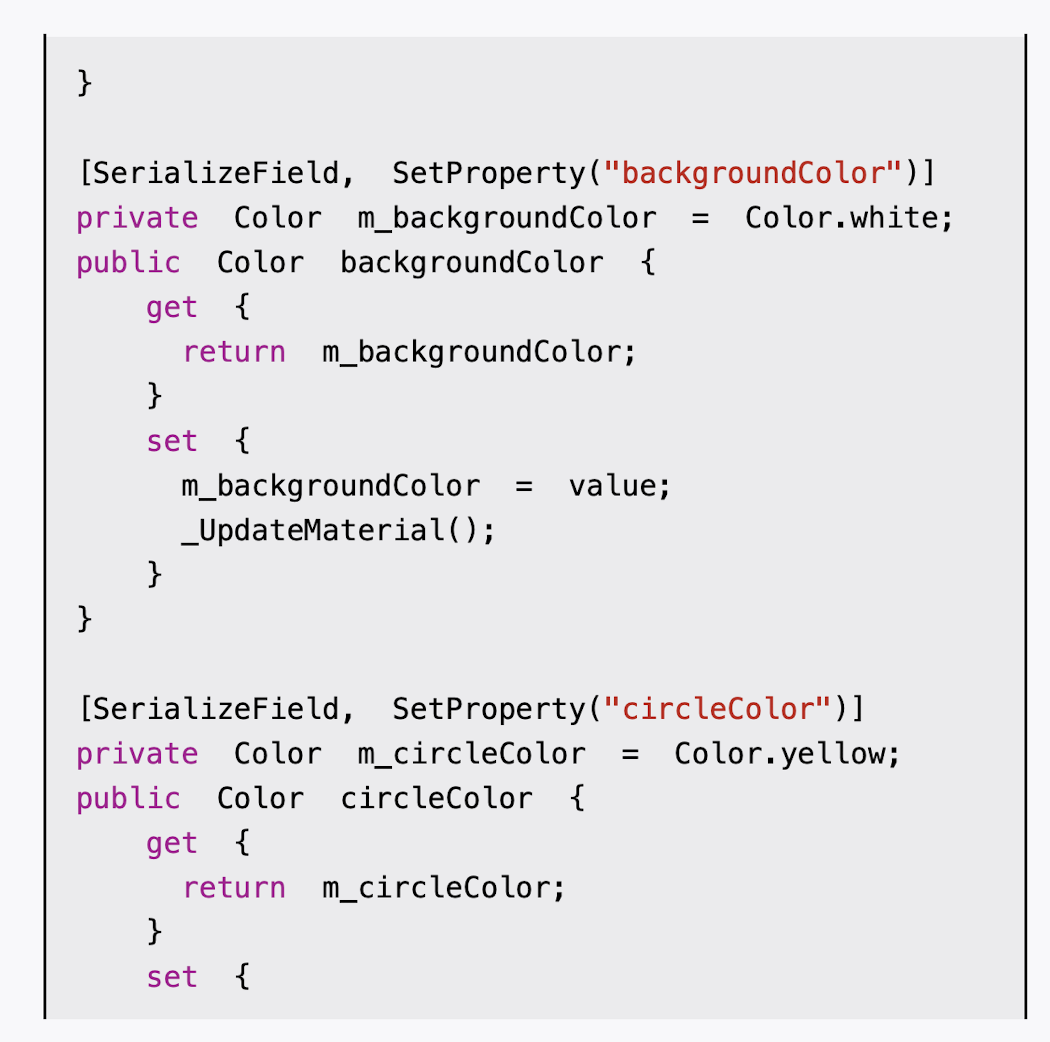
    [SerializeField, SetProperty("backgroundColor")] //纹理的背景颜色
    private Color m_backgroundColor = Color.white;
    public Color backgroundColor
    {
        get { return m_backgroundColor; }
        set
        {
            m_backgroundColor = value;
            UpdateMaterial();
        }
    }

    [SerializeField, SetProperty("circleColor")] //圆点的颜色;
    private Color m_circleColor = Color.yellow;
    public Color circleColor
    {
        get { return m_circleColor; }
        set
        {
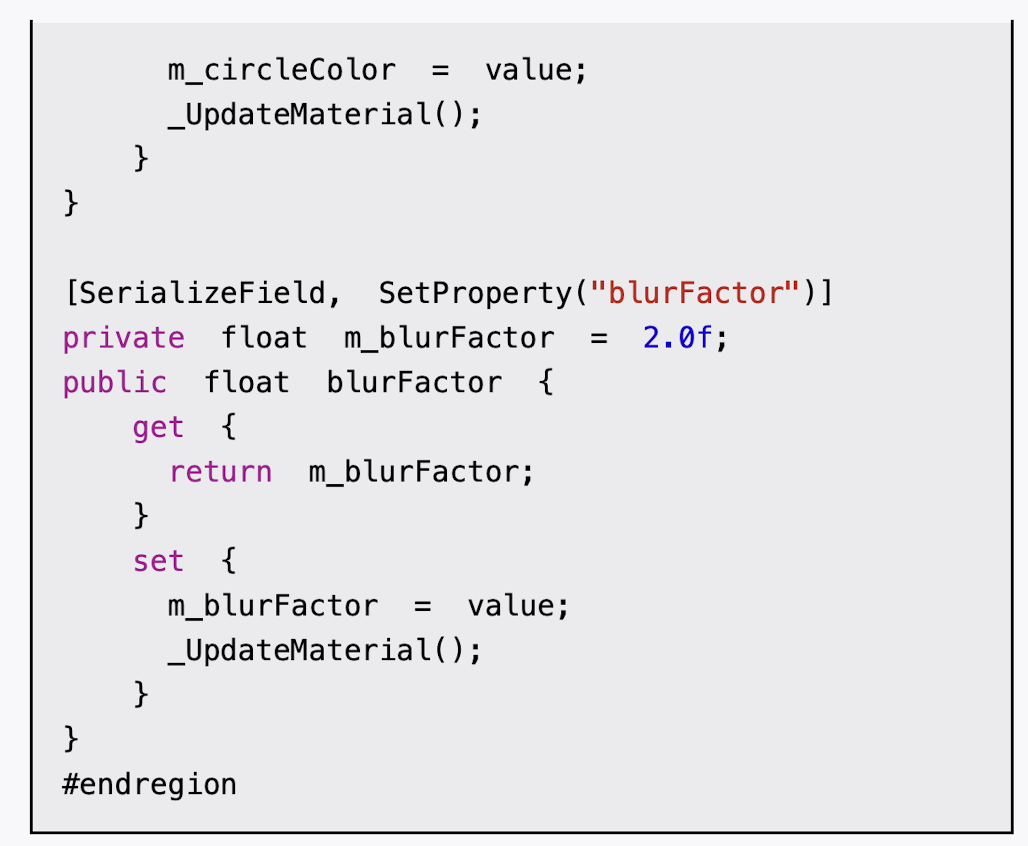
            m_circleColor = value;
            UpdateMaterial();
        }
    }

    [SerializeField, SetProperty("blurFactor")] //模糊因子,这个参数是用来模糊圆形边界的。
    private float m_blurFactor = 2.0f;
    public float blurFactor
    {
        get { return m_blurFactor; }
        set
        {
            m_blurFactor = value;
            UpdateMaterial();
        }
    }
    #endregion //#region和#endregion仅仅是为了组织代码
    private Texture2D m_generatedTexture = null; //保存生成的程序纹理,我们声明一个Texture2D类型的纹理变量


    // Start is called before the first frame update
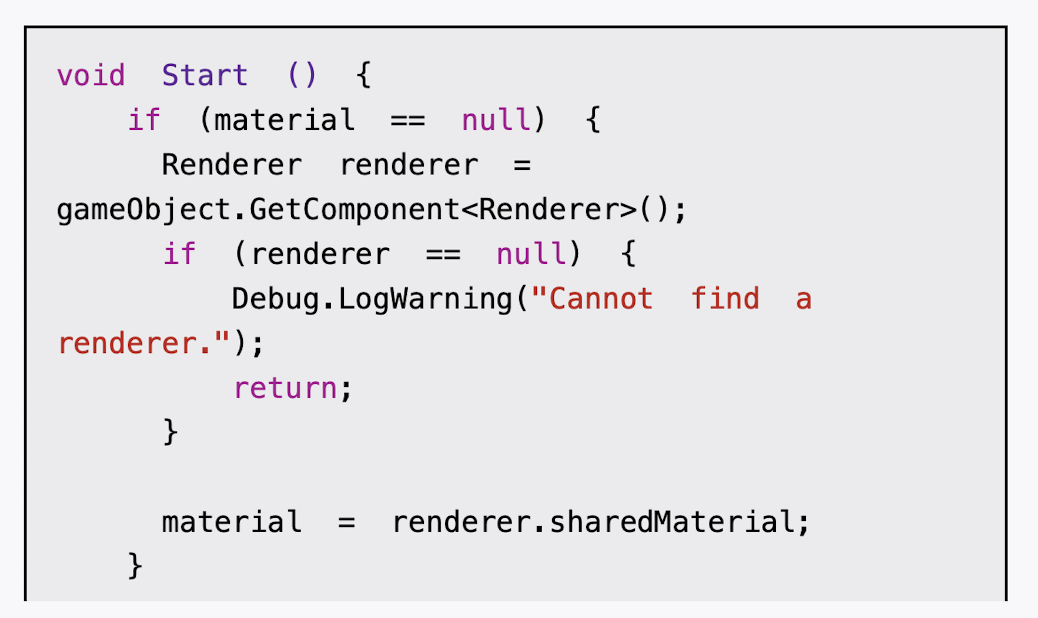
    void Start()
    {
        if (material == null) //检查了material变量是否为空
        {
            Renderer renderer = gameObject.GetComponent<Renderer>();
            if (renderer == null) //如果为空,就尝试从使用该脚本所在的物体上得到相应的材质
            {
                Debug.LogWarning("Cannot  find  a  renderer.");
                return;
            }
            material = renderer.sharedMaterial;
        }
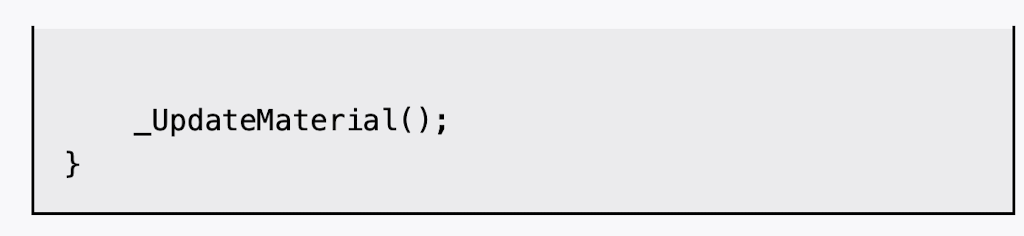
        _UpdateMaterial();//调用_UpdateMaterial函数来为其生成程序纹理
    }

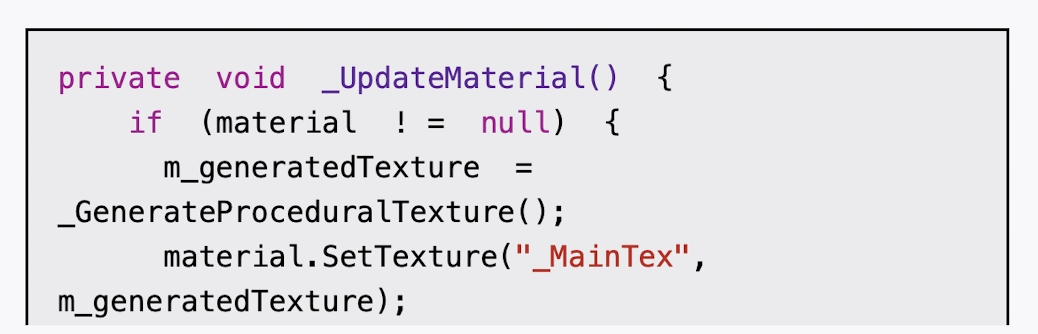
    private void _UpdateMaterial()
    {
        if (material! = null) //确保material不为空
        {
            m_generatedTexture = _GenerateProceduralTexture(); //调用_GenerateProceduralTexture函数来生成一张程序纹理,并赋给m_generatedTexture变量
            material.SetTexture("_MainTex", m_generatedTexture); //生成的纹理赋给材质
        }
    }
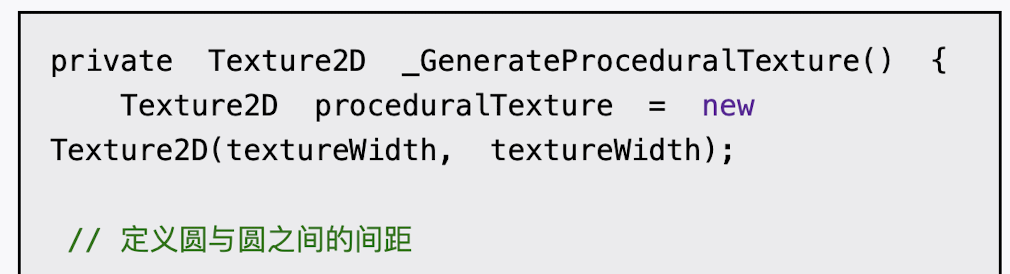
    private Texture2D _GenerateProceduralTexture()
    {
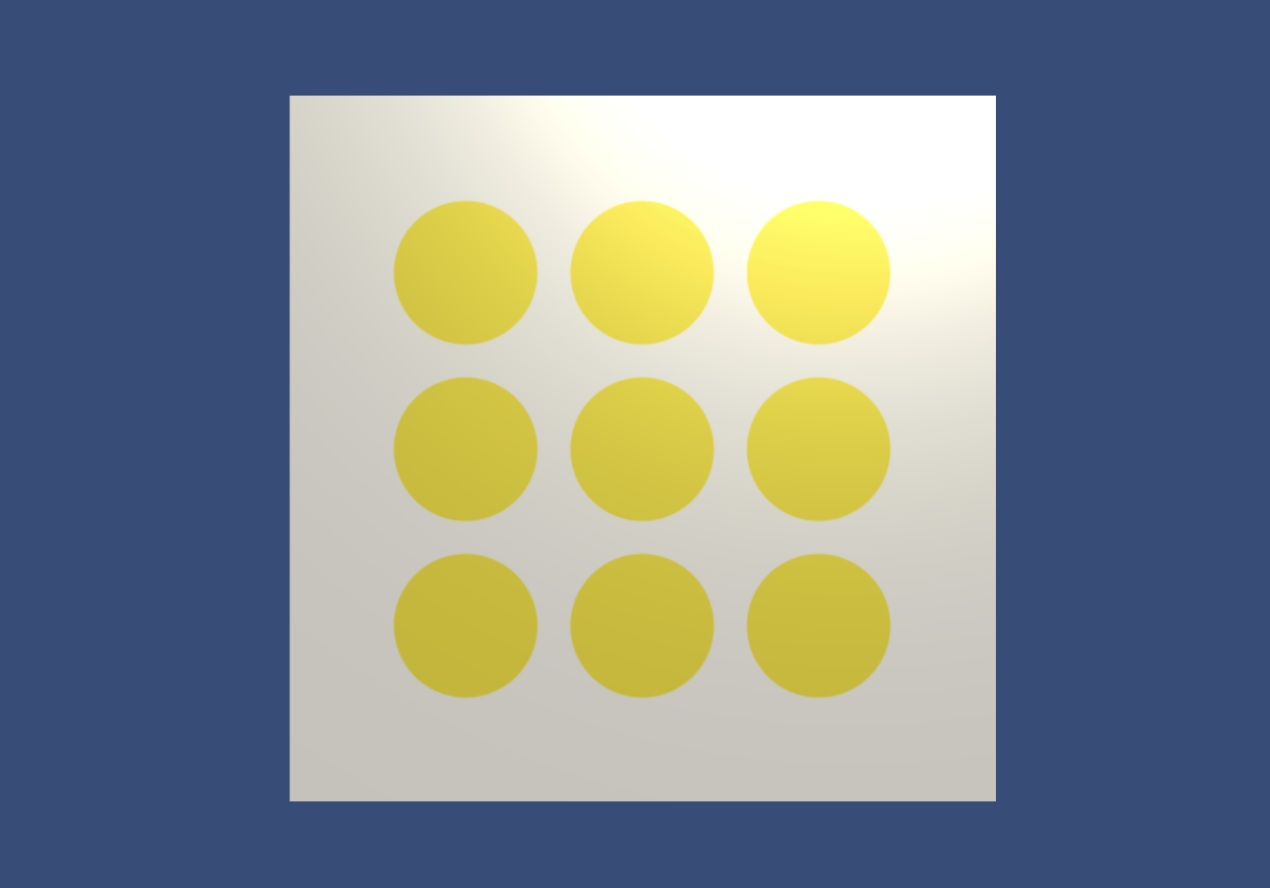
        Texture2D proceduralTexture = new Texture2D(textureWidth, textureWidth); //初始化一张二维纹理
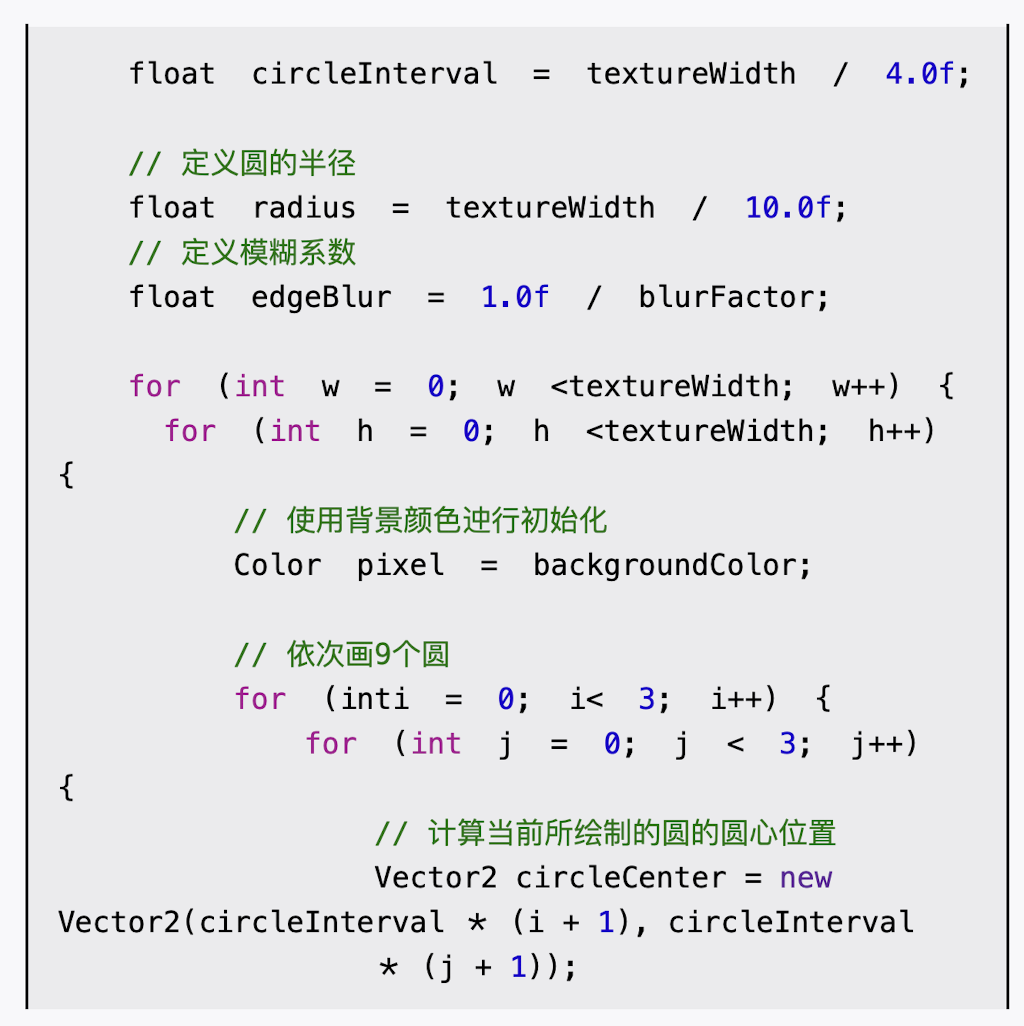
        // 定义圆与圆之间的间距
        float circleInterval = textureWidth / 4.0f;
        // 定义圆的半径
        float radius = textureWidth / 10.0f;
        // 定义模糊系数
        float edgeBlur = 1.0f / blurFactor;

        for (int w = 0; w < textureWidth; w++)
        {
            for (int h = 0; h < textureWidth; h++) //使用了一个两层的嵌套循环遍历纹理中的每个像素
            {
                // 使用背景颜色迚行初始化
                Color pixel = backgroundColor;
                // 依次画9个圆
                for (int i = 0; i < 3; i++)
                {
                    for (int j = 0; j < 3; j++)
                    {
                        // 计算当前所绘制的圆的圆心位置
                        Vector2 circleCenter = new Vector2(circleInterval * (i + 1), circleInterval * (j + 1));
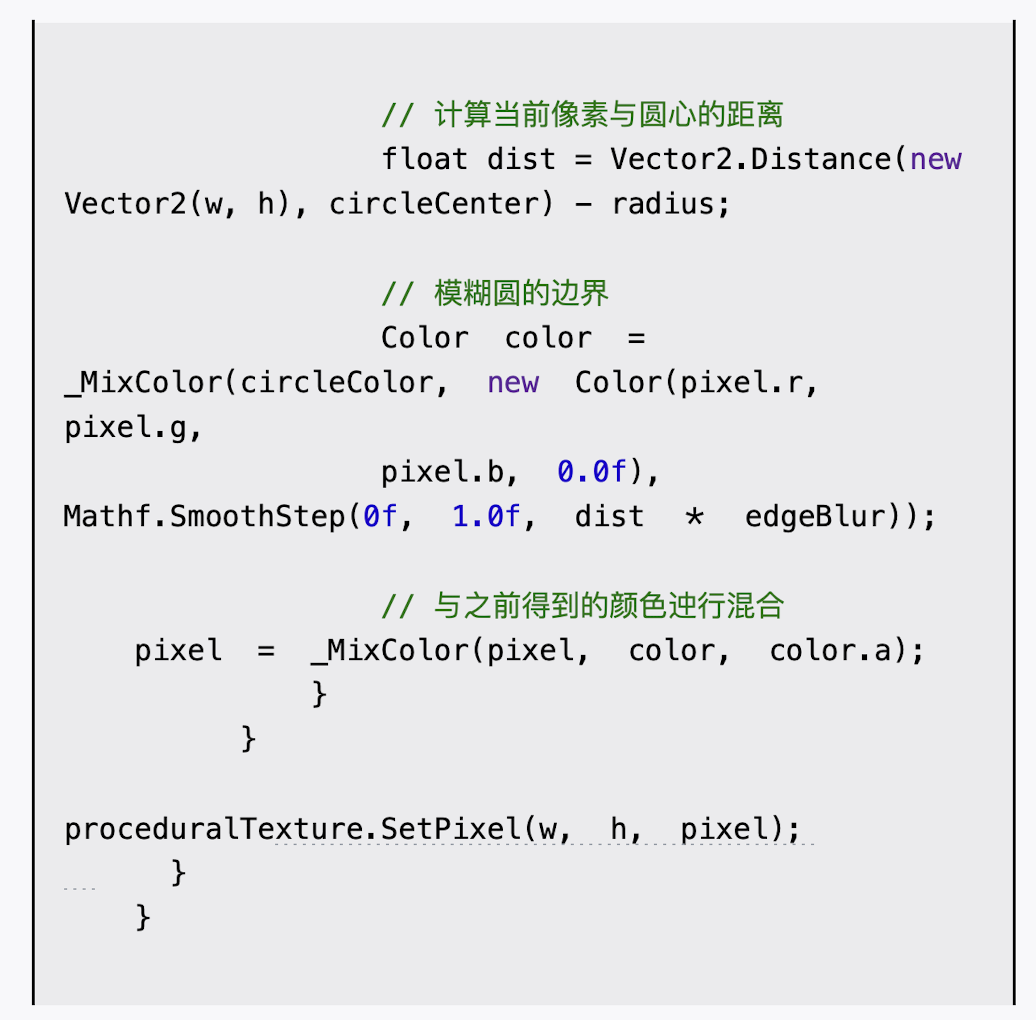
                        // 计算当前像素与圆心的距离
                        float dist = Vector2.Distance(new Vector2(w, h), circleCenter) - radius;
                        // 模糊圆的边界
                        Color color = _MixColor(circleColor, new Color(pixel.r, pixel.g, pixel.b, 0.0f), Mathf.SmoothStep(0f, 1.0f, dist * edgeBlur));
                        // 与之前得到的颜色进行混合
                        pixel = _MixColor(pixel, color, color.a);
                    }
                }
                proceduralTexture.SetPixel(w, h, pixel);
            }
        }
        proceduralTexture.Apply(); //强制把像素值写入纹理中,并返回该程序纹理
        return proceduralTexture;
    }


    // Update is called once per frame
    void Update()
    {

    }
}