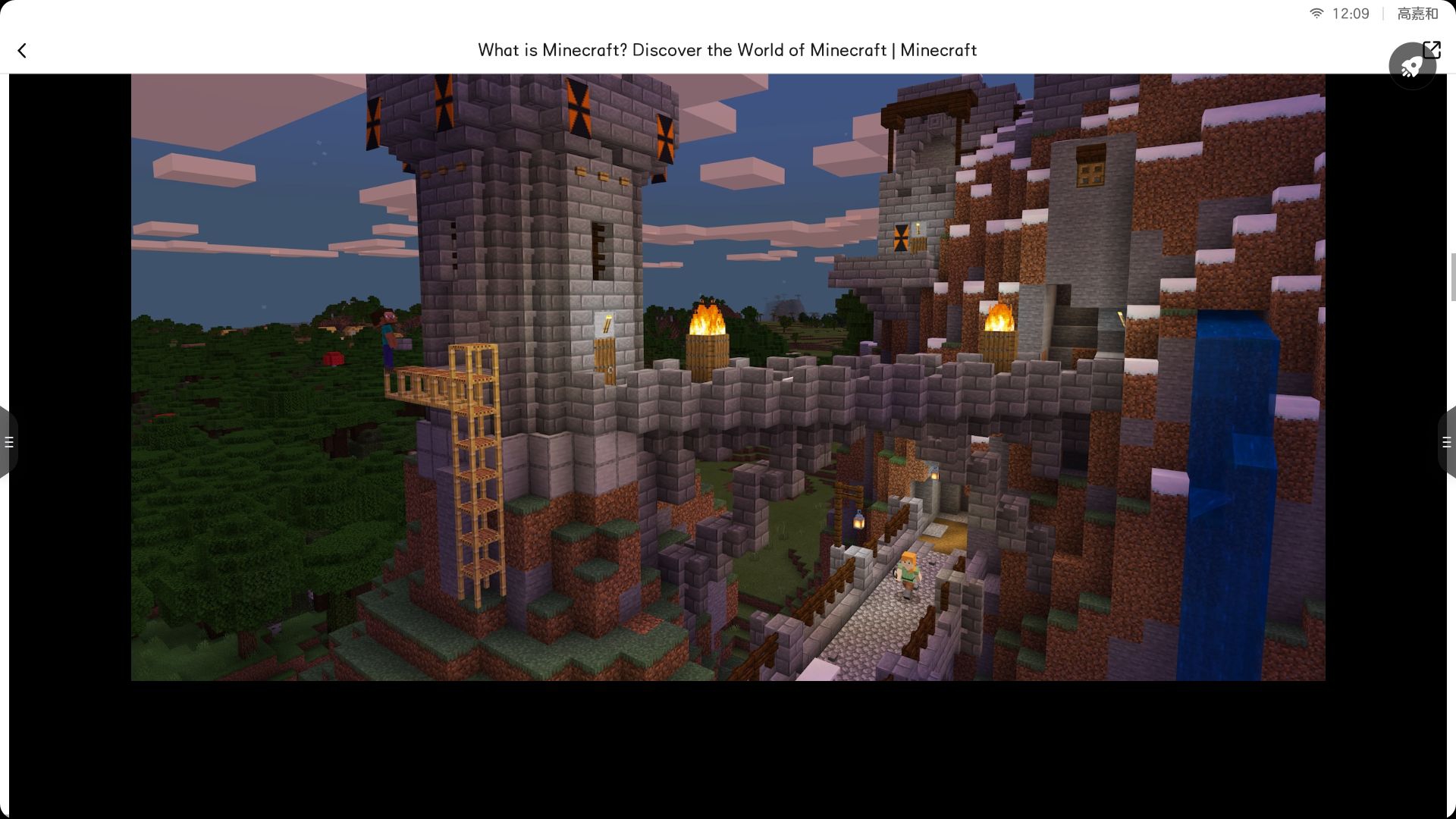
当你想玩minecraft但不想下载它的时候,你就可以试试这一款,你只需要新建一个文本的,然后再把它的后缀命名为html,这样才输入以下代码就可以运行了
<!DOCTYPE html>
<html lang="zh">
<head>
<meta charset="UTF-8">
<meta name="viewport" content="width=device-width, initial-scale=1.0">
<title>升级版HTML Minecraft</title>
<style>
* {
margin: 0;
padding: 0;
box-sizing: border-box;
}
body {
font-family: 'Segoe UI', Tahoma, Geneva, Verdana, sans-serif;
background: linear-gradient(135deg, #1a2a6c, #2a4b8d);
color: white;
overflow: hidden;
height: 100vh;
display: flex;
flex-direction: column;
}
header {
background-color: rgba(0, 0, 0, 0.7);
padding: 15px;
text-align: center;
box-shadow: 0 4px 12px rgba(0, 0, 0, 0.5);
z-index: 10;
}
h1 {
font-size: 2.5rem;
margin-bottom: 10px;
color: #4CAF50;
text-shadow: 2px 2px 4px rgba(0, 0, 0, 0.5);
}
.subtitle {
font-size: 1.2rem;
color: #ddd;
}
.container {
display: flex;
flex: 1;
overflow: hidden;
}
.game-area {
flex: 1;
position: relative;
overflow: hidden;
}
#gameCanvas {
display: block;
background: linear-gradient(to bottom, #87CEEB, #1E90FF);
}
.sidebar {
width: 250px;
background-color: rgba(0, 0, 0, 0.8);
padding: 20px;
overflow-y: auto;
border-left: 2px solid #4CAF50;
}
.block-palette {
display: grid;
grid-template-columns: repeat(2, 1fr);
gap: 10px;
margin-bottom: 20px;
}
.block-item {
background-color: rgba(255, 255, 255, 0.1);
border: 2px solid transparent;
border-radius: 8px;
padding: 10px;
text-align: center;
cursor: pointer;
transition: all 0.3s;
}
.block-item:hover {
background-color: rgba(255, 255, 255, 0.2);
transform: translateY(-2px);
}
.block-item.selected {
border-color: #4CAF50;
background-color: rgba(76, 175, 80, 0.2);
}
.block-preview {
width: 30px;
height: 30px;
margin: 0 auto 5px;
border: 1px solid #555;
}
.controls {
margin-top: 20px;
background-color: rgba(0, 0, 0, 0.5);
padding: 15px;
border-radius: 8px;
}
.controls h3 {
margin-bottom: 10px;
color: #4CAF50;
}
.controls ul {
list-style-type: none;
padding-left: 10px;
}
.controls li {
margin-bottom: 8px;
padding-left: 5px;
}
.stats {
margin-top: 20px;
background-color: rgba(0, 0, 0, 0.5);
padding: 15px;
border-radius: 8px;
}
.stats h3 {
margin-bottom: 10px;
color: #4CAF50;
}
.stats p {
margin-bottom: 5px;
}
footer {
background-color: rgba(0, 0, 0, 0.7);
padding: 10px;
text-align: center;
font-size: 0.9rem;
color: #aaa;
}
.notification {
position: absolute;
top: 20px;
left: 50%;
transform: translateX(-50%);
background-color: rgba(0, 0, 0, 0.8);
padding: 10px 20px;
border-radius: 5px;
color: white;
z-index: 100;
opacity: 0;
transition: opacity 0.3s;
}
.notification.show {
opacity: 1;
}
</style>
</head>
<body>
<header>
<h1>HTML Minecraft</h1>
<div class="subtitle">放置、破坏和探索你的方块世界!</div>
</header>
<div class="container">
<div class="game-area">
<canvas id="gameCanvas"></canvas>
<div id="notification" class="notification"></div>
</div>
<div class="sidebar">
<h2>方块选择</h2>
<div class="block-palette" id="blockPalette">
<!-- 方块将通过JavaScript动态生成 -->
</div>
<div class="stats">
<h3>游戏状态</h3>
<p>坐标: <span id="coordinates">0, 0</span></p>
<p>选中的方块: <span id="selectedBlock">草方块</span></p>
<p>世界大小: <span id="worldSize">1000x1000</span></p>
</div>
<div class="controls">
<h3>控制说明</h3>
<ul>
<li><strong>WASD</strong> - 移动角色</li>
<li><strong>鼠标左键</strong> - 破坏方块</li>
<li><strong>鼠标右键</strong> - 放置方块</li>
<li><strong>空格键</strong> - 跳跃</li>
<li><strong>数字键 1-6</strong> - 快速选择方块</li>
<li><strong>F键</strong> - 切换飞行模式</li>
</ul>
</div>
</div>
</div>
<footer>
<p>使用HTML5 Canvas制作的简易Minecraft | 使用键盘和鼠标进行游戏</p>
</footer>
<script>
// 游戏主逻辑
document.addEventListener('DOMContentLoaded', function() {
const canvas = document.getElementById('gameCanvas');
const ctx = canvas.getContext('2d');
const notification = document.getElementById('notification');
const coordinatesDisplay = document.getElementById('coordinates');
const selectedBlockDisplay = document.getElementById('selectedBlock');
const blockPalette = document.getElementById('blockPalette');
// 设置画布大小
function resizeCanvas() {
canvas.width = canvas.parentElement.clientWidth;
canvas.height = canvas.parentElement.clientHeight;
}
resizeCanvas();
window.addEventListener('resize', resizeCanvas);
// 游戏配置
const config = {
blockSize: 40,
worldSize: 1000,
gravity: 0.5,
jumpStrength: 12,
moveSpeed: 5
};
// 方块类型
const blockTypes = {
0: { name: '空气', color: 'transparent' },
1: { name: '草方块', color: '#7CFC00', topColor: '#5cb300' },
2: { name: '泥土', color: '#8B4513' },
3: { name: '石头', color: '#808080' },
4: { name: '木头', color: '#8B4513', sideColor: '#A0522D' },
5: { name: '树叶', color: '#228B22' },
6: { name: '沙子', color: '#F4A460' },
7: { name: '水', color: '#1E90FF', alpha: 0.7 },
8: { name: '玻璃', color: '#87CEEB', alpha: 0.5 },
9: { name: '钻石矿石', color: '#1E90FF' },
10: { name: '金矿石', color: '#FFD700' },
11: { name: '黑曜石', color: '#191970' },
12: { name: '雪块', color: '#F0F8FF' }
};
// 初始化世界
let world = \[\];
function initializeWorld() {
world = \[\];
for (let x = 0; x < config.worldSize; x++) {
worldx = \[\];
for (let y = 0; y < config.worldSize; y++) {
// 生成地形
if (y > config.worldSize/2 + Math.sin(x/20)*10) {
worldxy = 0; // 空气
} else if (y > config.worldSize/2 + Math.sin(x/20)*10 - 1) {
worldxy = 1; // 草方块
} else if (y > config.worldSize/2 + Math.sin(x/20)*10 - 5) {
worldxy = 2; // 泥土
} else {
worldxy = 3; // 石头
}
// 随机放置一些资源
if (Math.random() < 0.01 && y < config.worldSize/2 + Math.sin(x/20)*10 - 10) {
worldxy = 9; // 钻石矿石
}
if (Math.random() < 0.02 && y < config.worldSize/2 + Math.sin(x/20)*10 - 8) {
worldxy = 10; // 金矿石
}
// 生成树木
if (Math.random() < 0.02 && y === Math.floor(config.worldSize/2 + Math.sin(x/20)*10 - 1)) {
// 树干
for (let i = 1; i <= 4; i++) {
if (y-i >= 0) worldxy-i = 4;
}
// 树叶
for (let dx = -2; dx <= 2; dx++) {
for (let dy = -5; dy <= -2; dy++) {
if (x+dx >= 0 && x+dx < config.worldSize && y+dy >= 0 &&
Math.abs(dx) + Math.abs(dy+3) <= 3) {
worldx+dxy+dy = 5;
}
}
}
}
// 生成水
if (y === Math.floor(config.worldSize/2 + Math.sin(x/20)*10 + 1) && Math.random() < 0.3) {
worldxy = 7;
}
}
}
}
// 玩家状态
const player = {
x: config.worldSize / 2,
y: config.worldSize / 2 - 10,
width: 20,
height: 40,
velocityX: 0,
velocityY: 0,
selectedBlock: 1,
flying: false,
onGround: false
};
// 相机位置
let cameraX = 0;
let cameraY = 0;
// 初始化方块选择面板
function initializeBlockPalette() {
blockPalette.innerHTML = '';
for (let i = 1; i <= 12; i++) {
if (blockTypesi) {
const blockItem = document.createElement('div');
blockItem.className = 'block-item';
blockItem.dataset.blockType = i;
const blockPreview = document.createElement('div');
blockPreview.className = 'block-preview';
blockPreview.style.backgroundColor = blockTypesi.color;
const blockName = document.createElement('div');
blockName.textContent = blockTypesi.name;
blockItem.appendChild(blockPreview);
blockItem.appendChild(blockName);
blockItem.addEventListener('click', function() {
document.querySelectorAll('.block-item').forEach(item => {
item.classList.remove('selected');
});
this.classList.add('selected');
player.selectedBlock = parseInt(this.dataset.blockType);
selectedBlockDisplay.textContent = blockTypesplayer.selectedBlock.name;
showNotification(`已选择: ${blockTypesplayer.selectedBlock.name}`);
});
if (i === player.selectedBlock) {
blockItem.classList.add('selected');
}
blockPalette.appendChild(blockItem);
}
}
}
// 显示通知
function showNotification(message, duration = 2000) {
notification.textContent = message;
notification.classList.add('show');
setTimeout(() => {
notification.classList.remove('show');
}, duration);
}
// 绘制游戏
function draw() {
// 清空画布
ctx.clearRect(0, 0, canvas.width, canvas.height);
// 绘制背景
ctx.fillStyle = '#87CEEB';
ctx.fillRect(0, 0, canvas.width, canvas.height);
// 计算相机位置(跟随玩家)
cameraX = player.x - canvas.width / 2;
cameraY = player.y - canvas.height / 2;
// 绘制世界
const startX = Math.max(0, Math.floor(cameraX / config.blockSize));
const endX = Math.min(config.worldSize, Math.ceil((cameraX + canvas.width) / config.blockSize));
const startY = Math.max(0, Math.floor(cameraY / config.blockSize));
const endY = Math.min(config.worldSize, Math.ceil((cameraY + canvas.height) / config.blockSize));
for (let x = startX; x < endX; x++) {
for (let y = startY; y < endY; y++) {
const blockType = worldxy;
if (blockType !== 0) { // 不绘制空气
const block = blockTypesblockType;
const screenX = x * config.blockSize - cameraX;
const screenY = y * config.blockSize - cameraY;
if (block.alpha) {
ctx.globalAlpha = block.alpha;
} else {
ctx.globalAlpha = 1;
}
ctx.fillStyle = block.topColor || block.color;
ctx.fillRect(screenX, screenY, config.blockSize, config.blockSize);
// 绘制方块边框
ctx.strokeStyle = 'rgba(0, 0, 0, 0.3)';
ctx.lineWidth = 1;
ctx.strokeRect(screenX, screenY, config.blockSize, config.blockSize);
// 如果是木头,绘制侧面颜色
if (block.sideColor) {
ctx.fillStyle = block.sideColor;
ctx.fillRect(screenX, screenY, config.blockSize/5, config.blockSize);
}
ctx.globalAlpha = 1;
}
}
}
// 绘制玩家
ctx.fillStyle = '#FF0000';
const playerScreenX = player.x - cameraX;
const playerScreenY = player.y - cameraY;
ctx.fillRect(playerScreenX, playerScreenY, player.width, player.height);
// 更新坐标显示
coordinatesDisplay.textContent = `{Math.floor(player.x)}, {Math.floor(player.y)}`;
}
// 游戏循环
function gameLoop() {
update();
draw();
requestAnimationFrame(gameLoop);
}
// 更新游戏状态
function update() {
// 应用重力(如果不是飞行模式)
if (!player.flying) {
player.velocityY += config.gravity;
player.onGround = false;
// 检测与地面的碰撞
for (let x = Math.floor(player.x / config.blockSize); x < Math.ceil((player.x + player.width) / config.blockSize); x++) {
for (let y = Math.floor((player.y + player.height) / config.blockSize); y < Math.ceil((player.y + player.height + player.velocityY) / config.blockSize); y++) {
if (x >= 0 && x < config.worldSize && y >= 0 && y < config.worldSize && worldxy !== 0) {
player.velocityY = 0;
player.y = y * config.blockSize - player.height;
player.onGround = true;
break;
}
}
if (player.onGround) break;
}
}
// 水平移动和碰撞检测
player.x += player.velocityX;
// 水平碰撞检测
for (let y = Math.floor(player.y / config.blockSize); y < Math.ceil((player.y + player.height) / config.blockSize); y++) {
// 向右移动时的碰撞
if (player.velocityX > 0) {
const x = Math.floor((player.x + player.width) / config.blockSize);
if (x >= 0 && x < config.worldSize && y >= 0 && y < config.worldSize && worldxy !== 0) {
player.x = x * config.blockSize - player.width;
}
}
// 向左移动时的碰撞
else if (player.velocityX < 0) {
const x = Math.floor(player.x / config.blockSize);
if (x >= 0 && x < config.worldSize && y >= 0 && y < config.worldSize && worldxy !== 0) {
player.x = (x + 1) * config.blockSize;
}
}
}
// 垂直移动
player.y += player.velocityY;
// 确保玩家不会离开世界边界
player.x = Math.max(0, Math.min(config.worldSize * config.blockSize - player.width, player.x));
player.y = Math.max(0, Math.min(config.worldSize * config.blockSize - player.height, player.y));
// 减慢水平速度(模拟摩擦力)
player.velocityX *= 0.8;
if (Math.abs(player.velocityX) < 0.1) player.velocityX = 0;
}
// 处理键盘输入
const keys = {};
document.addEventListener('keydown', function(e) {
keyse.key = true;
// 数字键选择方块
if (e.key >= '1' && e.key <= '9') {
const blockIndex = parseInt(e.key);
if (blockTypesblockIndex) {
player.selectedBlock = blockIndex;
selectedBlockDisplay.textContent = blockTypesplayer.selectedBlock.name;
document.querySelectorAll('.block-item').forEach(item => {
item.classList.remove('selected');
if (parseInt(item.dataset.blockType) === blockIndex) {
item.classList.add('selected');
}
});
showNotification(`已选择: ${blockTypesplayer.selectedBlock.name}`);
}
}
// 飞行模式切换
if (e.key === 'f' || e.key === 'F') {
player.flying = !player.flying;
showNotification(player.flying ? '飞行模式已开启' : '飞行模式已关闭');
}
// 防止空格键滚动页面
if (e.key === ' ') {
e.preventDefault();
}
});
document.addEventListener('keyup', function(e) {
keyse.key = false;
});
function handleInput() {
if (keys'w' || keys'W' || keys'ArrowUp') {
if (player.flying) {
player.velocityY = -config.moveSpeed;
} else if (player.onGround) {
player.velocityY = -config.jumpStrength;
}
}
if (keys's' || keys'S' || keys'ArrowDown') {
if (player.flying) {
player.velocityY = config.moveSpeed;
}
}
if (keys'a' || keys'A' || keys'ArrowLeft') {
player.velocityX = -config.moveSpeed;
}
if (keys'd' || keys'D' || keys'ArrowRight') {
player.velocityX = config.moveSpeed;
}
}
// 处理鼠标点击(放置/破坏方块)
canvas.addEventListener('click', function(e) {
const rect = canvas.getBoundingClientRect();
const mouseX = e.clientX - rect.left + cameraX;
const mouseY = e.clientY - rect.top + cameraY;
const blockX = Math.floor(mouseX / config.blockSize);
const blockY = Math.floor(mouseY / config.blockSize);
if (blockX >= 0 && blockX < config.worldSize && blockY >= 0 && blockY < config.worldSize) {
// 左键破坏方块
if (e.button === 0) {
if (worldblockXblockY !== 0) {
worldblockXblockY = 0;
showNotification(`破坏了: ${blockTypesworld\[blockXblockY].name}`);
}
}
// 右键放置方块
else if (e.button === 2) {
if (worldblockXblockY === 0) {
worldblockXblockY = player.selectedBlock;
showNotification(`放置了: ${blockTypesplayer.selectedBlock.name}`);
}
}
}
// 防止右键菜单
if (e.button === 2) {
e.preventDefault();
}
});
// 防止右键菜单
canvas.addEventListener('contextmenu', function(e) {
e.preventDefault();
});
// 输入处理循环
setInterval(handleInput, 1000/60);
// 初始化游戏
initializeWorld();
initializeBlockPalette();
showNotification('欢迎来到HTML Minecraft! 使用WASD移动,鼠标左右键放置/破坏方块');
// 开始游戏循环
gameLoop();
});
</script>
</body>
</html>