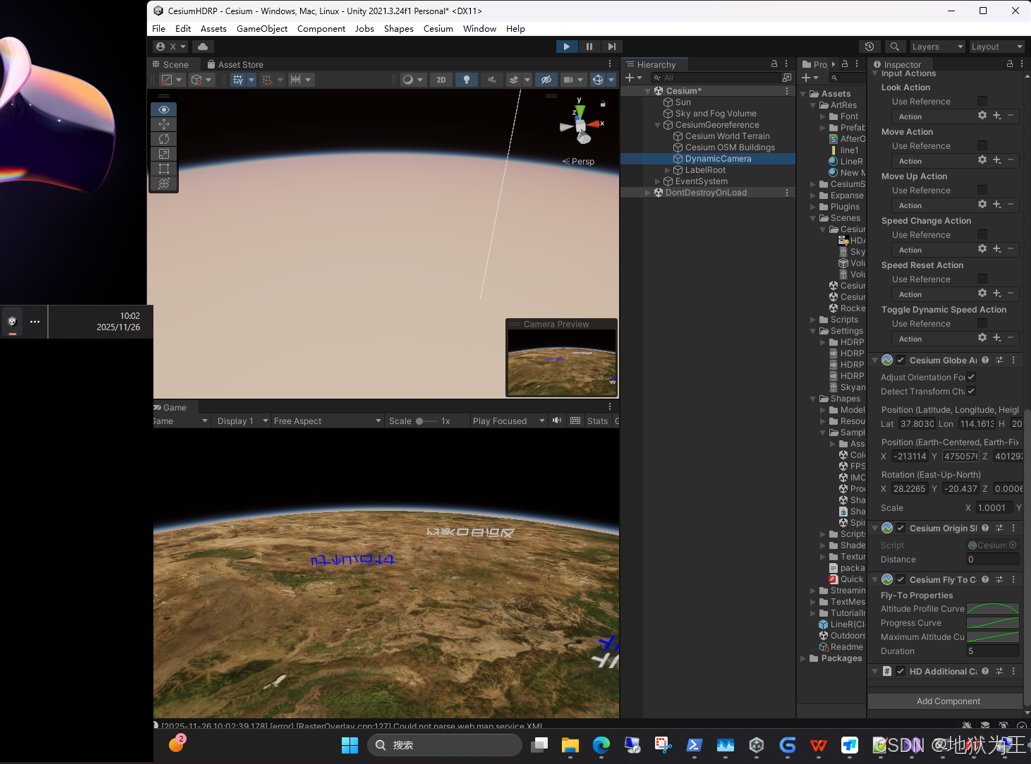
效果图
1、dotnet和cmake
dotnet --version
9.0.307
cmake-3.31.9-windows-x86_64.msi
2、Windows启用长路径
3、clone com.cesium.unity到在Unity工程的Packages下
直接用最新的代码
git clone --recurse-submodules https://github.com/CesiumGS/cesium-unity.git com.cesium.unity
com.cesium.unity
cd com.cesium.unity
dotnet publish Reinterop~ -o .
cd native~
Debug版本
cmake -B build -S . -DCMAKE_BUILD_TYPE=Debug
cmake --build build -j14 --target install --config Debug
Release版本
cmake -B build -S . -DCMAKE_BUILD_TYPE=RelWithDebInfo
cmake --build build -j14 --target install --config RelWithDebInfo
4、遇见 IonTokenTroubleshootingWindowImpl.h:3:10: fatal error: 'DotNet/System/String.h' file not
found
编辑器打开工程找个代码,加个空格保存编译一下,再关掉
再走一遍
cmake -B build -S . -DCMAKE_BUILD_TYPE=Debug
5、去掉logo
源码文件:native~/Runtime/src/CesiumCreditSystemImpl.cpp
修改位置:注释掉调用 htmlToCreditComponents方法的代码
cmake --build build -j14 --target install --config Debug