书籍:Matlab实用教程
工具:Matlab2021a
电脑信息:Intel® Xeon® CPU E5-2603 v3 @ 1.60GHz
系统类型:64位操作系统,基于X64的处理器 windows10 专业版
第3章MATLAB的符号计算
3.7 符号函数的可视化
3.7.1 符号函数的绘图命令
1、ezplot和ezplot3命令
cpp
>> y=str2sym('-1/3*x^3+1/3*x^4')

y =

x^4/3 - x^3/3

>> ezplot(y)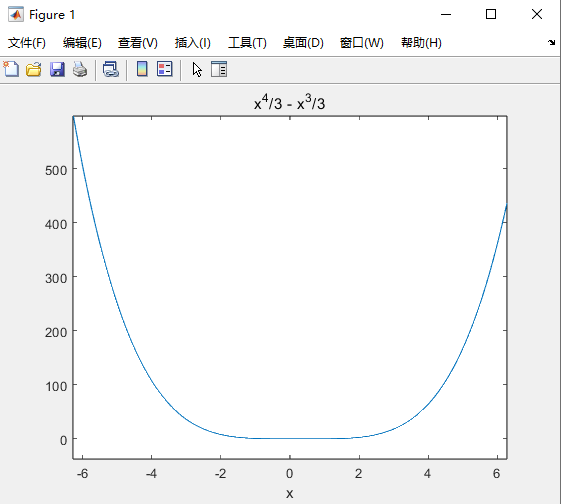
cpp
>> ezplot(y,[0,100])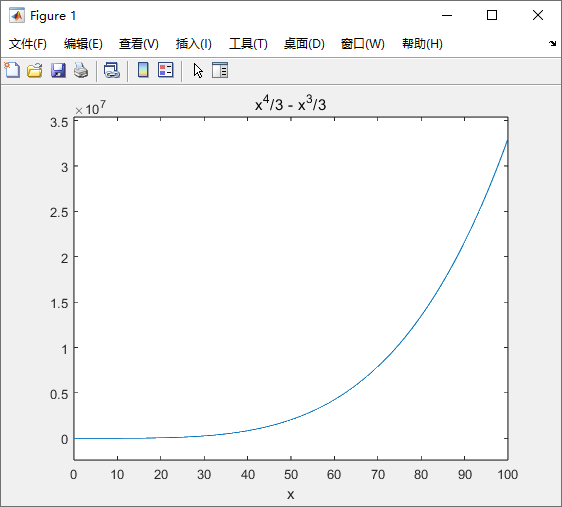
cpp
>> x=str2sym('sin(t)')

x =

sin(t)

>> z=str2sym('t')

z =

t

>> y=str2sym('cos(t)')

y =

cos(t)

>> ezplot3(x,y,z,[0,10*pi],'animate')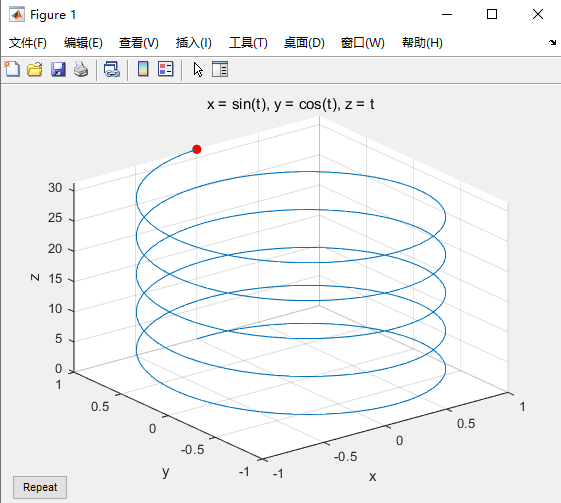
2、其它绘图命令
cpp
>> ezcontour('x*sin(t)',[-4,4])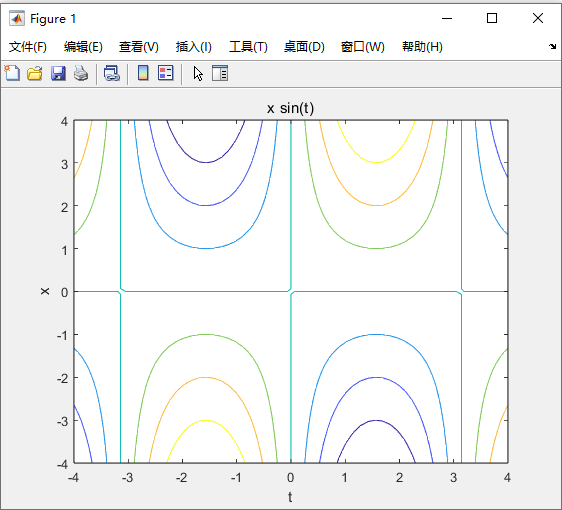
cpp
>> ezcontourf('x*sin(t)',[-4,4])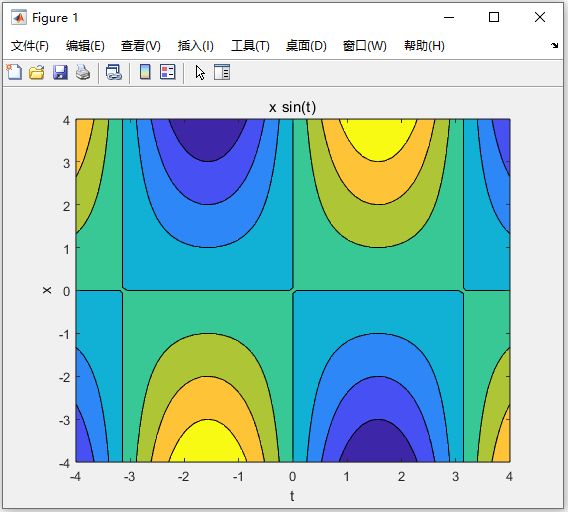
cpp
>> ezmesh('sin(x)*exp(-t)','cos(x)*exp(-t)','x',[0,2*pi])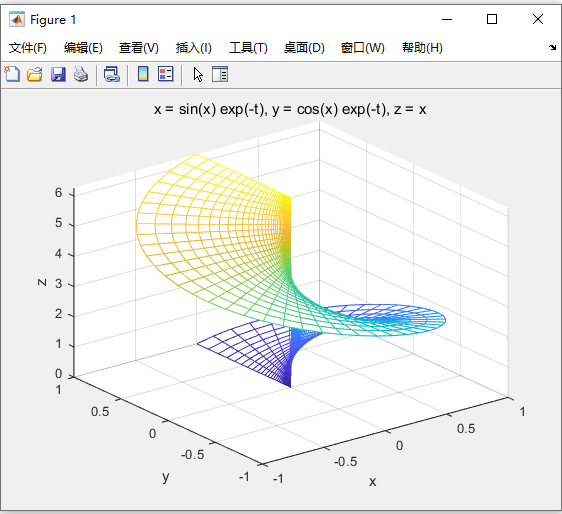
cpp
>> ezmeshc('sin(x)*t',[-pi,pi])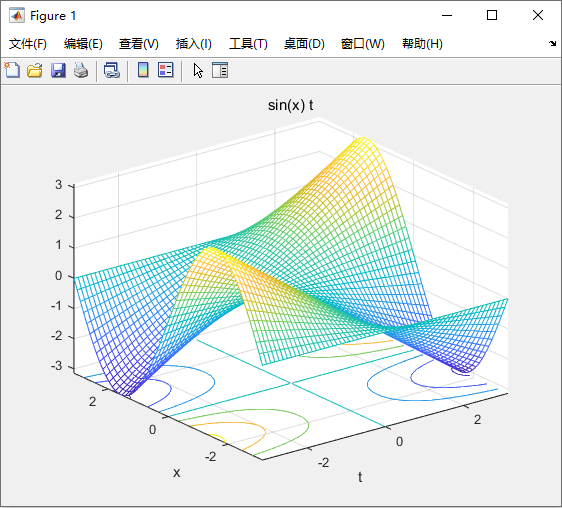
cpp
>> ezpolar('sin(t)',[0,pi/2])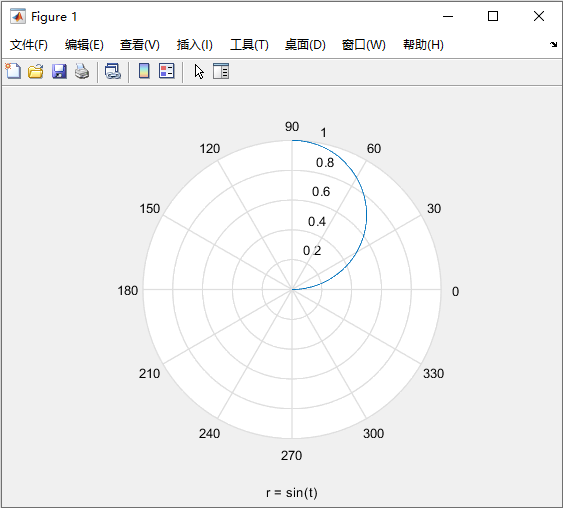
cpp
>> ezsurf('x*sin(t)','x*cos(t)','t',[0,10*pi])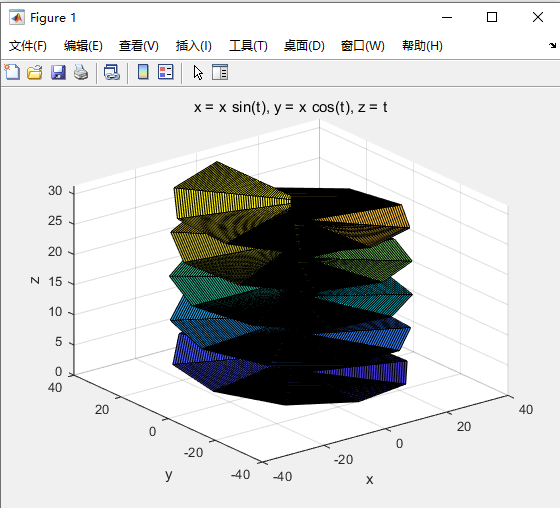
cpp
>> ezsurfc('x*sin(t)','x*cos(t)','t',[0,pi,0,2*pi])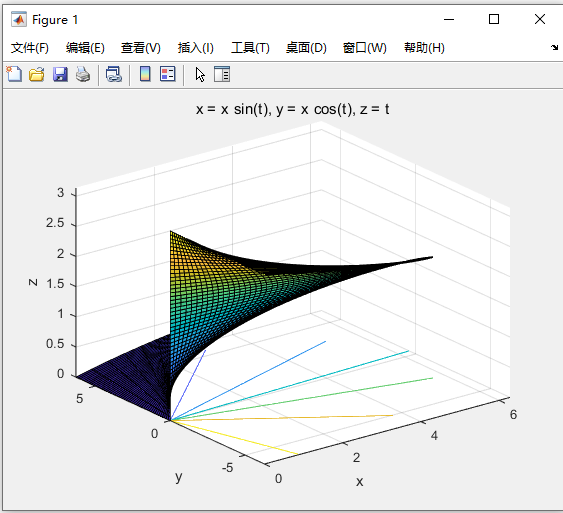
3.7.2 图形化的符号函数计算器
cpp
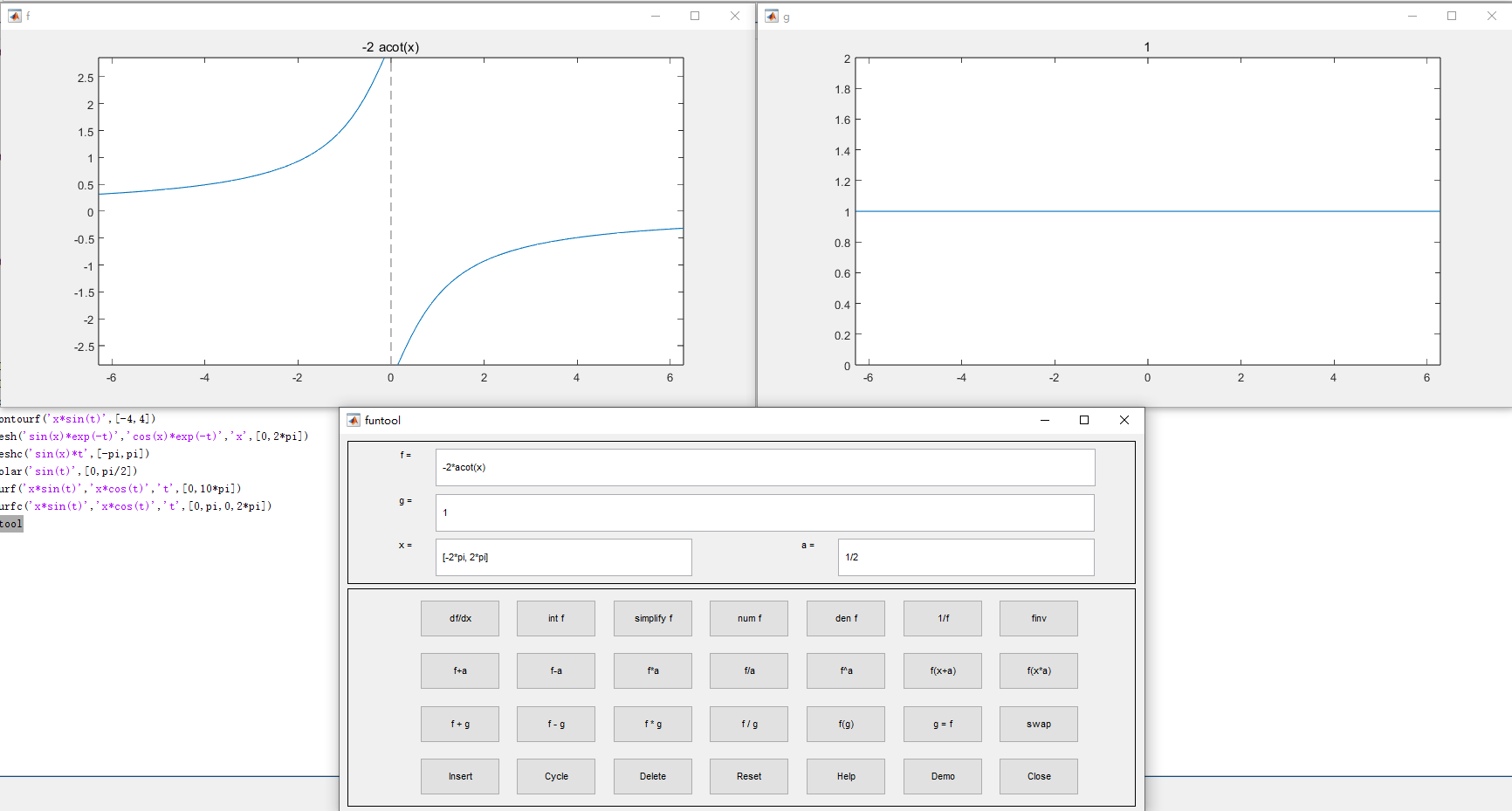
>> funtool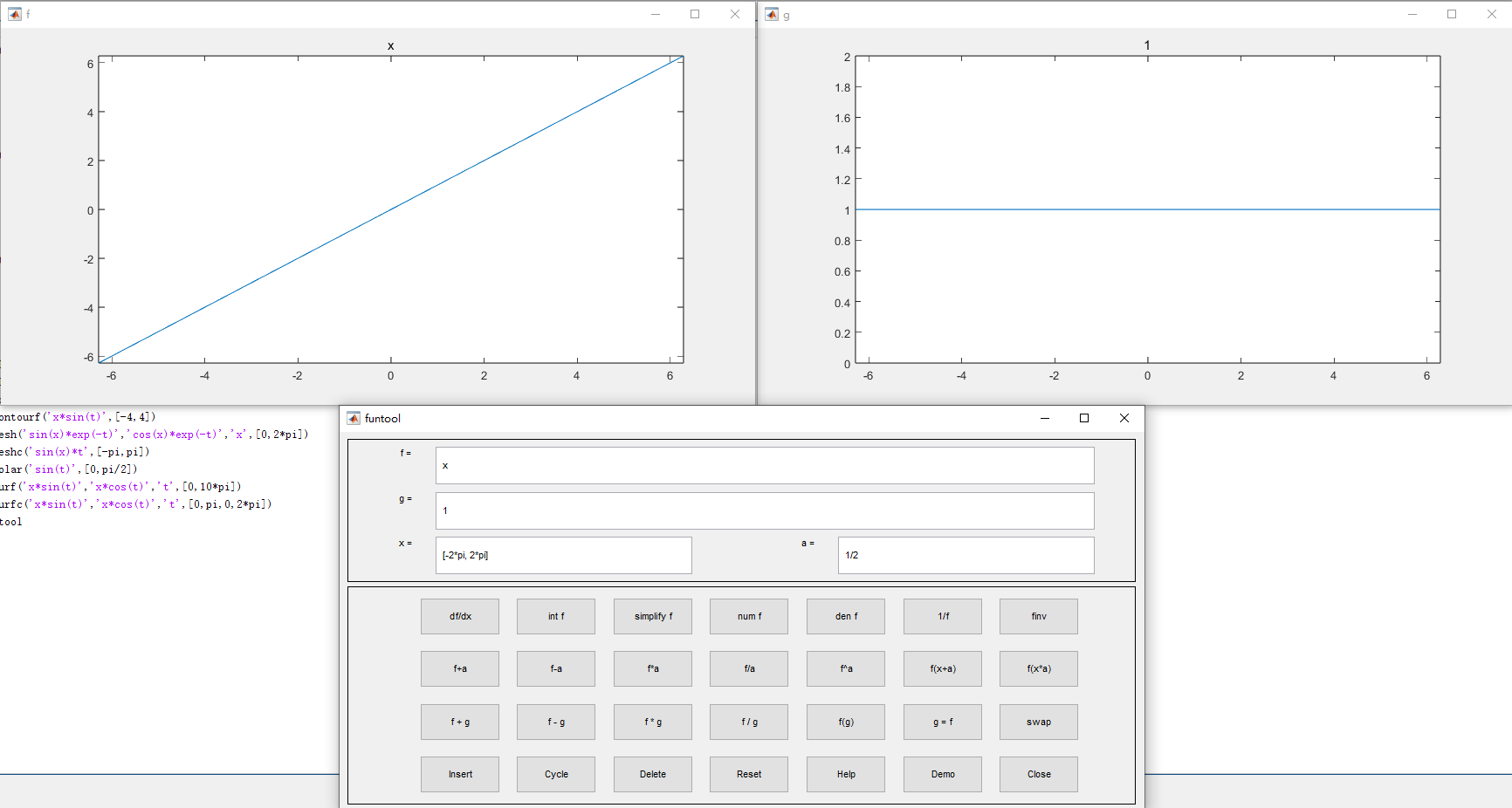
3.8 Maple函数的使用
3.8.1 访问maple函数
cpp
>> maple('discrim(a*x^2+b*x+c,x)')
函数或变量 'maple' 无法识别。

>> mfun('gcd',20,30)
函数或变量 'mfun' 无法识别。

>> mfunlist
函数或变量 'mfunlist' 无法识别。
因为没有安装Maple,不支持。
3.8.2 获得Maple的帮助