yudao-ui-go-view源码只支持hash路由,切换history模式,预览数据报表会报错。
效果如下,地址栏url不一样了:

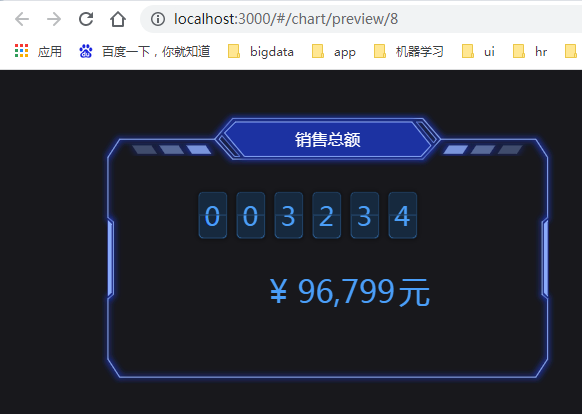
1、配置路由模式
src\router\index.ts 中导入函数createWebHistory,并配置到router上:
javascript
import { createRouter, createWebHashHistory,createWebHistory, RouteRecordRaw } from 'vue-router'


const router = createRouter({
  history: createWebHistory(''),
  // history: createWebHashHistory(''),  // hash 模式
  routes: constantRouter,
  strict: true,
})
2、修改生成预览地址函数
src\utils\router.ts修改 previewPath函数如下:
javascript
 export const previewPath = (id?: string | number) => {
  const { origin, pathname } = document.location
  const path = fetchPathByName(PreviewEnum.CHART_PREVIEW_NAME, 'href')
  if(path.startsWith("#")){ // history=hash
    return `${origin}${pathname}${path}/${id || fetchRouteParamsLocation()}`
  } else {
    return `${origin}${path}/${id || fetchRouteParamsLocation()}`
  }
}
3、修改获取url参数
src\utils\router.ts修改 fetchRouteParamsLocation 函数如下:
javascript
export const fetchRouteParamsLocation = () => {
  try {
    const route = useRoute()
    if(route.params.id && route.params.id.length){
      return route.params.id[0];
    } else {
      return route.params.id;
    }

    // return document.location.hash.split('/').pop() || ''
  } catch (error) {
    window['$message'].warning('查询路由信息失败,请联系管理员!')
    return ''
  }
}