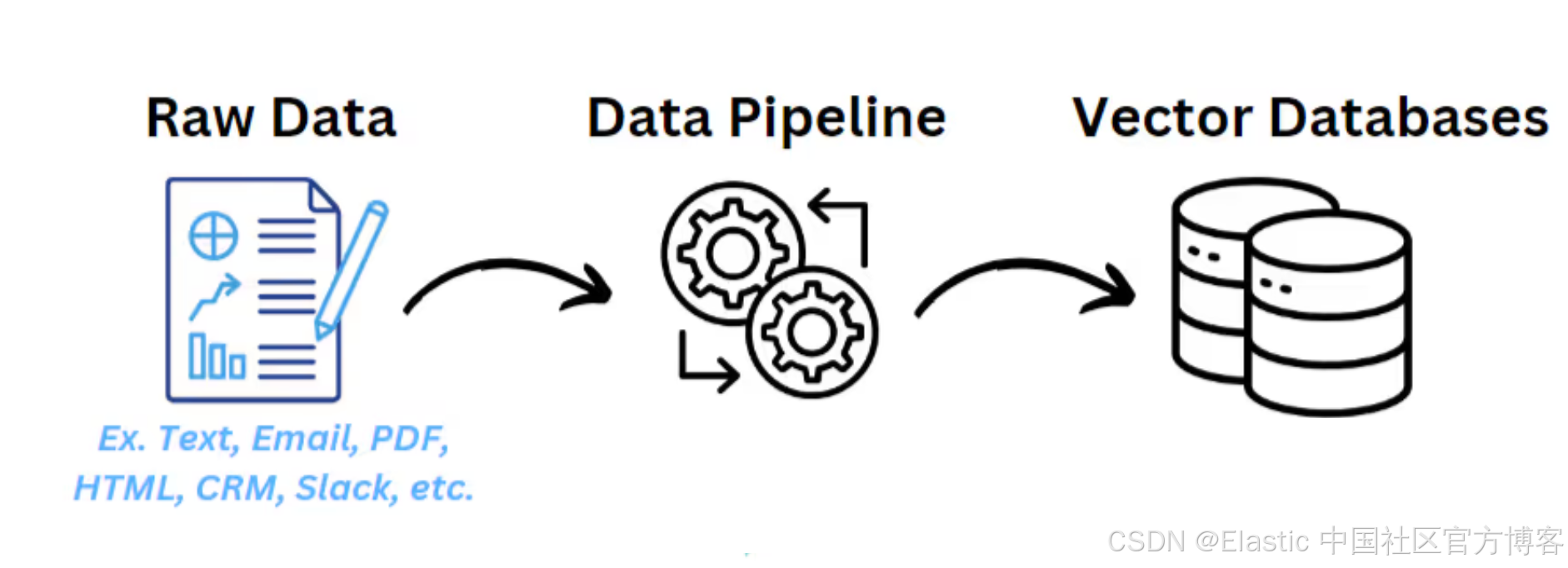
在很多的应用场景中,我们可以使用 LLM 来帮助我们提取需要的结构化数据。这些结构化的数据可以是分类,也可以是获取同义词等等。在我之前的文章 "如何自动化同义词并使用我们的 Synonyms API 进行上传" 里,我们展示了如何使用 LLM 来生成同义词,并上传到 Elasticsearch 中。在今天的例子里,我们把 LLM 提取数据的流程放到我们的 ingest pipeline 里。这样在摄入的同时,会自动提前所需要的信息!
创建 LLM Chat completion 端点
我们可以参考之前的文章 "Elasticsearch:使用推理端点及语义搜索演示"。我们可以创建一个如下的 chat completion 端点:
PUT _inference/completion/azure_openai_completion
{
    "service": "azureopenai",
    "service_settings": {
        "api_key": "${AZURE_API_KEY}",
        "resource_name": "${AZURE_RESOURCE_NAME}",
        "deployment_id": "${AZURE_DEPLOYMENT_ID}",
        "api_version": "${AZURE_API_VERSION}"
    }
}
创建一个 ingest pipeline
我们可以使用如下的一个方法来测试 pipeline:
在上面,我们定义了一个 EXTRACTION_PROMPT 变量:
Extract audio product information from this description. Return raw JSON only. Do NOT use markdown, backticks, or code blocks. Fields: category (string, one of: Headphones/Earbuds/Speakers/Microphones/Accessories), features (array of strings from: wireless/noise_cancellation/long_battery/waterproof/voice_assistant/fast_charging/portable/surround_sound), use_case (string, one of: Travel/Office/Home/Fitness/Gaming/Studio). Description:如果你还不了解如何定义这个变量,请参考我之前的文章 "Kibana:如何设置变量并应用它们"。
POST _ingest/pipeline/_simulate
{
  "description": "Use LLM to interpret messages to come out categories",
  "pipeline": {
    "processors": [
      {
        "script": {
          "source": "ctx.prompt = params.EXTRACTION_PROMPT + ctx.description",
          "params": {
            "EXTRACTION_PROMPT": "${EXTRACTION_PROMPT}"
          }
        }
      },
      {
        "inference": {
          "model_id": "azure_openai_completion",
          "input_output": {
            "input_field": "prompt",
            "output_field": "ai_response"
          }
        }
      },
      {
        "json": {
          "field": "ai_response",
          "add_to_root": true
        }
      },
      {
        "json": {
          "field": "ai_response",
          "add_to_root": true
        }
      },
      {
        "remove": {
          "field": [
            "prompt",
            "ai_response"
          ]
        }
      }
    ]
  },
  "docs": [
    {
      "_source": {
        "name": "Wireless Noise-Canceling Headphones",
        "description": "Premium wireless Bluetooth headphones with active noise cancellation, 30-hour battery life, and premium leather ear cushions. Perfect for travel and office use.",
        "price": 299.99
      }
    }
  ]
}提示:你可以使用任何一个你喜欢的大模型来创建上面的端点。
上面命令运行的结果就是:
{
  "docs": [
    {
      "doc": {
        "_index": "_index",
        "_version": "-3",
        "_id": "_id",
        "_source": {
          "use_case": "Travel",
          "features": [
            "wireless",
            "noise_cancellation",
            "long_battery"
          ],
          "price": 299.99,
          "name": "Wireless Noise-Canceling Headphones",
          "description": "Premium wireless Bluetooth headphones with active noise cancellation, 30-hour battery life, and premium leather ear cushions. Perfect for travel and office use.",
          "model_id": "azure_openai_completion",
          "category": "Headphones"
        },
        "_ingest": {
          "timestamp": "2026-01-22T13:56:11.926494Z"
        }
      }
    }
  ]
}
上面的测试非常成功。我们可以进一步创建 pipeline:
PUT _ingest/pipeline/product-enrichment-pipeline
{
  "processors": [
    {
      "script": {
        "source": "ctx.prompt = params.EXTRACTION_PROMPT + ctx.description",
        "params": {
          "EXTRACTION_PROMPT": "${EXTRACTION_PROMPT}"
        }
      }
    },
    {
      "inference": {
        "model_id": "azure_openai_completion",
        "input_output": {
          "input_field": "prompt",
          "output_field": "ai_response"
        }
      }
    },
    {
      "json": {
        "field": "ai_response",
        "add_to_root": true
      }
    },
    {
      "json": {
        "field": "ai_response",
        "add_to_root": true
      }
    },
    {
      "remove": {
        "field": [
          "prompt",
          "ai_response"
        ]
      }
    }
  ]
}
创建索引并写入数据
我们接下来创建一个叫做 products 的索引:
PUT products
{
  "settings": {
    "default_pipeline": "product-enrichment-pipeline"
  }
}
如上所示,我们把 default_pipeline,也即默认的 pipeline 设置为 product-enrichment-pipeline。这样我们像正常地写入数据的时候,这个 pipeline 也会被自动调用:
POST _bulk
{ "index": { "_index": "products", "_id": "1" } }
{ "name": "Wireless Noise-Canceling Headphones", "description": "Premium wireless Bluetooth headphones with active noise cancellation, 30-hour battery life, and premium leather ear cushions. Perfect for travel and office use.", "price": 299.99 }
{ "index": { "_index": "products", "_id": "2" } }
{ "name": "Portable Bluetooth Speaker", "description": "Compact waterproof speaker with 360-degree surround sound. 20-hour battery life, perfect for outdoor adventures and pool parties.", "price": 149.99 }
{ "index": { "_index": "products", "_id": "3" } }
{ "name": "Studio Condenser Microphone", "description": "Professional USB microphone with noise cancellation and voice assistant compatibility. Ideal for podcasting, streaming, and home studio recording.", "price": 199.99 }注意:依赖于大模型的速度,上面的调用可能需要一点时间来完成!
如上所示,我们写入数据。我们使用如下的命令来查看我们的数据:
GET products/_search?filter_path=**.hits

{
  "hits": {
    "hits": [
      {
        "_index": "products",
        "_id": "1",
        "_score": 1,
        "_source": {
          "use_case": "Travel",
          "features": [
            "wireless",
            "noise_cancellation",
            "long_battery"
          ],
          "price": 299.99,
          "name": "Wireless Noise-Canceling Headphones",
          "description": "Premium wireless Bluetooth headphones with active noise cancellation, 30-hour battery life, and premium leather ear cushions. Perfect for travel and office use.",
          "model_id": "azure_openai_completion",
          "category": "Headphones"
        }
      },
      {
        "_index": "products",
        "_id": "2",
        "_score": 1,
        "_source": {
          "use_case": "Travel",
          "features": [
            "waterproof",
            "surround_sound"
          ],
          "price": 149.99,
          "name": "Portable Bluetooth Speaker",
          "description": "Compact waterproof speaker with 360-degree surround sound. 20-hour battery life, perfect for outdoor adventures and pool parties.",
          "model_id": "azure_openai_completion",
          "category": "Speakers"
        }
      },
      {
        "_index": "products",
        "_id": "3",
        "_score": 1,
        "_source": {
          "use_case": "Studio",
          "features": [
            "noise_cancellation",
            "voice_assistant"
          ],
          "price": 199.99,
          "name": "Studio Condenser Microphone",
          "description": "Professional USB microphone with noise cancellation and voice assistant compatibility. Ideal for podcasting, streaming, and home studio recording.",
          "model_id": "azure_openai_completion",
          "category": "Microphones"
        }
      }
    ]
  }
}
有了如上所示的结构化数据,我们就可以针对我们的数据进行搜索或统计了。
祝大家学习愉快!