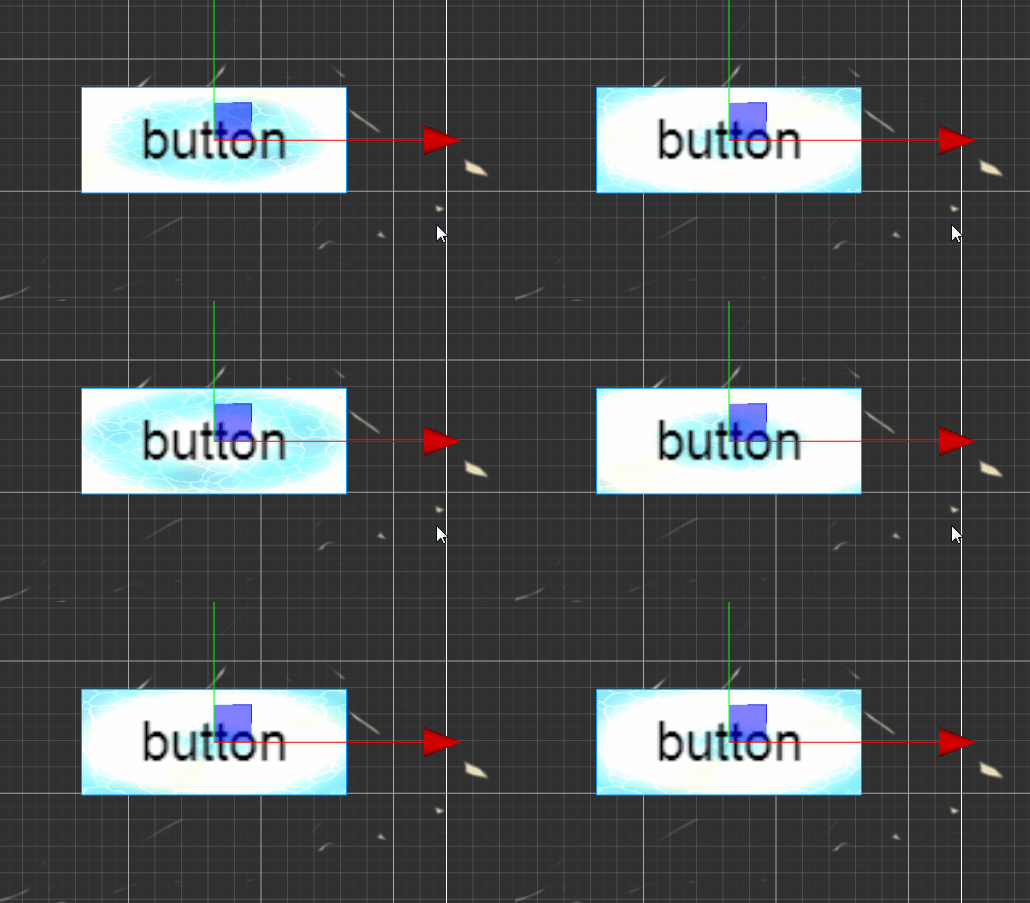
go
// Effect Syntax Guide: https://docs.cocos.com/creator/manual/zh/shader/index.html

// Effect Syntax Guide: https://docs.cocos.com/creator/manual/zh/shader/index.html

// Effect Syntax Guide: https://docs.cocos.com/creator/manual/zh/shader/index.html

// Effect Syntax Guide: https://docs.cocos.com/creator/manual/zh/shader/index.html

// Effect Syntax Guide: https://docs.cocos.com/creator/manual/zh/shader/index.html

CCEffect %{
  techniques:
  - name: glow
    passes:
    - vert: vs:vert

      frag: fs:frag
      blendState:
        targets:
        - blend: true

          blendSrc: src_alpha

          blendDst: one_minus_src_alpha
      depthStencilState:
          depthTest: false
          depthWrite: false
      rasterizerState:
        cullMode: none
      properties:
        lightColor: { value: [1.0, 0.0, 0.0, 1.0], editor: { type: color } }
        lightIntensity: { value: 3.0, editor: { slide: true, range: [1, 10] } }
        glowsize: { value: 0.0, editor: { slide: true, range: [0, 10] } }
        pulseSpeed: { value: 2.0, editor: { slide: true, range: [0, 5] } }
        isBlinking: { value: 0, editor: { type: boolean } }
}%

CCProgram vs %{
  precision highp float;
#include <cc-global>
#if USE_LOCAL


  #include <builtin/uniforms/cc-local>
#endif
in vec3 a_position;

in vec2 a_texCoord;
out vec2 uv;

#if USE_LOCAL
  in vec4 a_color;

  out vec4 v_color;
#endif


vec4 vert() {

  vec4 pos = vec4(a_position, 1);

  #if USE_LOCAL
    pos = cc_matWorld * pos;

    v_color = a_color;
  #endif

  pos = cc_matViewProj * pos;
  uv = a_texCoord;

  return  pos;
}

}%

CCProgram fs %{
  precision highp float;
  #include <sprite-texture>
  #include <cc-global> // 添加cc_time支持
  in vec2 uv;

  uniform sampler2D mainTexture;
  uniform UBO {

    vec4 lightColor;
    float lightIntensity;
    float pulseSpeed;
    float time;
    float isBlinking;

    float glowsize;
  };


  vec4 frag () {
    // 获取原始纹理
    // 获取原始纹理及其透明度
    vec4 texColor = texture(cc_spriteTexture, uv);

    if (texColor.a < 0.01) return texColor;
    if (glowsize <= 0.0) return texColor;

    // 计算到中心的距离和角度
    vec2 center = vec2(0.5);
    vec2 uvCentered = uv - center;
    float dist = length(uvCentered);
    float angle = atan(uvCentered.y, uvCentered.x);

    // 基础危险脉冲
    float basePulse = sin(cc_time.x * 5.0 + dist * 10.0) * 0.5 + 0.5;

    // ============ 旋转光轮效果 ============

    // 1号光轮:蓝光逆时针旋转
    float wheelSpeed1 = 3.0;
    float wheelAngle1 = angle + cc_time.x * wheelSpeed1;
    float sin1 = sin(wheelAngle1 * 3.0) * 0.5 + 0.5; // 3个光带
    vec3 wheelColor1 = vec3(0.2, 0.6, 1.0); // 蓝色光轮

    // 2号光轮:绿光顺时针旋转(不同速度)
    float wheelSpeed2 = -2.5;
    float wheelAngle2 = angle + cc_time.x * wheelSpeed2;
    float sin2 = sin(wheelAngle2 * 4.0) * 0.5 + 0.5; // 4个光带
    vec3 wheelColor2 = vec3(0.2, 1.0, 0.3); // 绿色光轮

    // 3号光轮:紫光旋转
    float wheelSpeed3 = 1.8;
    float wheelAngle3 = angle + cc_time.x * wheelSpeed3;
    float sin3 = cos(wheelAngle3 * 5.0) * 0.5 + 0.5; // 5个光带,用cos创造交错
    vec3 wheelColor3 = vec3(0.8, 0.2, 1.0); // 紫色光轮

    // 组合光轮效果(从中心向外衰减)
    float wheelDist = 1.0 - dist; // 中心强,边缘弱
    vec3 wheelEffect = vec3(0.0);
    wheelEffect += wheelColor1 * sin1 * wheelDist * 0.3;
    wheelEffect += wheelColor2 * sin2 * wheelDist * 0.25;
    wheelEffect += wheelColor3 * sin3 * wheelDist * 0.2;

    // ============ 危险核心效果 ============
    vec3 dangerColor = vec3(1.0, glowsize * 0.3, 0.0);
    float dangerEffect = basePulse * texColor.a;

    // 综合效果
    vec3 finalColor = texColor.rgb;
    finalColor += dangerColor * dangerEffect * glowsize * (1.0 - wheelDist * 0.5); // 危险核心衰减
    finalColor += wheelEffect * glowsize * texColor.a * 0.7; // 旋转光轮

    return vec4(finalColor, texColor.a);

  }


}%