- 安装probe-rs
需要先安装rust和cargo(自行参照网上教程安装),然后执行下面的命令即可安装probe-rs等相关工具。
cargo binstall probe-rs-tools
- 安装Debugger for probe-rs插件
在vscode插件商店搜索Debugger for probe-rs并安装。

- 使用stm32-template模版生成可以vscode+probe-rs调试的stm32工程
执行下面的命令生成模版:
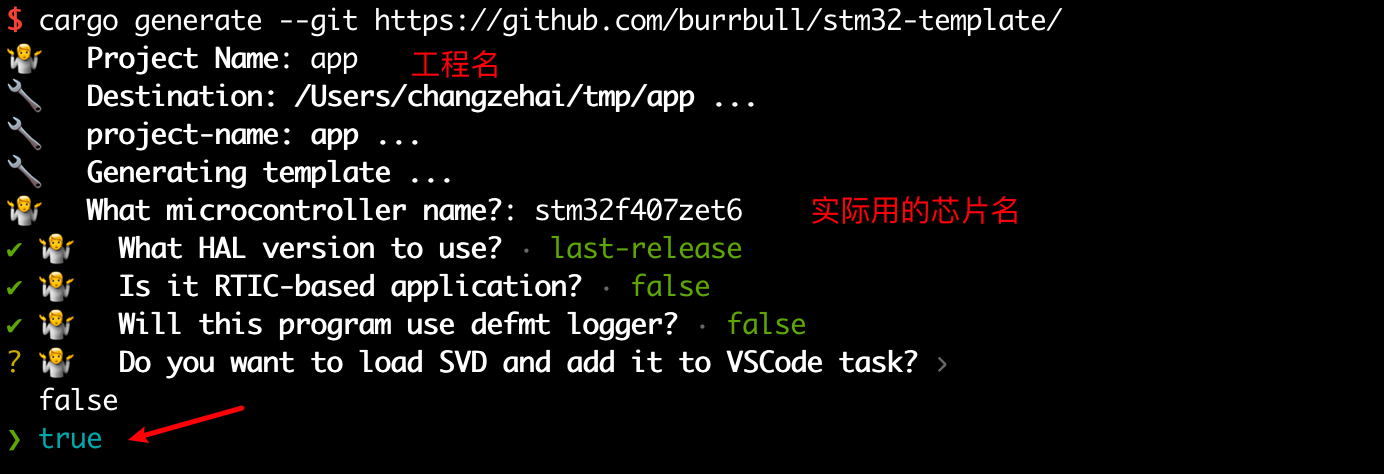
cargo generate --git https://github.com/burrbull/stm32-template/
根据实际情况配置工程,其中最重要的是load SVD and add it to VSCode task要选true.
- 使用vscode进行调试
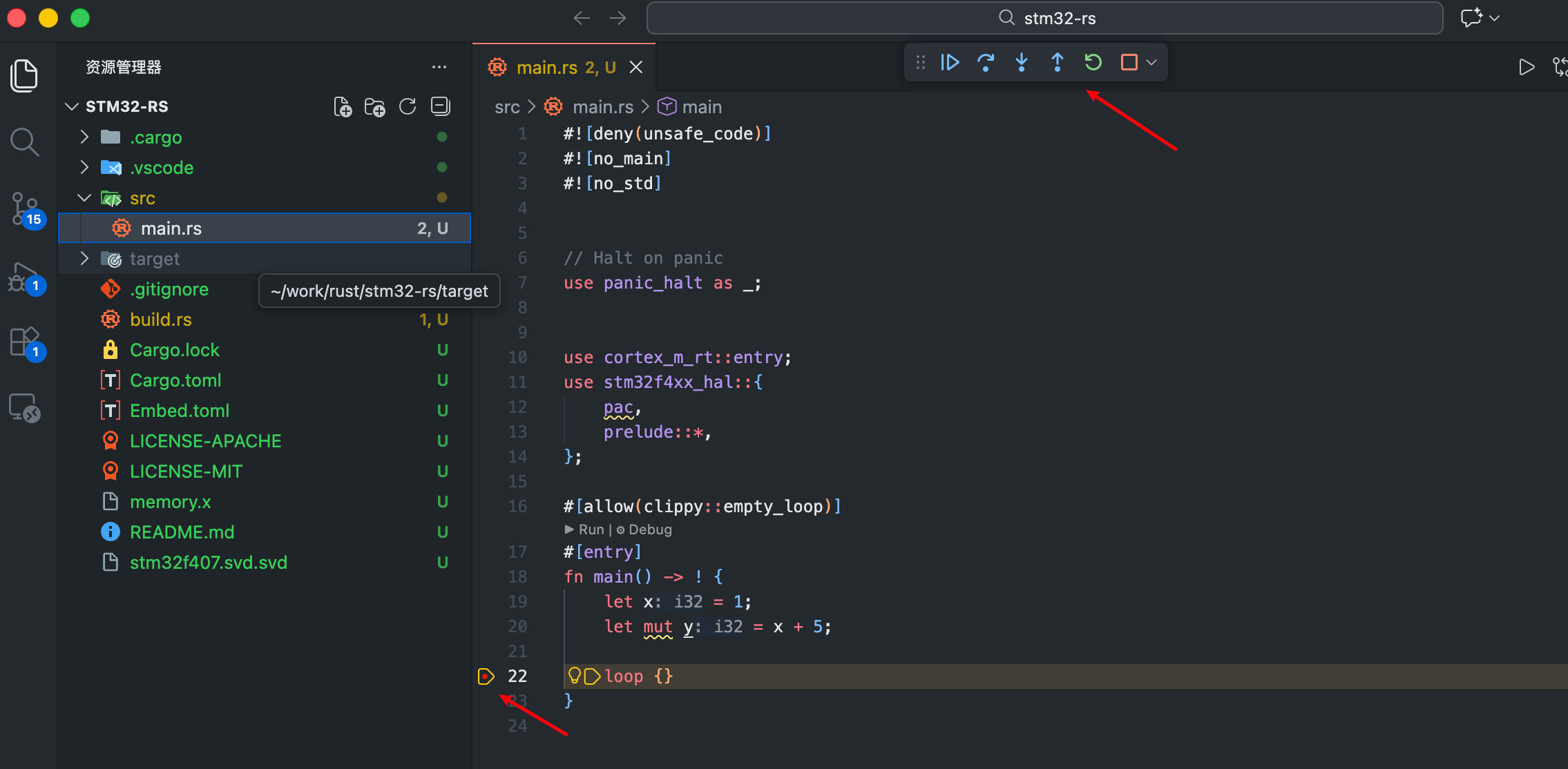
使用VSCode打开工程后,添加断点,按F5 进行调试
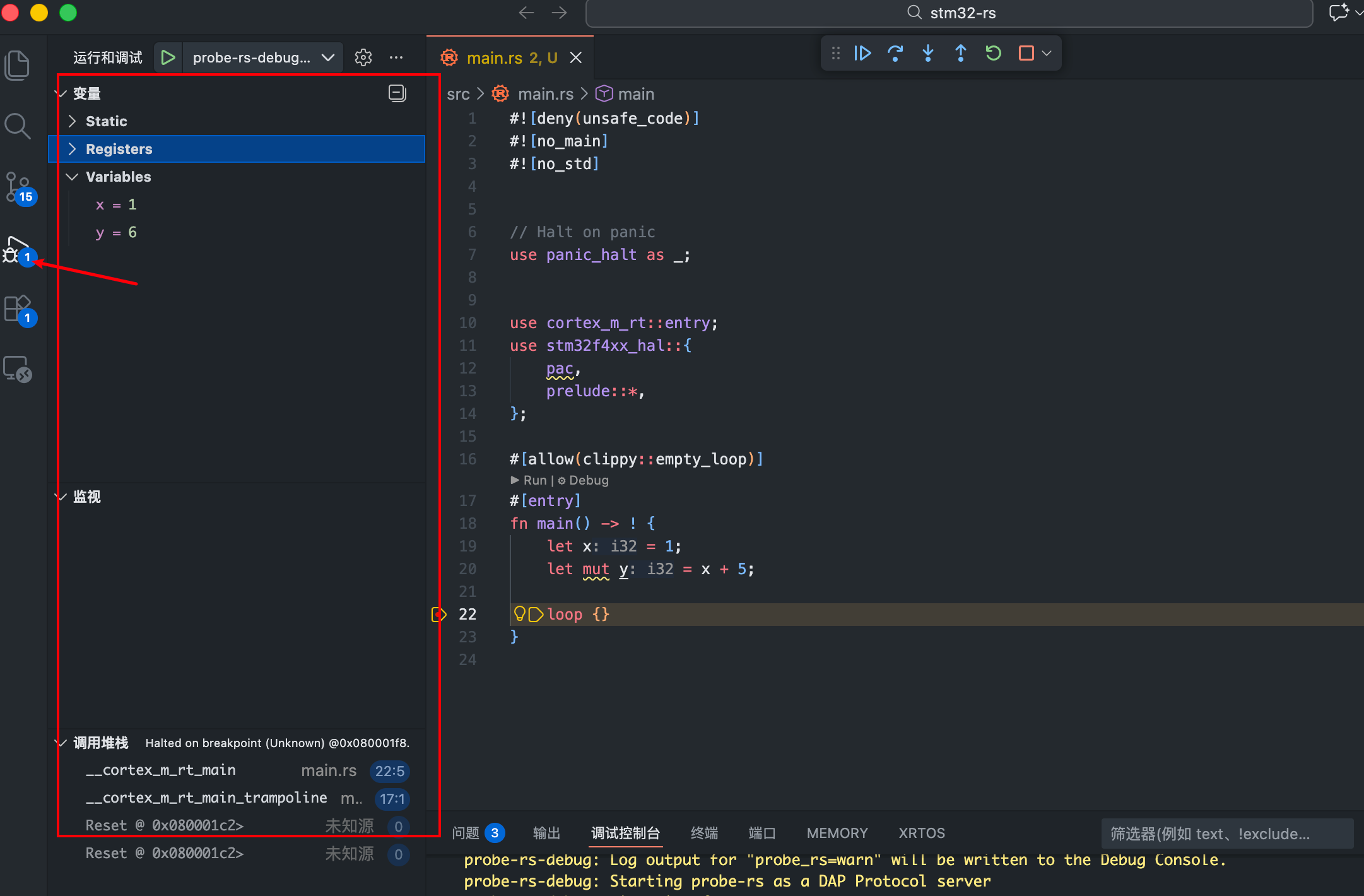
调试页面可以查看变量值,调用堆栈等。