-
开源二维码数据集
qr-codes数据集下载后,可参考using-srgan-for-qr-code-enhancement 进行增强处理;
如下增强操作:
python
            # 1. 旋转
            angle = np.random.uniform(-15, 15)
            degraded = rotate_image(degraded, angle)

            # 2. 失焦模糊
            blur_radius = np.random.uniform(2.0, 5.0)
            degraded = cv2.GaussianBlur(degraded, (0, 0), sigmaX=blur_radius, sigmaY=blur_radius)

            # 3. 运动模糊
            if np.random.rand() > 0.5:
                ksize = np.random.choice([9, 15, 21])
                degraded = apply_motion_blur(degraded, kernel_size=ksize)

            # 4. 下采样
            scale = np.random.uniform(0.15, 0.4)
            h, w = degraded.shape
            small = cv2.resize(degraded, (int(w * scale), int(h * scale)), interpolation=cv2.INTER_AREA)
            degraded = cv2.resize(small, (w, h), interpolation=cv2.INTER_LINEAR)

            # 5. JPEG 压缩
            encode_param = [int(cv2.IMWRITE_JPEG_QUALITY), np.random.randint(10, 40)]
            _, encimg = cv2.imencode('.jpg', degraded, encode_param)
            degraded = cv2.imdecode(encimg, 0)

            # 6. 噪声
            noise = np.random.normal(0, np.random.uniform(10, 30), degraded.shape)
            degraded = np.clip(degraded + noise, 0, 255).astype(np.uint8)

            # 保存 LR 图像(文件名与 HR 一致)
            lr_name = img_path.name  # 保持同名!
lr_dst = os.path.join(OUTPUT_ROOT, split_name, 'lr', lr_name)- 训练
我们想使用基于pytorch的训练,可选用:
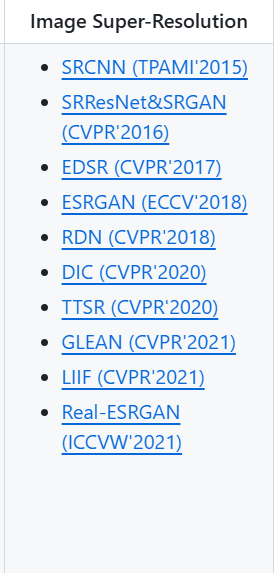
1)mmmagic
2)针对二维码的超分重构
