在之前的文章中,我们使用 MCP 来查询我们的交易。在今天的文章中,我们把之前的 MCP tools 集成到 AI builder 中,并使这些 tools 能被 AI builder 所使用。在今天的练习中,我们接着之前的文章来进行。以下的演示是在最新的 Elastic Stack 9.3 上进行的。
运行 MCP 服务器
我们按照如下的方式来运行我们的 MCP 服务器:
fastmcp run src/server/server.py:mcp --transport http --port 9000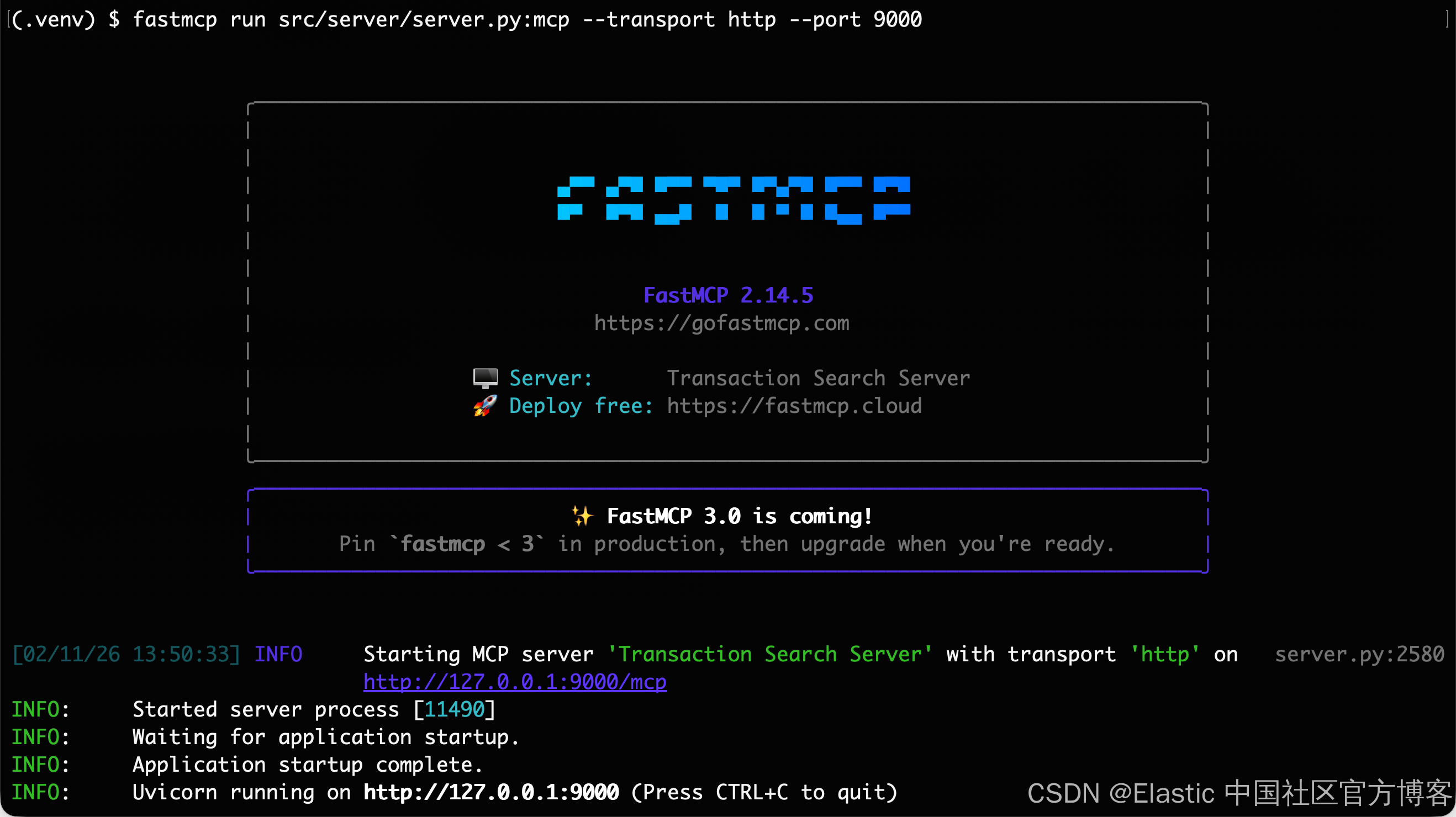
如上所示,我们的 MCP 服务器运行于 http://localhost:9000 端口。
导入 MCP 所提供的 tools
我们可以安装入下的方式来导入 MCP 所提供的 tools:
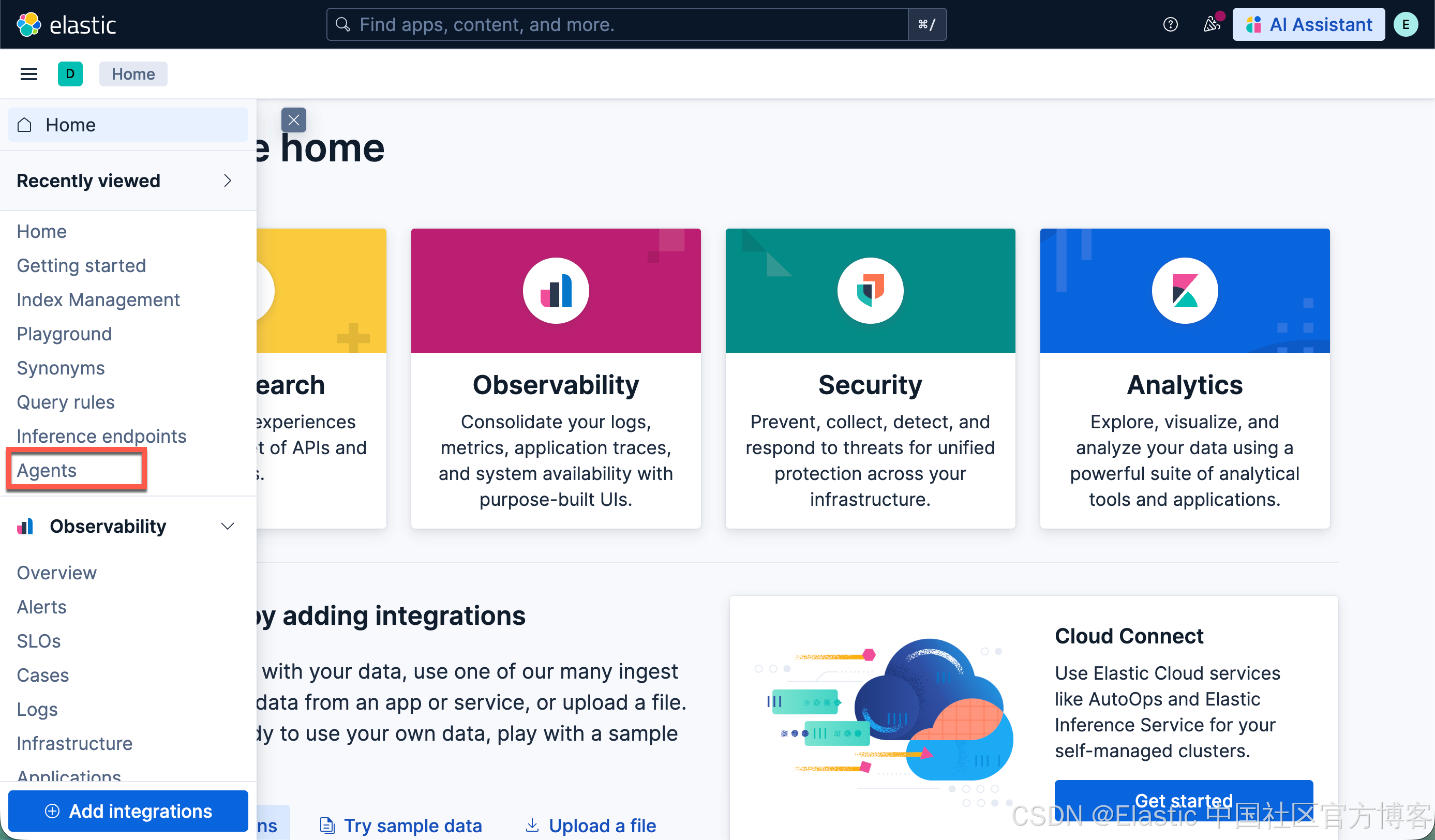
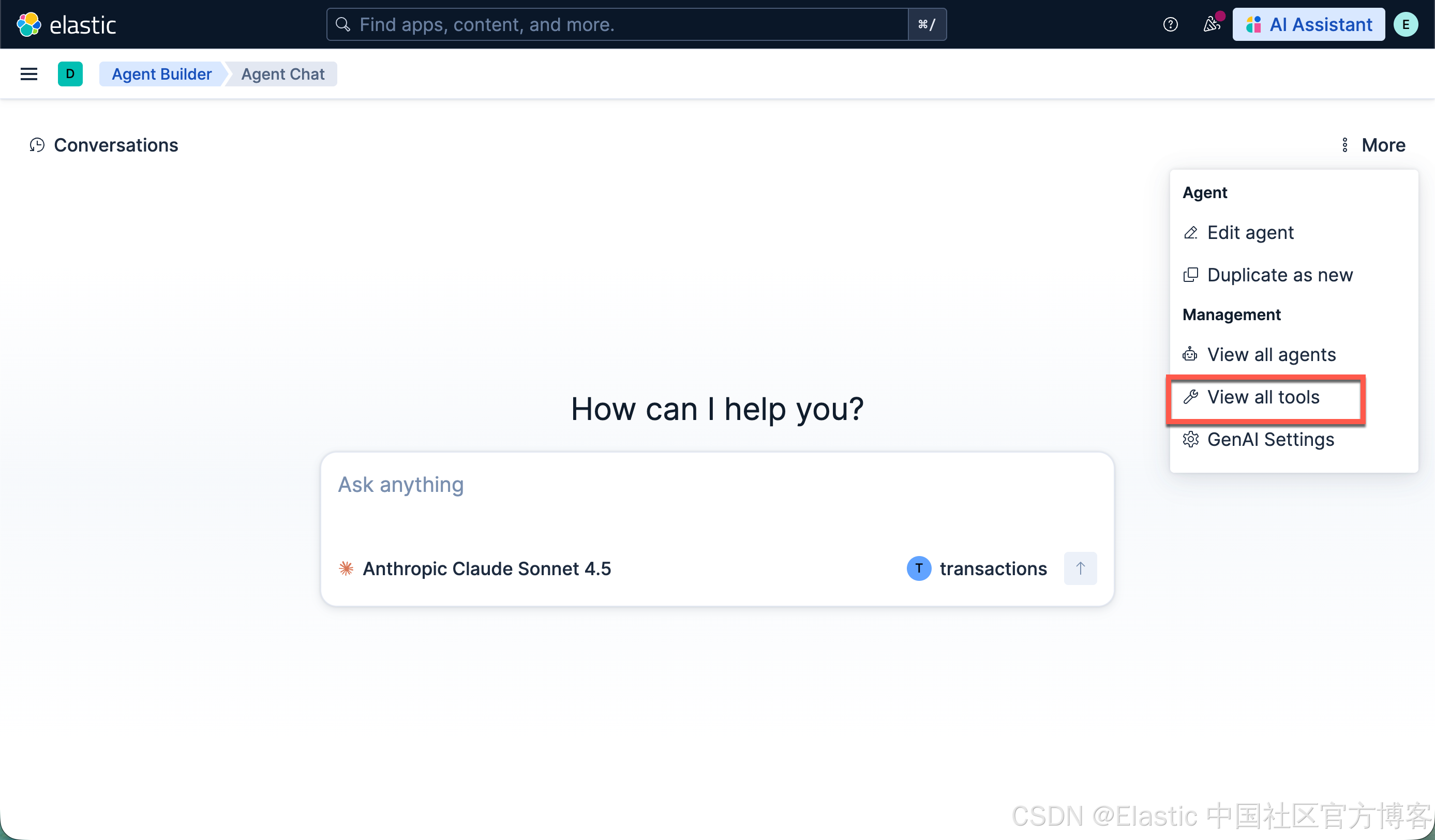
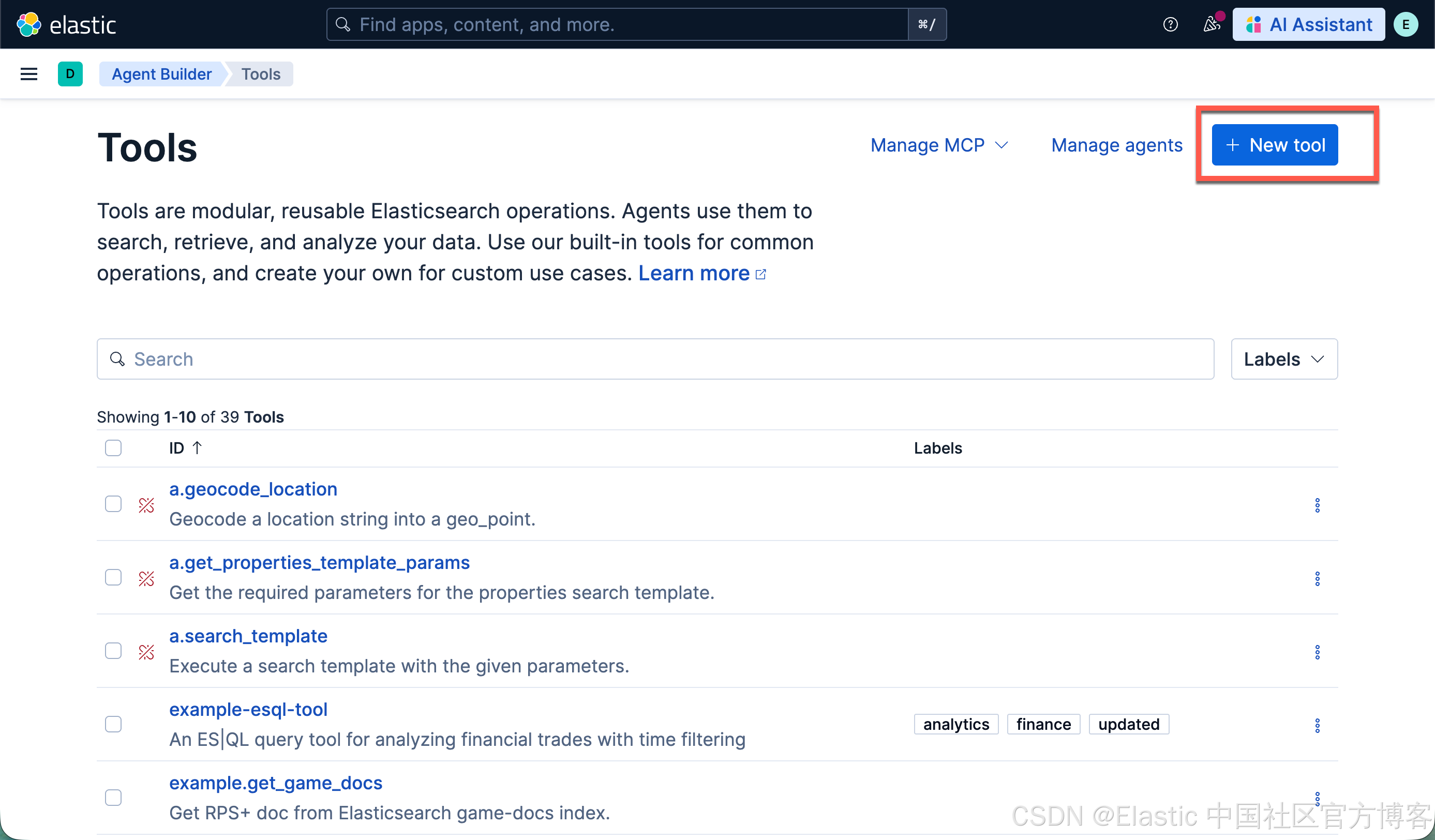
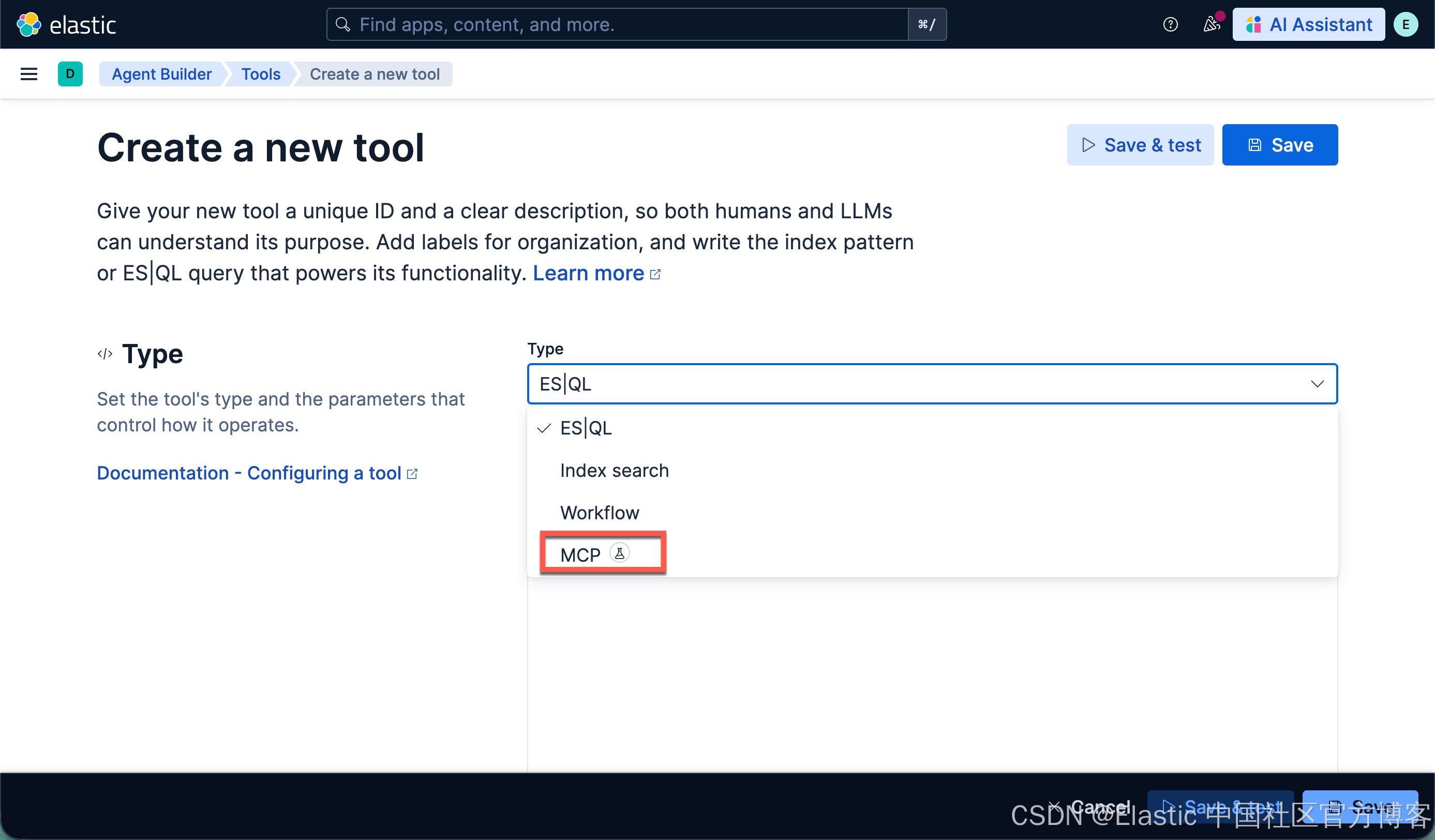
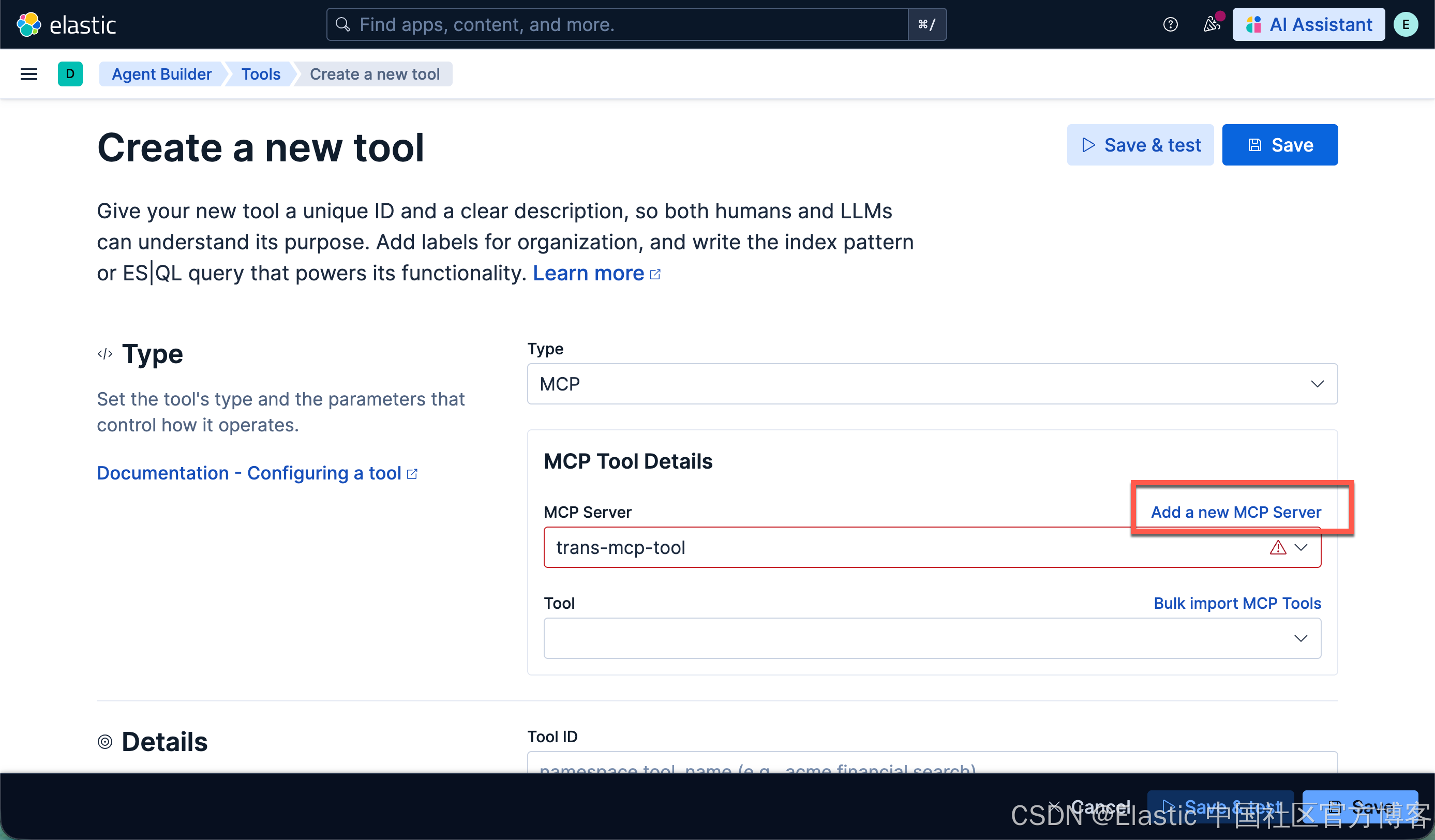
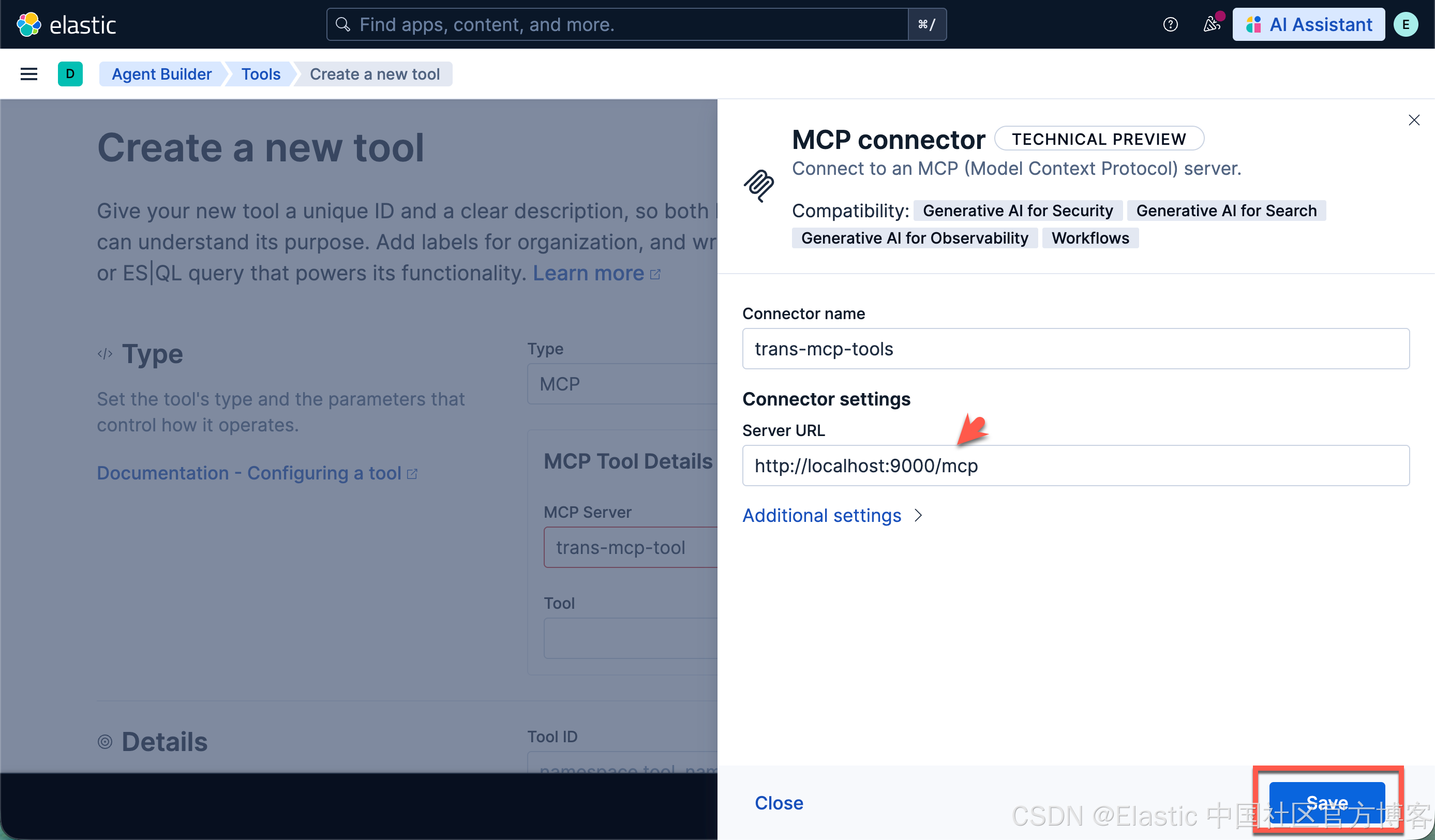
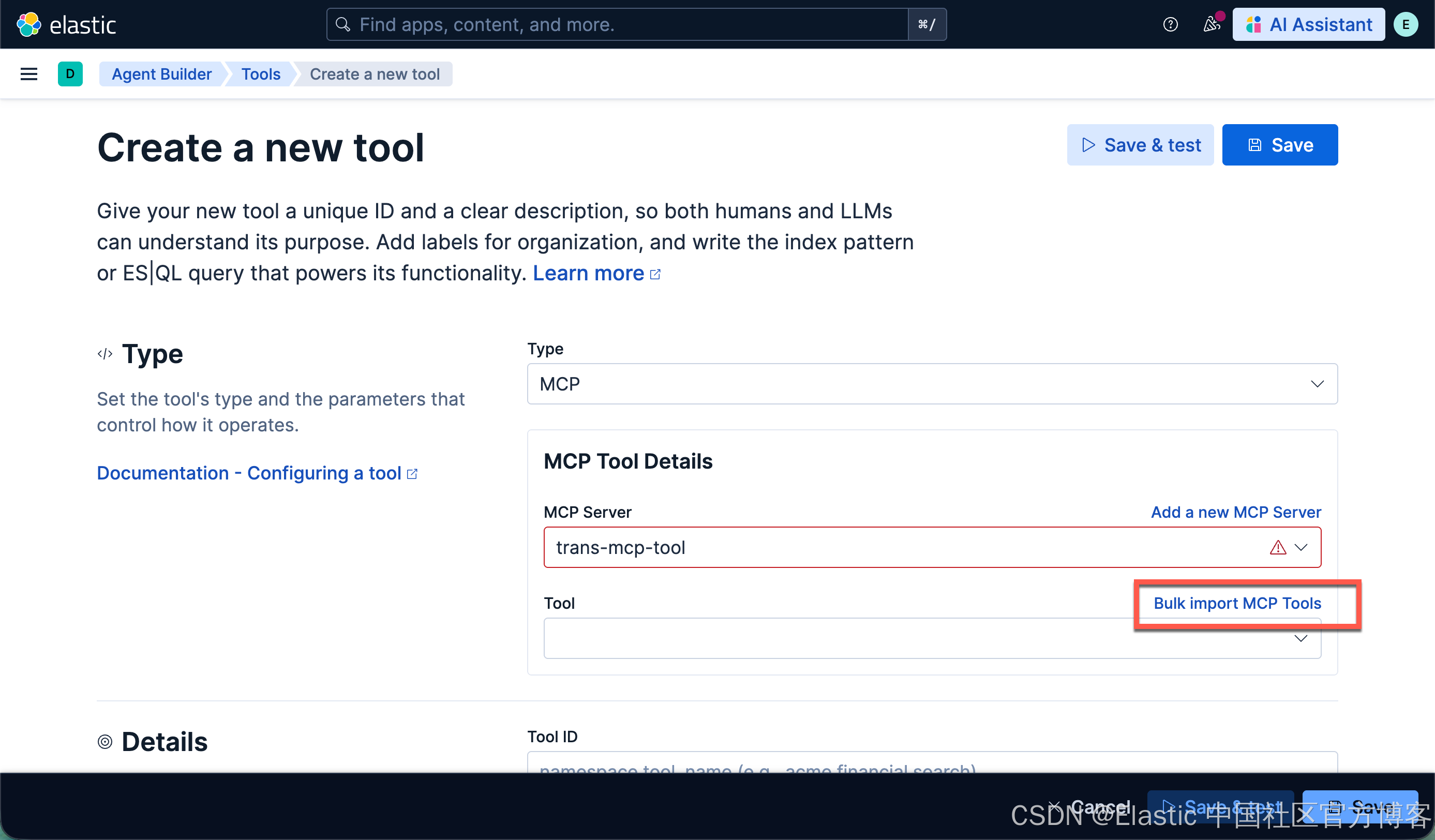
如果我们的 MCP 服务器地址有错误,那么就会弹出错误的信息。我们在完成正确的配置后,点击上面的 Bulk import MCP Tools
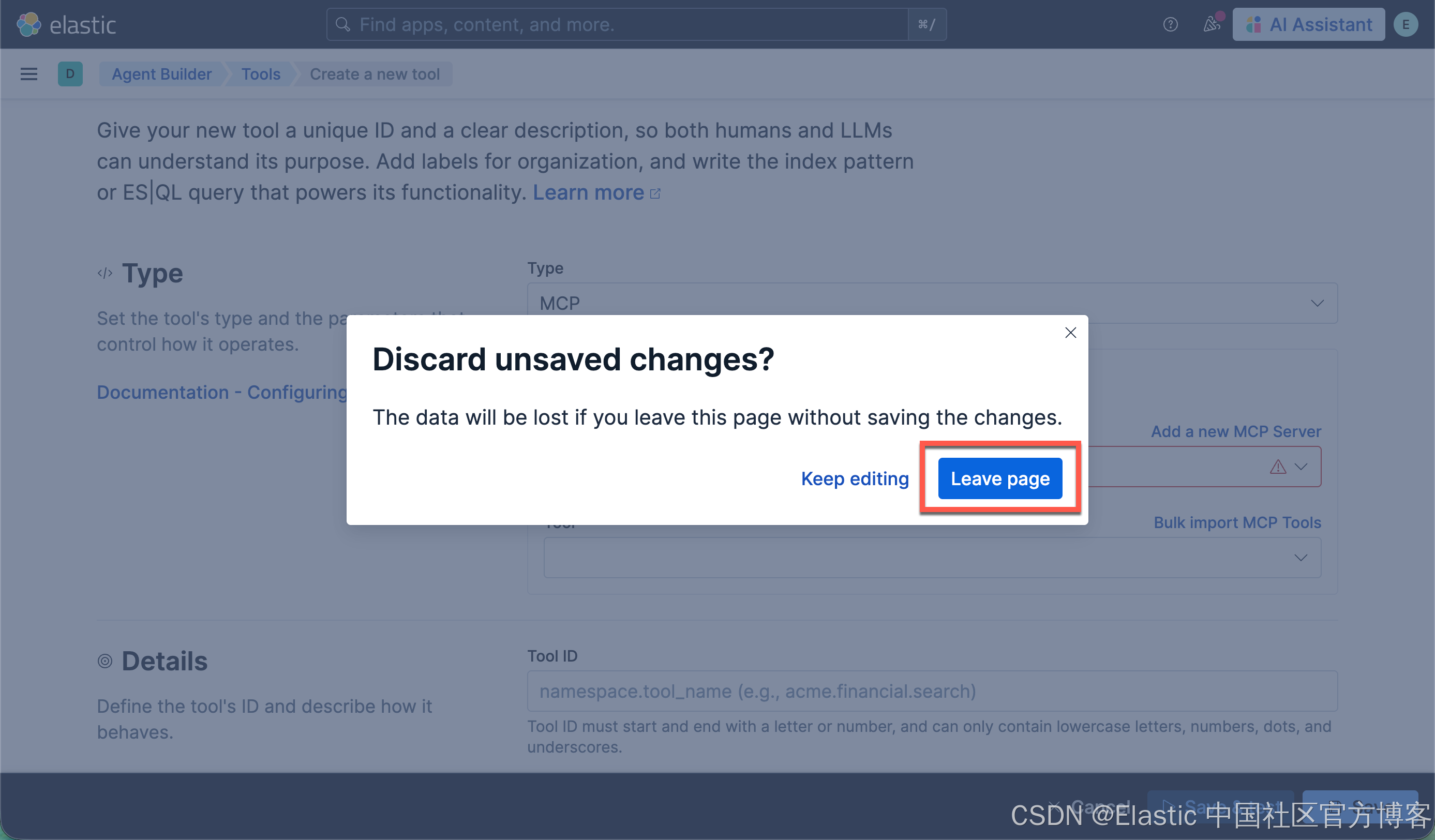
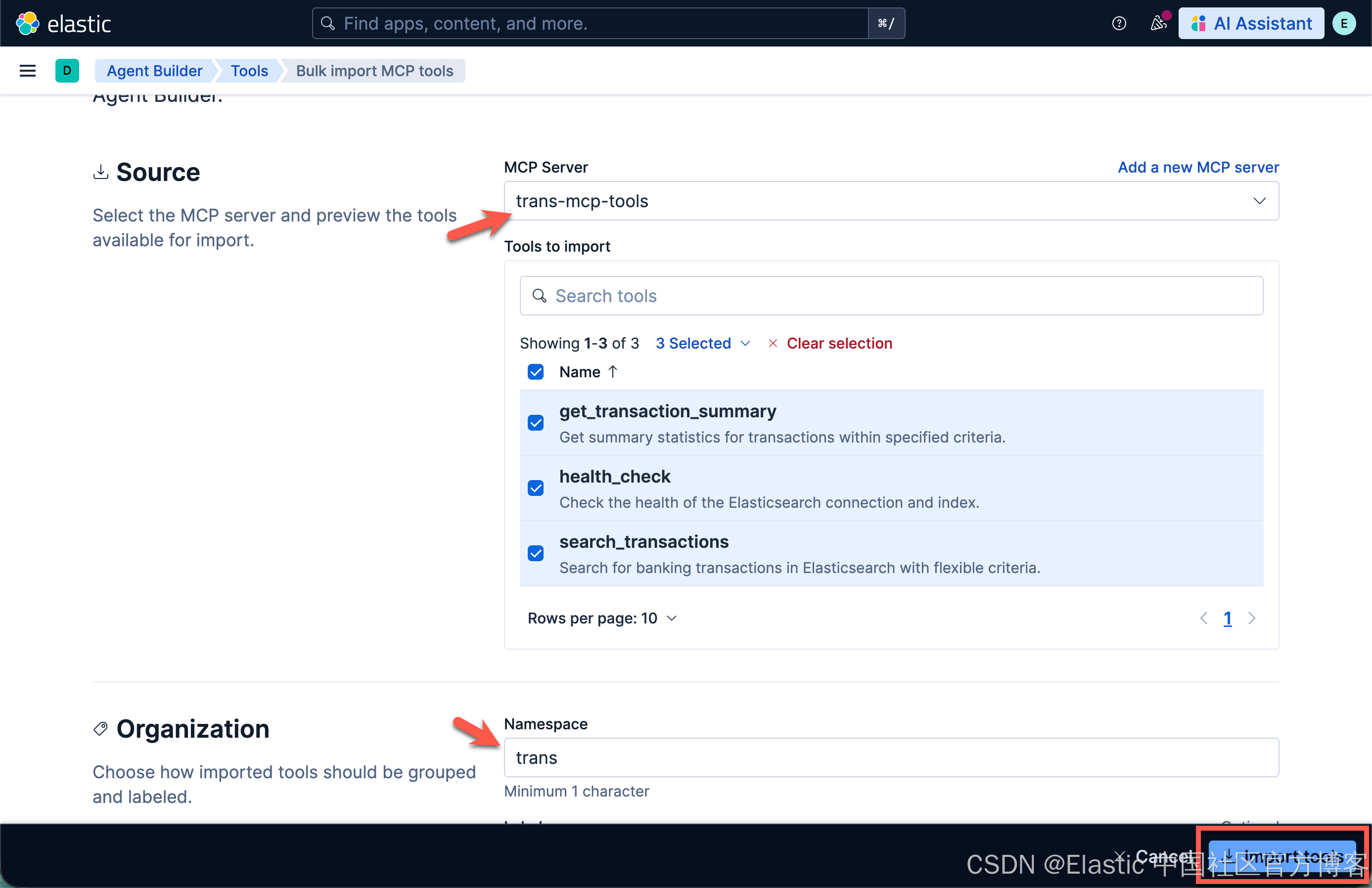
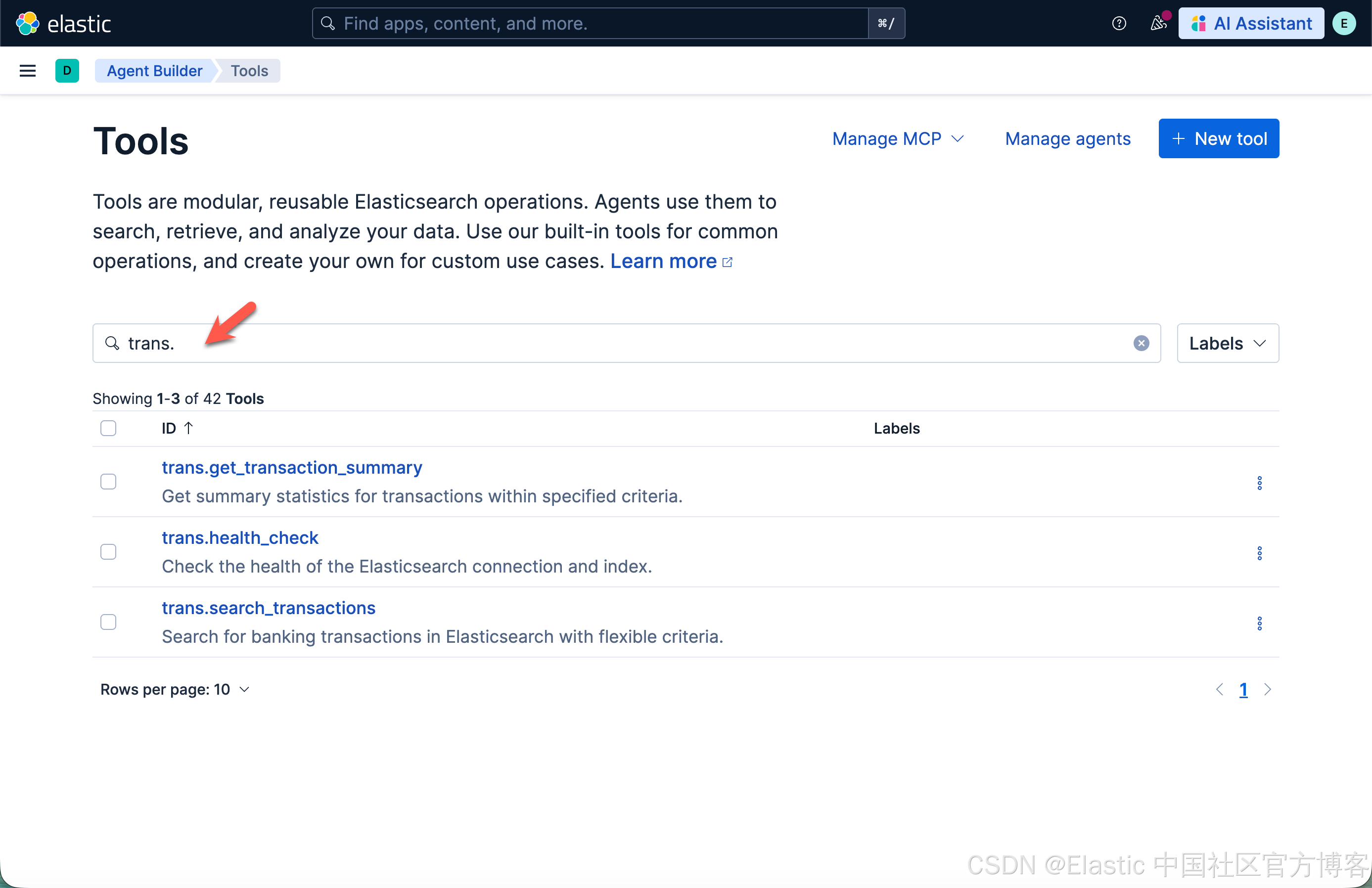
这样我们就可以发现我们已经导入的 3 个 tools:
创建 agents
我们接下来创建一个叫做 transactions 的 agent:
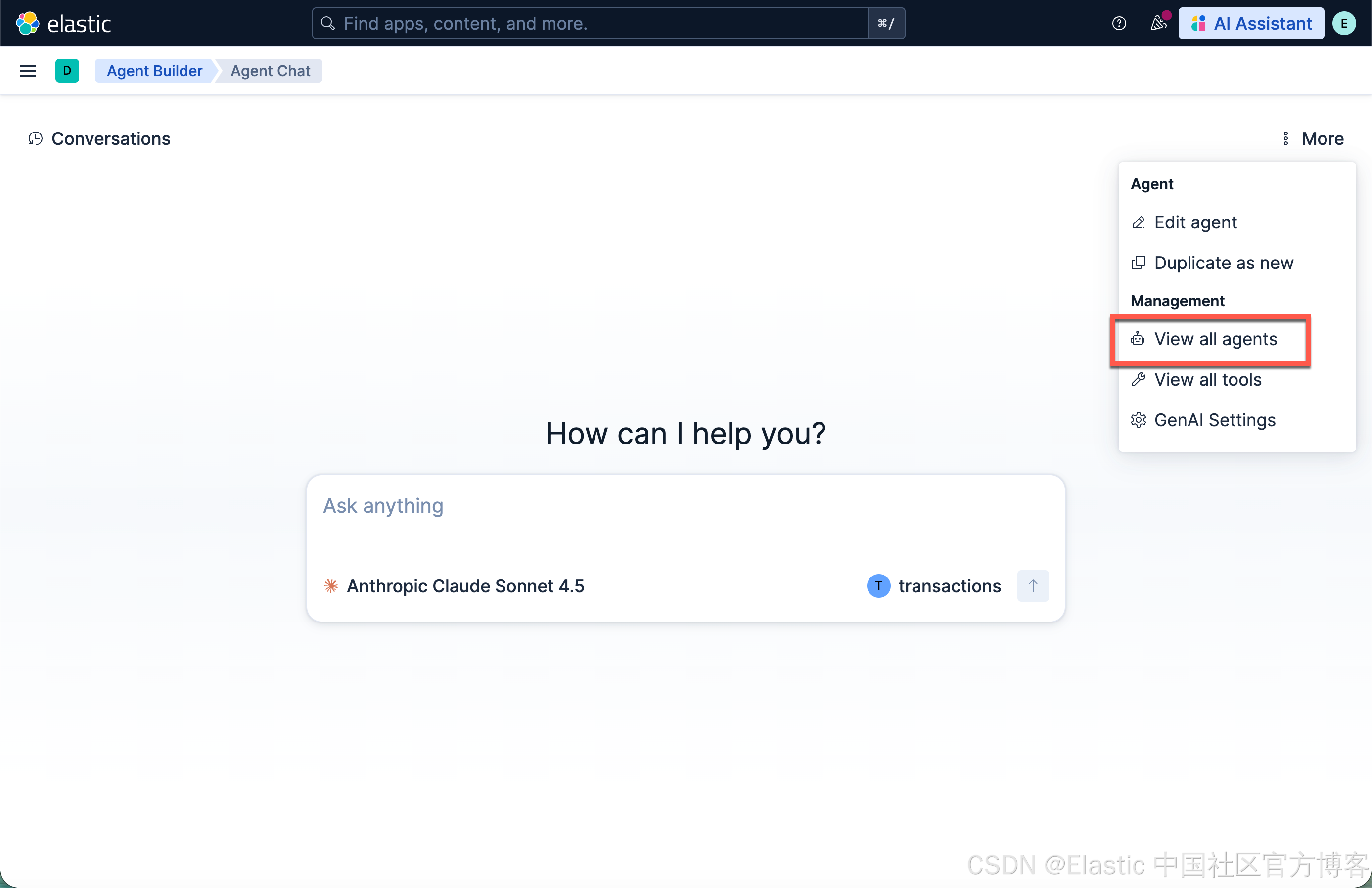
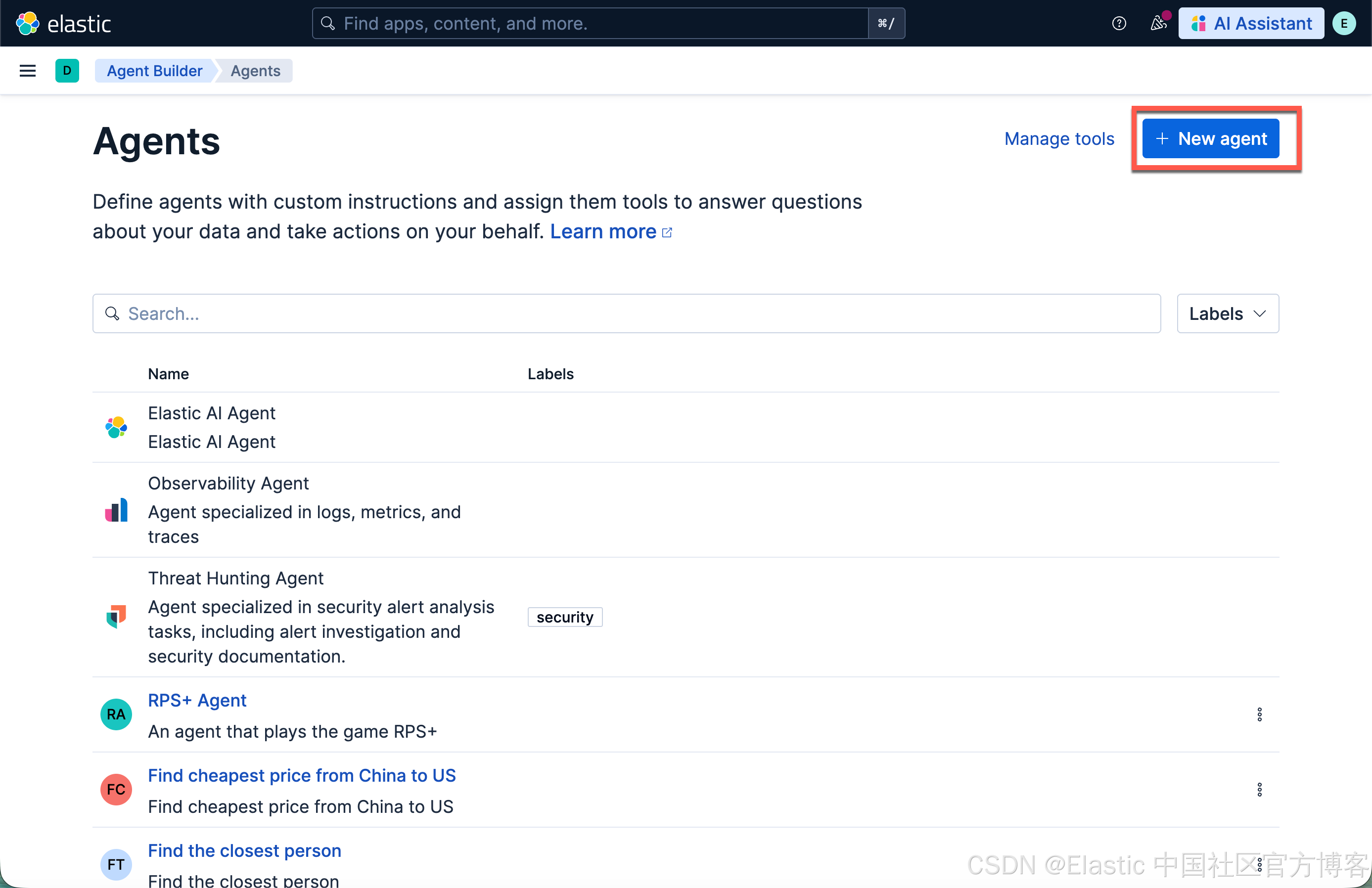
我们的 transactions agent 配置如下:
You are a helpful banking transaction agent. You help users search and analyze their banking transactions.

Current date: {current_date}

When users ask about transactions, use the appropriate tools:
- Use trans-search for finding specific transactions

For date references:
- "last month" = past 30 days from today
- "this month" = current month from 1st to today
- "last week" = past 7 days
- "this year" = January 1st of current year to today

By default set the make the to date today and the from date 1 year ago
Common categories: groceries, dining, gas, shopping, entertainment, utilities, healthcare, transportation, travel, subscriptions, insurance, phone, internet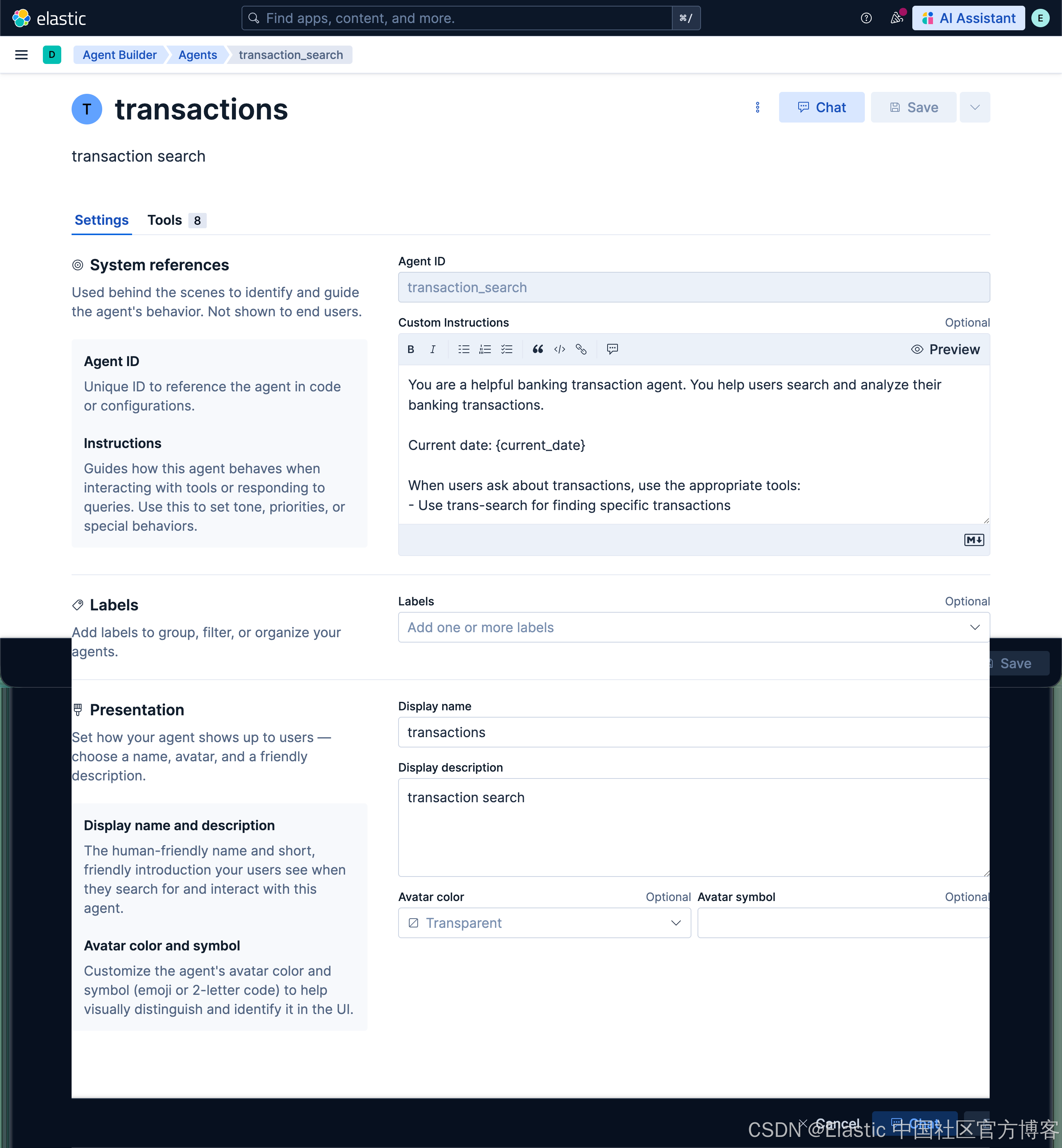
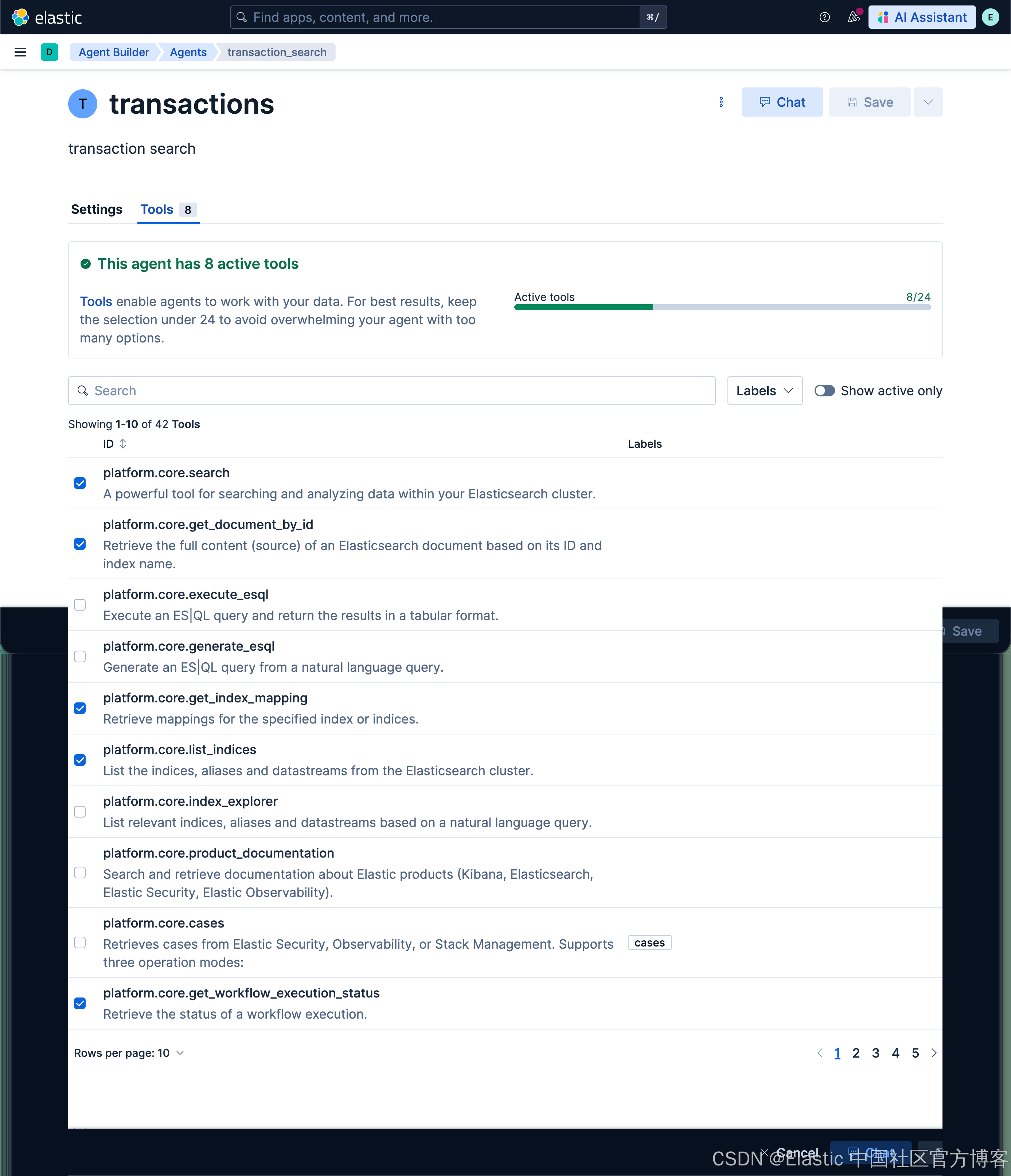
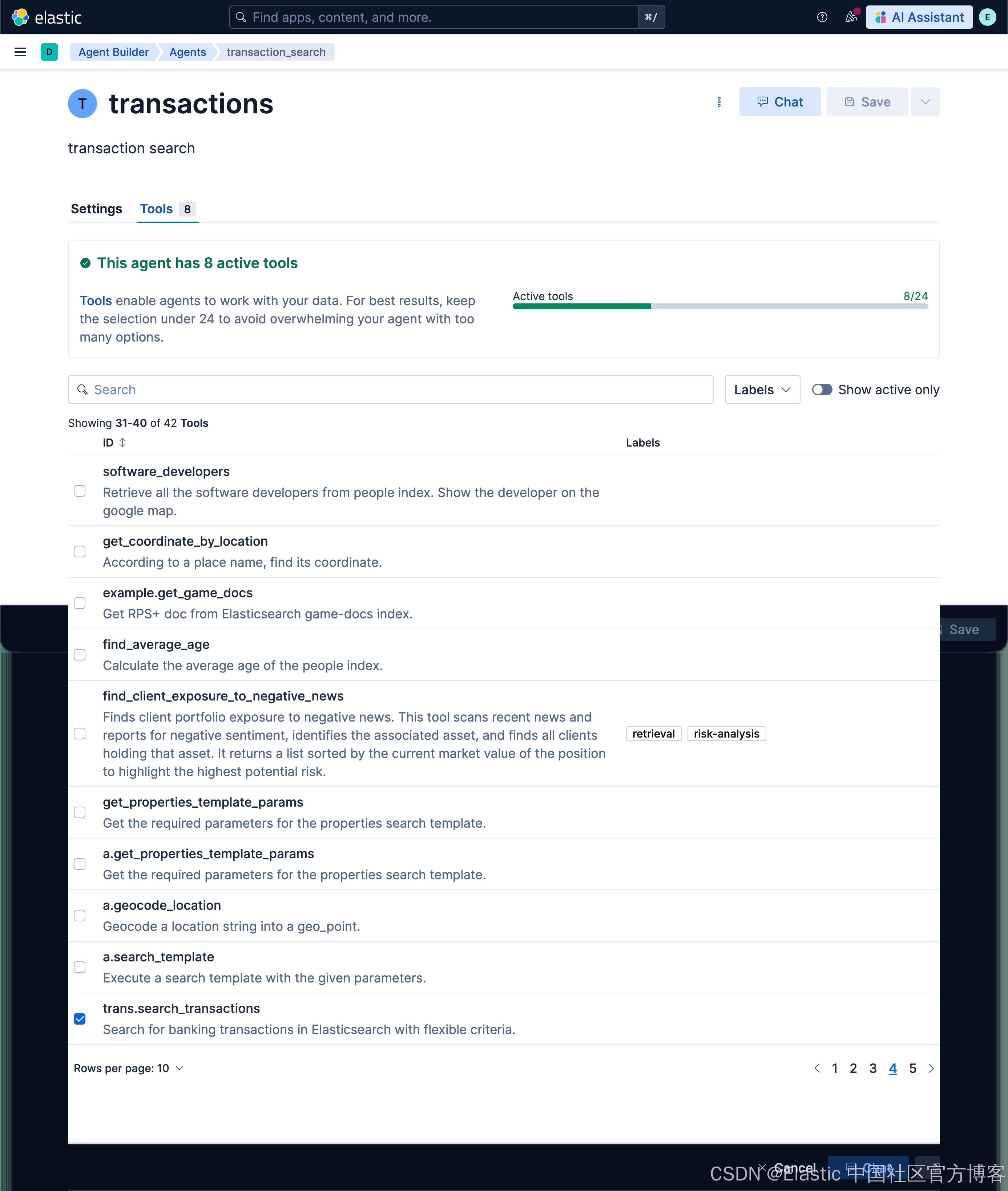
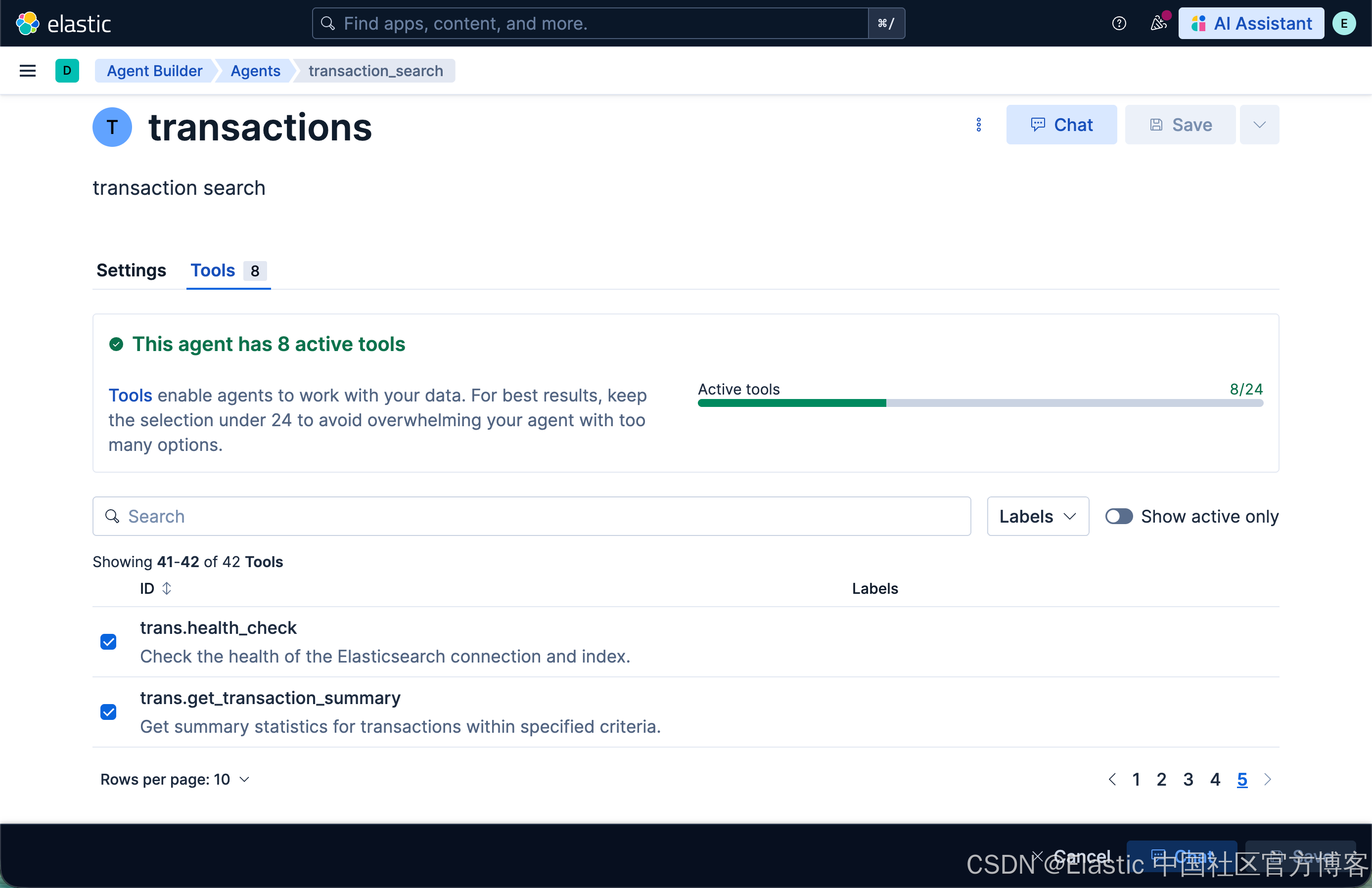
使用 transactions agent
我们接下来使用刚创建的 agent:
Find all Amazon purchases between $20 and $50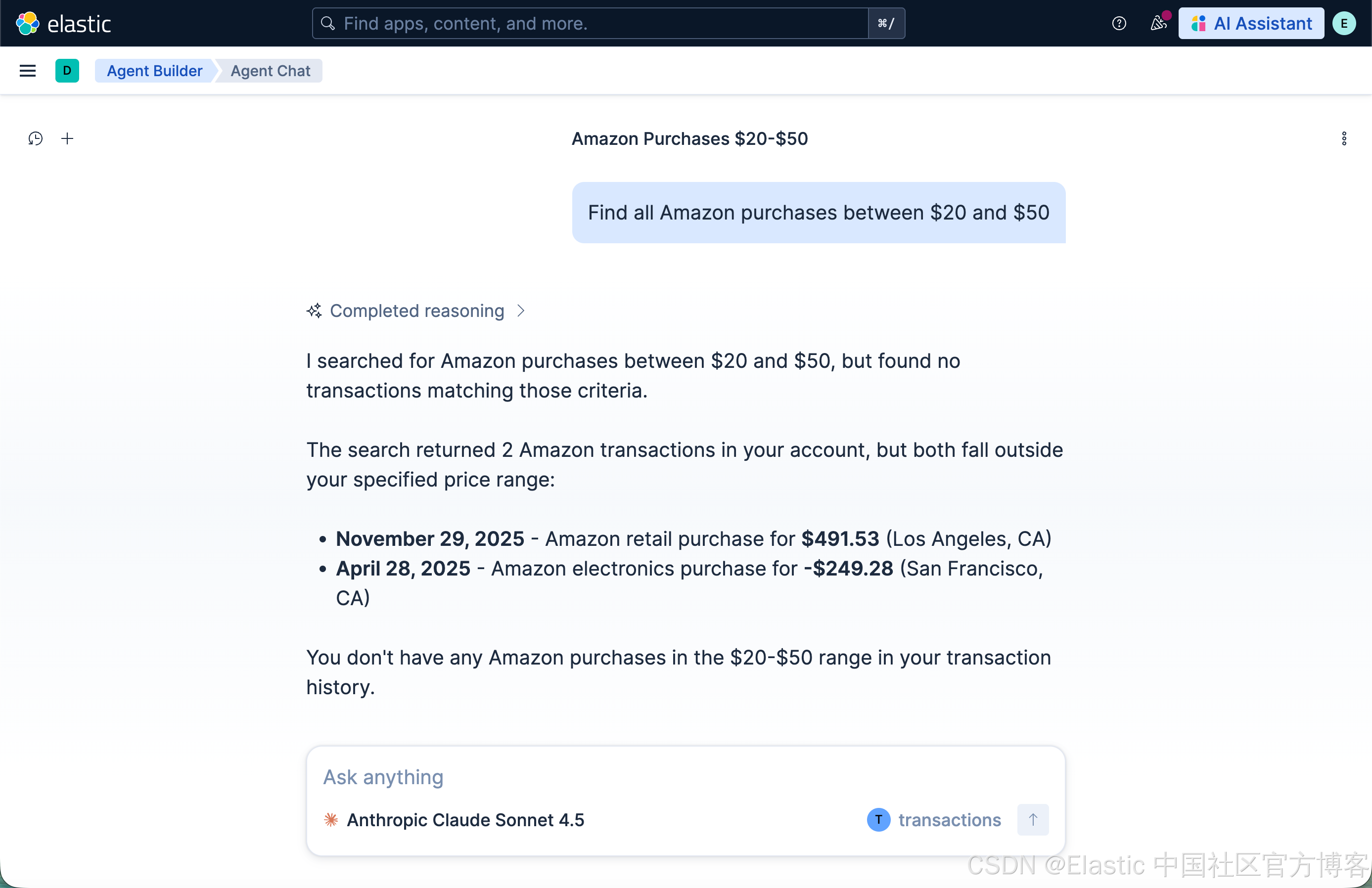
Find all transactions over $100 in San Francisco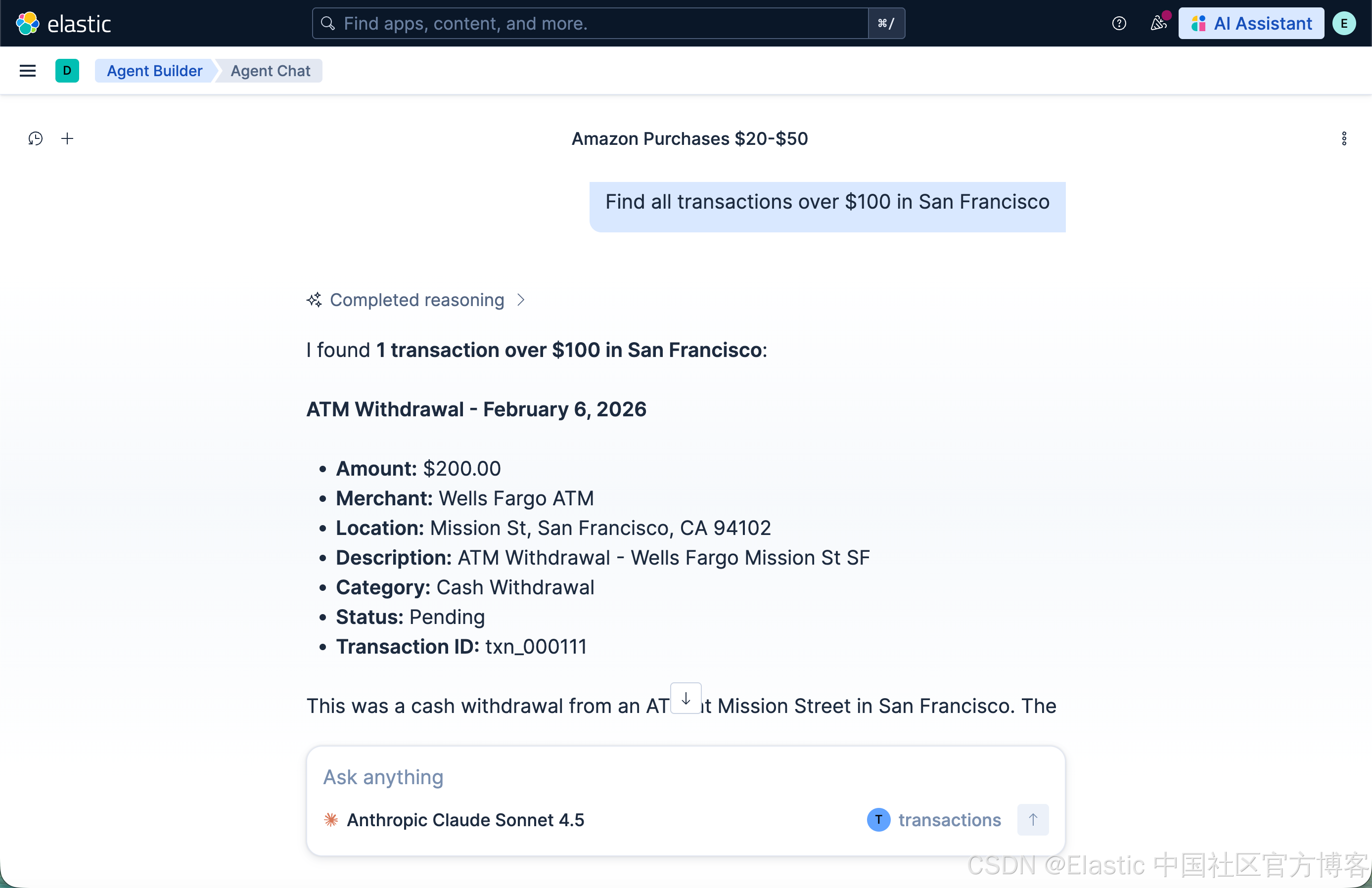
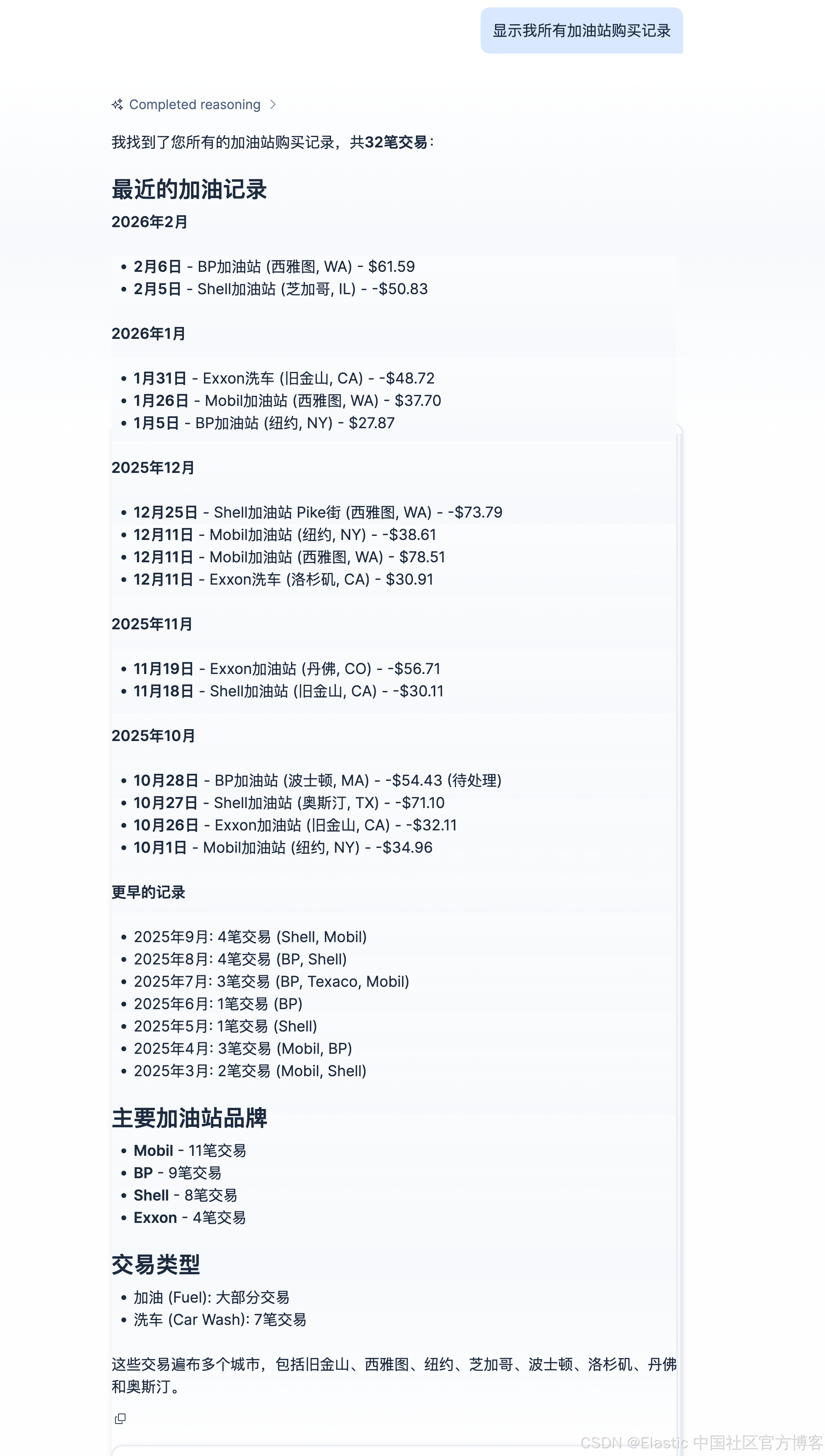
显示我所有加油站购买记录