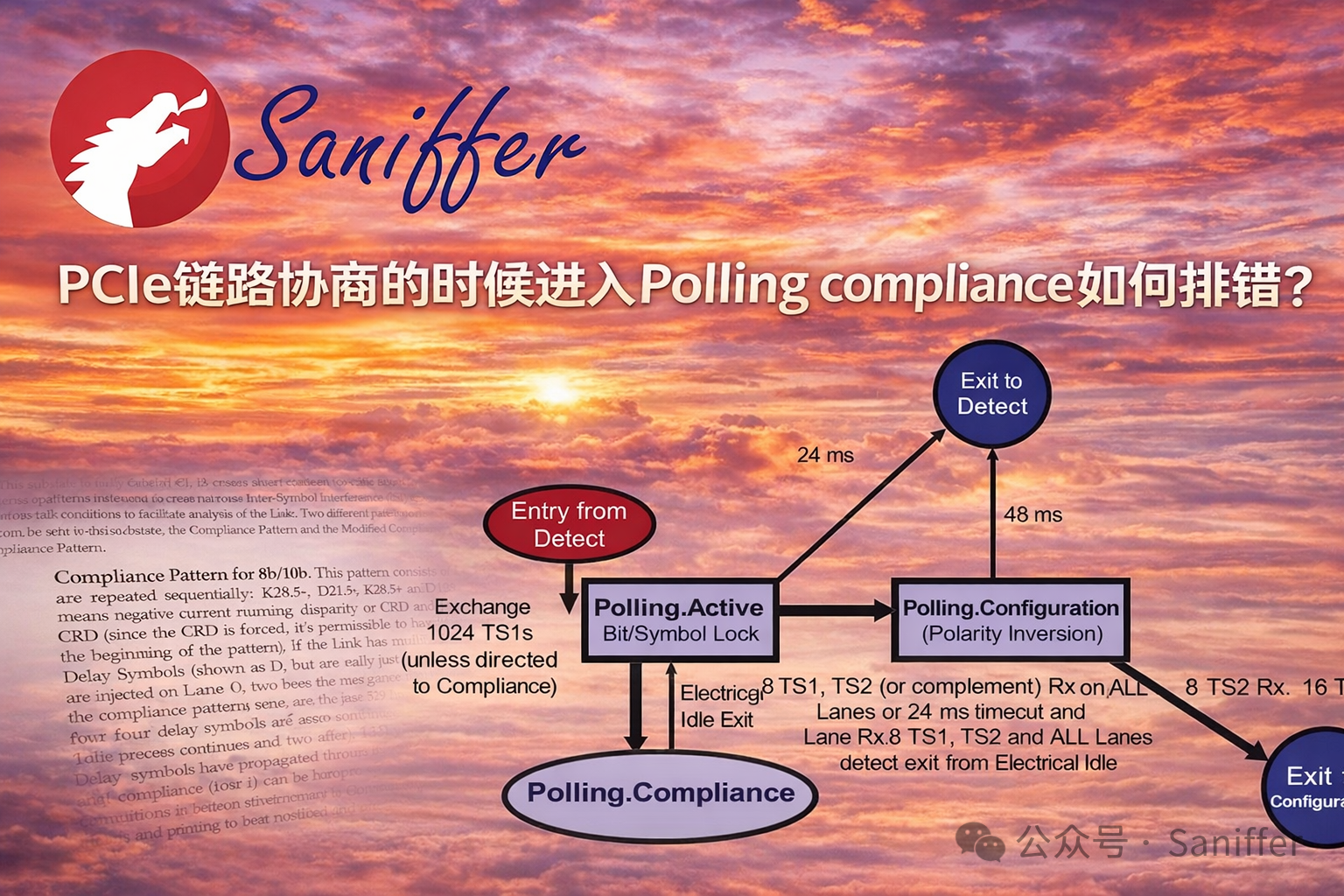
我们今天来看一个PCIe链路协商的时候进入Polling compliance如何排错。一张PCIe 5.0 x16网卡在和一个ARM Server CPU开机加电协商过程中LTSSM进入polling compliance模式,这个到底主要是物理层存在兼容性问题,还是说协议上有问题?解决这个问题时主要依赖于示波器,例如keysight 33GHz 示波器?还是说得依赖SerialTek PCIe 5.0 x16协议分析仪(兼容PCIe Gen1/2/3/4/5)?我们下面来看看针对该问题debug的一个过程和步骤,同时也解释一下进入polling compliance这个链路状态说明了什么?
大家注意,在 PCIe bring-up / 服务器互操作(interoperability)调试中非常常见:
LTSSM 卡在 Detect / Polling Compliance
我们按 三个层次解释一下:
1️⃣ Detect Compliance / Polling Compliance 的真正含义
2️⃣ 是否一定是物理层问题
3️⃣ 一个工程上常用的 PCIe Debug 流程(特别适用于 ARM server + NIC)
4️⃣ 协议分析仪 vs 示波器的作用
一、Detect Compliance / Polling Compliance 到底是什么意思
PCIe 的 **LTSSM(Link Training and Status State Machine)**负责建立链路。
所有 PCIe 链路必须通过一系列状态才能进入 L0(正常工作)。
典型流程:
Detect
   ↓
Polling.Active
   ↓
Polling.Compliance
   ↓
Polling.Configuration
   ↓
Configuration
   ↓
    L0
其中:
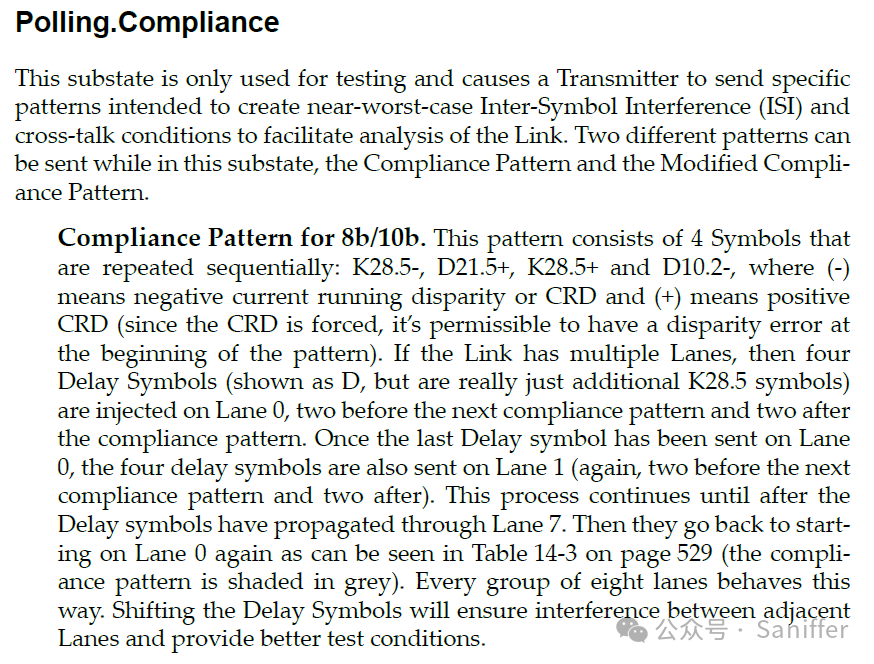
Polling.Compliance 的作用
Polling.Compliance 是一个专门用于"电气合规测试"的状态。
在该状态:
-
• 设备不会进行正常 link training
-
• 会发送 compliance pattern(测试码型)
-
• 供测试设备测量 jitter、eye diagram 等参数
换句话说:
它是给实验室测试设备准备的模式。
为什么会进入 Polling Compliance
最典型原因:
RX 没检测到正常信号
例如:
-
• 没检测到 Electrical Idle Exit
-
• Lane 上没有 valid receiver
-
• PHY 检测异常
PCIe spec 逻辑是:
如果 RX 没检测到 electrical idle exit
LTSSM 会从 Polling.Active 转到 Polling.Compliance。
二、Detect Compliance 是否一定是物理层问题?
不一定,但 70% 以上是 PHY / board / SI 问题。
常见原因可以分 5 类:
1 PHY / SI 问题(最常见)
例如:
-
• TX swing 不够
-
• RX detect失败
-
• reference clock jitter
-
• AC coupling错误
-
• lane polarity / swap 错误
-
• retimer / redriver问题
典型现象:
LTSSM:
Detect → Polling.Active → Polling.Compliance
无法继续。
2 Lane mapping错误
例如:
-
• x16 lane wiring错误
-
• lane reversed
-
• missing lane
3 REFCLK问题
例如:
-
• SRNS / SRIS mismatch
-
• refclk jitter
-
• SSC mismatch
PCIe 5.0 对 refclk 非常敏感。
4 Reset / Power sequencing问题
比如:
-
• PERST# timing错误
-
• device 未完成 init
5 PHY configuration错误
例如:
-
• compliance bit 被强制打开
-
• test mode
有些 FPGA / NIC firmware 可能会:
force compliance mode三、是否必须依赖 33GHz 示波器?
不一定。
对于 PCIe bring-up:
工程上通常遵循 3层调试方法
1 逻辑层
2 协议层
3 电气层
四、PCIe Debug 推荐流程(工程实践)
下面给你一个比较系统的 debug流程。
Step 1:先确认 LTSSM 轨迹
第一步不是示波器。
而是:
读 LTSSM register
例如:
lspci -vv
debug registers
LTSSM trace
看完整轨迹:
Detect
Polling.Active
Polling.Compliance
或者:
Detect loopStep 2:确认 RX detect
最关键:
Receiver Detect检查:
-
• 是否所有 lane detect receiver
-
• 是否 detect x16
很多 ARM server CPU:
debug register: rx_detectStep 3:确认 electrical idle exit
PCIe PHY 必须检测:
electrical idle → active否则:
进入 complianceStep 4:检查 reset sequence
看:
PERST#
CLK stable
Power good
典型 timing:
REFCLK stable
→ PERST release
→ LTSSM start
Step 5:确认 REFCLK 模式
服务器 NIC 常见问题:
SRNS / SRIS mismatch例如:
ARM server = SRNS
NIC = SRIS
直接 link fail。
Step 6:降速测试
把 link speed 降到:
Gen1
Gen2
Gen3
如果:
Gen1 OK
Gen5 fail
基本确定:
SI问题
Step 7:只用 x1 lane 测试
例如:
x16 → x1测试 lane integrity。
五、PCIe analyzer 是否有帮助?
非常有帮助。
对于 PCIe bring-up:
我反而建议:
Analyzer > Oscilloscope原因:
Analyzer可以看到:
例如:
TS1 / TS2
training sequence
lane negotiation
speed negotiation
equalization
你可以看到:
是否发出 TS1
是否收到 TS1
如果 analyzer 看不到 TS1
说明:
PHY层问题如果 analyzer 能看到 TS1
但 training fail:
说明:
protocol / configurationAnalyzer 能判断:
-
• lane width negotiation
-
• equalization failure
-
• training timeout
六、示波器什么时候用?
示波器是:
最后一步
通常在以下场景:
-
• eye diagram
-
• jitter measurement
-
• Tx swing
-
• channel loss
PCIe 5.0:
通常要
33GHz
40GHz
50GHz
示波器。
七、典型 Debug 工具组合
工程上最常用组合:
PCIe protocol analyzer
+
PCIe interposer
+
BERT / SI tester
+
oscilloscope
例如:
Keysight示波器
SerialTek PCIe 5.0协议分析仪 + 信号高保真 (SIFI) Interposer
八、我给你一个真实工程经验判断
如果 ARM server + NIC
出现:
Polling Compliance经验概率:
| 原因 | 概率 |
|---|---|
| SI / PCB | 40% |
| REFCLK | 20% |
| Lane mapping | 15% |
| Reset timing | 10% |
| Firmware | 10% |
| 其它 | 5% |
九、给你一个非常实用的 debug checklist
建议你按这个顺序排查:
1 read LTSSM register
2 check RX detect
3 check lane count
4 check refclk mode
5 check PERST timing
6 force Gen1
7 force x1
8 use analyzer capture TS1
9 check equalization
10 SI measurement
十、一个很多工程师忽略的关键点
PCIe 5.0 网卡
很多是:
retimer NIC如果:
ARM server root port 不支持该 retimer configuration也会:
LTSSM stuck