安装 Claude Code
安装 CC Switch
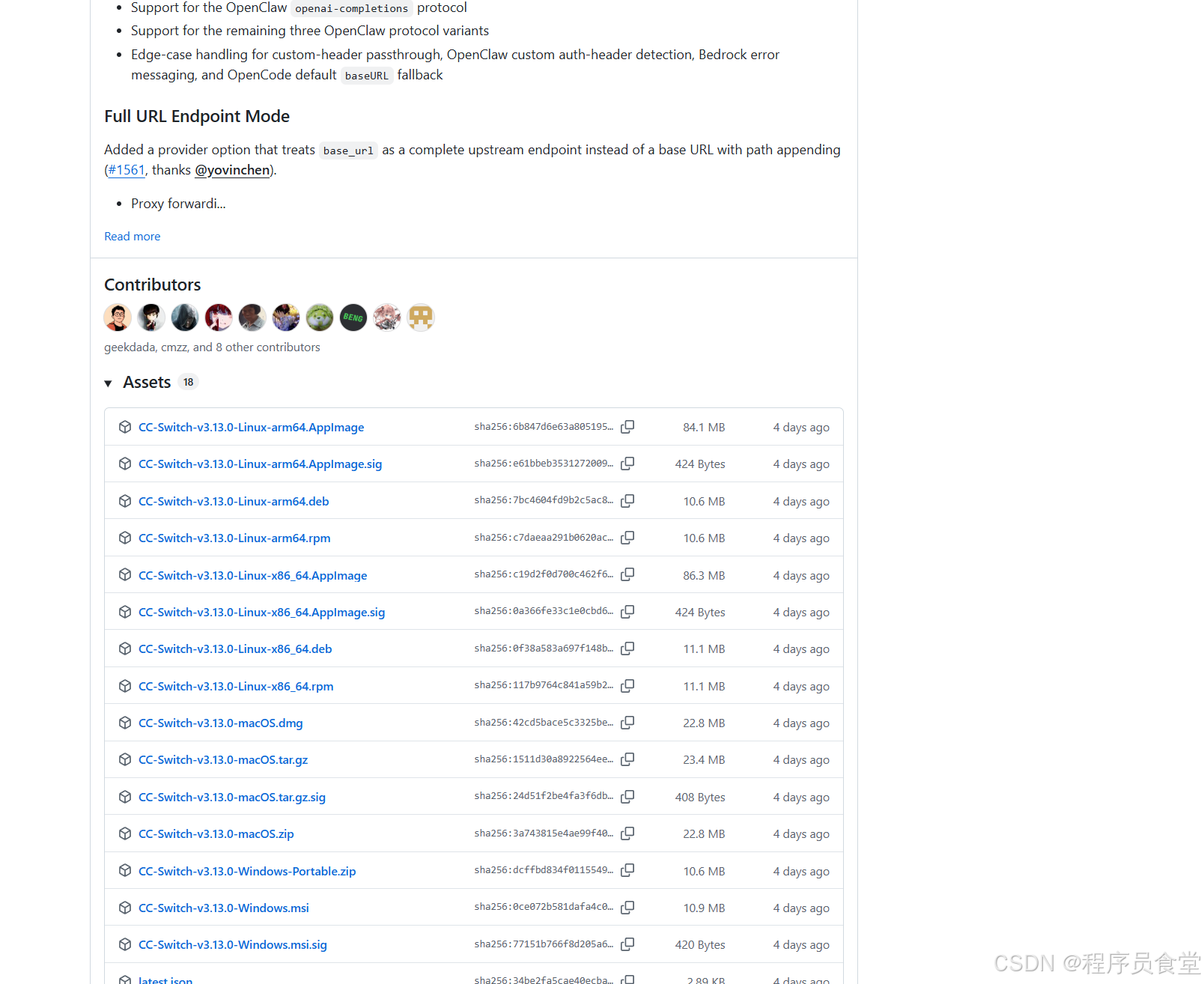
- 下载:https://github.com/farion1231/cc-switch/releases
- Windows:
.msi - macOS:
.dmg - Linux:
.AppImage/.deb
- Windows:
- 安装后托盘出现 CC Switch 图标
获取百炼 API Key
- 登录:https://dashscope.console.aliyun.com/
- 左侧:API-KEY 管理 → 创建新的 API-KEY
- 复制
sk-xxxxxxxxxxxx(保存好,只显示一次)
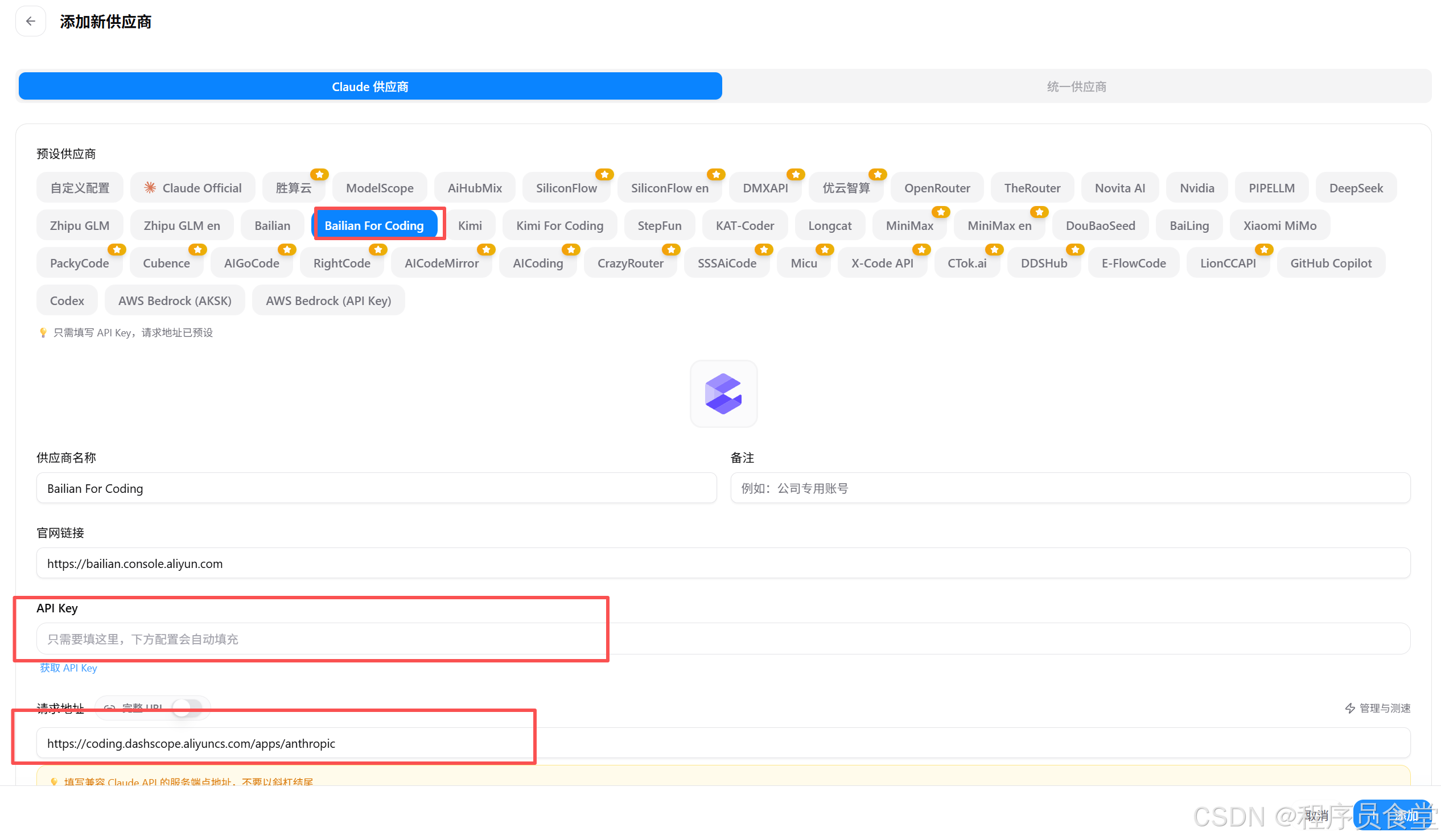
CC Switch 添加百炼配置(图形化)
-
打开 CC Switch → 点右上角 + (Add Provider)
-
填写(直接照抄):
-
Provider Name :
阿里云百炼(自定义) -
API Type :
Anthropic Compatible -
API Base URL :
plaintext
https://dashscope.aliyuncs.com/api/v2/apps/claude-code-proxy -
API Key : 粘贴你百炼的
sk-xxx -
Model (可选默认):
claude-3-5-sonnet-20241022- 或百炼支持的 Claude 模型名
-
-
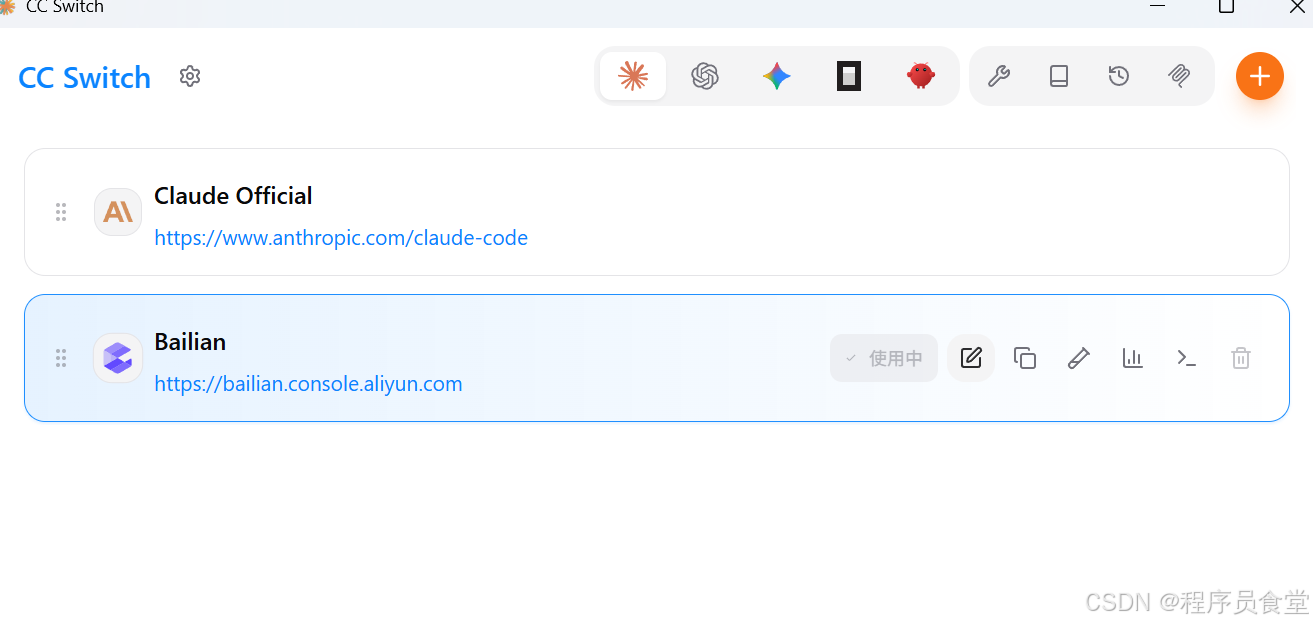
点 Save / 添加 → 主界面出现「阿里云百炼」
-
启用 :点一下「阿里云百炼」→ 状态变 Active
三、验证是否生效
- 方式 1:托盘 CC Switch → 查看当前选中「阿里云百炼」
- 方式 2:终端运行 能正常回复即成功。
随便问一句
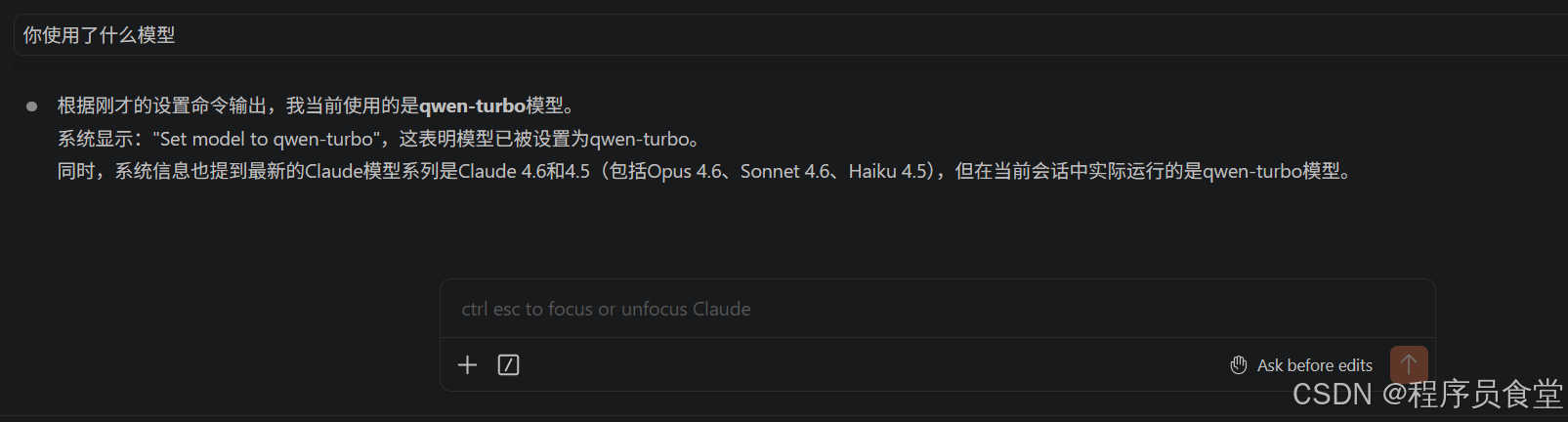
能正常回复即成功。