@TOC(python-base gammer learning(1): setting conda + Jupyter )
1:introduction
这部分是大学院课程复习部分,我会使用英文来书写,增加自己英语应用能力,让我们开始python 学习吧。!!!
people should constantly improve themselves.
I ofter use Python in my work and studies , However I have not systematically learned Python grammear before.
this is something I wangt to change
I aim to learn Python grammar thoroughly and gain a deeper understanding of it
2:computer setting development environment
It is ver important to ensure that your computer settings and development environment are properly configured .
If the setup is in corret or complicated , Python may not work properly , and errors may occur
Therefore we need to make sure that our computer setings and development environment are correctly prepared
System Requirements
- win : 10 /11
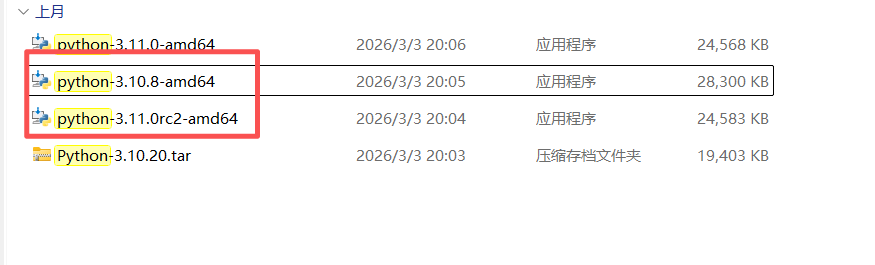
- python 3.x
(1) open powershell or command Prompt
bash
systeminfo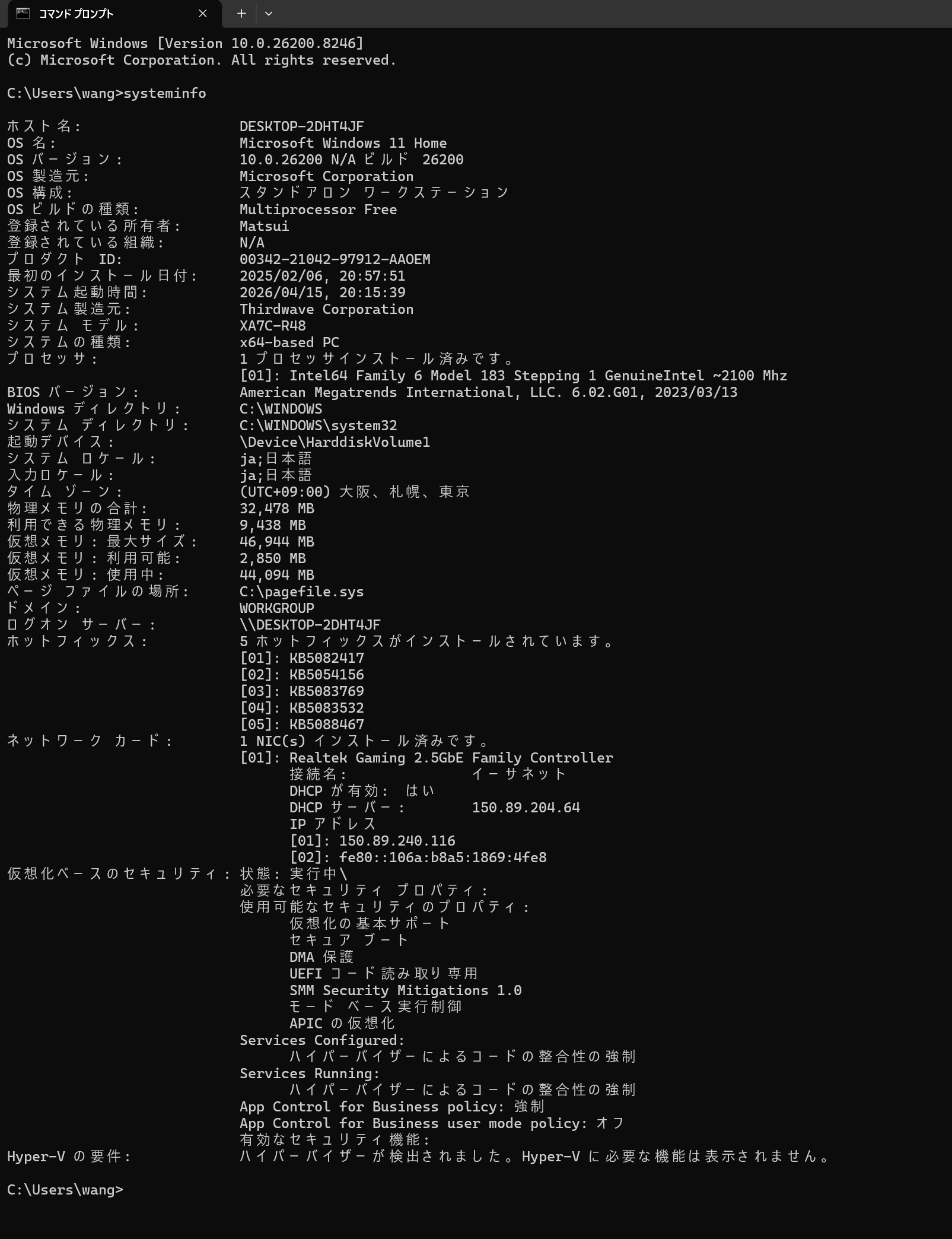
(2) check Python Version
this order is test python version , Use the following commands to check the installed Python version:
bash
python --version

python3 --version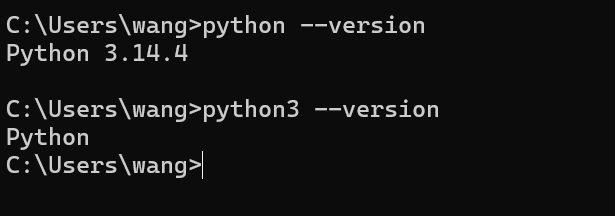
(3) Check pip Version
this order is test pip version Use tis command to check the pip version
bash
pip --version 
3 introduction to Python and conda and Jupyter Notebook
(1) python
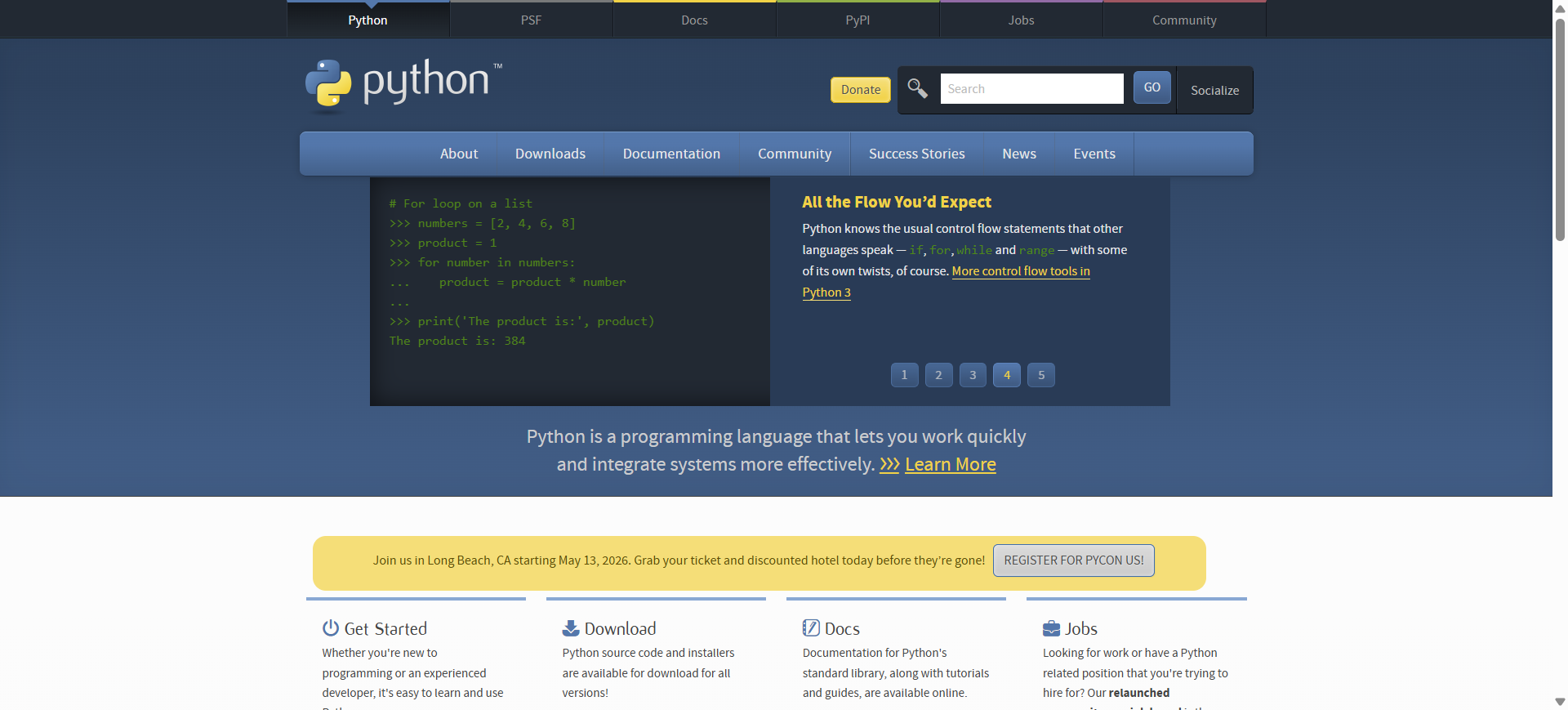
official website:
Python is widely used programming llanguage for developemnt ,data analysis and AI
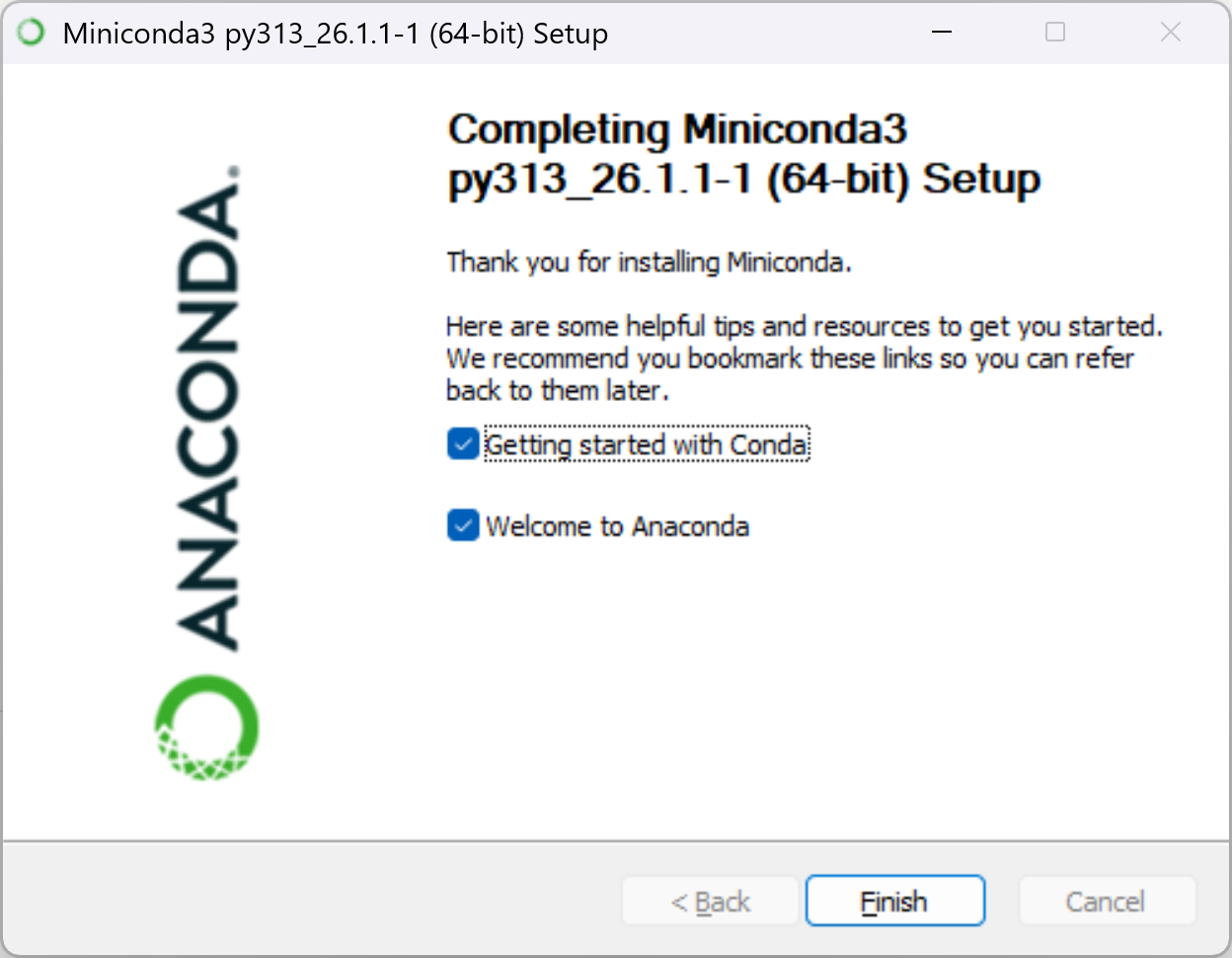
(2) Anaconda
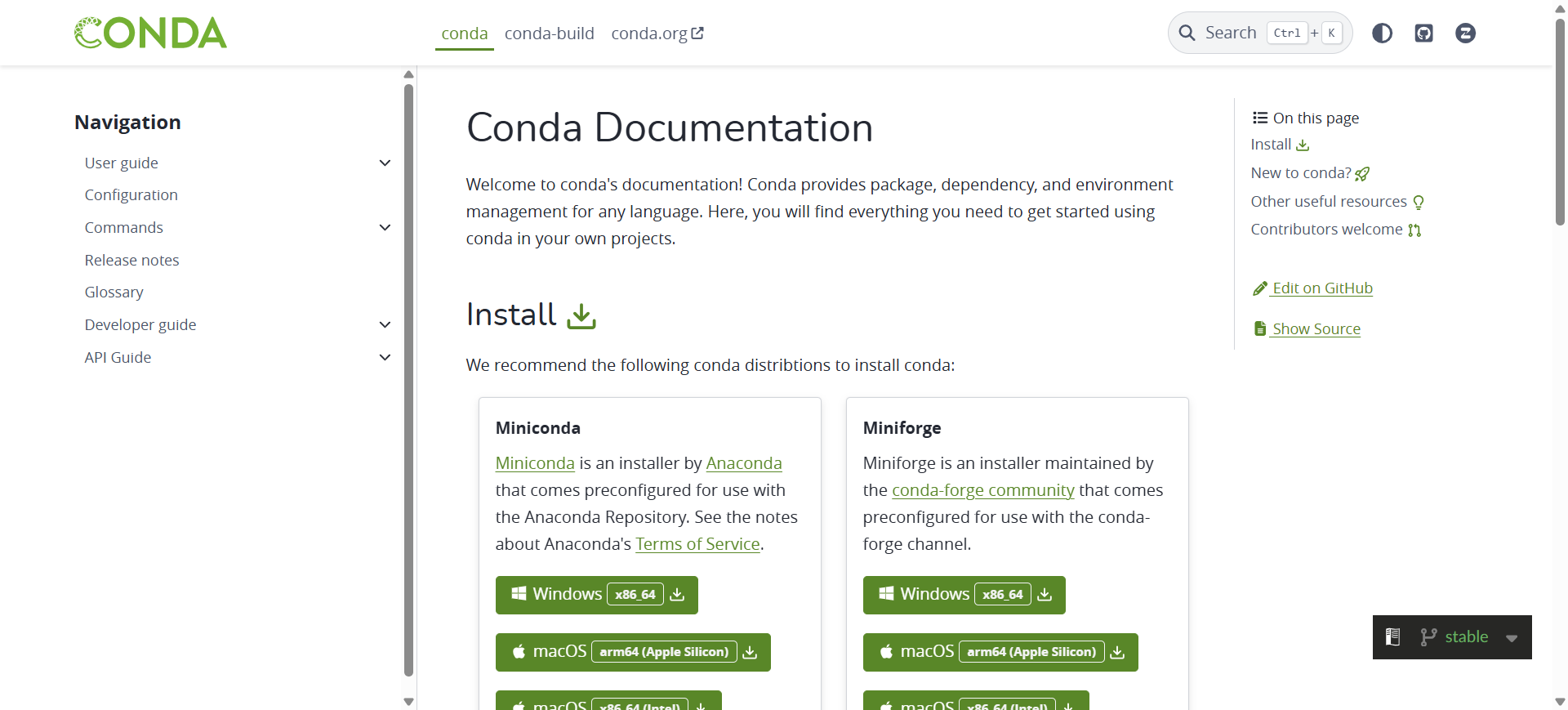
Anaconda

official documentation:
https://docs.conda.io/projects/conda/en/stable/
Anaconda is a distribution that simplifies package management and environment setup
it is very useful for beginners and data science workflows
(3) Jupyter Notebook
this section explains how to install jupyter Notebook
Open powershell or command prompt(run as administrator ),then execute
,
bash
conda install notebook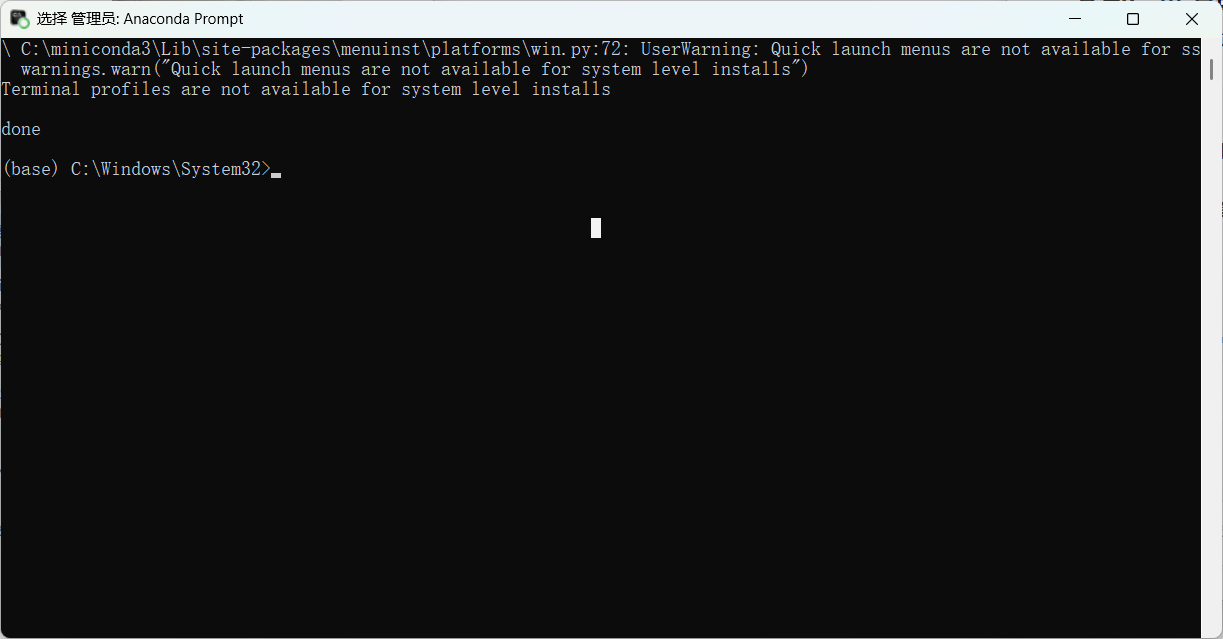
after installation , start jupyter Notebook:
bash
jupyter notebook(4) Recommendation
instead of intsalling packages in the base environment(c:\miniconda3),
it is better to create a new environment:
bash
conda create -n myenv python=3.10 notebook
conda activate myenv
jupyter notebook
4 Function Testing
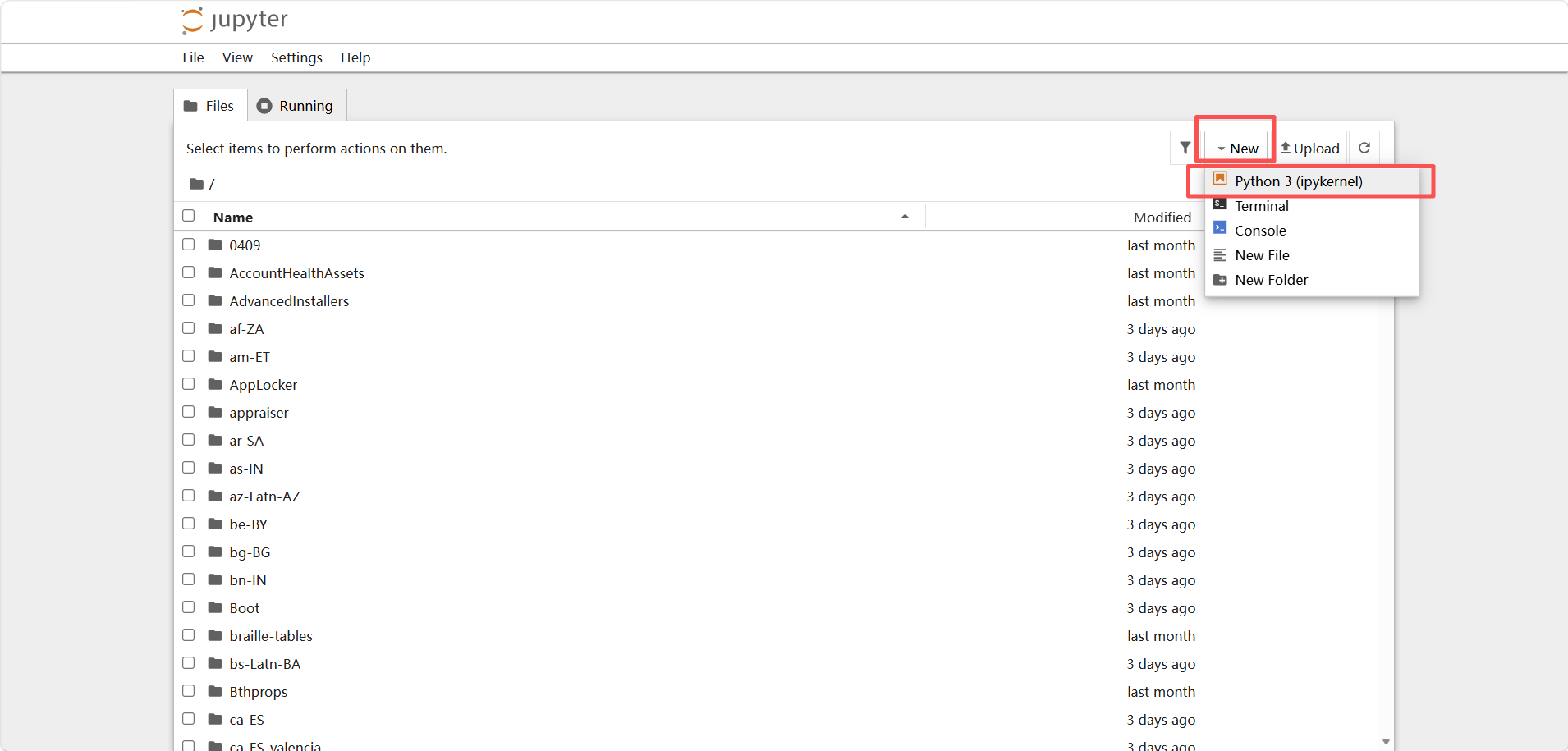
(1) Create a new file
create a new notebook file in jupyter
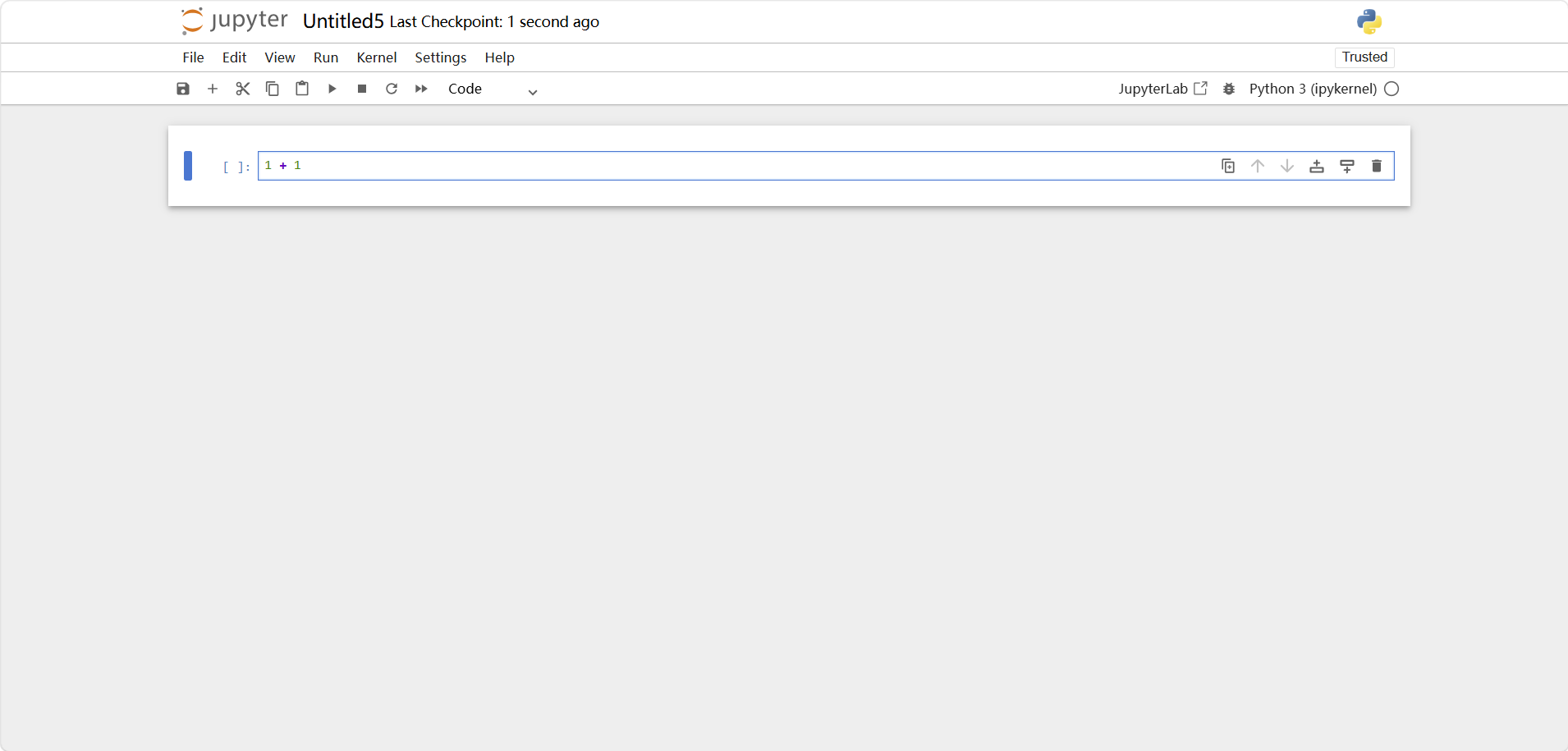
(2) test code
Write a simple test program.
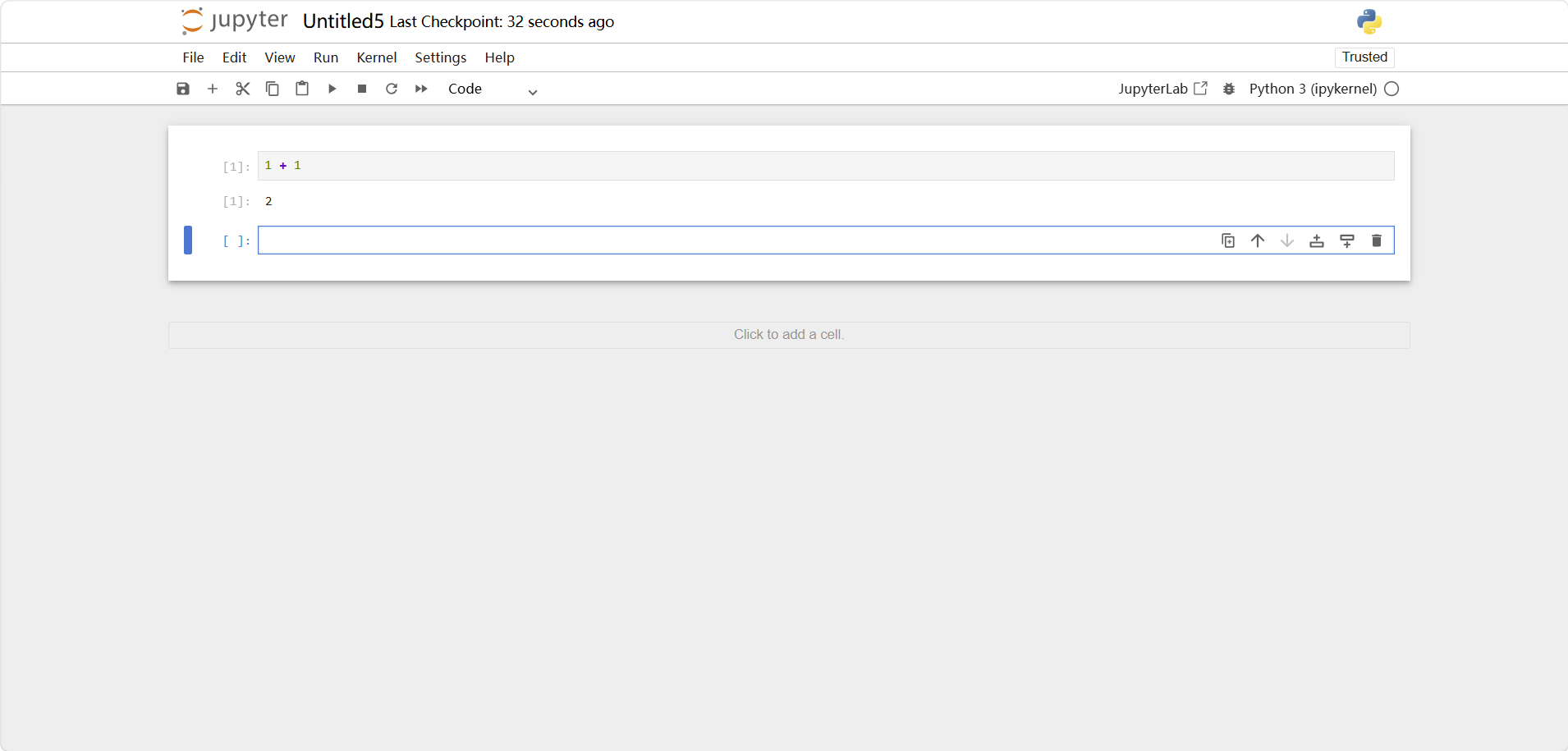
(4) running code
Shift + Enter to run the code.
5 problom
(1) Cannot Install Jupyter
Problem:
bash
conda install notebook → cannot find or install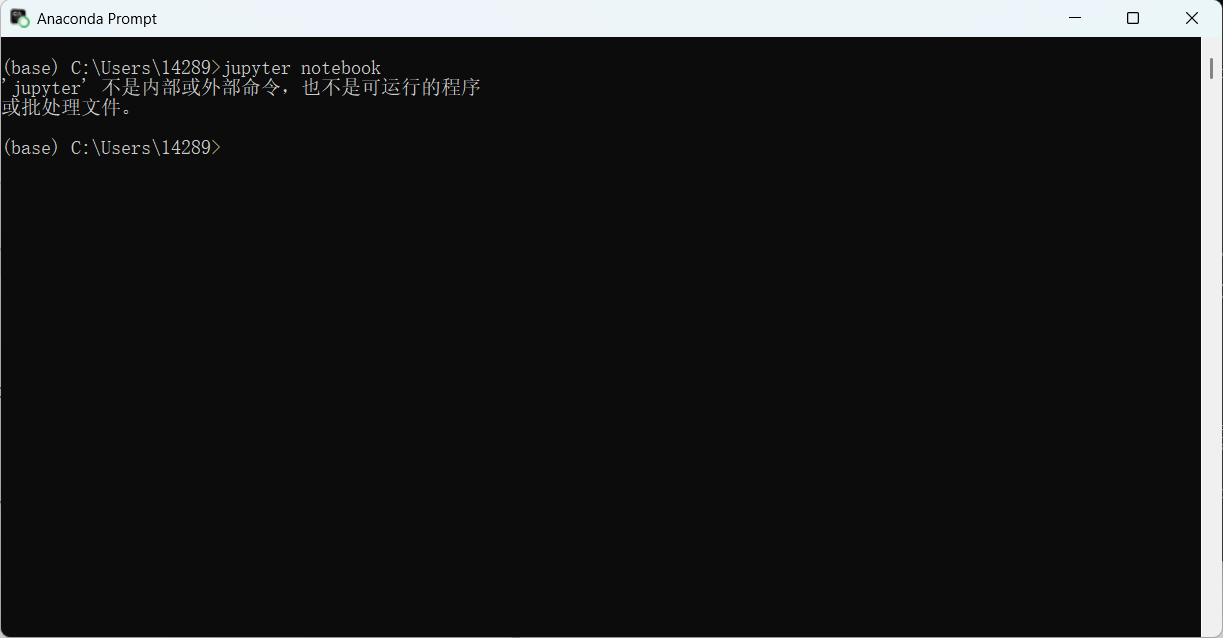
solution:
- Run as Administrator
- Or create a new environment
(2)cannot open jupyter page
sometimes you may see an error when opening the browser
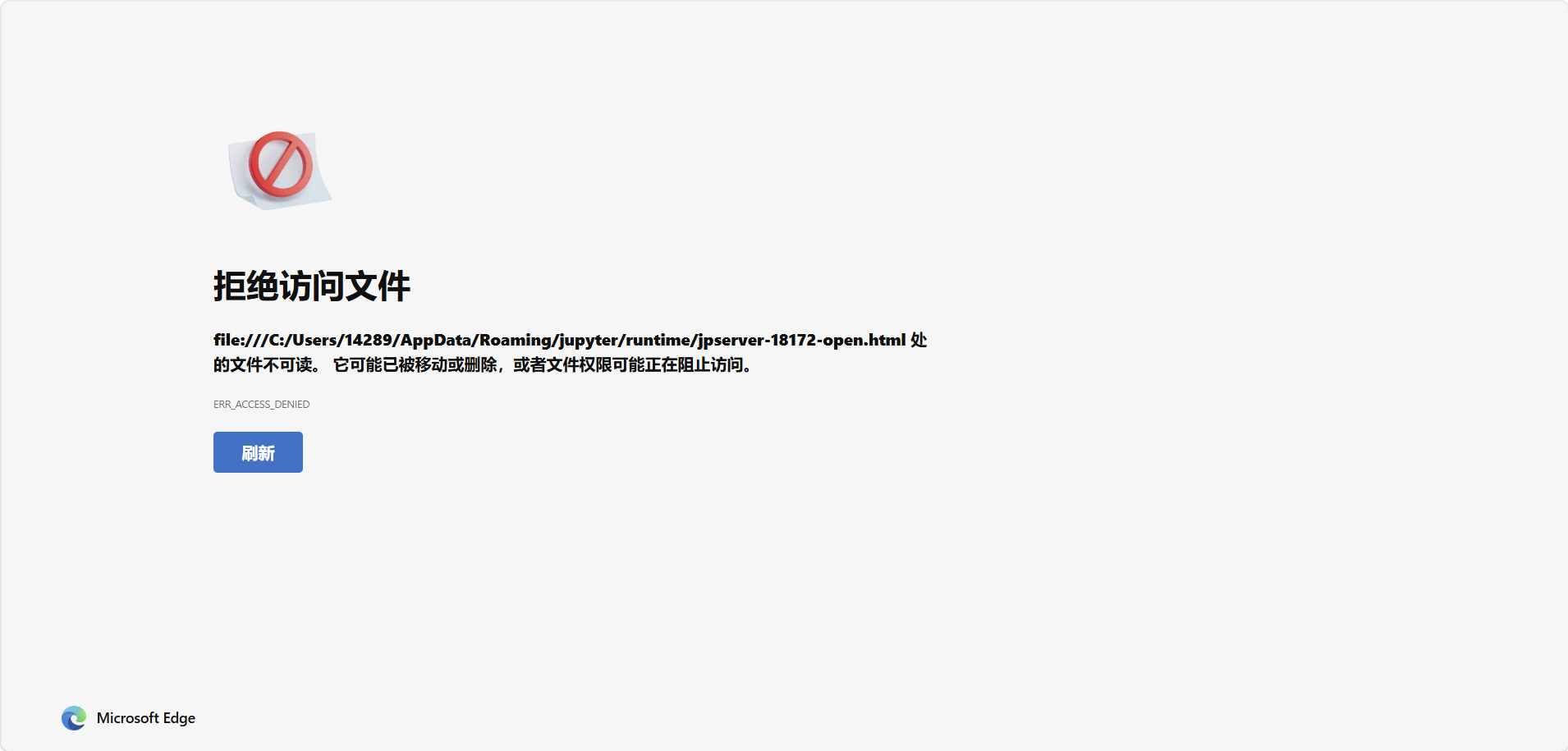
solution:
open manually in your brower:
bash
http://localhost:88886 Summary
this is the beginning of my pthon learning journey.
by setting up the environment correctly , I can focus on learning python more efficiently.
I will continue improving my skills step by step.