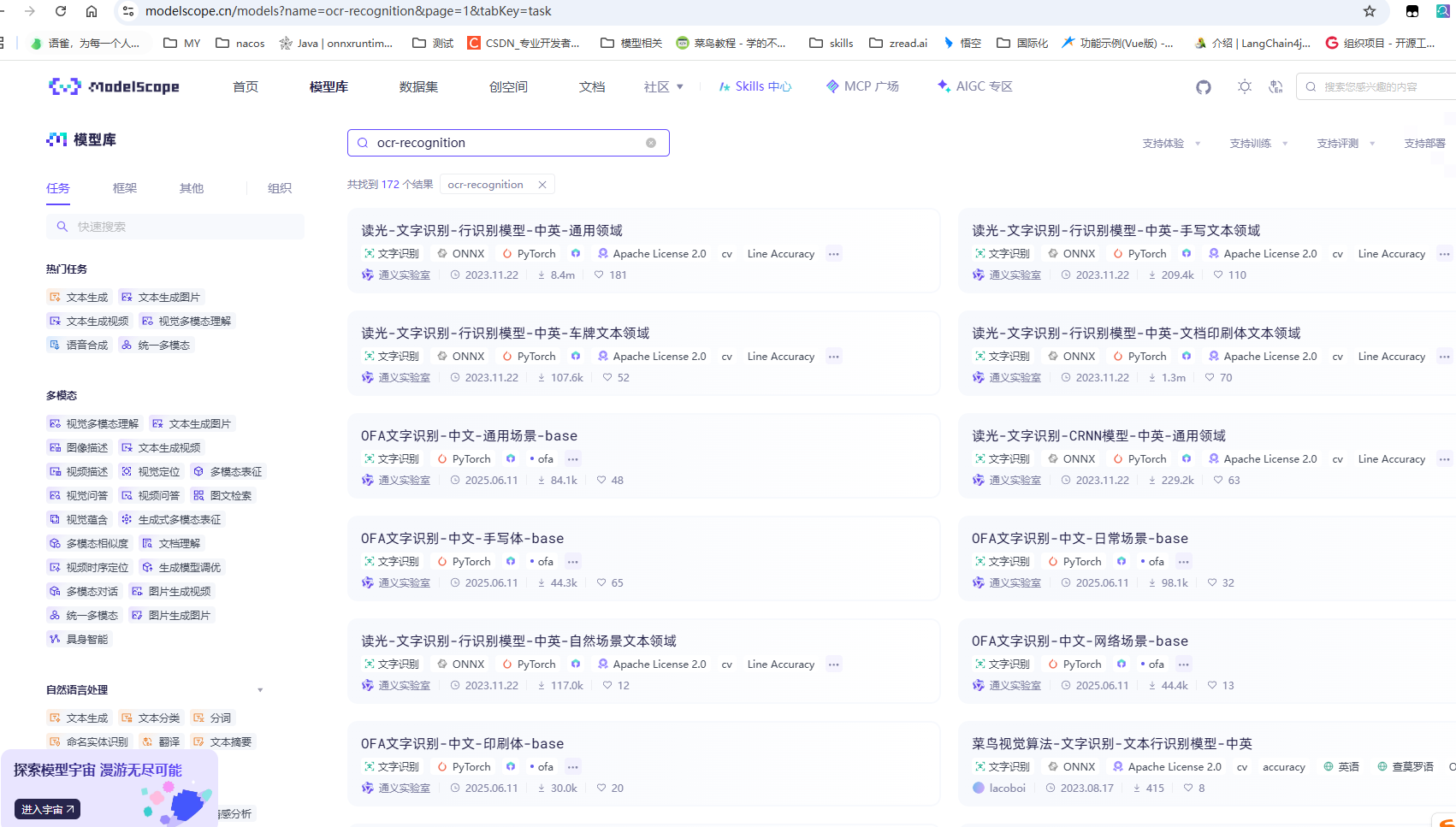
模型地址:https://www.modelscope.cn/models
OCR 文字识别(ocr_recognition)
创建虚拟环境
bash
conda create -n ai_tool python=3.10 -y进入环境
bash
activate ai_tool
安装依赖
bash
pip install torch torchvision torchaudio opencv-python pillow streamlit modelscope pyinstaller addict datasets huggingface_hub==0.24.0 simplejson sortedcontainers yapf scipy ftfy regex tqdm pyarrow pandas -i https://pypi.tuna.tsinghua.edu.cn/simple编写 ocr_tool.py 脚本
bash
# ==============================================
# 图片OCR文字提取 EXE 工具(ModelScope 模型)
# 一键打包,双击运行,无环境依赖
# ==============================================
import streamlit as st
from modelscope.pipelines import pipeline
from modelscope.utils.constant import Tasks
import cv2
import numpy as np

# 页面配置
st.set_page_config(page_title="OCR文字提取", page_icon="📝")
st.title("📝 图片OCR文字提取工具")
st.subtitle("支持:证件/发票/截图/文档/手写体")

# 缓存模型(只加载一次,速度更快)
@st.cache_resource
def load_ocr_model():
    # 阿里达摩院 最通用、最准的OCR模型
    return pipeline(
        task=Tasks.ocr_recognition,
        model='damo/cv_convnextTiny_ocr-recognition-general_damo'
    )

# 加载模型
ocr = load_ocr_model()

# 上传图片
img_file = st.file_uploader("上传图片", type=["png", "jpg", "jpeg"])

if img_file is not None:
    # 显示图片
    st.image(img_file, caption="上传的图片", use_column_width=True)

    # 点击提取按钮
    if st.button("🔍 开始提取文字"):
        with st.spinner("正在识别中..."):
            # 读取图片
            img = cv2.imdecode(np.frombuffer(img_file.read(), np.uint8), cv2.IMREAD_COLOR)

            # OCR识别
            result = ocr(img)
            text_list = result['text']  # 提取所有文字

            # 拼接文字
            final_text = "\n".join(text_list)

            # 展示结果
            st.success("✅ 识别完成!")
            st.text_area("提取的文字(可直接复制)", final_text, height=300)
启动脚本
bash
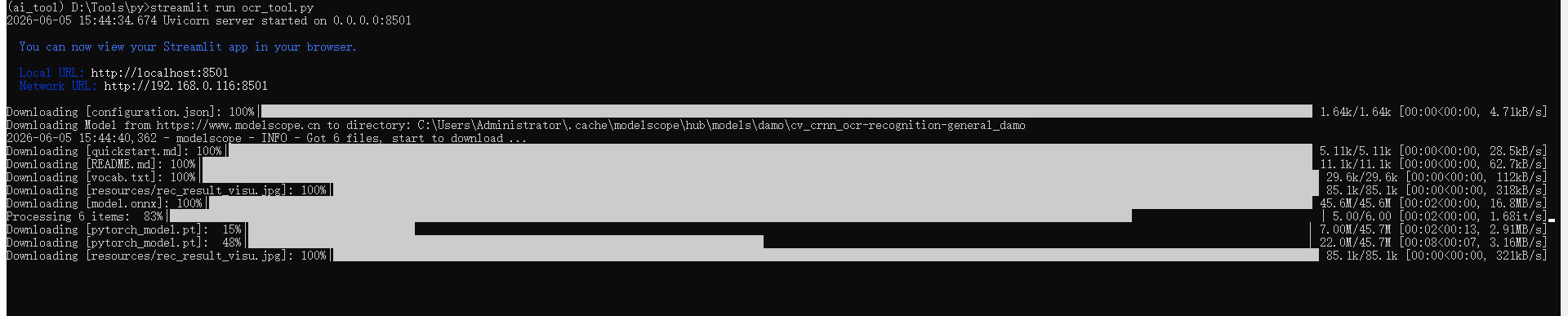
streamlit run ocr_tool.py首次下载模型中
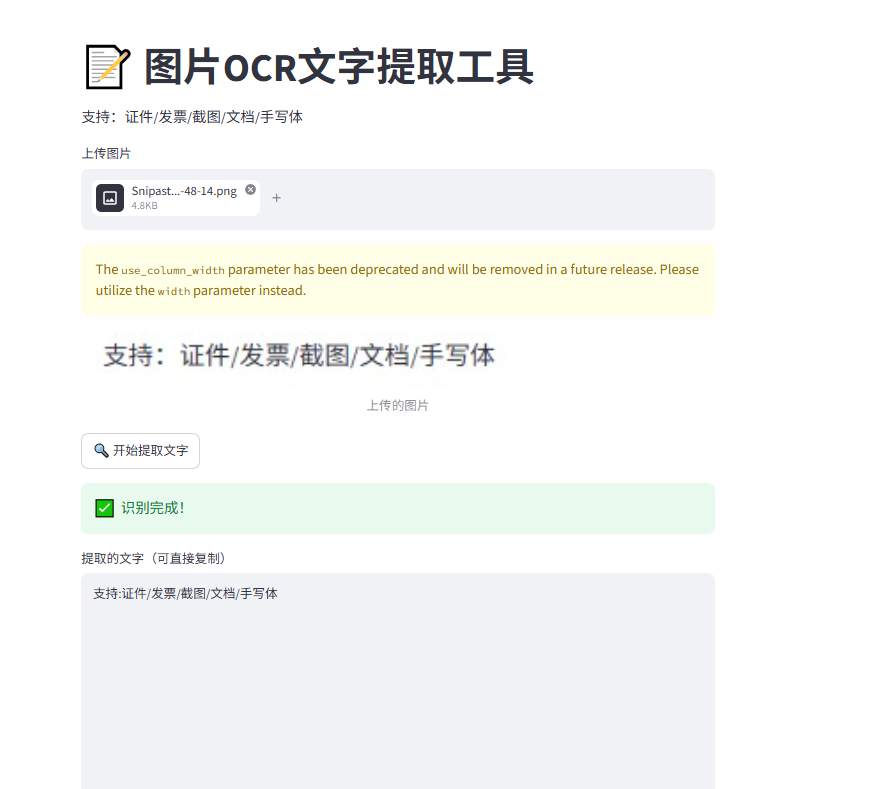
测试