作者@小郭
项目实战:LAMP-博客平台-Wordpress
WordPress是一款个人博客系统,并逐步演化成一款内容管理系统软件,使用PHP语言和MySQL数据库开发,用户可以在支持 PHP 和 MySQL 数据库的服务器上使用自己的博客。
LNMP-wordpress
LNMP:Linux Nginx MySQL PHP
部署数据库
bash
#安装MariaDB数据库服务端软件。MariaDB 是 WordPress 必需的数据库服务,用于存储网站的所有内容、用户信息、设置等数据。
[root@server ~ 09:33:31]# yum install -y mariadb-server.x86_64

#启动服务。
[root@server ~ 09:34:19]# systemctl enable mariadb.service --now

#加固MariaDB
[root@server ~ 09:34:37]# mysql_secure_installation
# - 为root帐户设置密码,密码:123。
# - 禁止root帐户从本地主机外部访问数据库。
# - 删除匿名用户帐户。
# - 删除用于演示的test数据库。
部署 Nginx
bash
#安装nginx
[root@server ~ 09:35:13]# yum install -y nginx

#启动服务。
[root@server ~ 09:35:37]# systemctl enable nginx.service --now

#准备欢迎界面
[root@server ~ 09:35:46]# echo hello world from nginx > /usr/share/ngintml/index.html

#验证
[root@server ~ 09:36:12]# curl 10.1.8.10
hello world from nginx
部署 PHP
bash
#安装php相关组件。mysqlnd 用于 PHP 连接 MySQL 数据库
[root@server ~ 09:36:19]# yum install -y php php-fpm php-mysqlnd

#编辑配置文件,设置运行用户
[root@server ~ 09:36:58]# vim /etc/php-fpm.d/www.conf
# 修改以下两个参数
user = nginx
group = nginx
[root@server ~ 09:37:50]# systemctl enable php-fpm.service --now
配置 Nginx 对接 PHP
bash
#新增配置文件,配置nginx对接php,目的是让Nginx 知道如何处理.php文件 :将.php 文件的请求转发给 PHP-FPM 处理。
[root@server ~ 09:38:05]# vim /etc/nginx/default.d/php.conf
location ~ \.php$ {
    try_files $uri =404;#检查文件是否存在,不存在返回404
    fastcgi_pass 127.0.0.1:9000;#将php请求转发到php-frm监听的9000端口
    fastcgi_index index.php;
    fastcgi_param SCRIPT_FILENAME $document_root$fastcgi_script_name;#告诉php-frm要执行的PHP文件的完整路径。
    include fastcgi_params;#加载FastCGI 的默认参数配置。
}

#为什么要这样写一个新的配置文件,因为在/etc/nginx/nginx.conf 目录下,当去vim它时,里面有这样一行代码:
#"# Load configuration files for the default server block.
#       include /etc/nginx/default.d/*.conf;
#代表的意思是将 /etc/nginx/default.d/ 目录下所有以 .conf 结尾的文件内容,包含到默认的服务器配置块中,且仅作用于默认服务器块,default.d/*.conf 加载的是默认服务器块内部的补充配置(如 location 规则、root 路径、index 文件等)。它不是用来定义新的虚拟主机,而是用来修改或补充默认虚拟主机的配置细节。

# 配置web服务器默认主页
[root@server ~ 09:38:42]# vim /etc/nginx/nginx.conf
......
# 在nginx主配置文件 server 块 root 参数下配置index参数
    server {
        ......
        root         /usr/share/nginx/html;
        # 指定主页
        index index.php index.html;
......
[root@server ~ 09:40:22]# systemctl  restart nginx.service

#创建index.php测试文件,用于基础的php测试。
[root@server ~ 09:40:32]# cat > /usr/share/nginx/html/index.php <<EOF
<?php
  echo "<h1>Hello World !</h1>\n";
?>
EOF

#验证。
[root@server ~ 09:40:47]# curl http://10.1.8.10
<h1>Hello World !</h1>
准备数据库
bash
#创建wordpress 数据库和用户。
[root@server ~ 09:41:00]# mysql -u root -p
Enter password: 123
#创建名为wordpress数据库
MariaDB [(none)]> create database wordpress;
Query OK, 1 row affected (0.00 sec)
#创建用户wordpress并设置密码123
MariaDB [(none)]> create user wordpress identified by '123';
Query OK, 0 rows affected (0.00 sec)
#收入用户对数据库的权限.
MariaDB [(none)]> grant all privileges on wordpress.* to wordpress;
Query OK, 0 rows affected (0.00 sec)
#刷新权限使配置生效。
MariaDB [(none)]> flush privileges;
Query OK, 0 rows affected (0.00 sec)

MariaDB [(none)]> exit
Bye
#为 WordPress 创建独立的数据库和用户,遵循最小权限原则,提高安全性。

#验证,测试数据库连接。
[root@server ~ 16:51:46]# mysql -u wordpress -p123 wordpress -e 'select 1;'
+---+
| 1 |
+---+
| 1 |
+---+
测试php是否可以访问
bash
#创建test-mysql.php测试文件,用于数据库连接测试
[root@server ~ 09:43:12]# cat > /usr/share/nginx/html/test-mysql.php <<'EOF'
<?php
  $link=mysqli_connect('10.1.8.10','wordpress','123');
  if($link)
    echo "<h1>Connect Mysql Success !</h1>\n";
  else
    echo "<h1>Connect Mysql Failed !</h1>\n";
  $link->close();
?>
EOF

#验证,#表明:PHP 环境正常工作,PHP 能够成功连接到 MySQL 数据库,数据库用户权限配置正确
[root@server ~ 09:43:42]# curl http://10.1.8.10/test-mysql.php
<h1>Connect Mysql Success !</h1>
部署 wordpress 应用
bash
#安装并下载wordpress
[root@server ~ 09:45:30]# yum install -y wget
[root@server ~ 09:45:42]# wget http://192.168.46.88/01.softwares/wordpress-4.9.4-zh_CN.zip
[root@server ~ 09:45:45]# ls
anaconda-ks.cfg  wordpress-4.9.4-zh_CN.zip

#解压
[root@server ~ 09:45:52]# unzip wordpress-4.9.4-zh_CN.zip
[root@server ~ 09:45:59]# ls -d wordpress
wordpress

#部署wordpress文件,将 WordPress 目录移动到 Nginx 的网站根目录,让 Nginx 能够直接访问和提供 WordPress 的网页内容。
[root@server ~ 09:46:01]# mv wordpress /usr/share/nginx/html/

#修改权限,将wordpress目录的所有者改为nginx用户和组,确保 Web 服务器进程有权限读取和修改 WordPress 文件。
[root@server ~ 09:46:19]# chown -R nginx:nginx /usr/share/nginx/html/
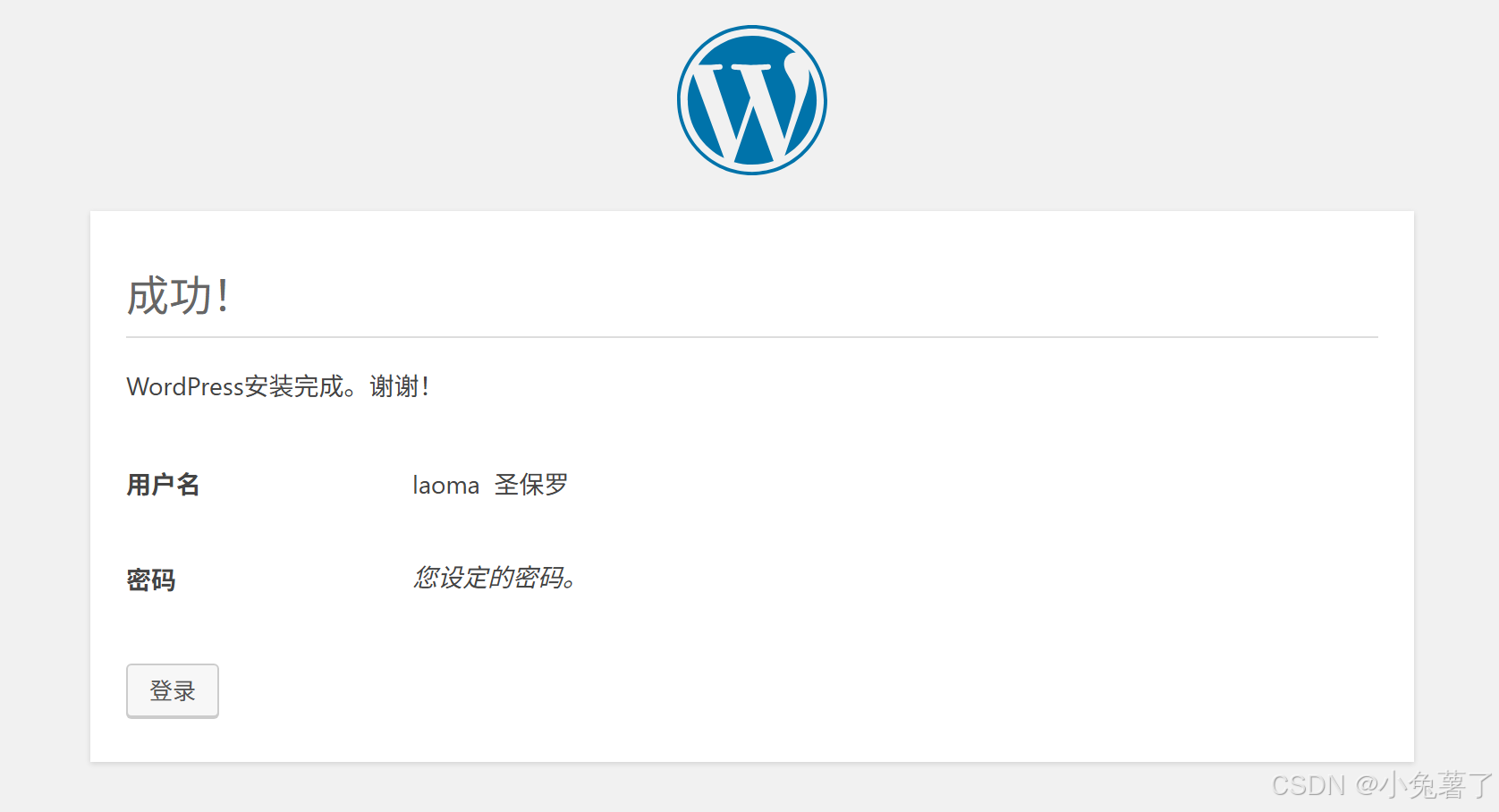
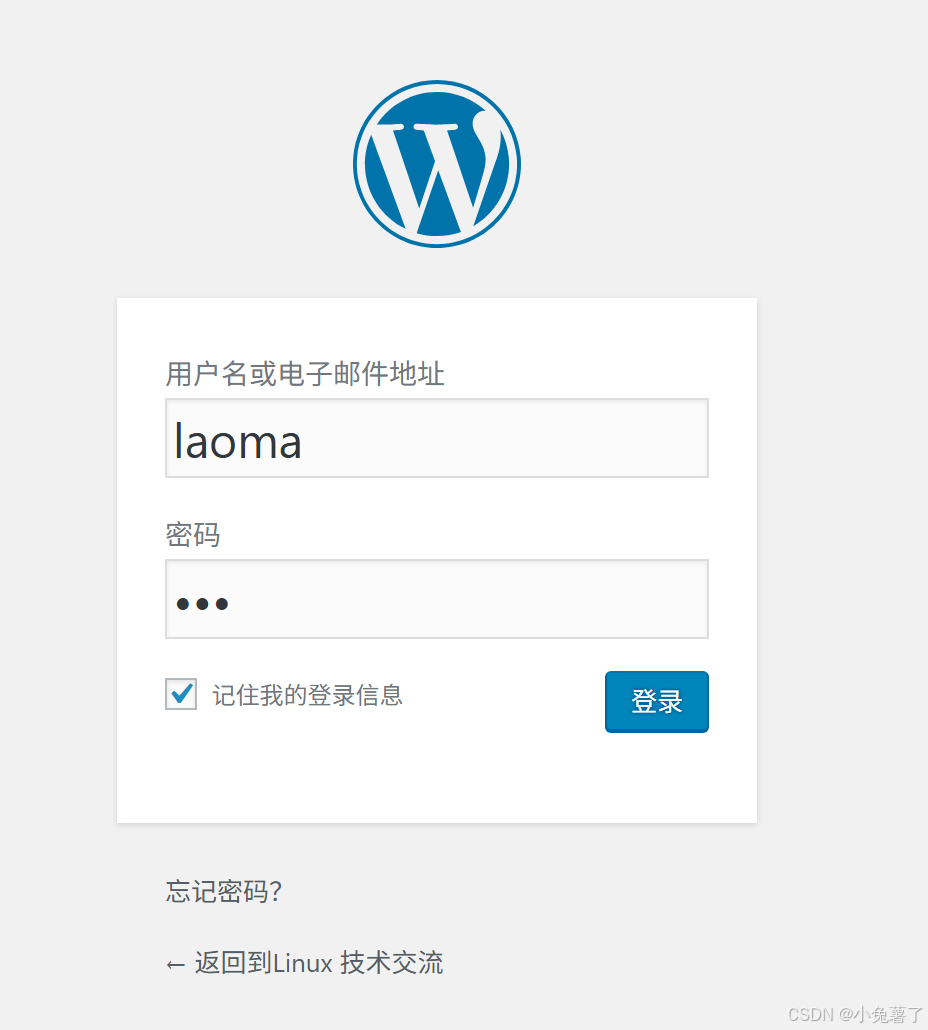
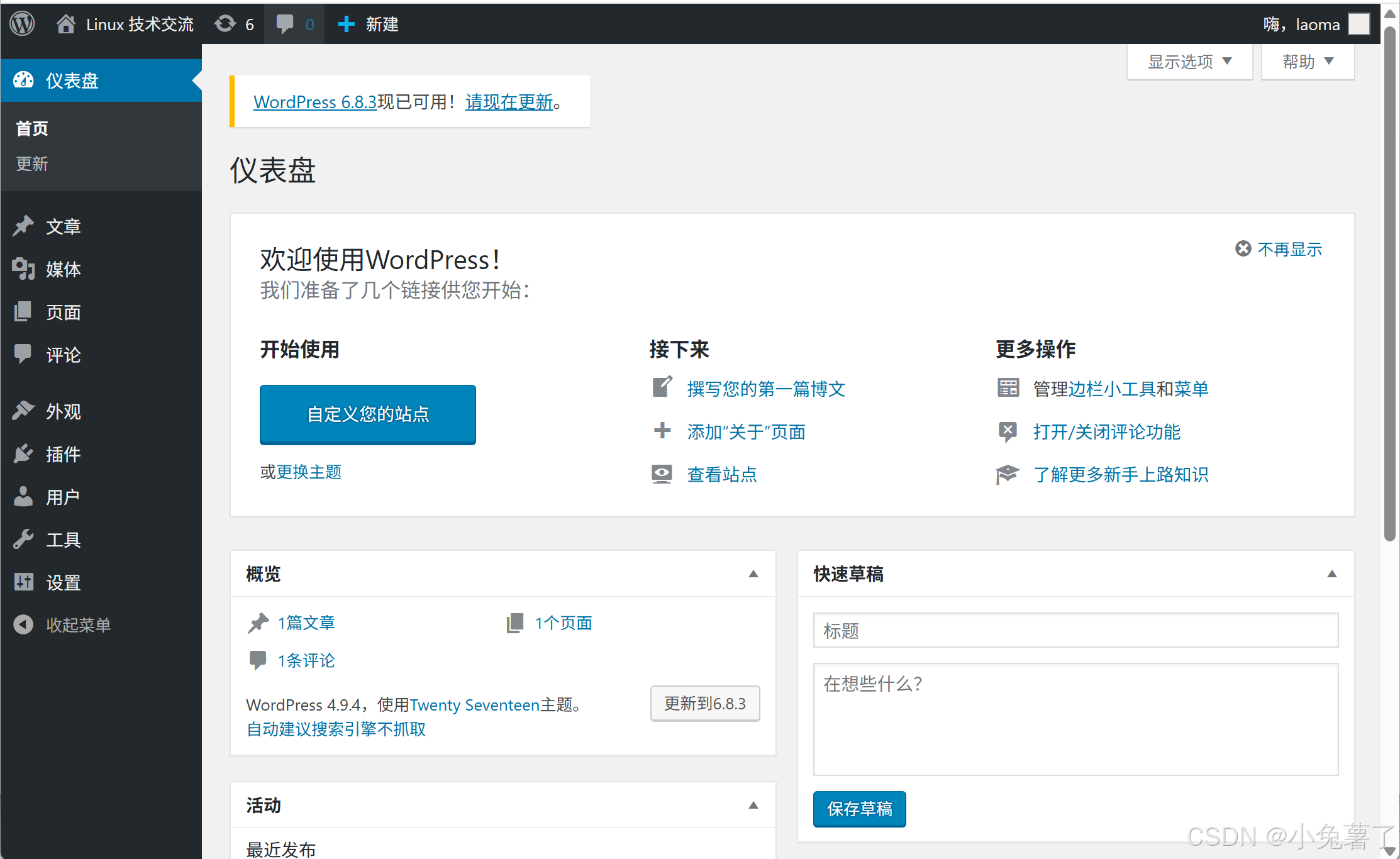
初始化站点
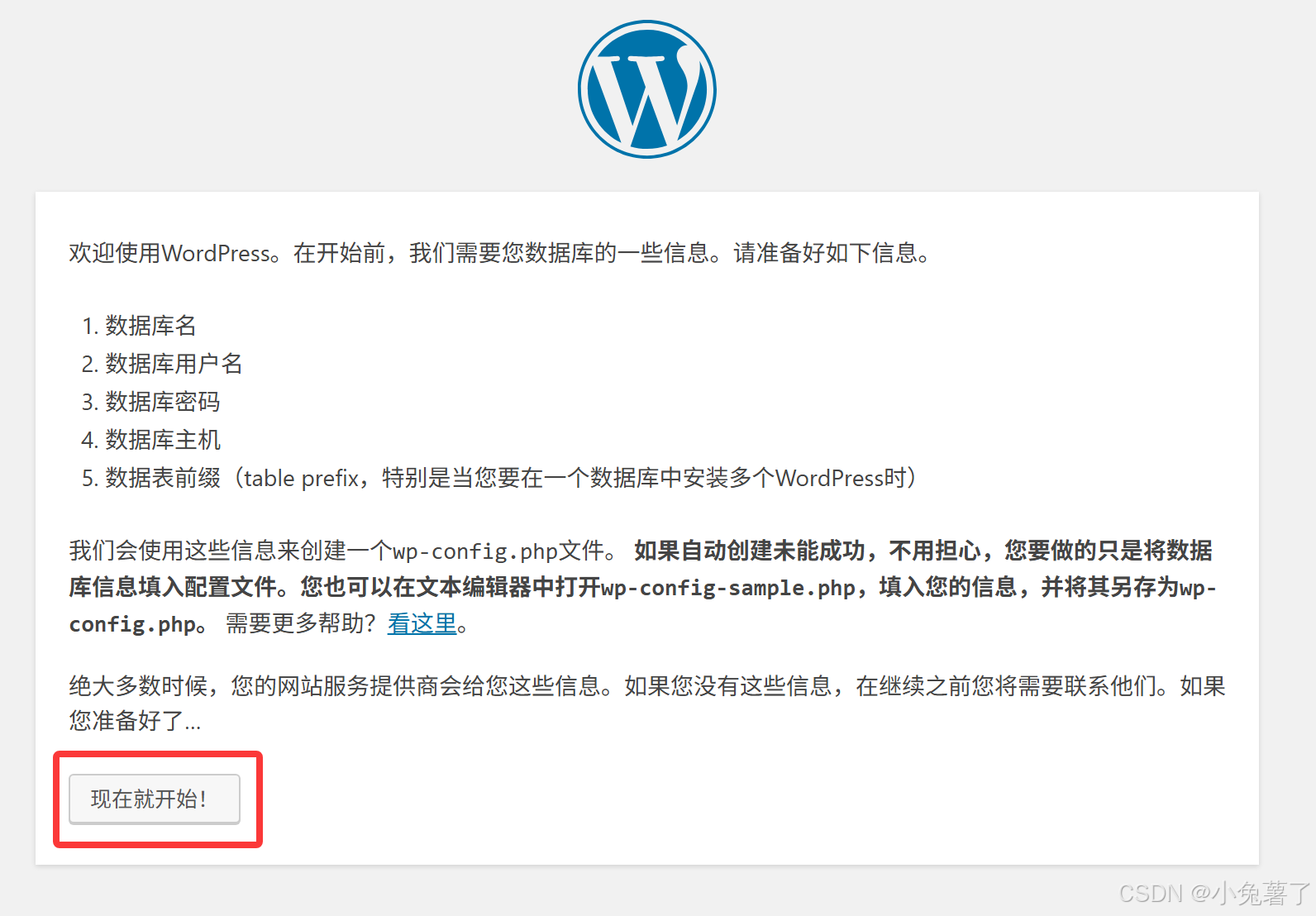
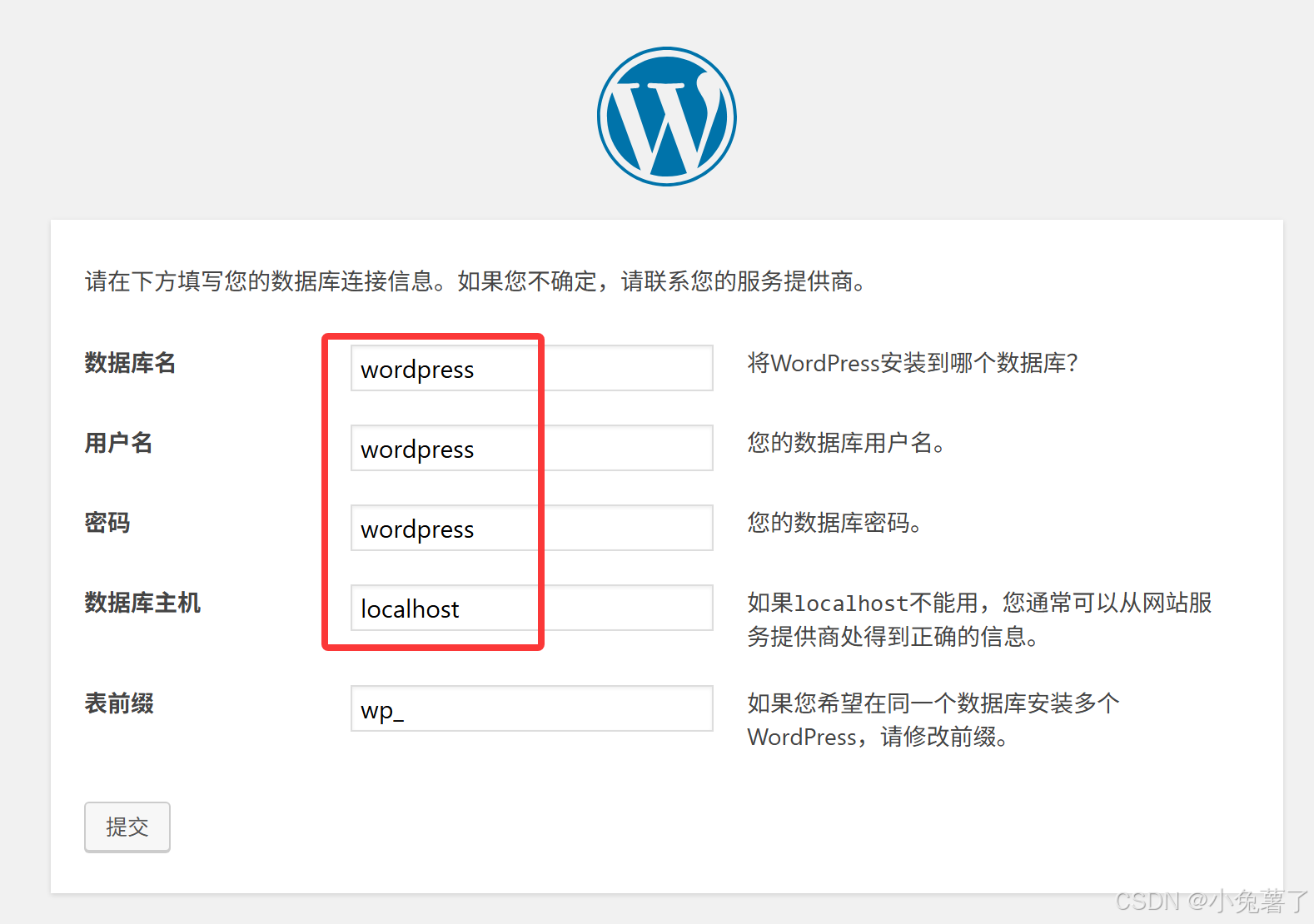
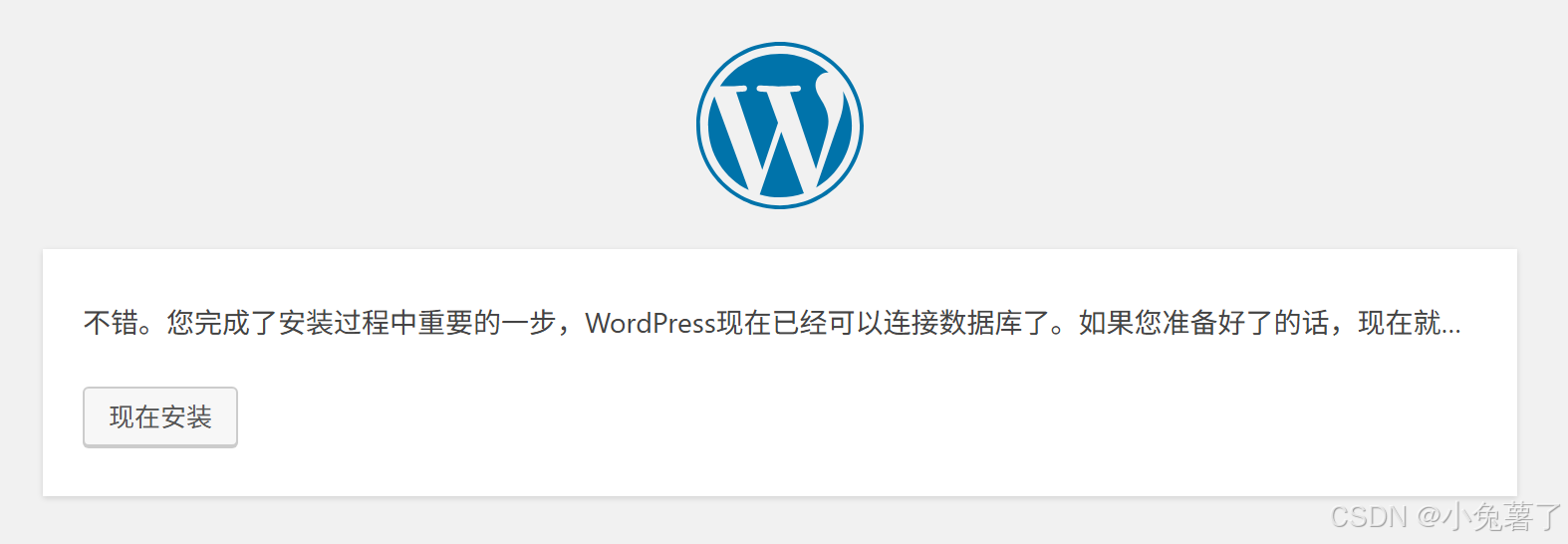
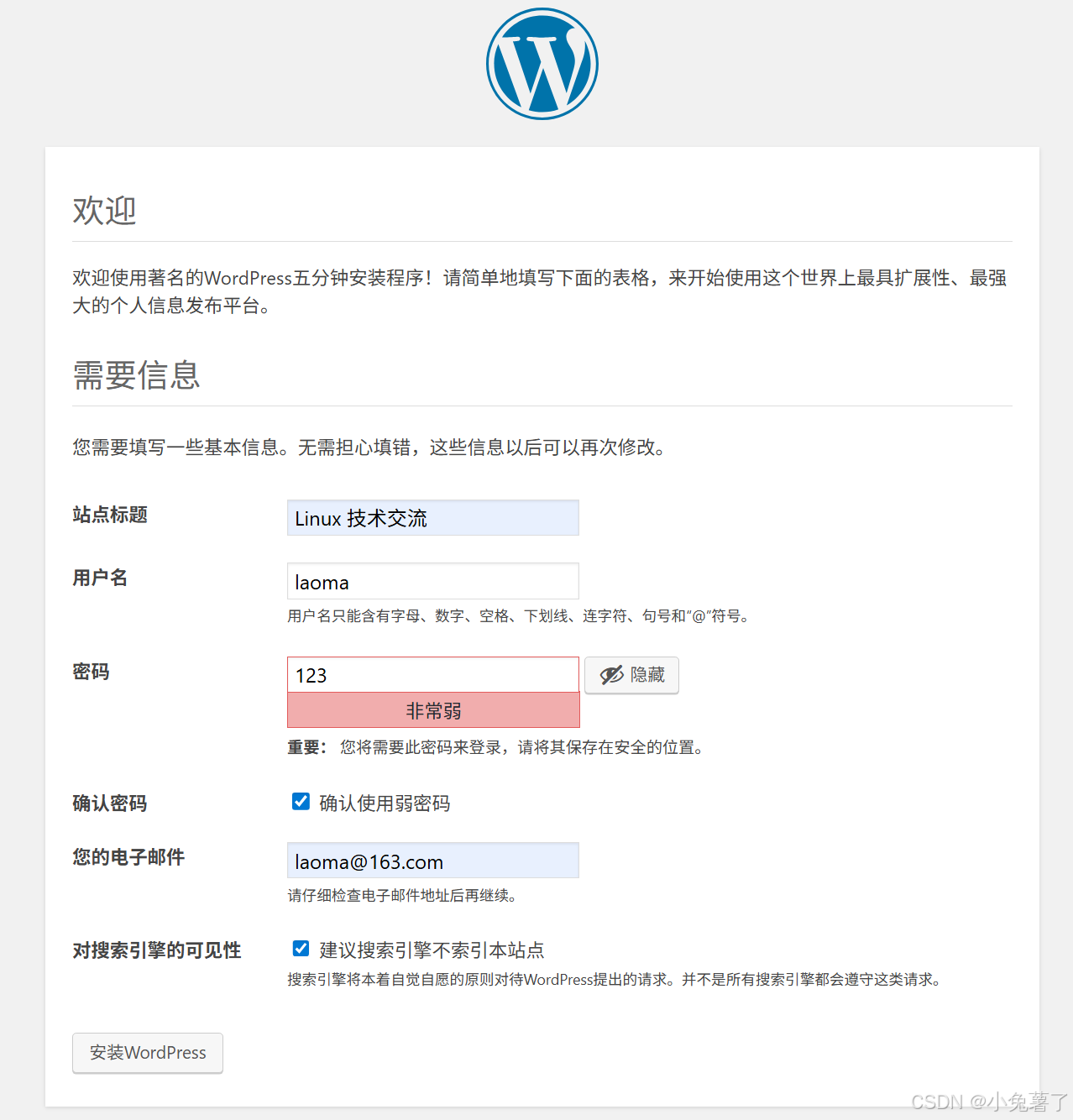
浏览器访问http://10.1.8.10/wordpress
提示windows客户端要配置好域名解析。
bash# windows客户端修改C:\Windows\System32\drivers\etc\hosts # Linux或Unix修改 /etc/hosts # 添加如下记录 10.1.8.10 server.gcf.cloud
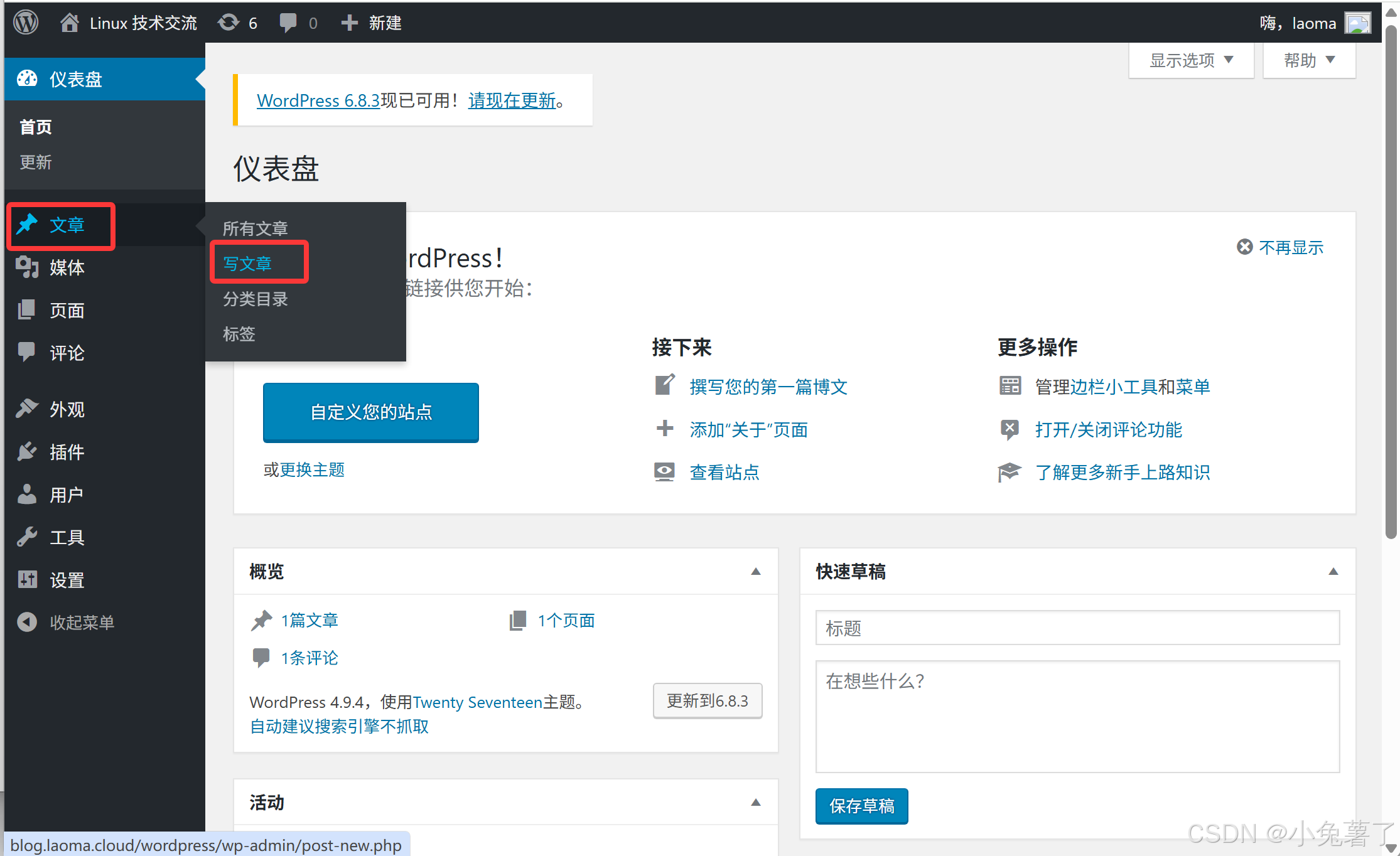
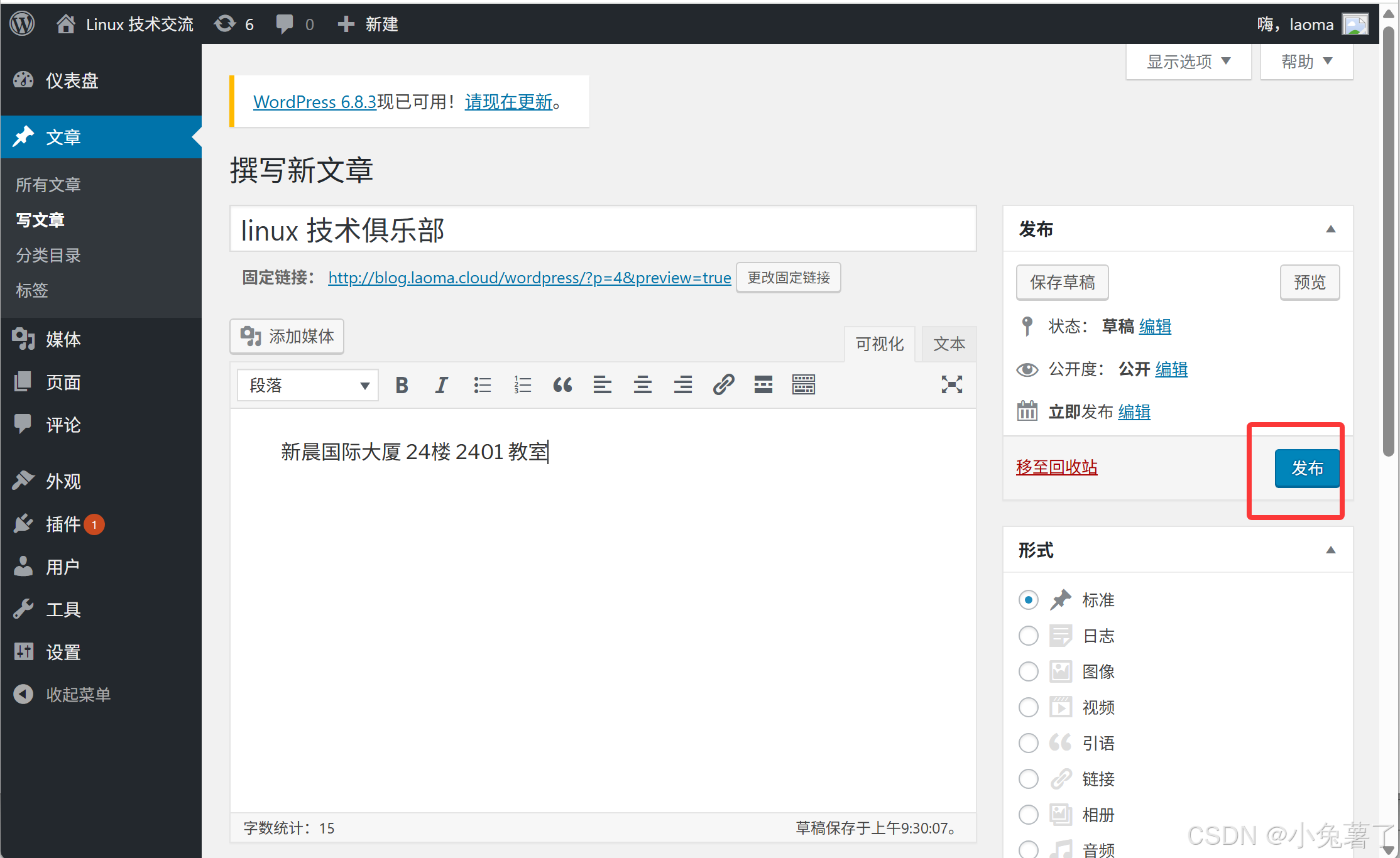
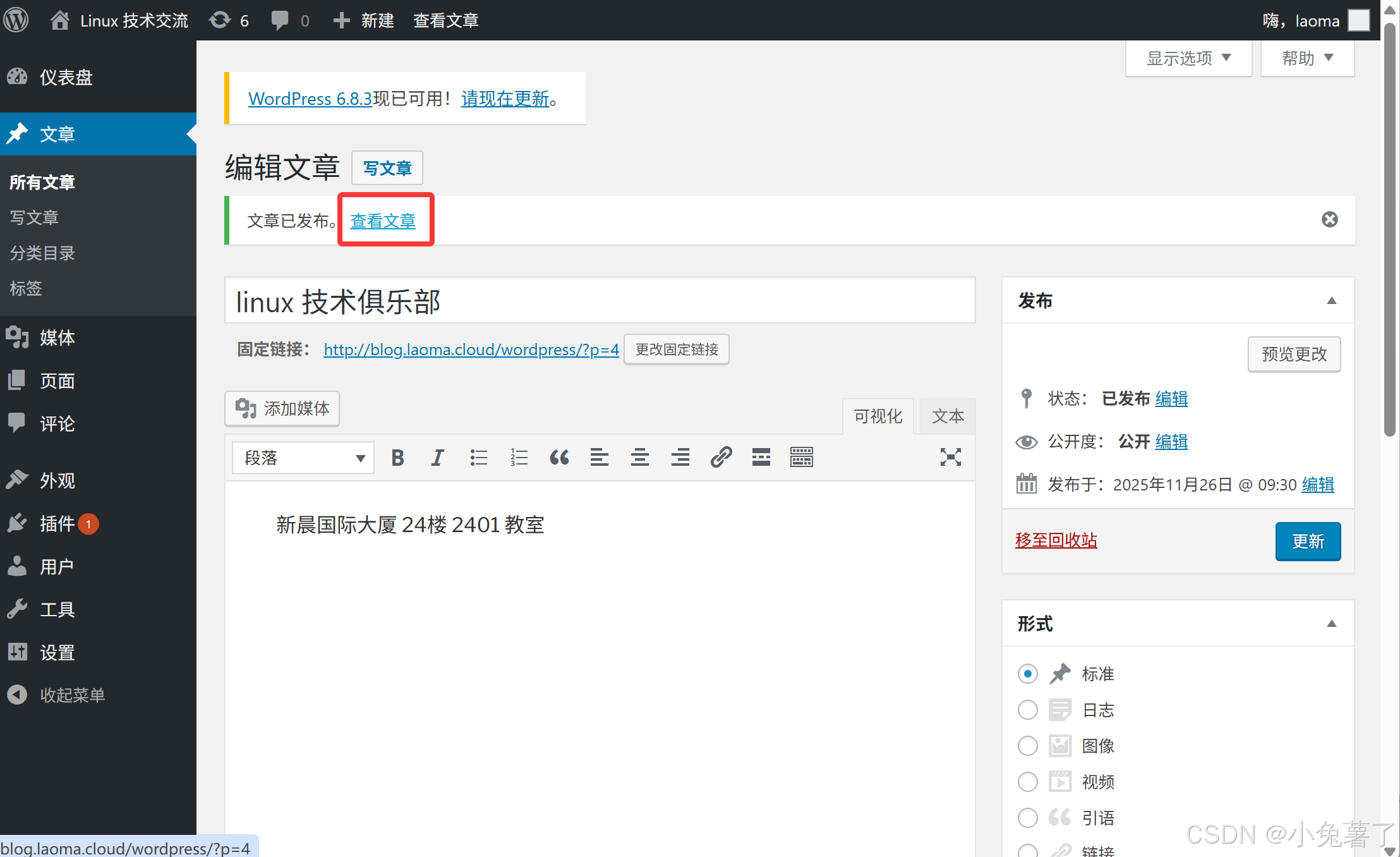
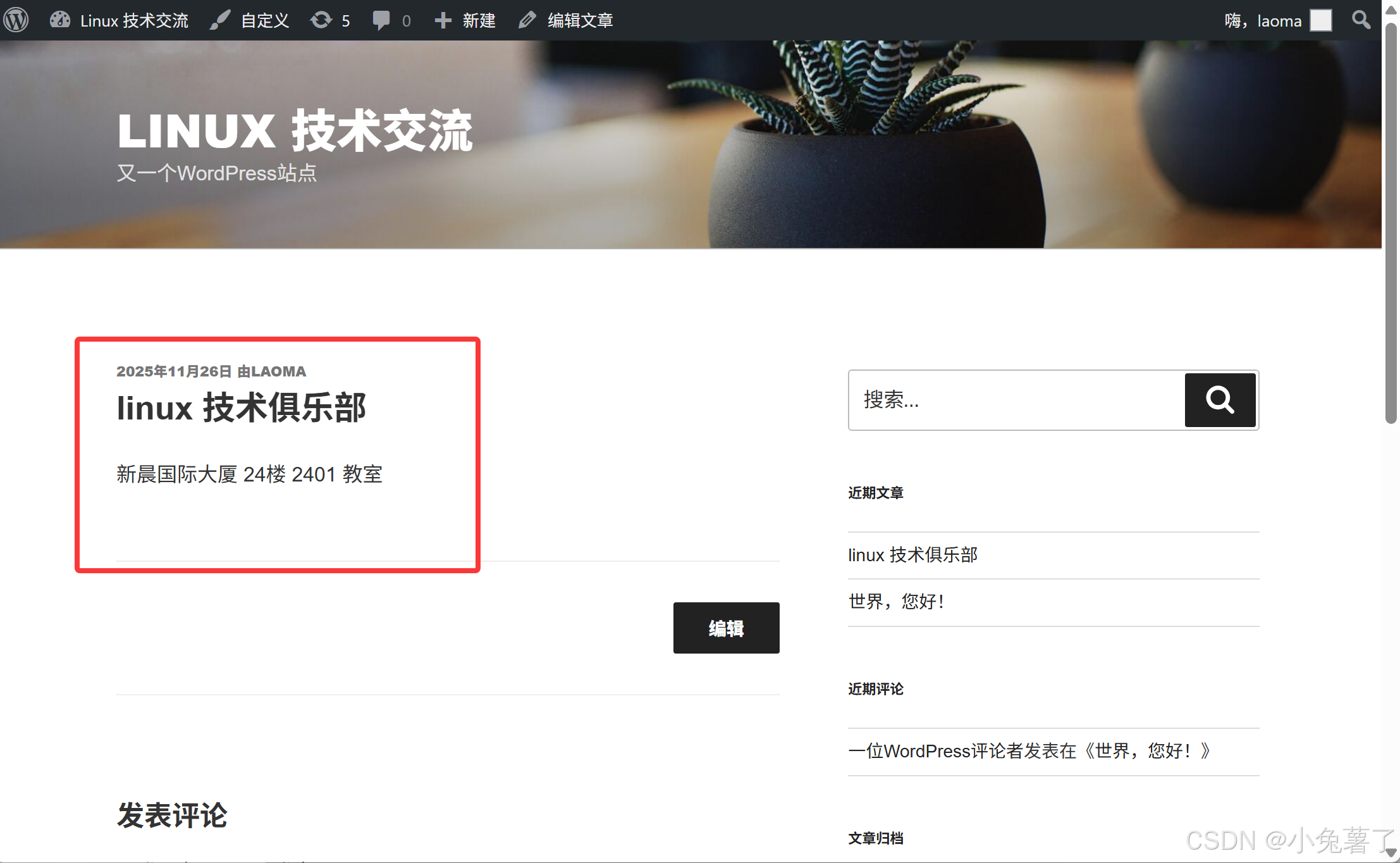
发文章