前提:
uv
安装依赖:
pyproject.toml:
bash
[project]
name = "opencv_learn"
version = "0.1.0"
description = "opencv learn"
readme = "README.md"
requires-python = ">=3.13, < 3.14"
dependencies = [
    "opencv-python>=4.12.0.88",
]
bash
uv sync画线代码:
01_opencv_draw_line.py:
python
import cv2
import numpy as np


img = np.zeros((512, 512, 3), np.uint8)


for i in range(512):
    img[:, i] = (0, 0, 0)

# 画线
center_y = 512 // 2
start_pos = (0, center_y)
end_pos = (512, center_y)

cv2.line(img, start_pos, end_pos, (0, 255, 0), 5)

cv2.imshow("image", img)
cv2.waitKey(0)

cv2.destroyAllWindows()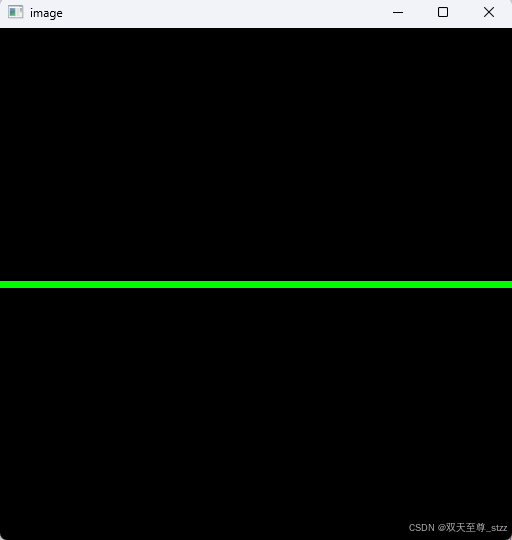
打开摄像头代码:
02_opencv_camera.py:
python
import cv2

capture = cv2.VideoCapture(0)

if not capture.isOpened():
    print("Error: Camera not found")
    exit()

while True:
    ret, frame = capture.read()
    if not ret:
        print("Error: Failed to capture frame")
        break

    # 这里的frame.shape假定 : (480, 640, 3)
    origin_with = frame.shape[1]  # row, 即高度
    origin_height = frame.shape[0]  # col, 即宽度

    frame = cv2.resize(frame, (origin_with // 2, origin_height // 2))

    cv2.imshow("Camera", frame)
    if cv2.waitKey(1) & 0xFF == ord("q"):
        break


capture.release()
cv2.destroyAllWindows()
这里解释一下:
cv2.waitKey(1) 是 OpenCV 中用于等待键盘输入的函数,括号中的数字表示等待的毫秒数。
如果有按键,返回按键的 ASCII 码