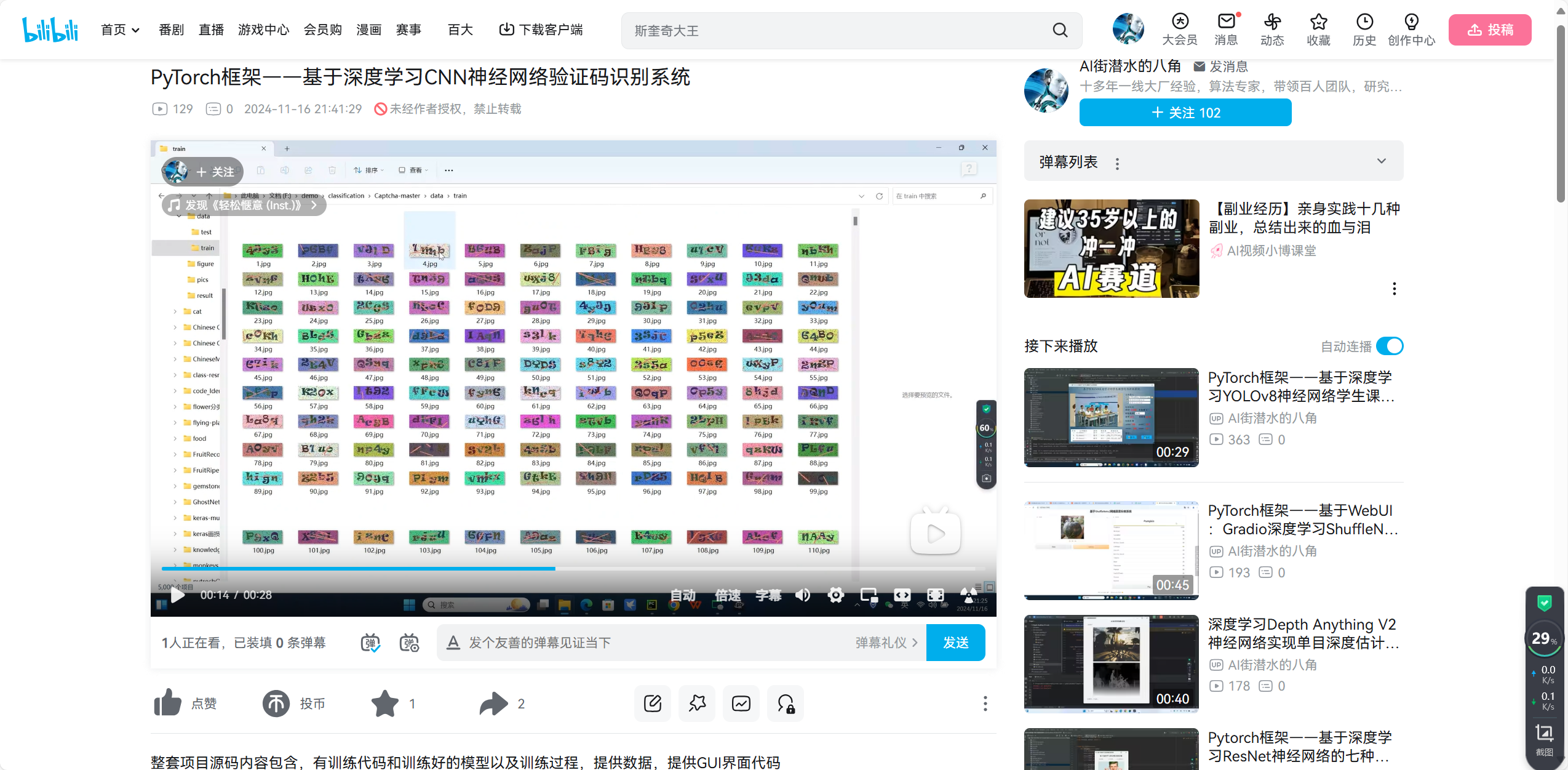
第一步:建立验证码数据库
目前演示的是四位验证码,里面所包含的字符类别有62种

第二步:搭建模型
本文利用一个简单的cnn模型,进行端到端识别:
python
class CNN(nn.Module):
    def __init__(self, num_class=62, num_char=4):
        super(CNN, self).__init__()
        self.num_class = num_class
        self.num_char = num_char
        self.conv = nn.Sequential(
                #batch*3*120*40
                nn.Conv2d(3, 16, 3, padding=(1, 1)),
                nn.MaxPool2d(2, 2),
                nn.BatchNorm2d(16),
                nn.ReLU(),
                #batch*16*60*20
                nn.Conv2d(16, 64, 3, padding=(1, 1)),
                nn.MaxPool2d(2, 2),
                nn.BatchNorm2d(64),
                nn.ReLU(),
                #batch*64*30*10
                nn.Conv2d(64, 512, 3, padding=(1, 1)),
                nn.MaxPool2d(2, 2),
                nn.BatchNorm2d(512),
                nn.ReLU(),
                #batch*512*15*5
                nn.Conv2d(512, 512, 3, padding=(1, 1)),
                nn.MaxPool2d(2, 2),
                nn.BatchNorm2d(512),
                nn.ReLU(),
                #batch*512*7*2
                )
        self.fc = nn.Linear(512*7*2, self.num_class*self.num_char)

    def forward(self, x):
        x = self.conv(x)
        x = x.view(-1, 512*7*2)
        x = self.fc(x)
        return x
第三步:进行识别
读入一张验证码图片,然后通过模型进行推理,直接预测出结果来:
python
import torch
import torch.nn as nn
from Testmodel import CNN
from datasets import CaptchaData
from torchvision.transforms import Compose, ToTensor
import pandas as pd
import os
from PIL import Image
import matplotlib.pyplot as plt

model_path = './checkpoints/model.pth'
imgpath = '13.jpg'

source = [str(i) for i in range(0, 10)]
source += [chr(i) for i in range(97, 97+26)]
source += [chr(i) for  i in range(65,65+26)]
alphabet = ''.join(source)

def run():
        img = Image.open(imgpath)
        img = img.resize((120,40))
        trans = ToTensor()
        img_tensor = trans(img)
        cnn = CNN()
        # if torch.cuda.is_available():
        #     cnn = cnn.cuda()
        #     cnn.eval()
        #     cnn.load_state_dict(torch.load(model_path))
        # else:
        cnn.eval()
        model = torch.load(model_path, map_location='cpu')
        cnn.load_state_dict(model)
        img_tensor = img_tensor.view(1, 3, 40, 120)
        output = cnn(img_tensor)
        output = output.view(-1, 62)
        output = nn.functional.softmax(output, dim=1)
        output = torch.argmax(output, dim=1)
        output = output.view(-1, 4)[0]
        label = ''.join([alphabet[i] for i in output.cpu().numpy()])
        print("label:",label)


if __name__=="__main__":
    run()
第四步:运行结果

第六步:整个工程的内容
提供整套代码,包括训练和测试代码,也提供训练测试数据

项目完整文件下载请见演示与介绍视频的简介处给出:➷➷➷
https://www.bilibili.com/video/BV16eUeYtEac/