需求如下:
- 文件菜单中有两个下拉列表:保存、打开
- 格式菜单中有一个下拉列表:自动换行点击自动换行---->下拉列表中选项变成取消自动换行,点击取消自动换行变成自动换行,同时附带换行和不换行对应的效果
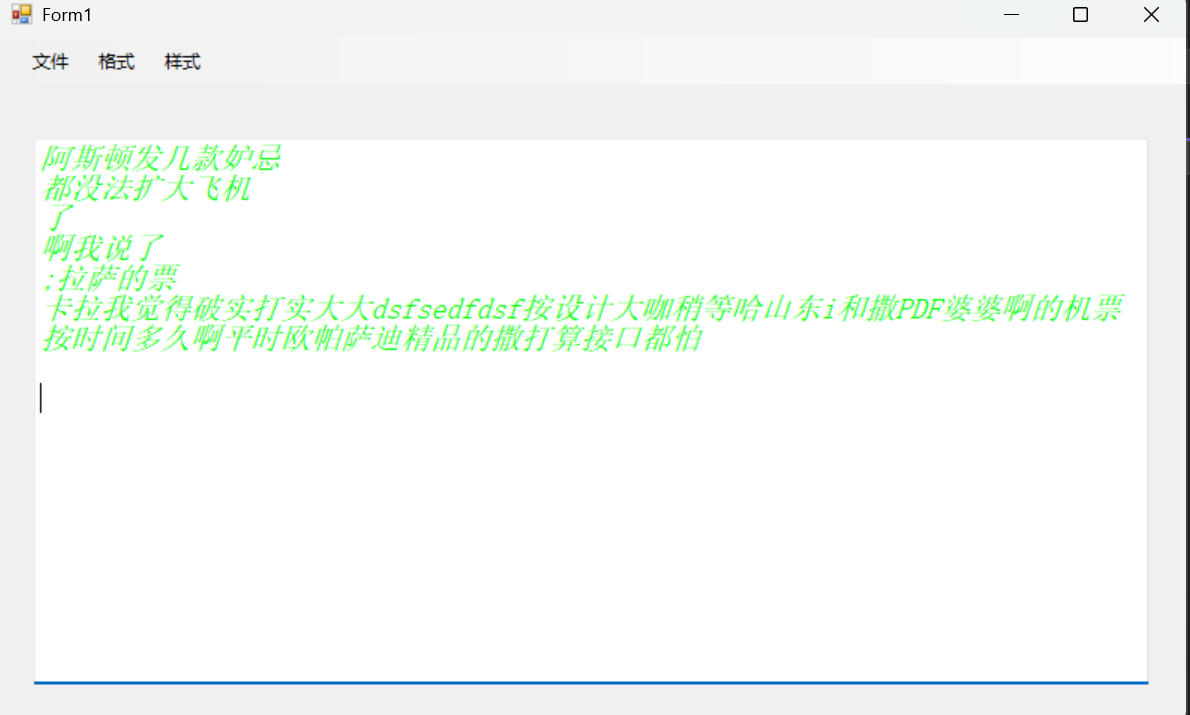
- 样式菜单中有两个下拉列表:字体、颜色,点击字体修改下方输入框中的字体样式,点击颜色修改下方输入框中颜色样式。
效果预览:
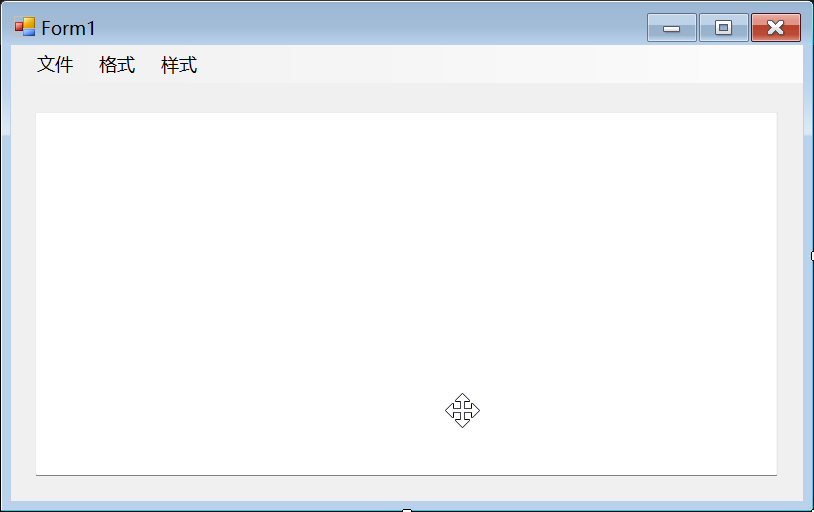
创建 Winform 项目并设计界面
编写代码实现切换逻辑
cs
using System;
using System.IO;
using System.Text;
using System.Windows.Forms;

namespace 文本
{
    public partial class Form1 : Form
    {
        public Form1()
        {
            InitializeComponent();
        }

        private void 打开ToolStripMenuItem_Click(object sender, EventArgs e)
        {
            OpenFileDialog openFileDialog = new OpenFileDialog()
            {
                Title = "打开文件",
                Filter = "文本文件(*.txt)|*.txt|所有文件(*.*)|*.*",
                InitialDirectory = "C:\\Users\\Administrator\\Desktop"
            };
            if (openFileDialog.ShowDialog() == DialogResult.OK)
            {
                string directory = openFileDialog.FileName;// 目录
                string fileName = openFileDialog.SafeFileName;// 文件
                try
                {
                    using (StreamReader sr = new StreamReader(directory, Encoding.UTF8))
                    {
                        textBox1.Clear();
                        textBox1.Text = sr.ReadToEnd();
                    }
                }
                catch (Exception)
                {
                    MessageBox.Show("打开文件失败");
                }
            }
        }

        private void 保存ToolStripMenuItem_Click(object sender, EventArgs e)
        {
            SaveFileDialog saveFileDialog = new SaveFileDialog()
            {
                Title = "保存文件",
                Filter = "文本文件(*.txt)|*.txt|所有文件(*.*)|*.*",
                InitialDirectory = "E:/桌面",
                DefaultExt = ".txt",
                OverwritePrompt = true,
            };
            if (saveFileDialog.ShowDialog() == DialogResult.OK)
            {
                try
                {
                    string filePath = saveFileDialog.FileName;
                    File.WriteAllText(filePath, textBox1.Text);
                    textBox1.Clear();// 清空输入框中的信息
                    MessageBox.Show("文件保存成功!");
                }
                catch (Exception)
                {
                    MessageBox.Show("保存文件失败");
                }
            }
        }

        private void 自动换行ToolStripMenuItem_Click(object sender, EventArgs e)
        {
            textBox1.WordWrap = true;
            MessageBox.Show("开启自动换行");
        }

        private void 取消ToolStripMenuItem_Click(object sender, EventArgs e)
        {
            textBox1.WordWrap = false;
            MessageBox.Show("关闭自动换行");
        }

        private void 字体ToolStripMenuItem_Click(object sender, EventArgs e)
        {
            FontDialog fontDialog = new FontDialog();
            if (fontDialog.ShowDialog() == DialogResult.OK)
            {
                textBox1.Font = fontDialog.Font;
                MessageBox.Show("字体样式设置成功!");
            }
            else
            {
                MessageBox.Show("取消设置字体样式");
            }
        }

        private void 颜色ToolStripMenuItem_Click(object sender, EventArgs e)
        {
            ColorDialog colorDialog = new ColorDialog();
            if (colorDialog.ShowDialog() == DialogResult.OK)
            {
                textBox1.ForeColor = colorDialog.Color;
            }
            else
            {
                MessageBox.Show("取消颜色设置");
            }
        }
    }
}
效果演示