运行平台:Microsoft Windows 11
IDE:VScode
FrameWork:TensorFlow
programming language:python
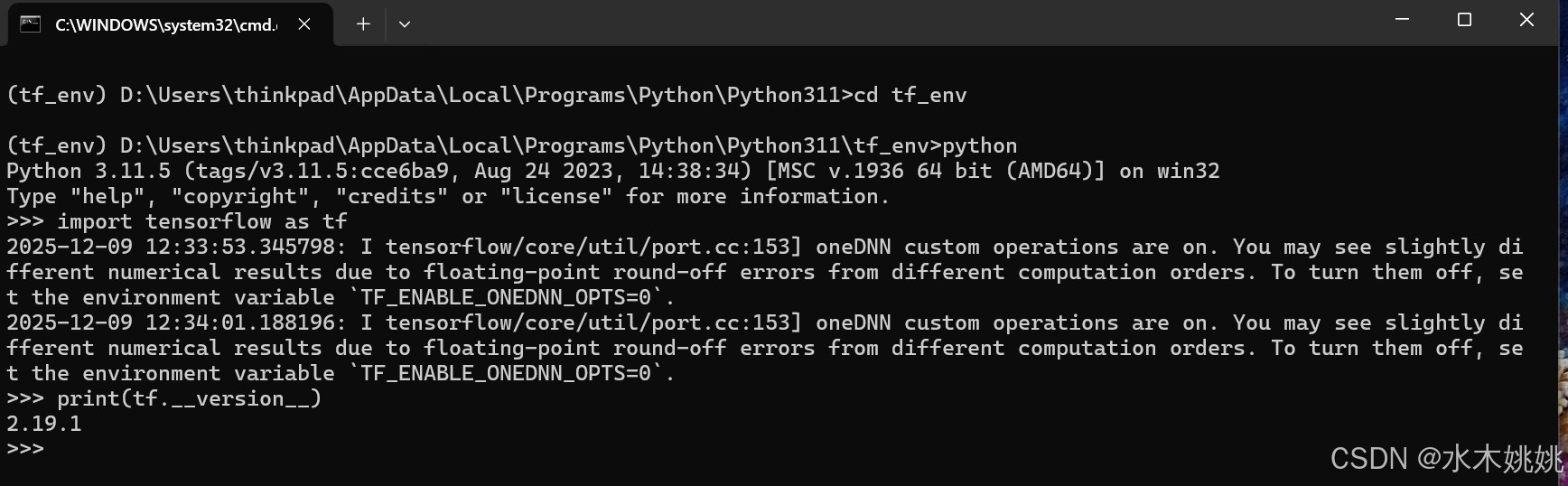
一:TensorFlow在Microsoft Windows 11下的安装
Tensor Flow是Google的一个开源深度学习框架。
TensorFlow的安装:
python版本要求:TensorFlow支持Python3.7-3.11。(具体可能因TensorFlow版本而异)。
虚拟环境:建议先创建并激活虚拟环境
python -m venv tf_env
.\tf_env\Scripts\activate #windows
安装CPU版本:
二:TensorFlow在Microsoft Windows 11下用VScode编程
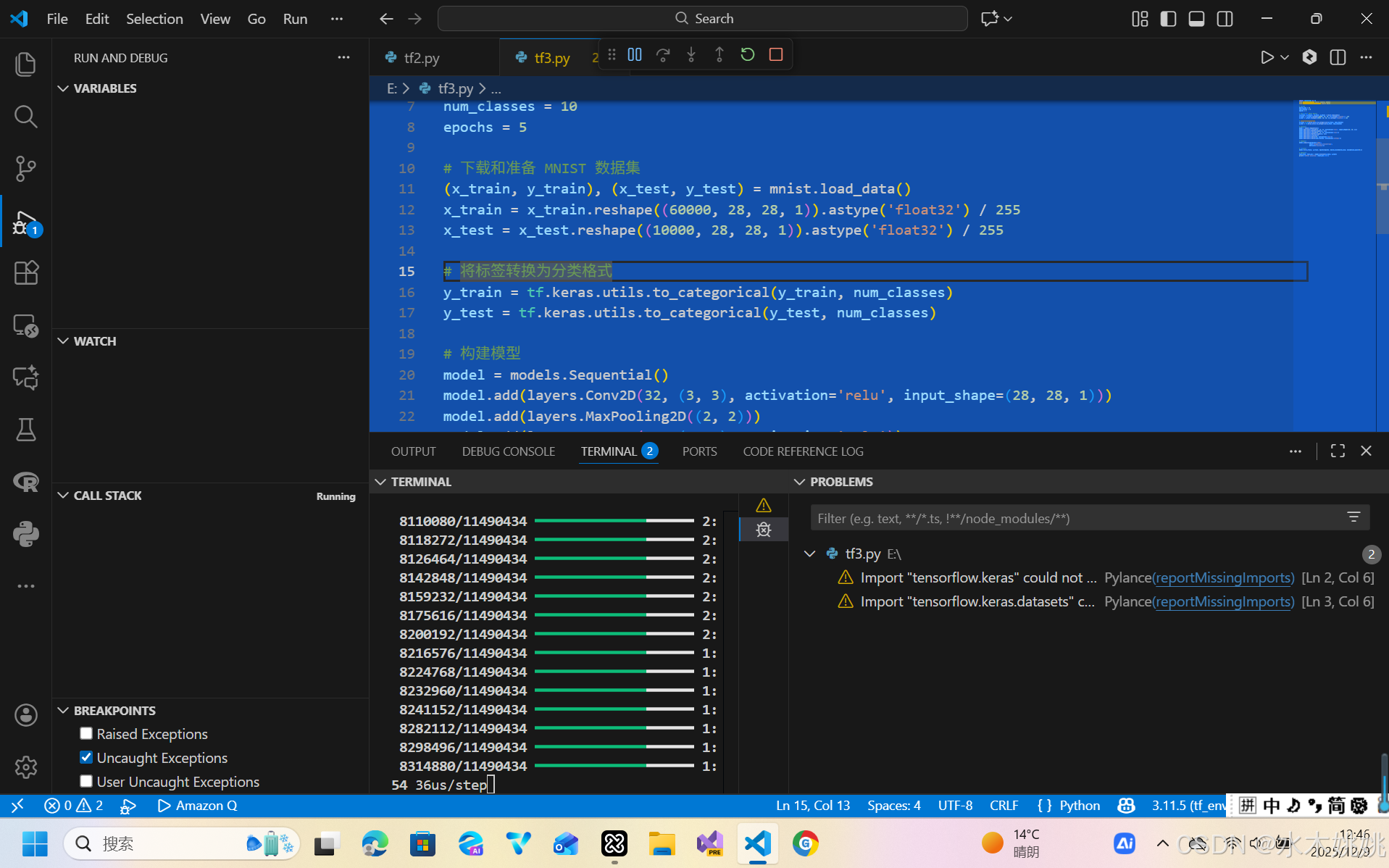
可以用AI编程工具自动生成一段应用TensorFlow的代码,或者ChatGPT也行。将代码放入VScode进行调试
python
import tensorflow as tf
from tensorflow.keras import layers, models
from tensorflow.keras.datasets import mnist

# 超参数
batch_size = 64
num_classes = 10
epochs = 5

# 下载和准备 MNIST 数据集
(x_train, y_train), (x_test, y_test) = mnist.load_data()
x_train = x_train.reshape((60000, 28, 28, 1)).astype('float32') / 255
x_test = x_test.reshape((10000, 28, 28, 1)).astype('float32') / 255

# 将标签转换为分类格式
y_train = tf.keras.utils.to_categorical(y_train, num_classes)
y_test = tf.keras.utils.to_categorical(y_test, num_classes)

# 构建模型
model = models.Sequential()
model.add(layers.Conv2D(32, (3, 3), activation='relu', input_shape=(28, 28, 1)))
model.add(layers.MaxPooling2D((2, 2)))
model.add(layers.Conv2D(64, (3, 3), activation='relu'))
model.add(layers.MaxPooling2D((2, 2)))
model.add(layers.Flatten())
model.add(layers.Dense(64, activation='relu'))
model.add(layers.Dense(num_classes, activation='softmax'))

# 编译模型
model.compile(optimizer='adam',
              loss='categorical_crossentropy',
              metrics=['accuracy'])

# 训练模型
model.fit(x_train, y_train, epochs=epochs, batch_size=batch_size, validation_split=0.1)

# 评估模型
test_loss, test_acc = model.evaluate(x_test, y_test)
print(f'\nTest accuracy: {test_acc:.4f}')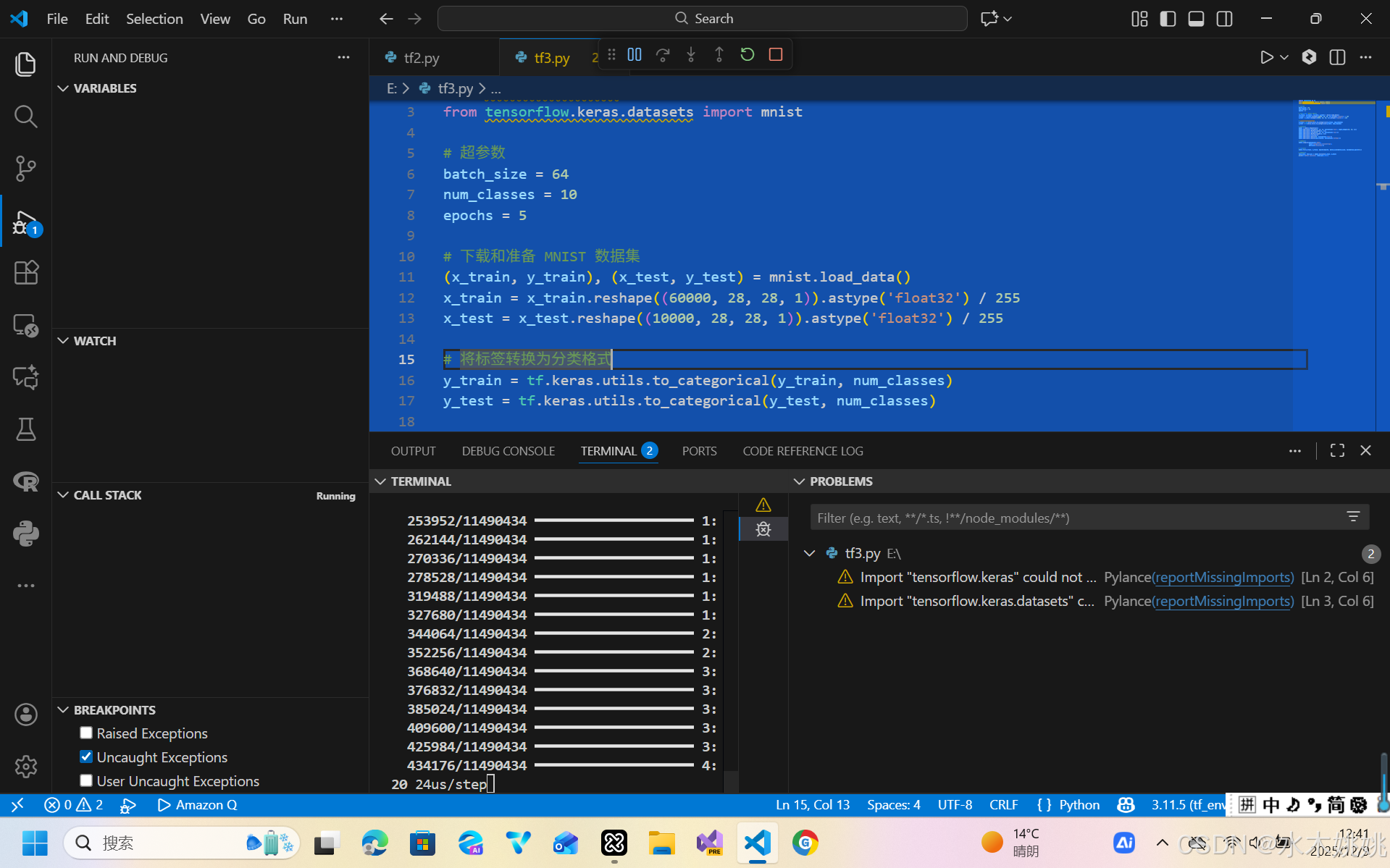
以上内容仅供参考,如有不对,欢迎指正。
说明:包含AI辅助生成内容