本案例仅供学习和参考,禁止商业用途哈
1,清空cookie
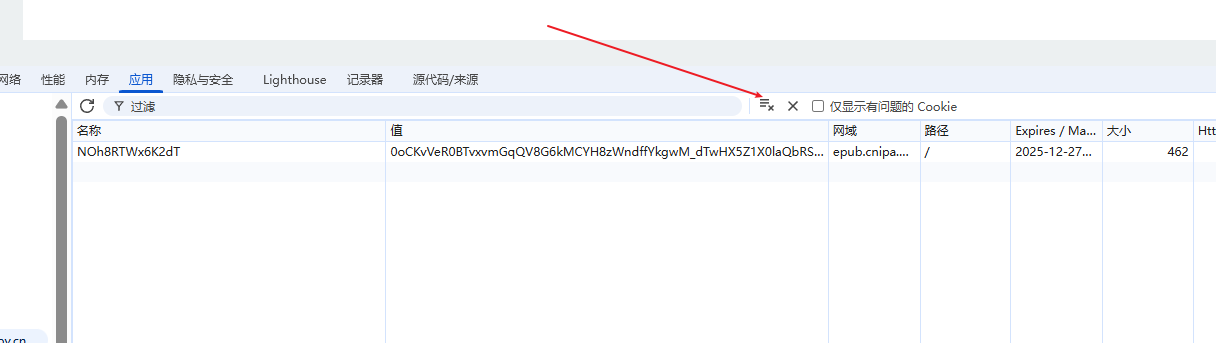
2,打开事件监听中脚本监听
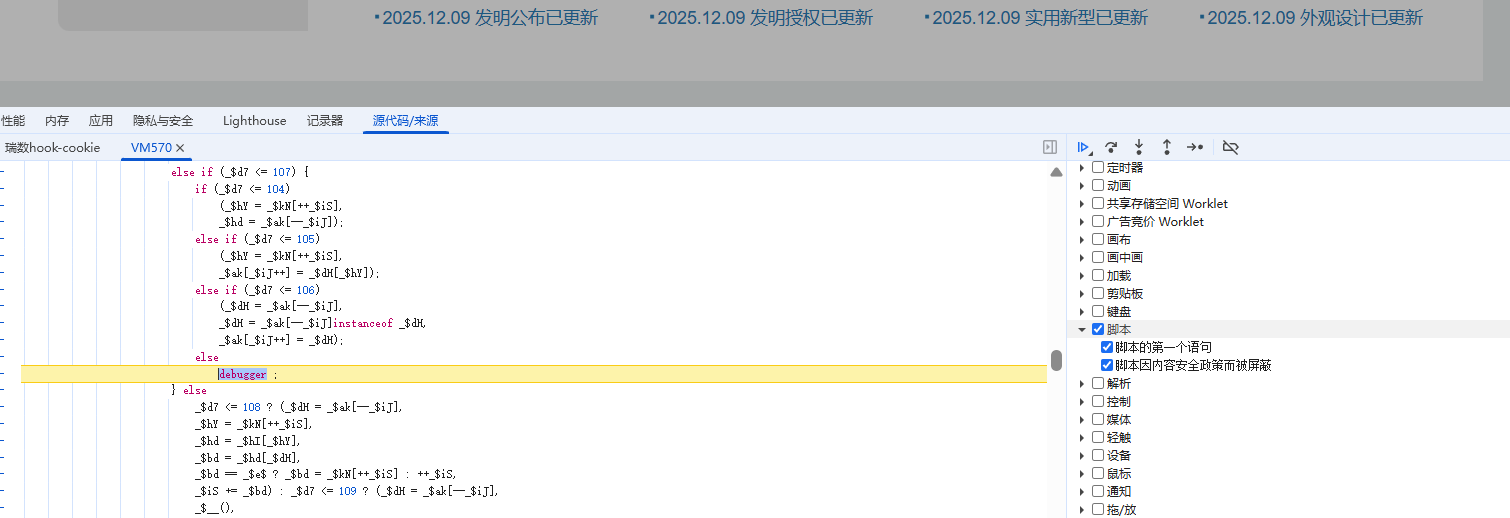
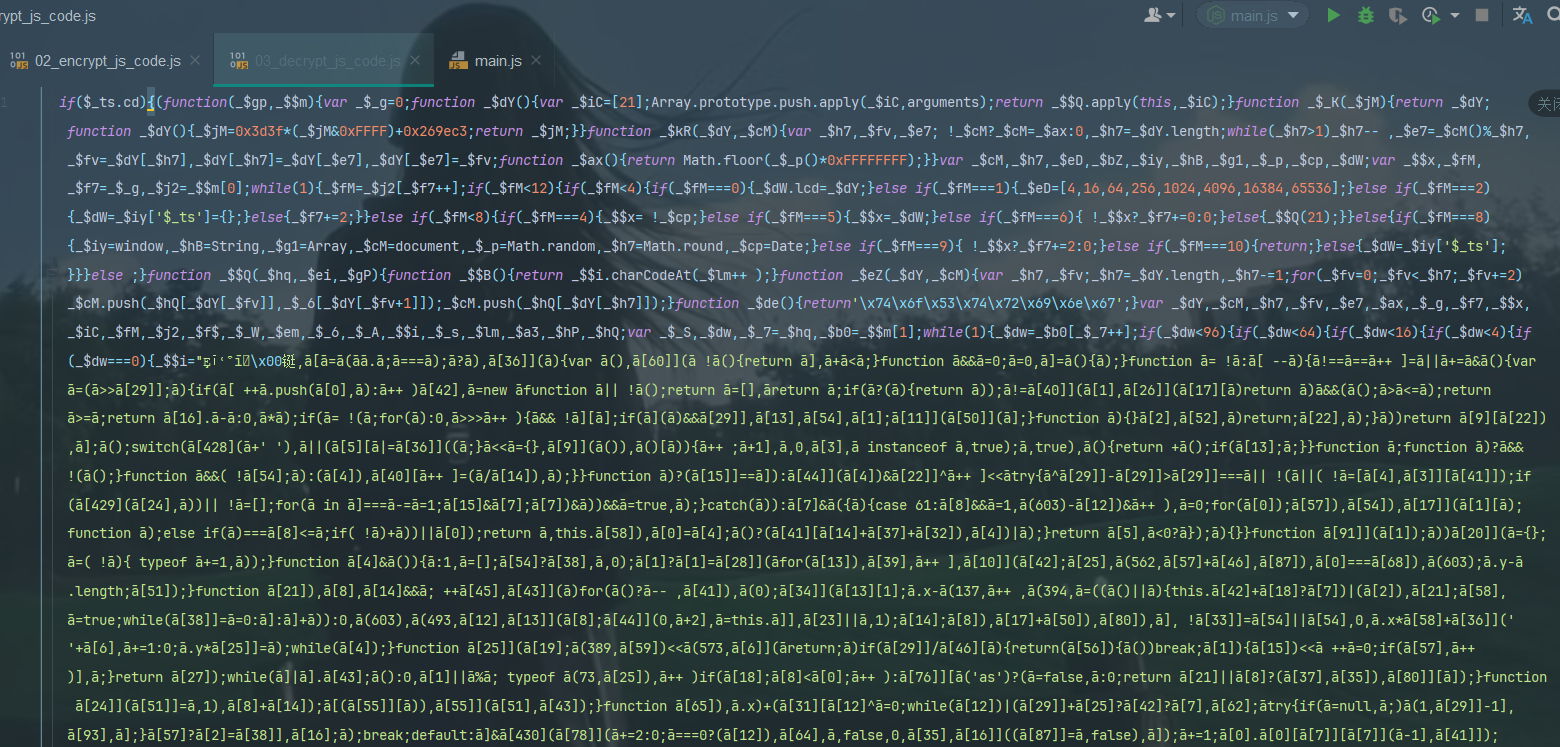
3,刷新页面,就会看到这个代码,这个是解密前的代码,也就是加密代码,我们需要这个拿下来
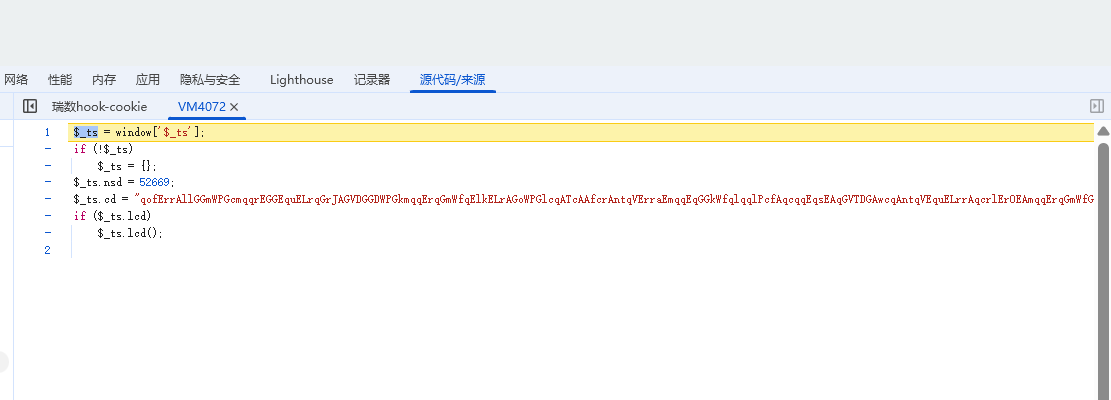
拿下来放这

点击F8后就会看到这个代码,这个是解密后的代码,这个代码是可以拿到动态变化的cookie值的
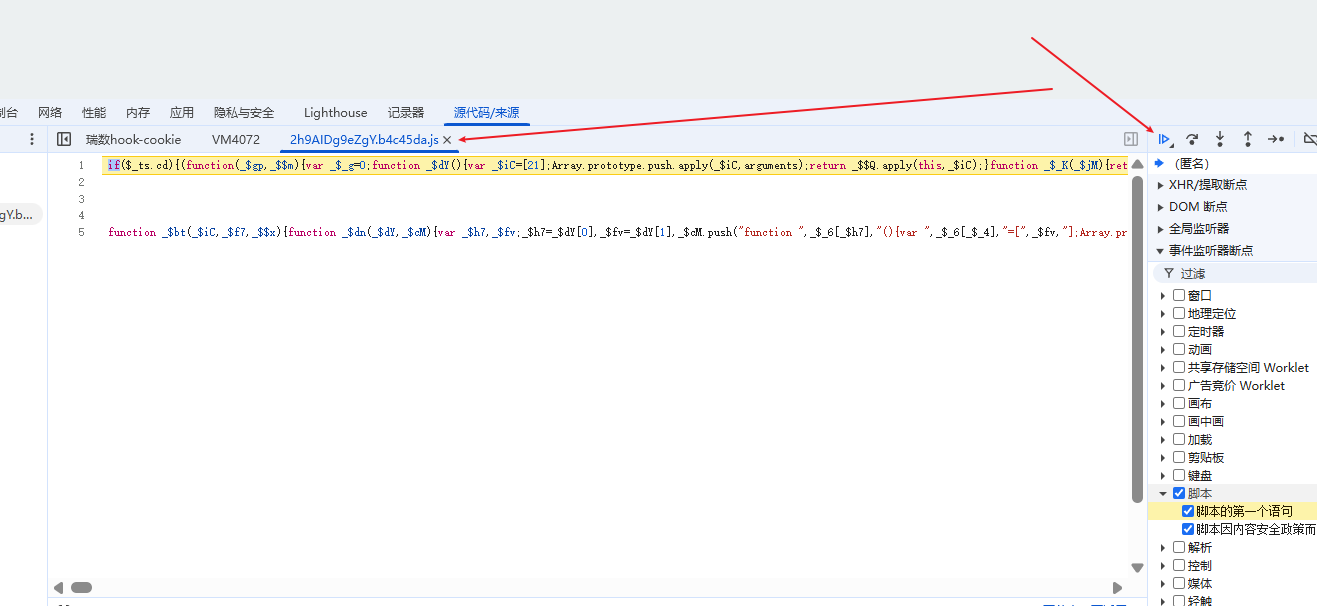
拿到放这里
然后把代码框架搭建好,准备补环境,插入补环境的脚本
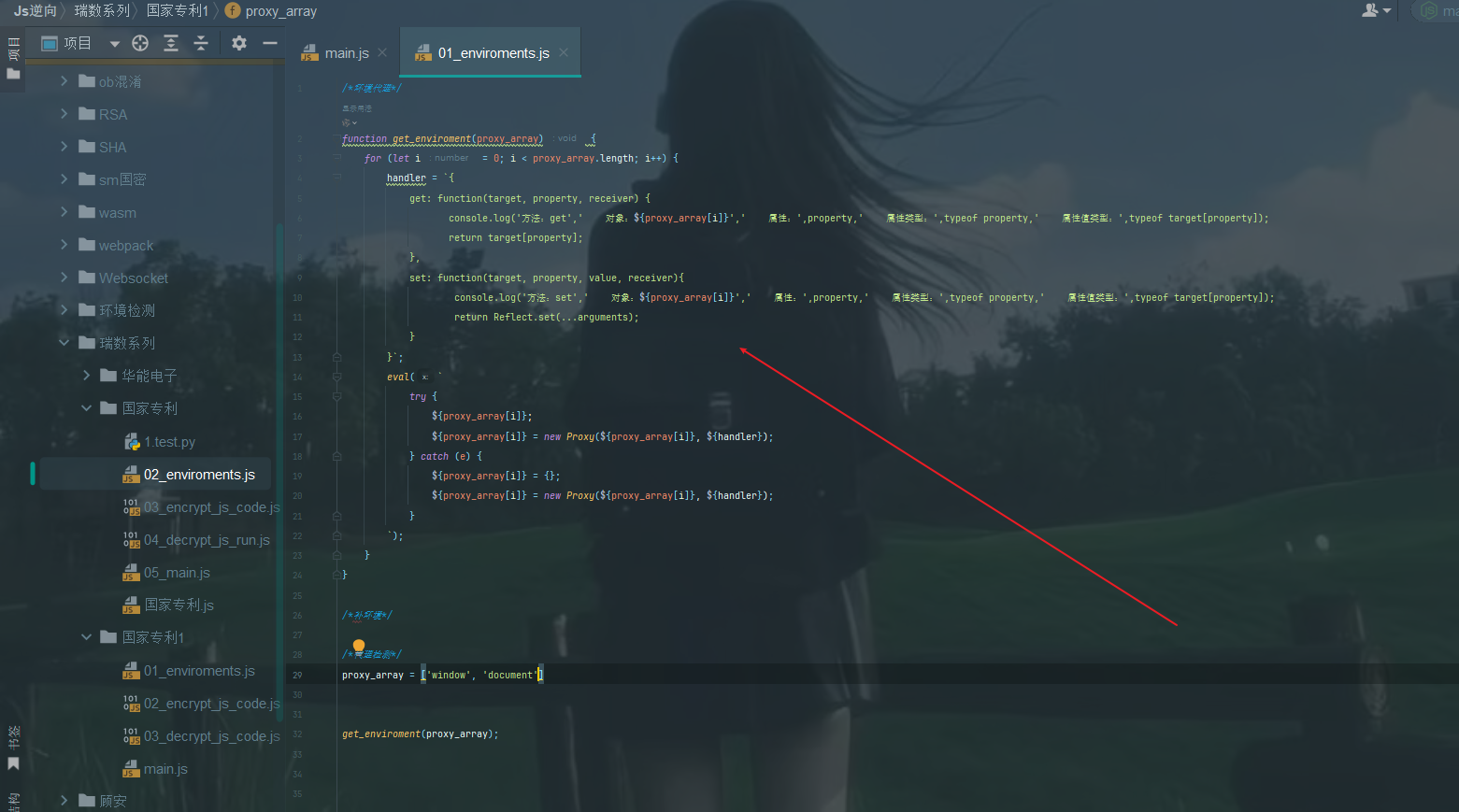
4,根据报错信息将环境补齐,补环境的时候需要根据这个页面的结构
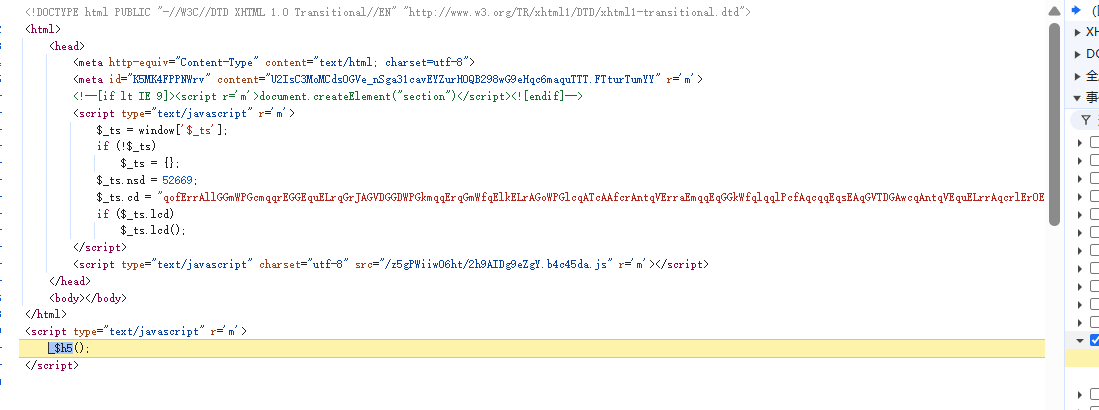
最后代码是这样的
javascript
window = global
top = self = window
window.ActiveXObject = undefined
window.addEventListener = function(){};
window.attachEvent = undefined;
div = {
    getElementsByTagName:function(tag_name){
        console.log("div getElementsByTagName ->",tag_name)
        if(tag_name === "i"){
            return []
        }
    }
}
head = {
    removeChild:function(child){
        console.log("head removeChild ->",child)
    }
}
script = {
    getAttribute:function(attr){
        console.log("script getAttribute ->", attr)
        if (attr === "r"){
            return "m"
        }
    },
    parentElement:head
}
document = {
    createElement:function(tag_name){
        console.log("document createElement ->",tag_name)
        if(tag_name === "div"){
            return  div
        }
        if(tag_name === 'a'){
            return []
        }
    },
    getElementsByTagName:function(tag_name){
        console.log("document getElementsByTagName ->",tag_name)
        if(tag_name === 'script'){
            return [script,script,script,script,script,script]
        }
        if(tag_name === 'base'){
            return []
        }
    },
    getElementById:function(ele_id){
        console.log("document getElementById ->",ele_id)
        if(ele_id === 'a'){
            return []
        }
    }
}
location = {
    "ancestorOrigins": {},
    "href": "http://epub.cnipa.gov.cn/",
    "origin": "http://epub.cnipa.gov.cn",
    "protocol": "http:",
    "host": "epub.cnipa.gov.cn",
    "hostname": "epub.cnipa.gov.cn",
    "port": "",
    "pathname": "/",
    "search": "",
    "hash": ""
}
navigator = {
    userAgent:'Mozilla/5.0 (Windows NT 10.0; Win64; x64) AppleWebKit/537.36 (KHTML, like Gecko) Chrome/143.0.0.0 Safari/537.36',
    platform:'Win32'
}
setInterval = function(){}
setImmediate = function(){}
'encrypt_js_code'; // 动态变化的,需要被替换
'decrypt_js_run_code'; // 动态变化的,需要进行替换
function get_cookie(){
    return document.cookie;
}
console.log(get_cookie())
python
import requests
import subprocess
import urllib.parse
from lxml import etree

from functools import partial

subprocess.Popen = partial(subprocess.Popen, encoding='utf-8')
import execjs

headers = {
    'User-Agent': 'Mozilla/5.0 (Windows NT 10.0; Win64; x64) AppleWebKit/537.36 (KHTML, like Gecko) Chrome/142.0.0.0 Safari/537.36',
}

# 网站地址最后不能加斜杠, 之后会通过这个地址拼接外链的js地址
url = 'http://epub.cnipa.gov.cn'
session = requests.session()
response = session.get(url, headers=headers, verify=False)
response.encoding = 'utf-8'
html = etree.HTML(response.text)
meta_content = html.xpath('//meta/@content')[-1]
print(meta_content)
encrypt_js_code = html.xpath('//script/text()')[0]
decrypt_js_code_url = url + html.xpath('//script[2]/@src')[0]
decrypt_js_code = session.get(decrypt_js_code_url, headers=headers, verify=False).text

with open('国家专利.js', 'r', encoding='utf-8') as f:
    js_code = f.read()
    js_code = js_code.replace('meta_content', meta_content).replace("'encrypt_js_code'", encrypt_js_code).replace(
        "'decrypt_js_run_code'", decrypt_js_code)

ctx = execjs.compile(js_code)
cookie_t = ctx.call('get_cookie').split(';')[0].split('=')
print(cookie_t)
session.cookies.update({cookie_t[0]: cookie_t[1]})
response = session.get(url, headers=headers, verify=False)
print(response)